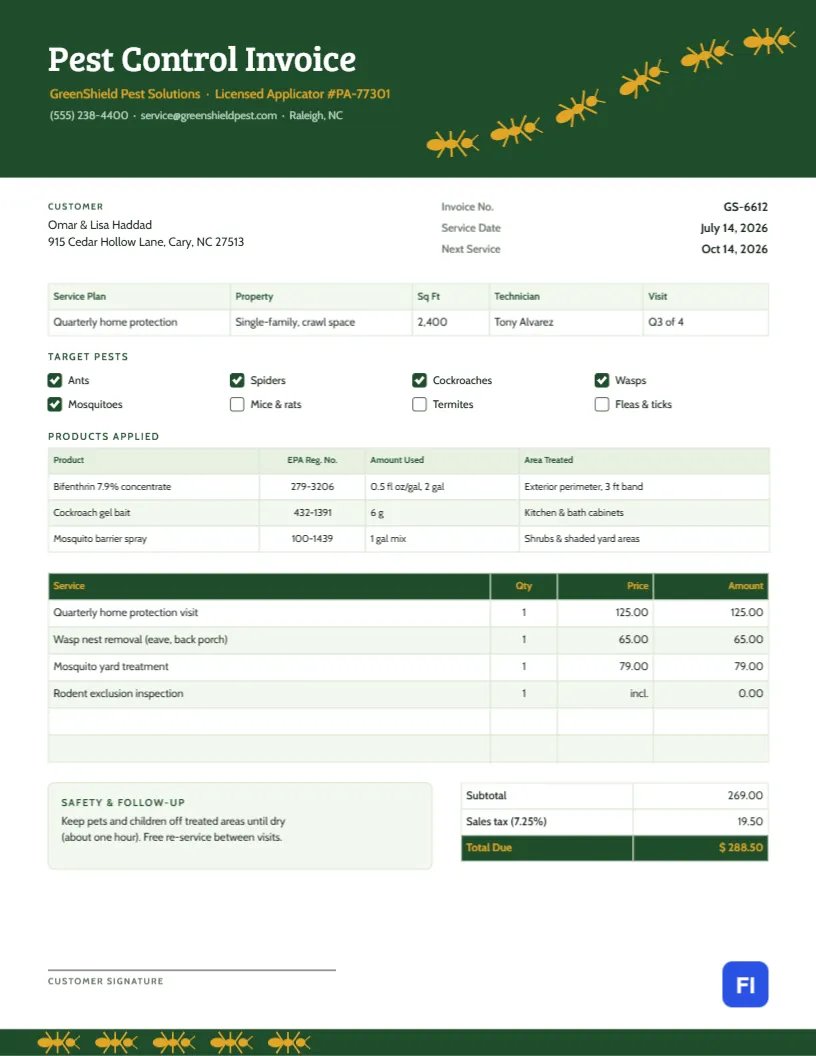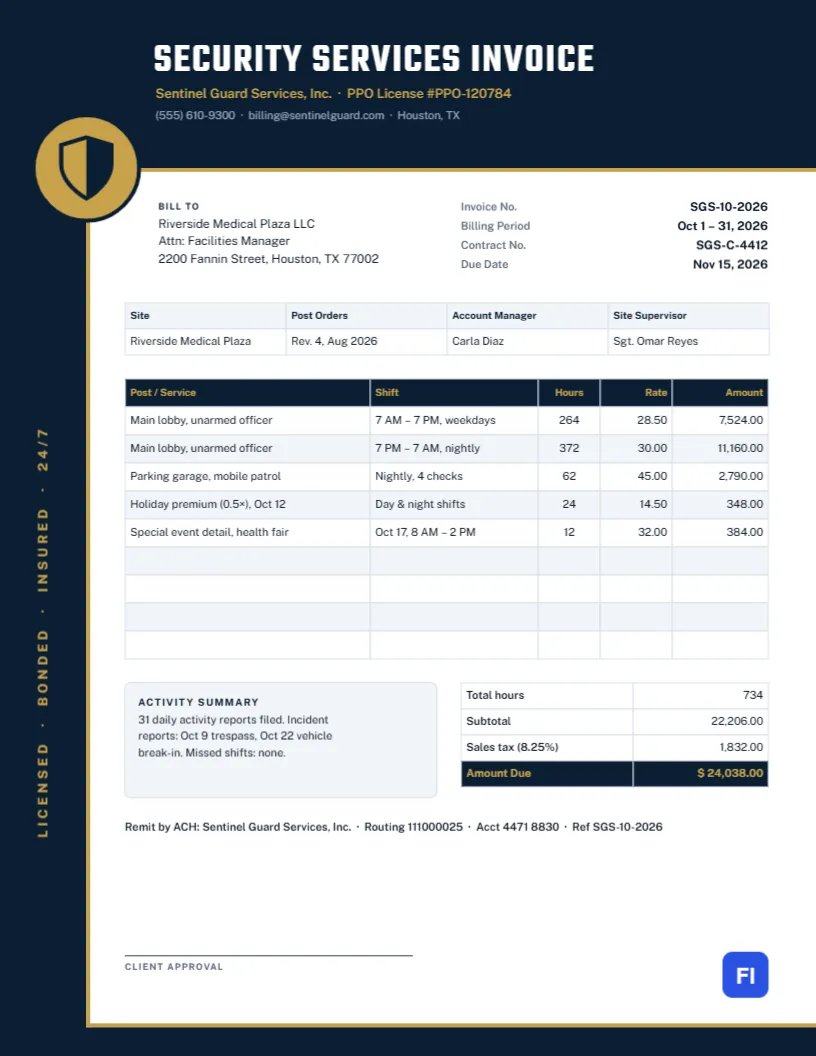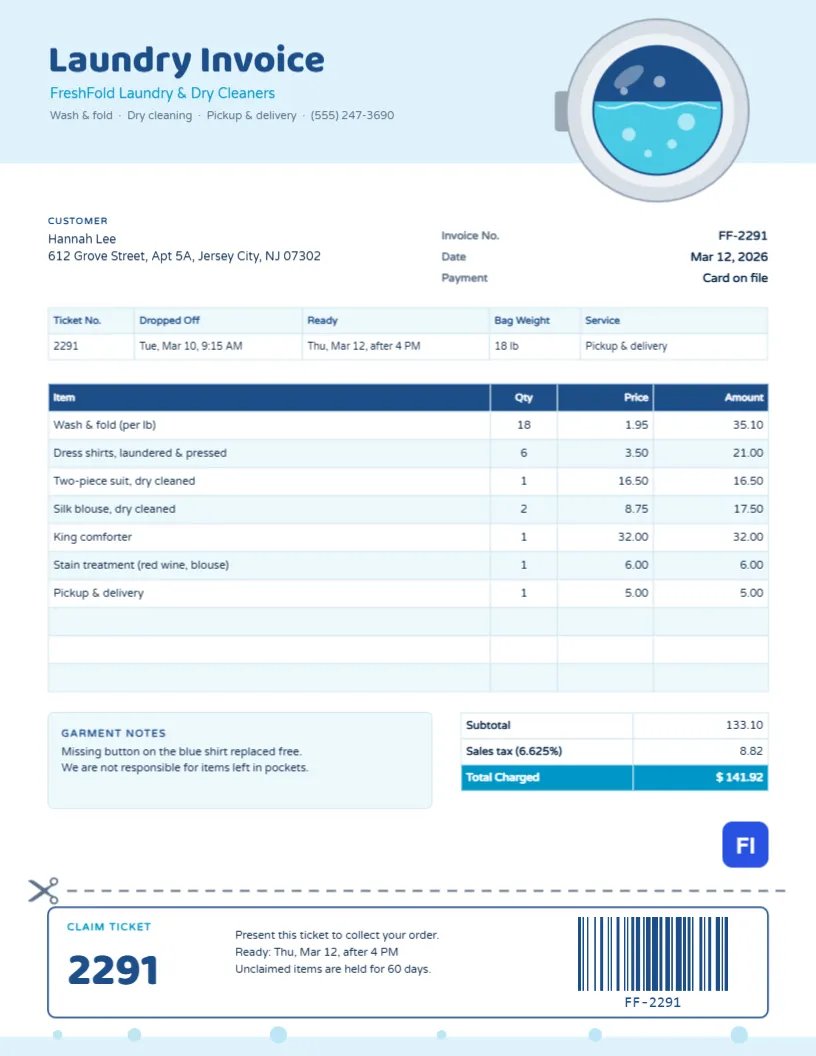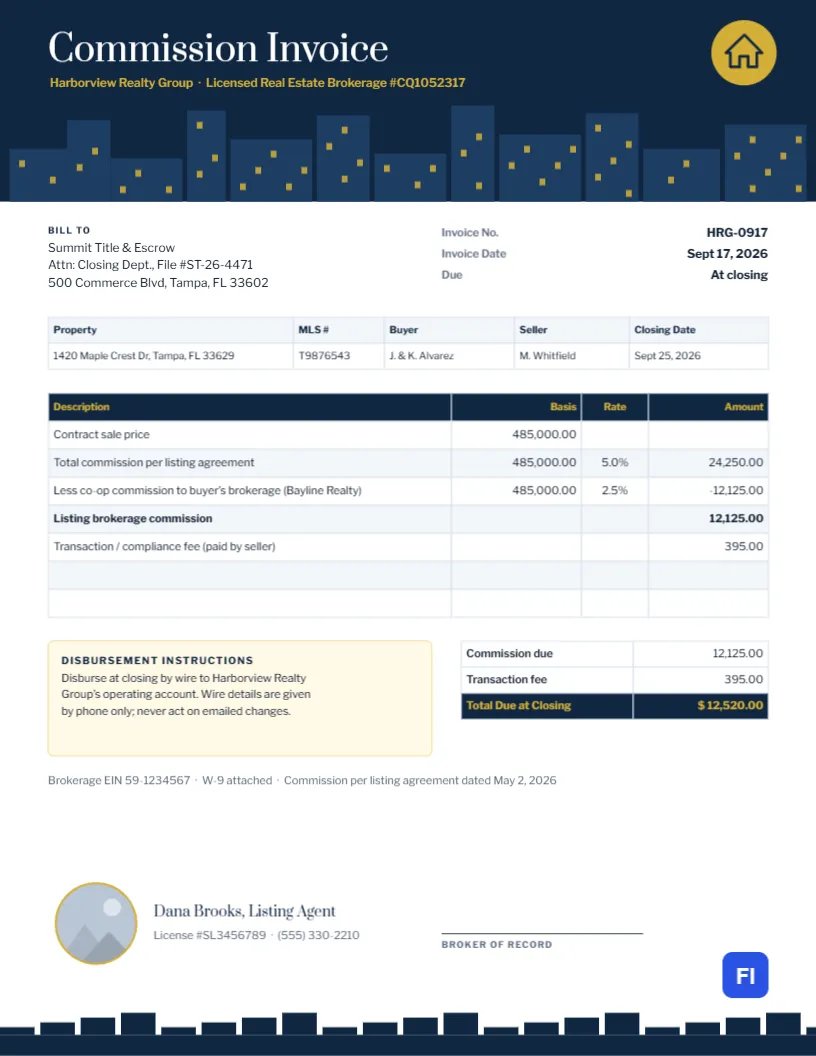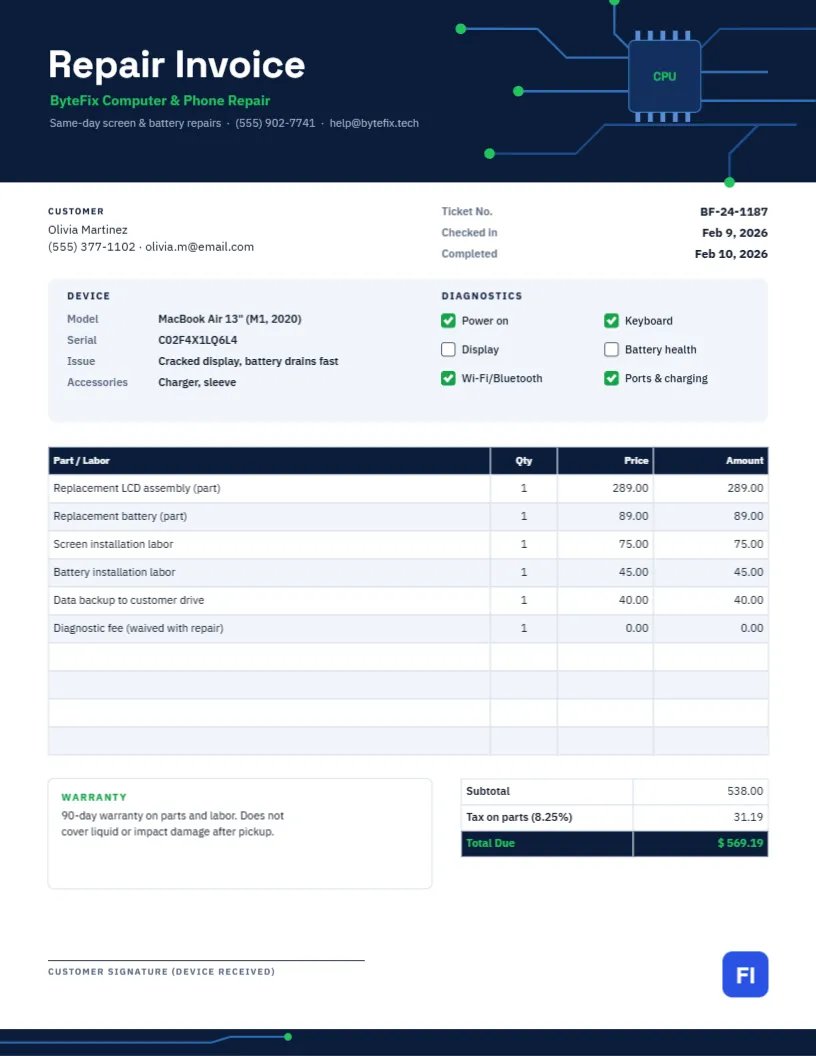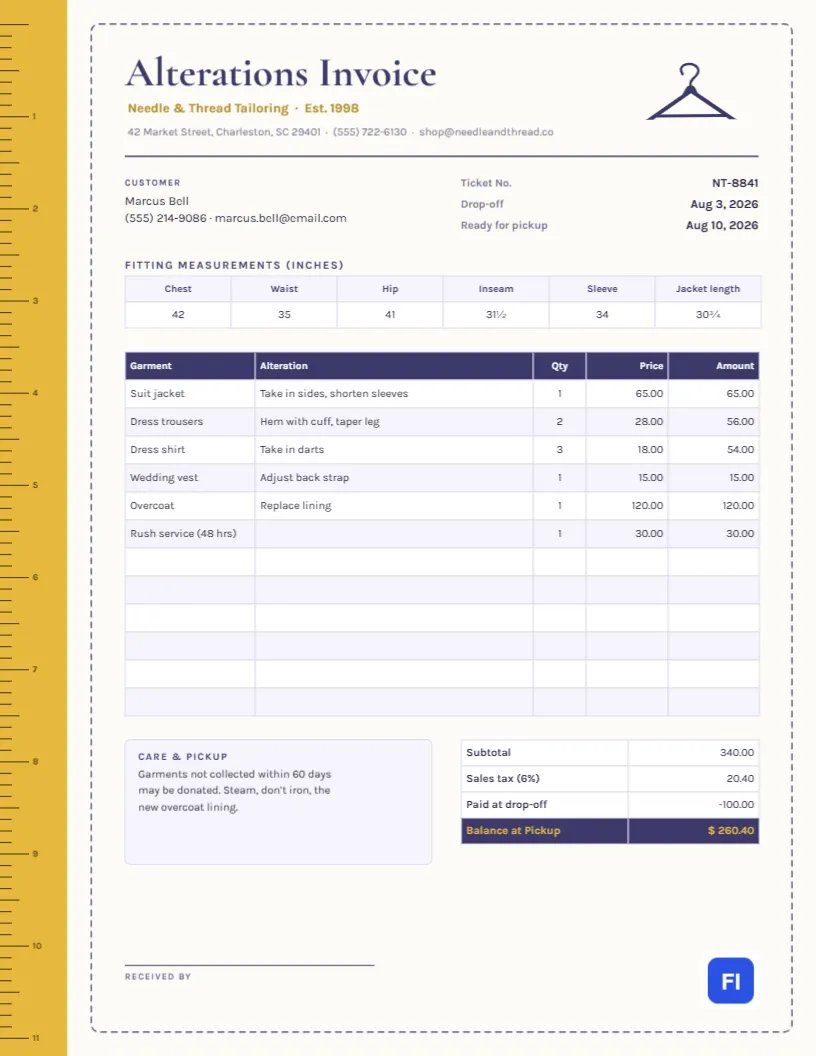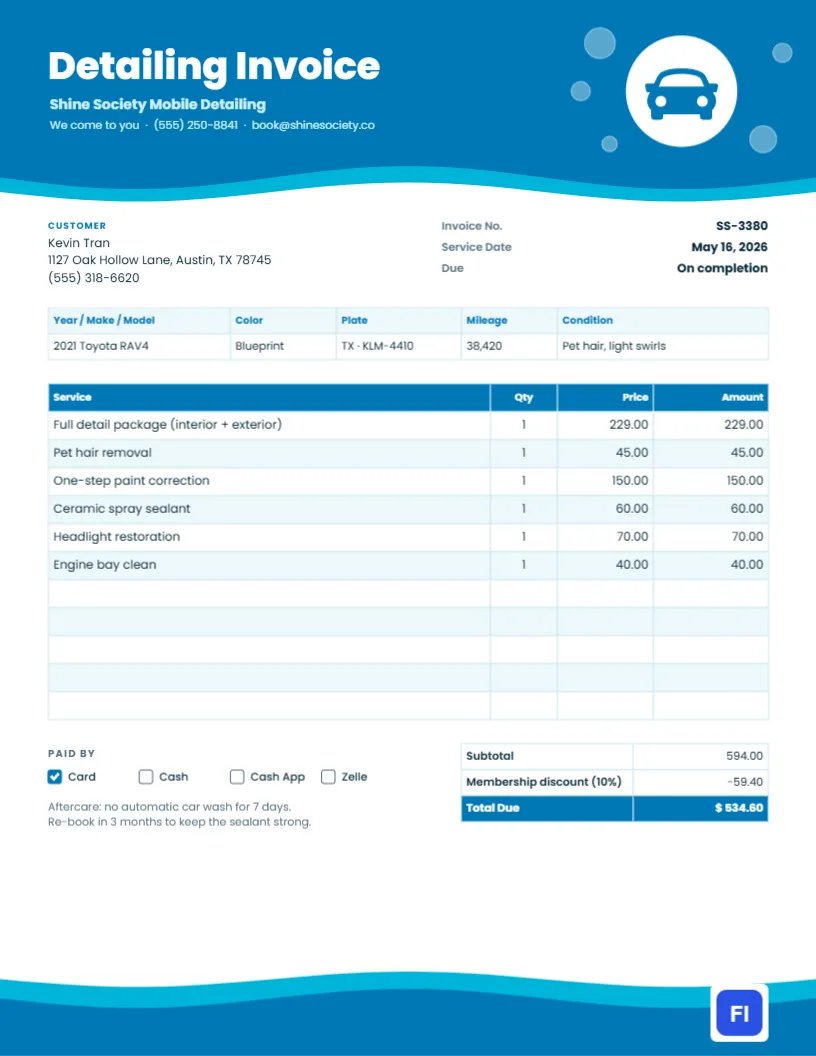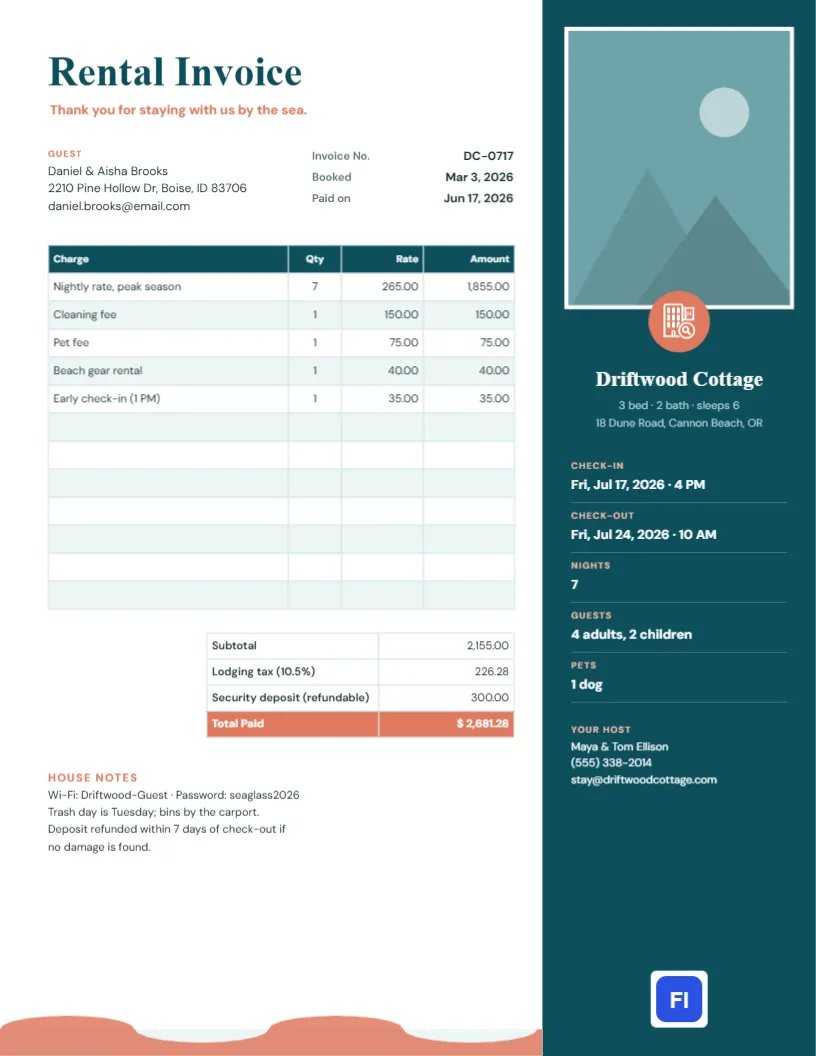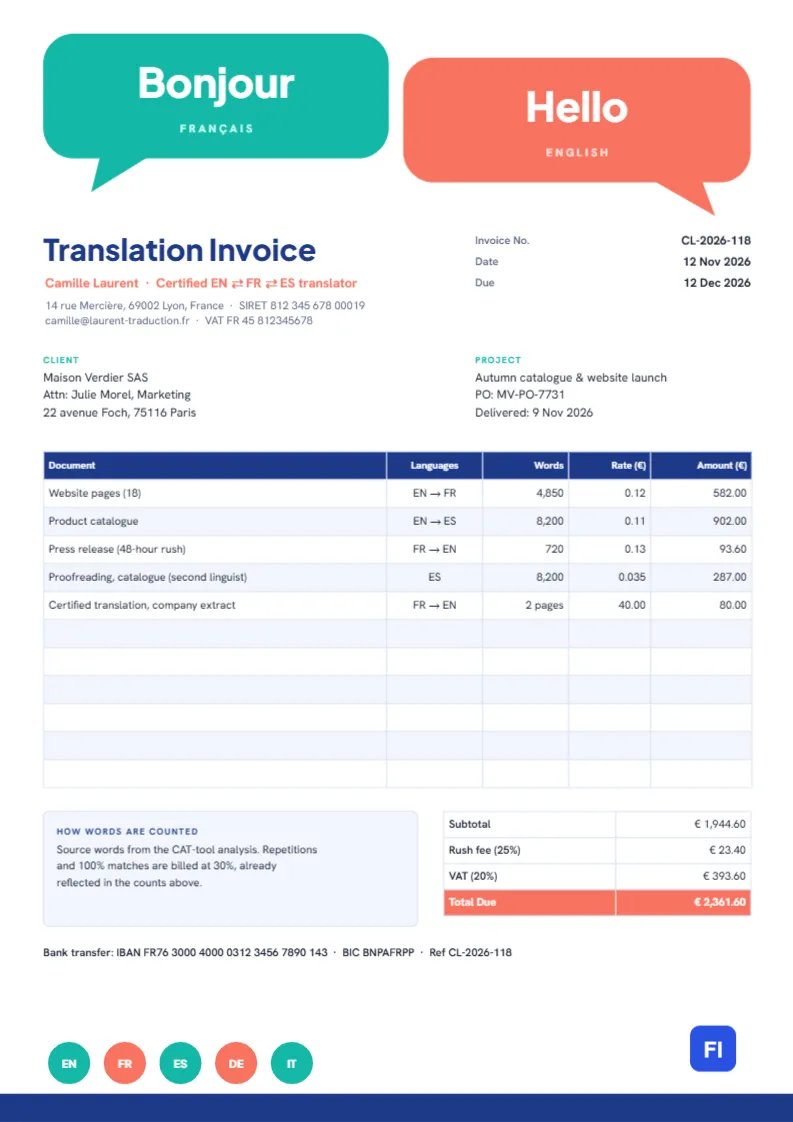
Translators sell words, and their clients buy them by the word. A translation invoice therefore has a structure of its own: each document, the language pair, the word count, the rate per word, and the amount, along with any certification, proofreading, or rush fees. This Translation Services Invoice Template, on A4 paper, lays out that structure clearly and announces the profession with two bold speech bubbles saying Bonjour and Hello.
Freelance Translators, Agencies and Interpreters
It suits freelance translators, small translation and localization agencies, certified or sworn translators, subtitle translators, proofreaders, and interpreters who also translate documents. The sample shows Camille Laurent, a certified English, French, and Spanish translator in Lyon, invoicing a Paris fashion house for website pages, a product catalog, a rush press release, a second-language proofread, and a certified translation of a company extract.
Two Speech Bubbles Instead of a Header Band
Two large rounded speech bubbles take up the top of the page, each with a pointed tail. The teal one on the left says Bonjour in heavy white Plus Jakarta Sans, with FRANGLAIS spaced out beneath; the coral one on the right, slightly lower, answers Hello with ENGLISH underneath. Together they look like a conversation across languages, which is what a translator makes possible.
Under the bubbles, Translation Invoice is set in deep blue, with the translator’s name and certification in coral and the address, SIRET number, email, and VAT number beneath. The invoice number, date, and due date sit on the right. Client and Project blocks follow, then the pricing table with Document, Languages, Words, Rate, and Amount columns. A note explains how words are counted, the totals include a rush fee and VAT, and the bank details sit on a single line. At the foot of the page, five circles marked EN, FR, ES, DE and IT sit on a deep blue band, like the language options on a website.
Per Word, Per Page or Per Hour?
Translators price in different ways depending on the work. Knowing when to use each helps you quote fairly:
| Pricing unit | Best for | Notes |
|---|---|---|
| Per source word | Most documents, websites, catalogues | Count known before starting; standard in Europe and the US |
| Per target word | Scanned or image-based documents | Count known only after translation |
| Per page | Certified translations of short official documents | Birth certificates, company extracts, diplomas |
| Per hour | Proofreading, transcription, terminology work | Record time carefully |
The sample mixes three of these: per word for most lines, per page for the certified extract, and a per-word proofreading rate.
Rush Fees and the Euro Totals
The five lines total €1,944.60. The press release was delivered within 48 hours, and a 25% rush fee on that line adds €23.40. VAT at 20% adds €393.60, bringing the invoice to €2,361.60. If you are not registered for VAT, or you invoice a client in another EU country under the reverse charge, change the VAT line accordingly.
Word Counts, Repetitions and CAT Tools
Clients sometimes question word counts. The note on the invoice explains that counts come from the CAT tool analysis, with repetitions and exact matches billed at a reduced rate. Keeping the analysis report and sending it on request is good practice, especially for large projects where the repetition discount is significant.
Editing the Pricing Table
The pricing list and the totals are editor tables. Double-click them to edit or open Edit Table Data, then use + Add Row for more documents or – Remove Last to trim empty rows. If your CAT tool exports its analysis as a spreadsheet, you can save it as CSV and use Import CSV to fill the table. The cells hold text, so multiply words by rate for each line and work out the rush fee, VAT, and total yourself.
Changing the Languages in the Bubbles
The greetings and language names in the bubbles are ordinary text, so change them to your own pair: Hola and Hello, Hallo and Bonjour, or even two scripts such as こんにちは and Hello if the font supports them. The bubbles are grouped with their tails and can be recolored. The language circles in the footer are also editable; change the codes to the languages you offer.
A4 Paper and Electronic Invoices
The template is A4, 210 by 297 millimeters, the standard for clients in Europe and most of the world. Send it as a PDF with your delivery email or once a month for regular clients. In some countries, electronic invoicing rules are coming into force for business clients; check whether your clients need invoices through a specific platform.
Certified Translations and Legal Formalities
Certified or sworn translations often have their own requirements: the translator’s stamp and signature on each page, a declaration of accuracy, and sometimes an apostille arranged by the client. List the certification as a separate line, as the sample does, and note any additional costs such as courier delivery of the stamped originals.
Agencies, Minimum Fees and Payment Terms
When you work for an agency rather than a direct client, put the agency’s purchase order number on the invoice, since most agencies cannot pay without it. For very short jobs, many translators charge a minimum fee instead of a per-word price; add it as a single line such as Minimum charge (under 250 words)“. State your payment terms clearly, usually 30 days, and follow up politely if an agency is late.
Glossaries and Returning Clients
Regular clients benefit from a glossary and translation memory built up over their projects, which makes later work faster and more consistent. Some translators pass part of that saving on through the repetition discount; others charge a small fee to create the initial glossary. Either way, mention the glossary in the project block so the client understands what they are investing in.
Translation Invoice FAQs
Can I invoice in US dollars or pounds?
Yes. Replace the euro signs in the headings and totals with your currency.
How do I show a minimum fee?
Add a line such as Minimum charge at your minimum amount instead of a word count.
Can I add interpreting hours?
Yes. Add a line with the hours in the Words column and your hourly rate in the Rate column.