Freelance invoice generator · Free · No signup
Freelance invoice generator for independent work
Bill hourly or fixed-price, break work down clearly, and send an invoice that looks like it came from a real business — because it did. Free, with no account required.

Built for how freelancers actually bill
- Hourly or fixed-price line items — track hours and rate per task, or bill a flat project amount, in the same invoice if you need both.
- Time-entry detail — date, description, hours, and rate per line, so a client can see exactly where the hours went instead of one lump "consulting" figure.
- Deposits and partial payments — show an upfront deposit credited against the total, so the balance due is always accurate.
- Discounts and multiple tax rates — apply a rate discount for a repeat client, and add sales tax or VAT if you're required to charge it.
- Retainer and recurring billing — dedicated document types for ongoing client relationships, not just one-off projects.
- Templates that don't look like a spreadsheet — minimal, modern, and creative-leaning designs built for independent professionals, not corporate procurement departments.
- Your business, your brand — add your logo and an accent color so every invoice looks consistently like it came from you.
How to invoice a client, step by step
- Pick the right document type. Freelance invoice for general work, hourly invoice if every line is time-based, fixed-price for a flat project fee, or retainer if you're billing the same recurring amount each period.
- Add your business details. Even as a sole proprietor, use a consistent business name, email, and (if you have one) a tax ID — it reads as more established than a personal email address alone.
- Add the client's details and reference the project. Include the client's billing contact and, in the notes or a custom field, a reference to the proposal or project name so there's no ambiguity about what the invoice covers.
- Break the work into clear line items. For hourly work, one line per task or work session with the date and hours; for fixed-price, one line per deliverable rather than a single "project total" line.
- Apply any deposit already paid. If the client paid upfront, enter it so the final balance due reflects only what's outstanding.
- Add tax if you're required to charge it, and set clear payment terms. State the due date explicitly (not just "Net 30") and your accepted payment methods.
- Preview, download, and send. Export the PDF and send it the same day you finish the work or hit the milestone — don't let it sit in a drafts folder.
Hourly, contract, consulting, or self-employed?
Whatever you call your work, the underlying document is close enough that our editor supports it as one flexible freelance/hourly/self-employed invoice type — with the option to add time-entry line items (date, description, hours, rate) when you want that level of detail, or a simpler flat-rate line when you don't.
Mistakes that slow down payment
- Vague line items — "development work" invites questions; "Homepage redesign — wireframes and final build" doesn't.
- No stated due date — "payment due upon receipt" without an actual date still leaves room for a client to deprioritize it.
- Missing payment instructions — if the client has to ask how to pay, you've added days to your payment cycle.
- Inconsistent invoice numbering — skipping or reusing numbers makes it harder for you (and your accountant) to track what's outstanding.
- Sending the invoice late — the longer the gap between finishing work and asking to be paid for it, the weaker the moment feels to the client.
For the full breakdown — payment terms, deposits, and follow-up strategy — see our freelance invoicing guide.
Templates built for independent work
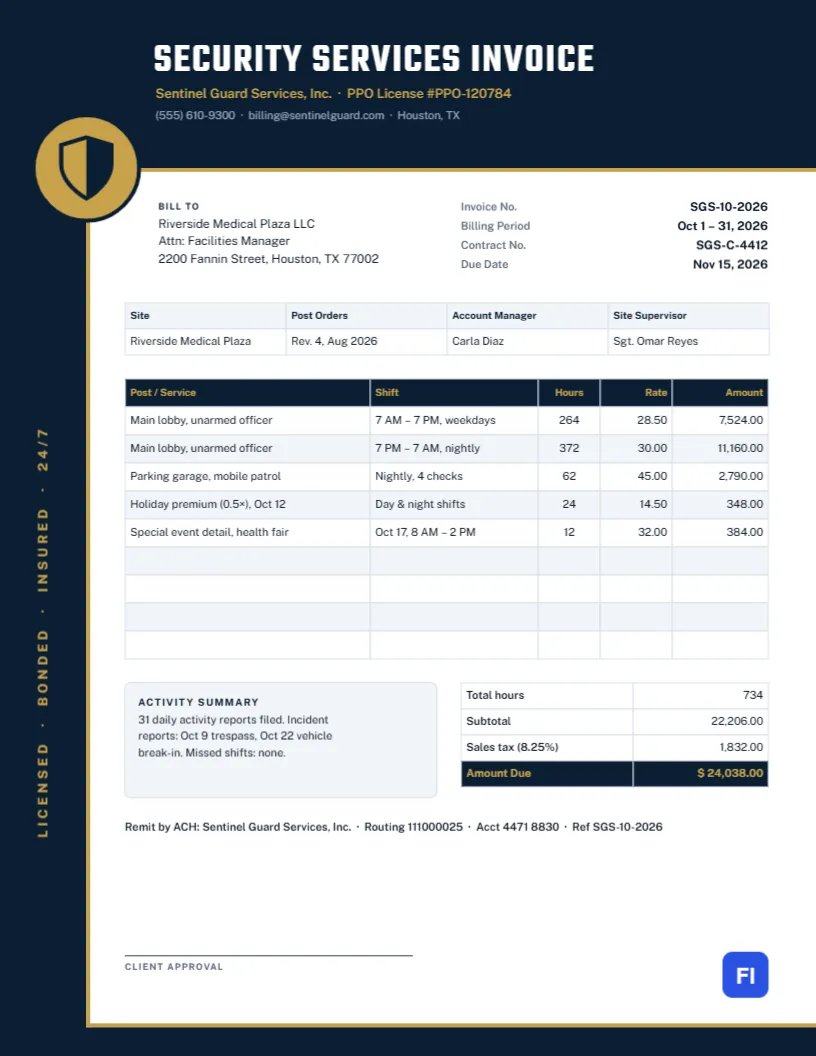
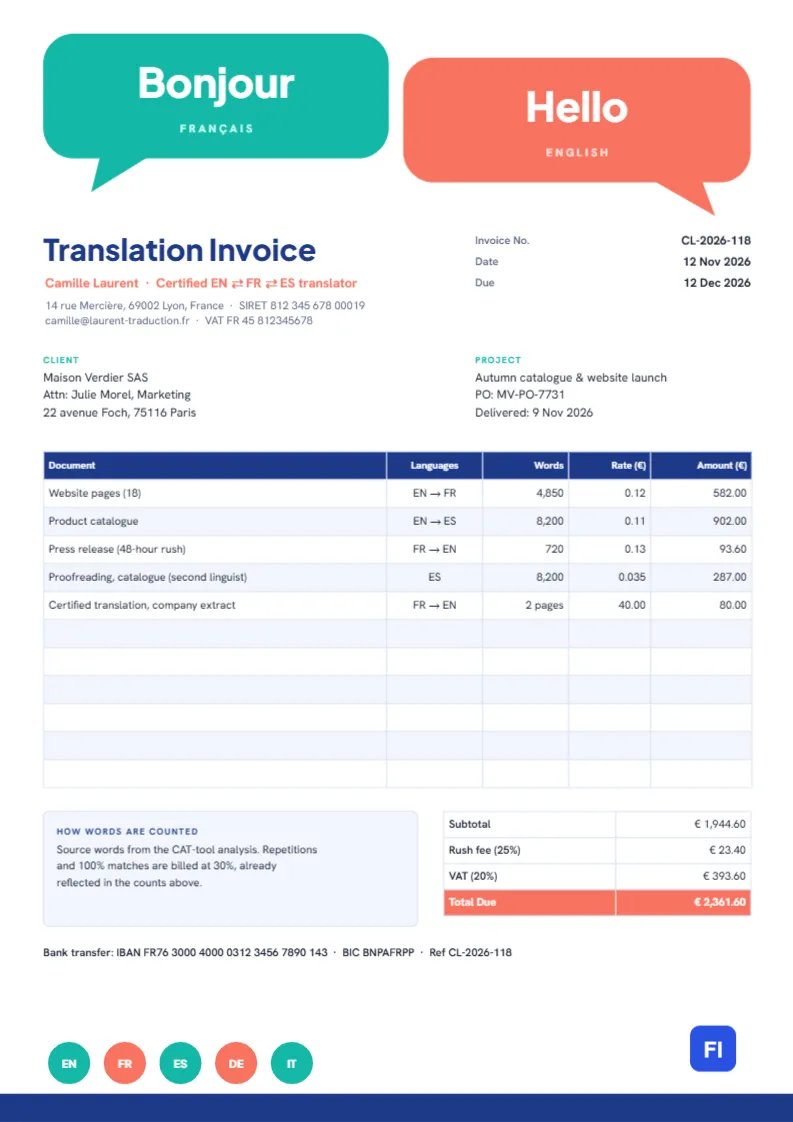
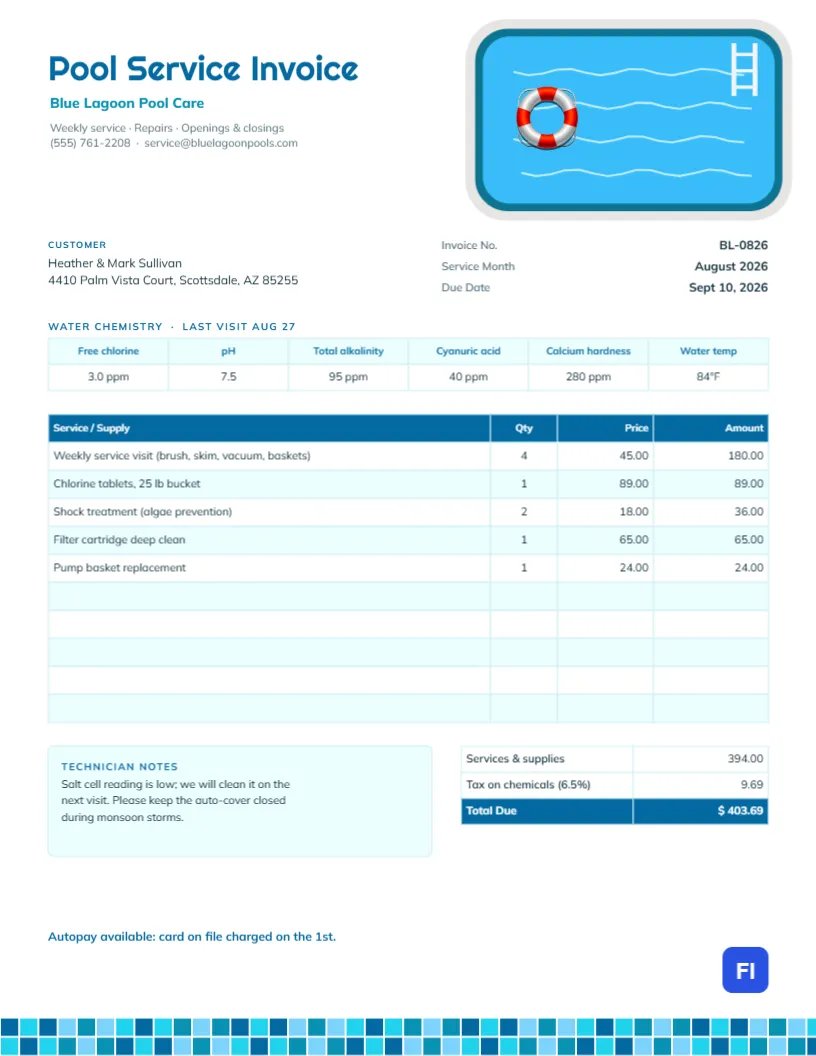
Clean, personal-brand-friendly designs — browse the full gallery for more.

Visual Template Studio
Looking for Pre-Designed Graphic Freelance Templates?
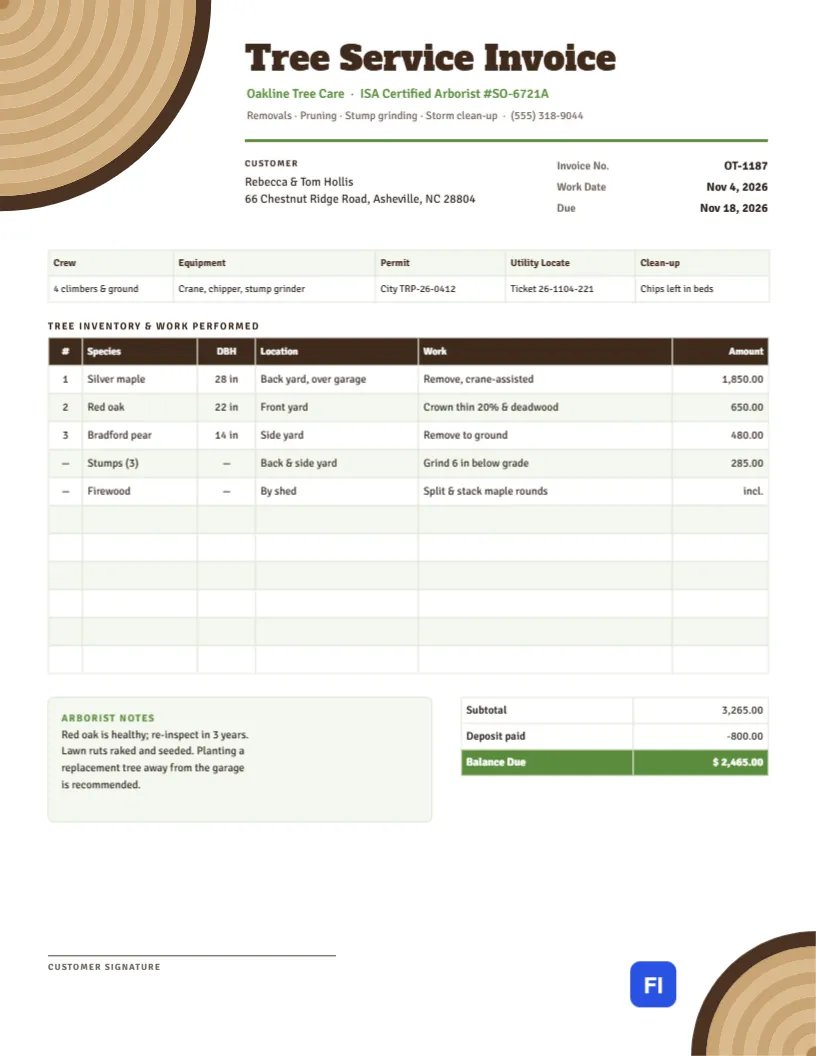
Beyond our interactive web calculator, customize print-ready visual invoice designs directly in your browser. Add your logo, adjust columns, and export instant PDF or high-res JPG files.
Common questions
Should I bill hourly or fixed-price?
Hourly billing suits open-ended or hard-to-scope work — you're protected if the project grows. Fixed-price suits well-defined deliverables — the client knows the exact cost upfront, which can make them more comfortable saying yes. Many freelancers use fixed-price for defined projects and hourly for ongoing retainer work with the same client.
How do I invoice for a retainer?
Select "Retainer Invoice" as the document type — it's built for a recurring fixed amount billed on a regular schedule (weekly, monthly), rather than itemized against specific tasks. State the period the retainer covers clearly.
Can I request a deposit before starting work?
Yes — add the deposit as a line item or use the dedicated deposit field, and on the final invoice it's automatically credited against the total so the "balance due" reflects only what's still owed.
Do I need to charge sales tax as a freelancer?
It depends on your location, your client's location, and what you're selling — freelance services are taxed differently across jurisdictions. This tool calculates whatever tax rate you enter correctly, but doesn't tell you whether you're required to charge one; check with a local tax advisor if you're not sure.
More general questions? See our full FAQ.
Explore other invoice types
Billing varies by the work — see the other document types built for how you actually bill clients.
Commercial invoices
Built-in HS code, country of origin, and weight fields for customs documentation on international shipments.
Receipts
Payment, rent, and donation receipts with the fields specific to confirming a payment already made.
Estimates & quotes
Give a client a clear, itemized quote before work begins, using the same accurate calculations as a real invoice.
Purchase orders
Order from a vendor with a proper PO — your business as the buyer, vendor and ship-to fields, before any invoice is due.
Trade & service work
Work orders, milestone billing, and per-trade templates for construction, plumbing, electrical, HVAC, and repair invoices.
Medical, legal & professional
Calm, clinical templates for medical and dental billing, and formal layouts for legal and accounting invoices.