Commercial invoice generator · Free · No signup
Commercial invoice generator, built for customs
Create a customs-ready commercial invoice with HS code, country of origin, and weight fields built into the editor — not bolted on. Fill in the shipment details, preview instantly, and download a PDF.

What's included
- HS code per line item — the Harmonized System classification customs uses to assess duty. Entered once per line, not buried in a settings panel.
- Country of origin per line item — where each item was manufactured, not just shipped from, since customs distinguishes between the two.
- Weight per line item — for freight and customs documentation, alongside quantity and unit.
- Full exporter and importer details — business name, address, tax ID, and contact information for both parties, formatted clearly for a customs officer who's never seen either business before.
- Multi-currency support — state the transaction currency clearly for cross-border clarity, with correct symbol and decimal formatting.
- Templates built for trade documents — including designs specifically tagged for international-trade use, alongside any of our 50+ general templates.
- Multi-page pagination that actually works — a shipment manifest with dozens of HS-coded line items paginates correctly across multiple pages, with consistent margins and repeated headers, not a layout that only holds up for a short demo invoice.
How to fill out a commercial invoice, step by step
- Select "Commercial Invoice" as the document type. The editor switches on the customs field set automatically — HS code, country of origin, and weight columns appear in the line-items table.
- Enter exporter (seller) details. Full legal business name, address, tax ID, and contact information — this is who customs holds responsible for the accuracy of the declaration.
- Enter importer (buyer) details. Same level of completeness — a vague or partial buyer address is one of the more common causes of a shipment getting held up.
- Add each item as its own line. Don't lump different products into one line even if they're going to the same buyer — customs wants to assess duty per distinct product, which means per distinct HS code.
- Fill in HS code, country of origin, and weight for every line. If you regularly ship the same products, keep a reference list of their correct HS codes so you're not looking each one up from scratch every time.
- State the currency and unit price clearly. Make sure the currency selected matches what's actually being charged — an invoice in the wrong currency can cause a valuation mismatch at customs.
- Add the reason for export, if relevant, in the notes. Sold, gift, sample, or repair/return can affect how duty is assessed — state it if it isn't a straightforward commercial sale.
- Review the preview, then download the PDF. Check every HS code and origin field once more before it ships — an error here is far more disruptive than a typo on a domestic invoice.
Who uses a commercial invoice
Exporters and importers shipping goods across a border, freight forwarders and customs brokers preparing documentation on a client's behalf, and manufacturers or wholesalers selling internationally all need a commercial invoice to accompany a shipment. It's the document customs authorities in both countries use to assess the shipment's value and applicable duty.
Commercial, proforma, or export invoice?
Not sure which document you need? A commercial invoice is for a completed sale that's physically shipping; a proforma invoice is a preliminary version sent before the sale is finalized (often to support financing or an import license); an export invoice is sometimes used as a near-synonym for a commercial invoice specifically framed around the exporting side of the transaction. Our editor supports all three as distinct document types — pick the one that matches your situation and the field set adjusts automatically.
Common mistakes that delay a shipment
- Missing or vague HS codes — "electronics" isn't a code; customs needs the specific classification.
- Country of shipment instead of country of origin — these are frequently confused and customs specifically wants origin.
- Understated declared value — undervaluing a shipment to reduce duty is a compliance risk, not a savings strategy; declare the actual transaction value.
- Incomplete buyer or seller address — a missing suite number or an abbreviated business name can stall clearance for something a customs officer can't verify.
- No stated reason for export — leaving customs to guess whether it's a sale, sample, or return can trigger unnecessary scrutiny.
Accurate totals, every time
Multiple tax rates, discounts, shipping charges, and multi-line HS-coded items are all calculated with integer-safe math, so a long shipment manifest with dozens of line items adds up correctly to the cent — no rounding drift across a big multi-currency invoice.
Templates suited to trade documents
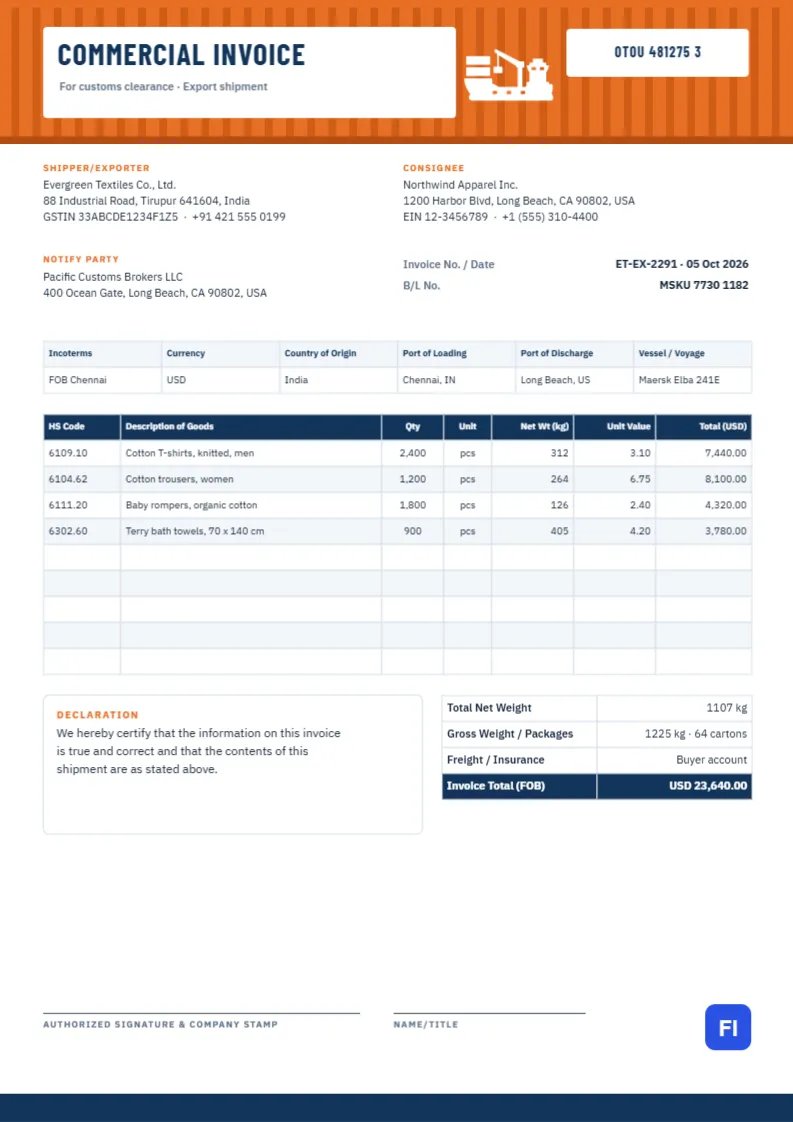
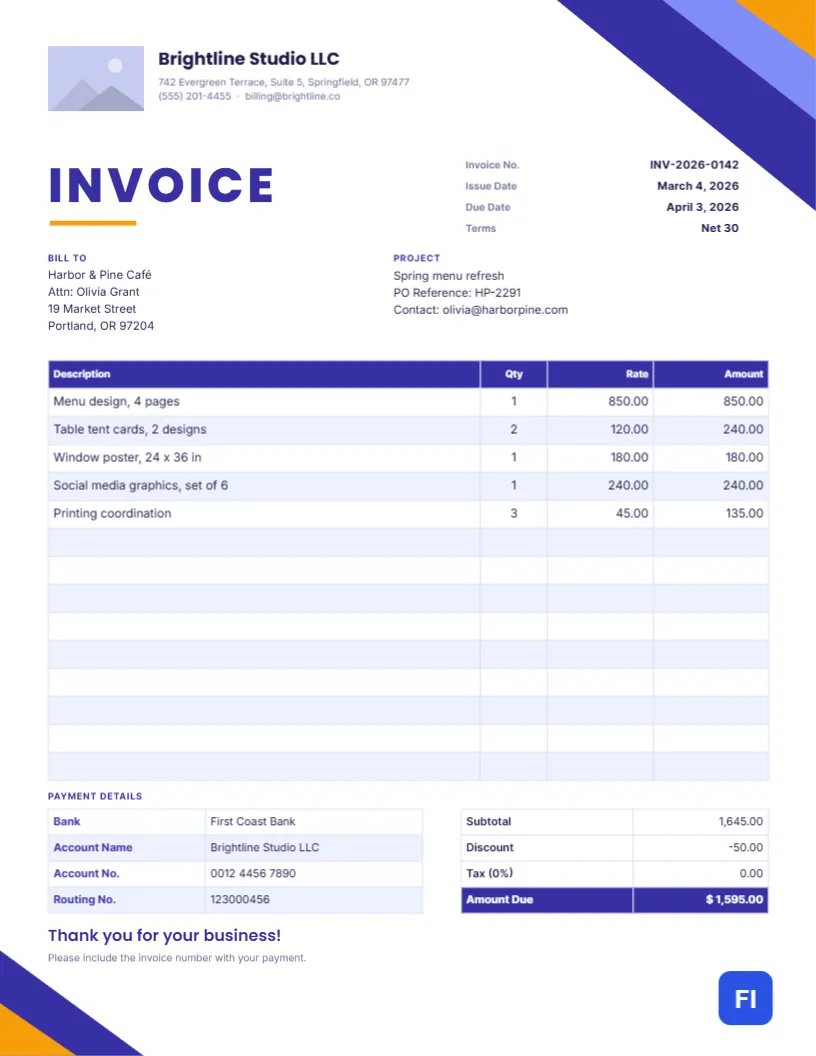
Any of our 50+ templates work for a commercial invoice, but these are purpose-built for international trade documentation.


Visual Template Studio
Looking for Pre-Designed Commercial & Export Templates?
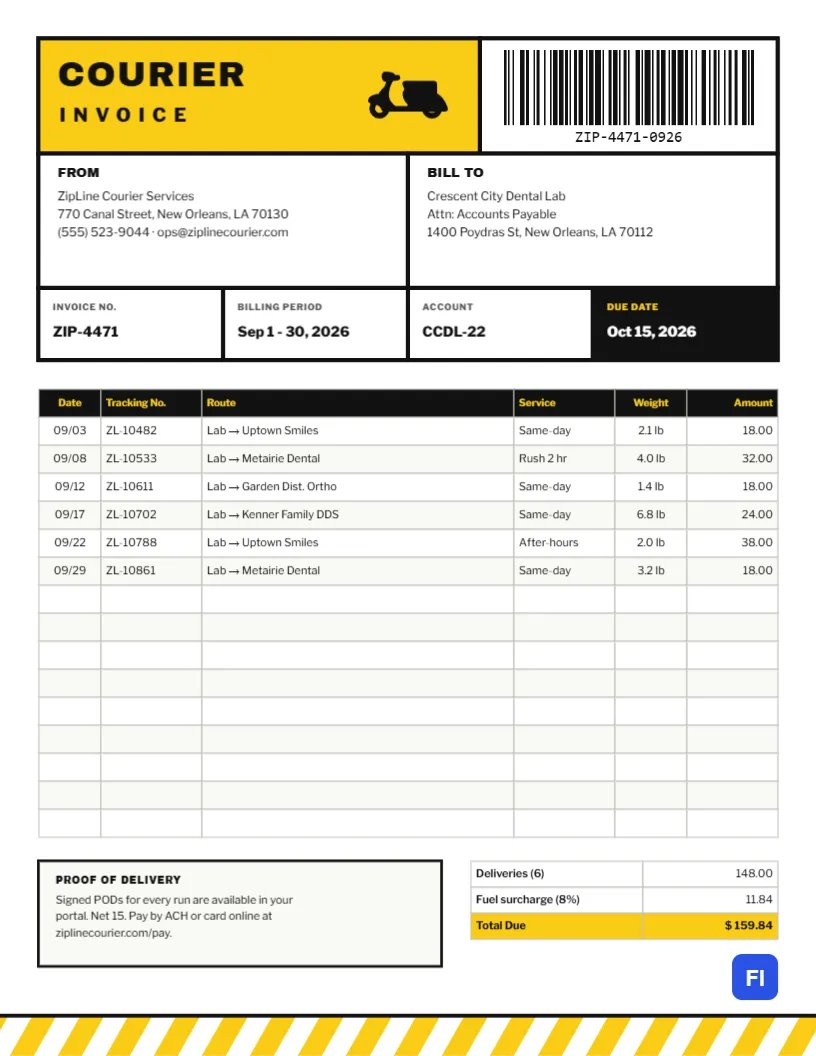
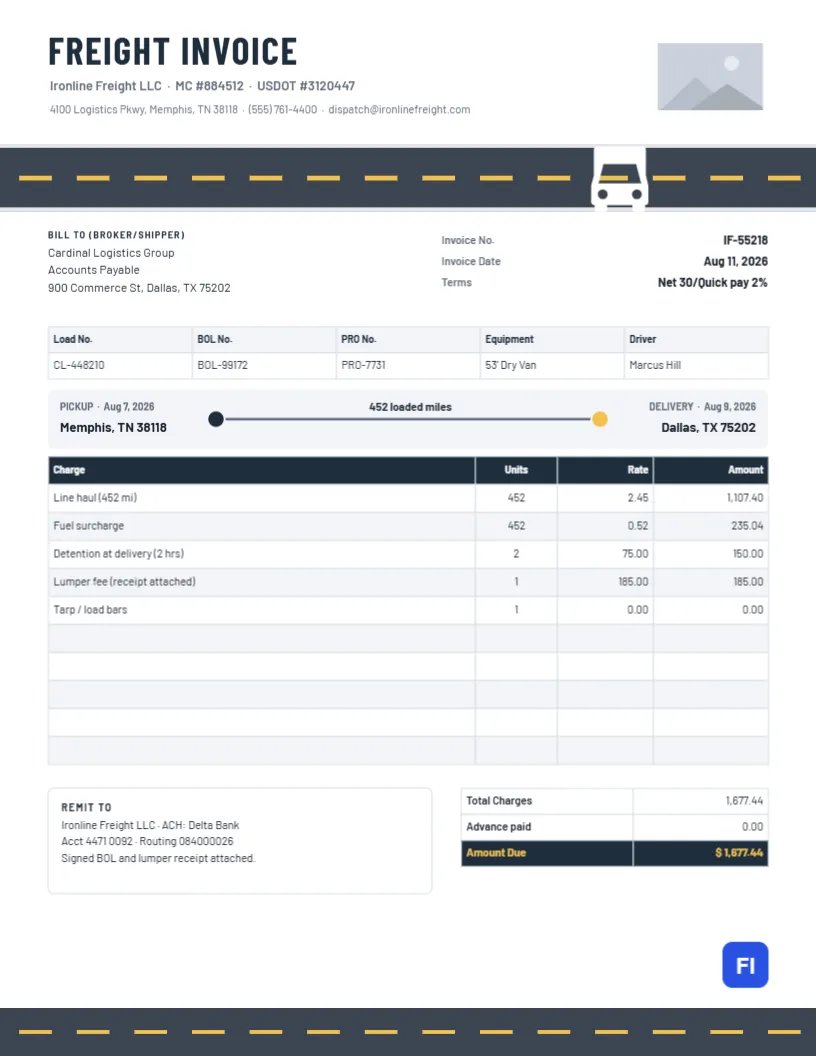
Need a structured trade billing format? Customize and download high-resolution commercial and freight invoice designs directly in our visual template studio.
Common questions
Do I need an HS code for every item?
Most customs authorities require an HS code for each distinct product on the shipment, not just one code for the whole invoice. If you're not sure of the correct code, your customs broker or the destination country's tariff schedule lookup tool can confirm it — an incorrect code can lead to the wrong duty being assessed.
What's the difference between country of origin and country of shipment?
Country of origin is where the goods were manufactured or produced. Country of shipment is simply where the package physically left from. These are often different — for example, goods manufactured in Vietnam but shipped from a distribution warehouse in Germany — and customs specifically wants the origin, since it can affect duty rates and trade-agreement eligibility.
Can I use this for a proforma invoice instead?
Yes — select "Proforma Invoice" as the document type in the editor and the same customs field set (HS code, origin, weight) is available, with a layout appropriate for a preliminary quote rather than a completed sale.
Does it handle multiple currencies for international sales?
Yes, you can select the transaction currency and every amount is formatted with the correct symbol and decimal convention for that currency.
More general questions? See our full FAQ or the complete guide to commercial invoices.
Explore other invoice types
Billing varies by the work — see the other document types built for how you actually bill clients.
Freelance & hourly work
Time-entry line items, deposits, and clean templates built for independent professionals.
Receipts
Payment, rent, and donation receipts with the fields specific to confirming a payment already made.
Estimates & quotes
Give a client a clear, itemized quote before work begins, using the same accurate calculations as a real invoice.
Purchase orders
Order from a vendor with a proper PO — your business as the buyer, vendor and ship-to fields, before any invoice is due.
Trade & service work
Work orders, milestone billing, and per-trade templates for construction, plumbing, electrical, HVAC, and repair invoices.
Medical, legal & professional
Calm, clinical templates for medical and dental billing, and formal layouts for legal and accounting invoices.