Free invoice generator · No signup · 50+ templates
The free invoice generator that gets your invoice out the door in minutes
Fill in your business and customer details, choose from 50+ professional templates, and watch the invoice build itself in a live preview. When it's right, download a clean, print-ready PDF — no account, no watermark, no catch.
What makes a good invoice generator
An invoice does two jobs at once: it's a formal request for payment, and it's a piece of your brand that a customer sees. A good invoice generator gets both right without making you fight the tool to do it. That means correct math every time (no rounding drift across dozens of line items and tax rates), a layout that actually looks intentional rather than like a spreadsheet printout, and a workflow that doesn't slow you down with unnecessary steps. That's the bar this tool is built to.
How the invoice generator works
- Pick a document type. Standard invoice, commercial invoice, freelance invoice, receipt, credit note, estimate, and 60+ others — the editor shows only the fields relevant to what you picked, instead of one giant form with fields you'll never use.
- Choose a template. Browse the template gallery or pick one directly in the editor. Switch at any time — your data carries over, only the layout changes.
- Fill in the details. Business and customer information, line items, tax rates, discounts, shipping, payment instructions, and notes, organized into a tabbed editor so a long invoice never feels overwhelming.
- Watch the live preview. Every change you make updates the preview instantly, rendered from the exact same layout engine used for the final PDF — what you see really is what you get.
- Download or print. Export a PDF in one click, or print directly from your browser. Nothing is saved on our servers after the file is generated.
Built for how billing actually varies
A construction work order, a legal retainer invoice, and a freelance design invoice don't need the same fields — so this generator doesn't force them into one. Pick your invoice type and the editor adapts: customs fields (HS code, country of origin, weight) appear for commercial and export invoices; milestone and progress-percentage fields appear for phased project billing; hourly-rate and time-entry fields appear for freelance and consulting work. You fill in less, and what you do fill in actually matters for the document you're creating.
Accurate, rounding-safe totals
Every calculation — line-item subtotals, per-line and global discounts, multiple tax rates (compound or not), shipping, and deposits — runs through integer-safe arithmetic on the smallest currency unit (cents, not floating-point dollars), so a long invoice with many taxed line items never drifts a cent off from what it should be. You can add as many named tax rates as your situation requires and choose whether each applies before or after other charges.
Your data stays with you
There's no account, no server-side database of your invoices, and no tracking of what you bill your customers. Everything you type is held in your browser, and optionally saved as a local draft on your own device. Data is only sent to our server for the moment it takes to render your live preview or generate your PDF — see our Privacy Policy for the exact mechanics.
Frequently asked
For pricing, data handling, template, and compatibility questions, see the full FAQ page.
Just need to ring up a quick sale?
If what you actually need is fast, walk-in-customer billing — a shop, cafe, or pharmacy ringing up a sale in seconds, not a detailed formal invoice — Quick Billing is a lighter, faster tool built for exactly that. Any bill started there can be converted into a full invoice here with one click if you need more detail later.
Visual Template Studio
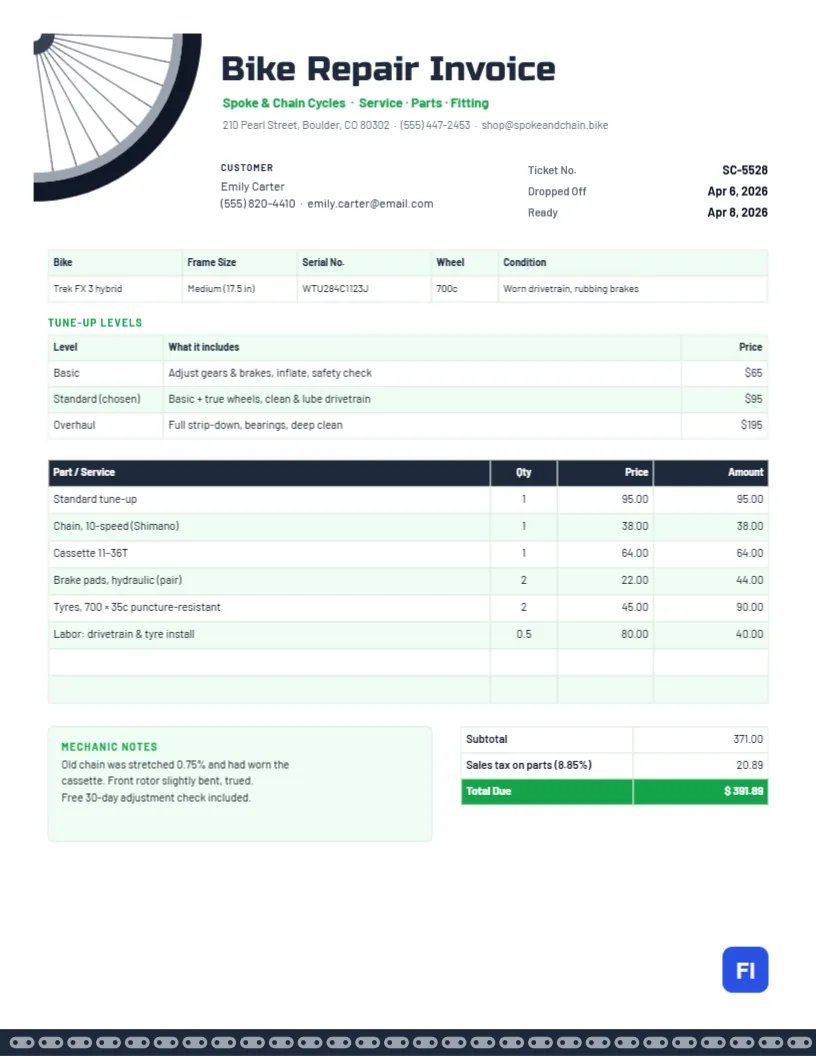
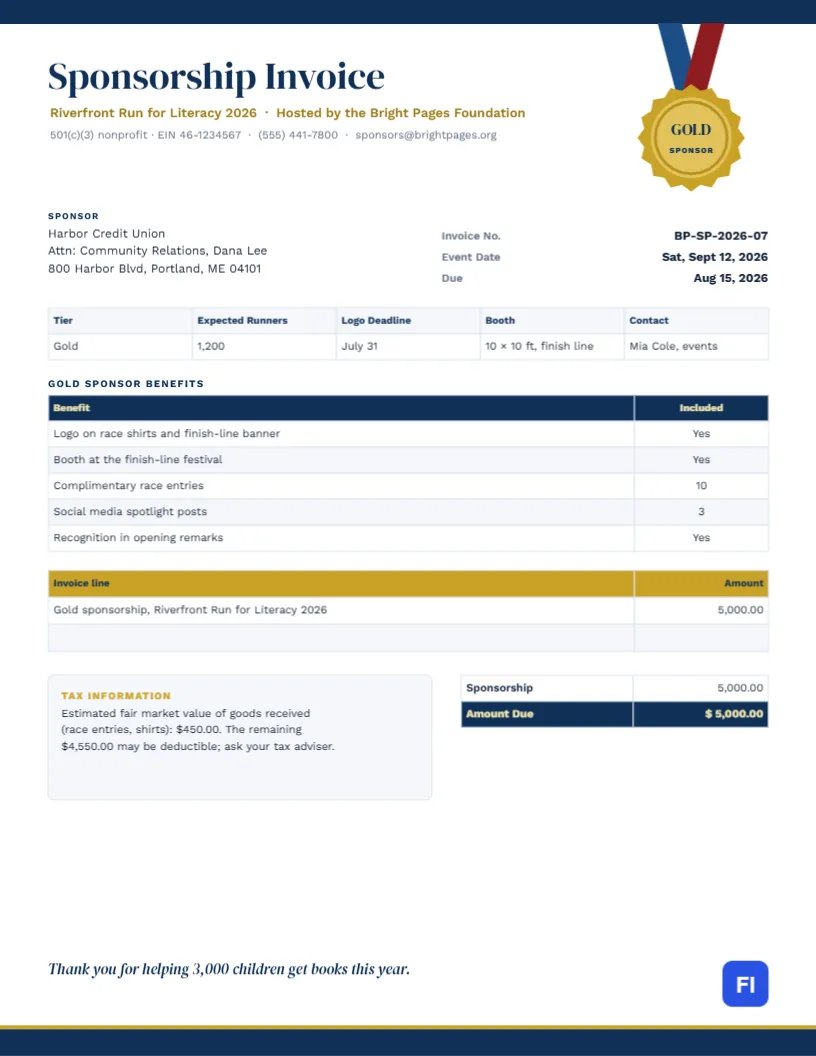
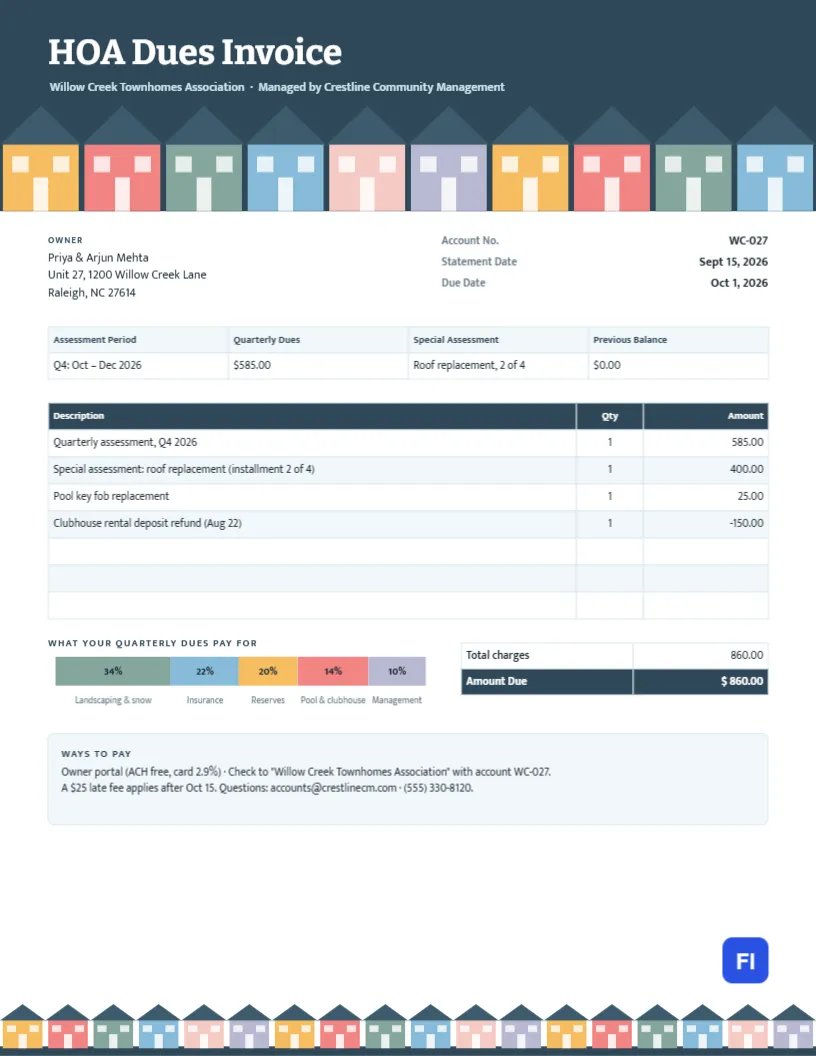
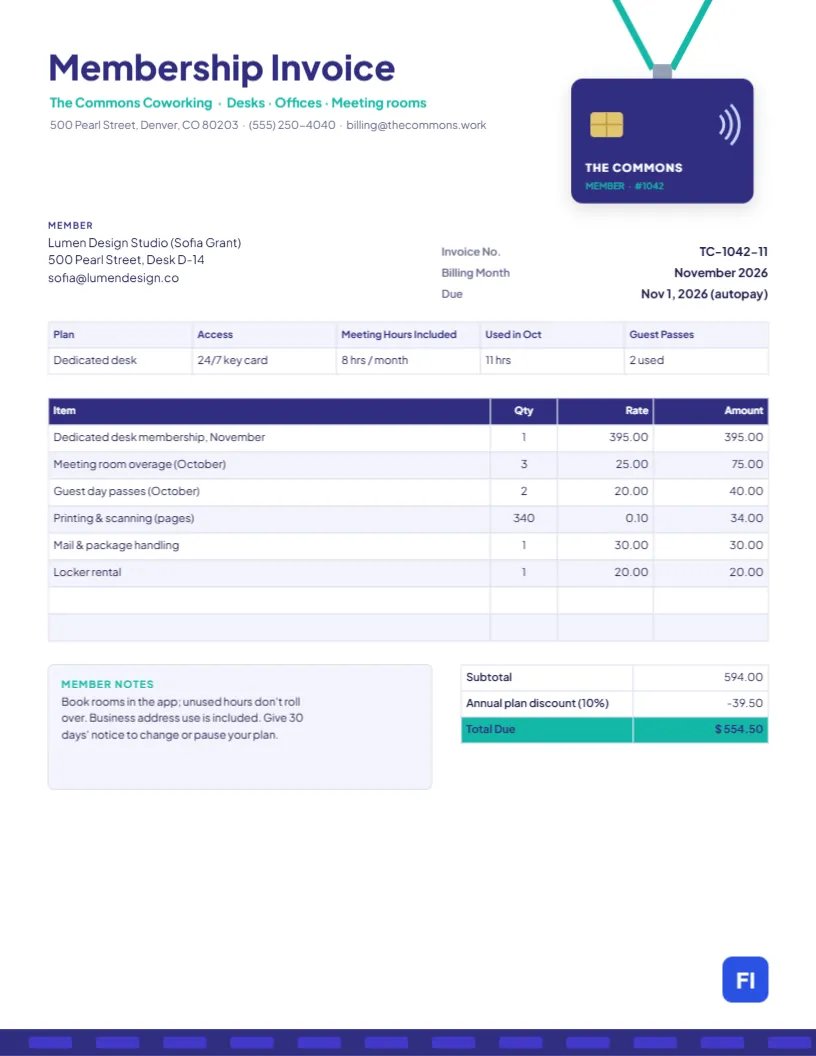
Looking for Pre-Designed Graphic Invoice Templates?
Beyond our interactive web generator, customize print-ready visual invoice designs directly in your browser. Add your logo, adjust line items, and export instant PDF or high-res JPG files.