Purchase Order Generator · Free · No signup
Create a purchase order in minutes
Order from a vendor with a proper PO: your business as the buyer, vendor details, a delivery address, itemized products, and instant PDF — not just an invoice with a different title.
What is a purchase order?
A purchase order (PO) is the document a buyer sends a vendor to formally request goods or services — before anything ships and before any money is owed. It states exactly what's being ordered, at what price, in what quantity, and by when it's needed. Once the vendor accepts it, the PO becomes the reference point both sides use to make sure the eventual delivery and invoice actually match what was agreed.
That makes a PO the mirror image of an invoice: an invoice is the SELLER billing the BUYER after delivery; a purchase order is the BUYER ordering from the SELLER before delivery. This generator gets that direction right — "Your Business" is the buyer issuing the order, and the vendor's details go in their own section, not mislabeled as a "customer."
How to create a purchase order, step by step
- Start a Purchase Order. The editor opens with the right fields for a PO already showing — a Vendor section instead of a generic "customer," and a Ship To address for the delivery location.
- Fill in your business details. You're the buyer here — your name, address, and contact details as the one placing the order.
- Add the vendor you're ordering from. Their name, contact details, and billing address, in the Vendor tab.
- Set a delivery address, if it's different. Shipping to a warehouse or job site instead of your main office? The Ship To section keeps that separate from your own billing address.
- List what you're ordering. Product/SKU, description, quantity, unit, and agreed price per line — the same accurate line-item math the rest of the site uses.
- Set the required delivery date and any terms. When you need it by, and payment or delivery terms the vendor should know before fulfilling the order.
- Download the PDF. Send it to your vendor by email, or print a copy for your own records.
Purchase order vs. invoice vs. estimate
- Estimate/quote — the vendor tells a prospective buyer roughly what something will cost, before any commitment on either side. Nothing is ordered yet.
- Purchase order — the buyer's formal commitment to actually buy, at specific prices, quantities, and terms — often issued right after accepting a quote. Sent BEFORE delivery.
- Invoice — the vendor's request for payment, sent AFTER the goods or services have actually been delivered, often referencing the original PO number so both sides can match order to delivery to payment.
A single purchase can reasonably involve all three, in that order: quote → purchase order → invoice. If what you actually need right now is the quote itself, see the estimate generator instead; if you're the vendor fulfilling someone else's PO and need to bill them, the invoice generator is the next step.
What a good purchase order should include
- PO number — a unique reference both sides use to match this order to its eventual delivery and invoice.
- Issue date and required delivery date — when the order was placed, and when you actually need it.
- Your business details — you, as the buyer issuing the order.
- Vendor details — who you're ordering from.
- Ship-to address — where the order should actually be delivered, if different from your billing address.
- Itemized line items — product/SKU, description, quantity, unit, and agreed price for each thing being ordered.
- Payment and delivery terms — when and how you'll pay, and any conditions the vendor should know before fulfilling it.
Templates for purchase orders
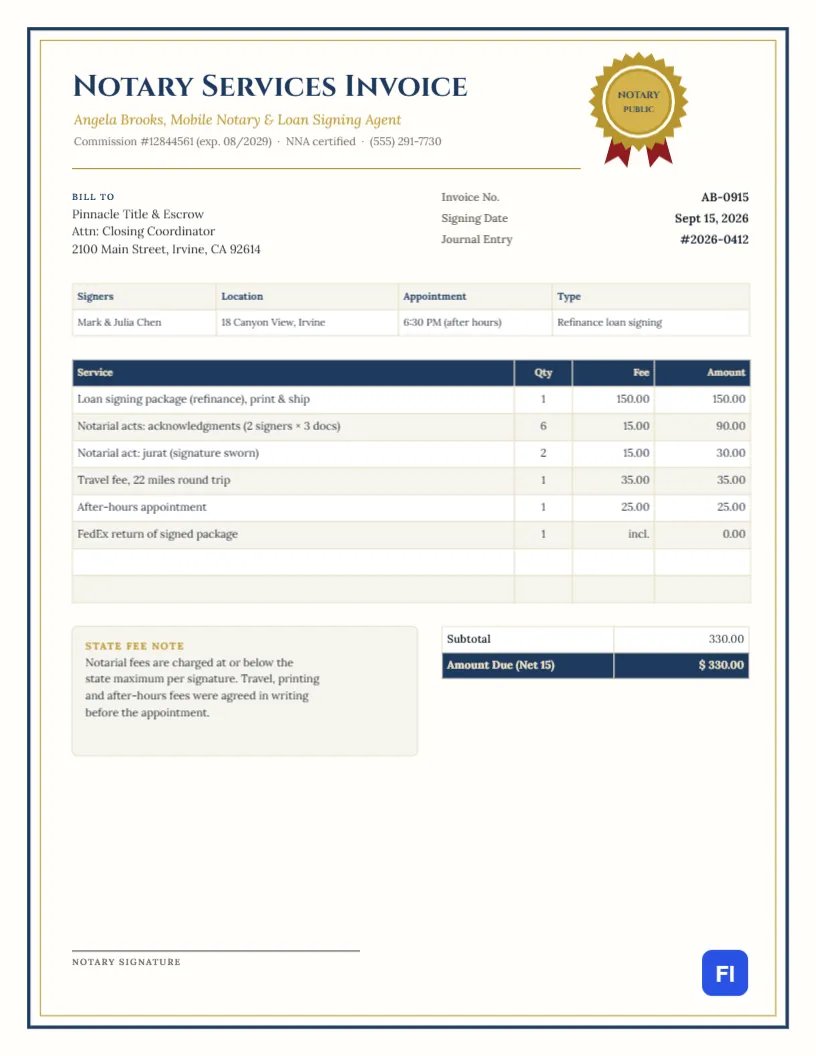
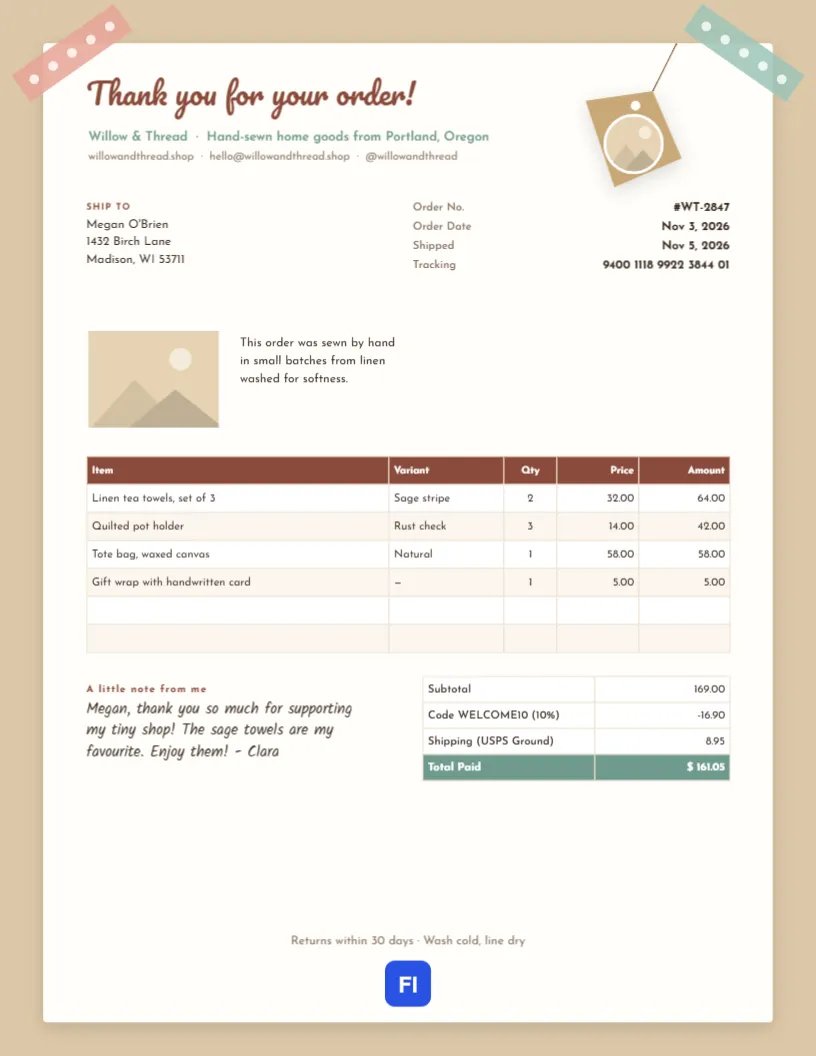
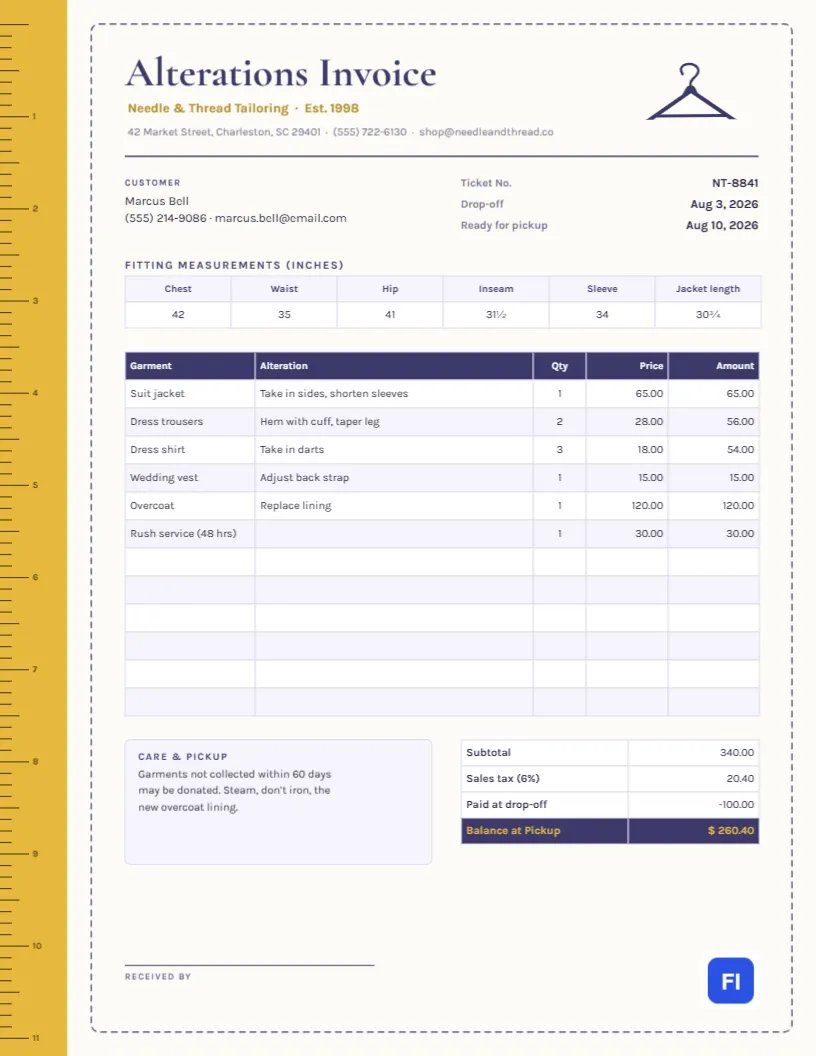
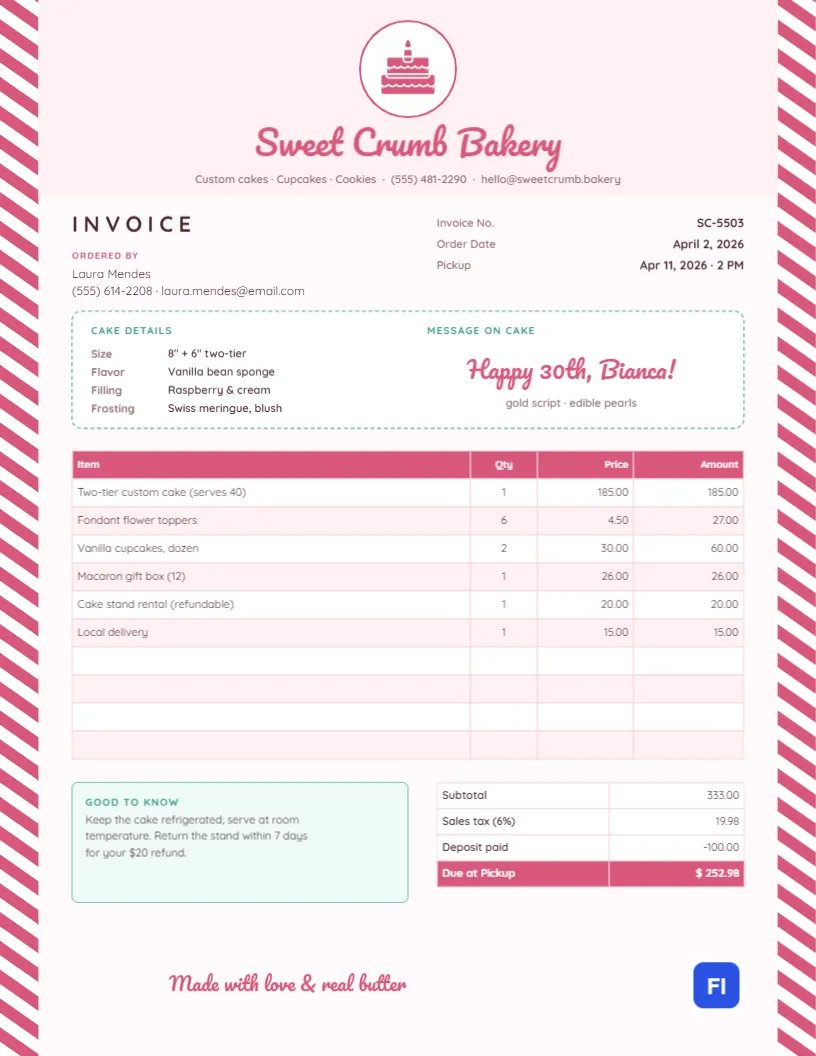
Clean, professional layouts built for B2B documents — browse the full gallery for more.

Visual Template Studio
Looking for Pre-Designed Purchase Order Templates?
Ordering inventory from vendors or issuing buying authorizations? Customize and download formal purchase orders and procurement formats directly in our visual template studio.
Common questions
What is a purchase order?
A purchase order (PO) is a document a buyer sends to a vendor formally requesting goods or services at agreed prices, quantities, and delivery terms. It's issued BEFORE the work is done or goods are shipped — the opposite direction of an invoice, which the vendor sends the buyer AFTER, requesting payment for what was already delivered.
Is a purchase order the same as an invoice?
No, and the roles are reversed. A purchase order is issued by the buyer, to a vendor, before delivery — it's an order, not a bill. An invoice is issued by the seller, to the buyer, after delivery — it's a request for payment. Many purchases involve both: a PO to place the order, then an invoice from the vendor once it's fulfilled.
Is a purchase order legally binding?
Generally yes, once a vendor accepts it — a PO is typically treated as an offer to buy under the stated terms, and vendor acceptance (by fulfilling it, confirming it, or invoicing against it) forms a contract. Exact legal treatment varies by jurisdiction and any separate agreement already in place with that vendor; this isn't legal advice.
What's the difference between a purchase order and an estimate or quote?
An estimate or quote is the VENDOR telling a prospective buyer roughly what something will cost, before any commitment. A purchase order is the BUYER's formal commitment to actually buy, at specific terms — often issued only after accepting a quote. See our estimate generator if what you need is the quote itself, not an order.
Do I need a PO number?
Not legally required, but strongly recommended — a unique PO number is what lets both sides match the order to the eventual invoice, shipment, and payment, especially once you're placing more than a handful of orders. This generator assigns one automatically, and you can adjust the format however you like.
Can a vendor reject a purchase order?
Yes — a PO is a request/offer to buy, not a guarantee the vendor has to fulfill. A vendor can reject it, or come back proposing different pricing, quantities, or timing, the same as they could reject or renegotiate any other order request.
What happens after I send a purchase order?
The vendor typically confirms it (verbally, by email, or with their own acknowledgment document), fulfills the order, and then sends an invoice referencing your PO number for payment. Keeping a copy of the PO makes it easy to check the invoice actually matches what was ordered.
Can I convert a purchase order into an invoice later?
Yes — once you're back in the main editor, switch the document type from Purchase Order to any invoice type and your business/line-item details carry over, ready to adjust for the actual invoice (useful if you're the one FULFILLING a PO someone sent you, and now need to bill them for it).
What should a good purchase order include?
A PO number, issue date, your business details (the buyer), the vendor's details, a delivery/ship-to address if different from your billing address, the requested delivery date, itemized products or services with quantities and agreed prices, and any payment or delivery terms. This generator includes fields for all of it.
Is this purchase order generator free?
Yes — completely free, with no signup and no account required, same as every other document type on this site.
More general questions? See our full FAQ.
Explore other invoice types
Billing varies by the work — see the other document types built for how you actually bill clients.
Commercial invoices
Built-in HS code, country of origin, and weight fields for customs documentation on international shipments.
Freelance & hourly work
Time-entry line items, deposits, and clean templates built for independent professionals.
Receipts
Payment, rent, and donation receipts with the fields specific to confirming a payment already made.
Estimates & quotes
Give a client a clear, itemized quote before work begins, using the same accurate calculations as a real invoice.
Trade & service work
Work orders, milestone billing, and per-trade templates for construction, plumbing, electrical, HVAC, and repair invoices.
Medical, legal & professional
Calm, clinical templates for medical and dental billing, and formal layouts for legal and accounting invoices.