Construction & trade invoice generator · Free · No signup
Invoice generator built for construction and trade work
Work orders, milestone billing, retainage, and per-trade templates for construction, plumbing, electrical, HVAC, and repair jobs. Fill in the job details, preview instantly, and download a PDF.

What's included
- Milestone billing — invoice by project phase instead of one lump sum, with each milestone shown as its own line.
- Retainage tracking — show the percentage withheld per payment and the running total held back, kept separate from the current amount due.
- Previous payments field group — show what's already been paid on the job to date, so the current invoice's balance due reflects the full running total, not just this invoice in isolation.
- Project details — job site address, project name, and PO number fields, so a large general contractor's accounts-payable team can match the invoice to the right job.
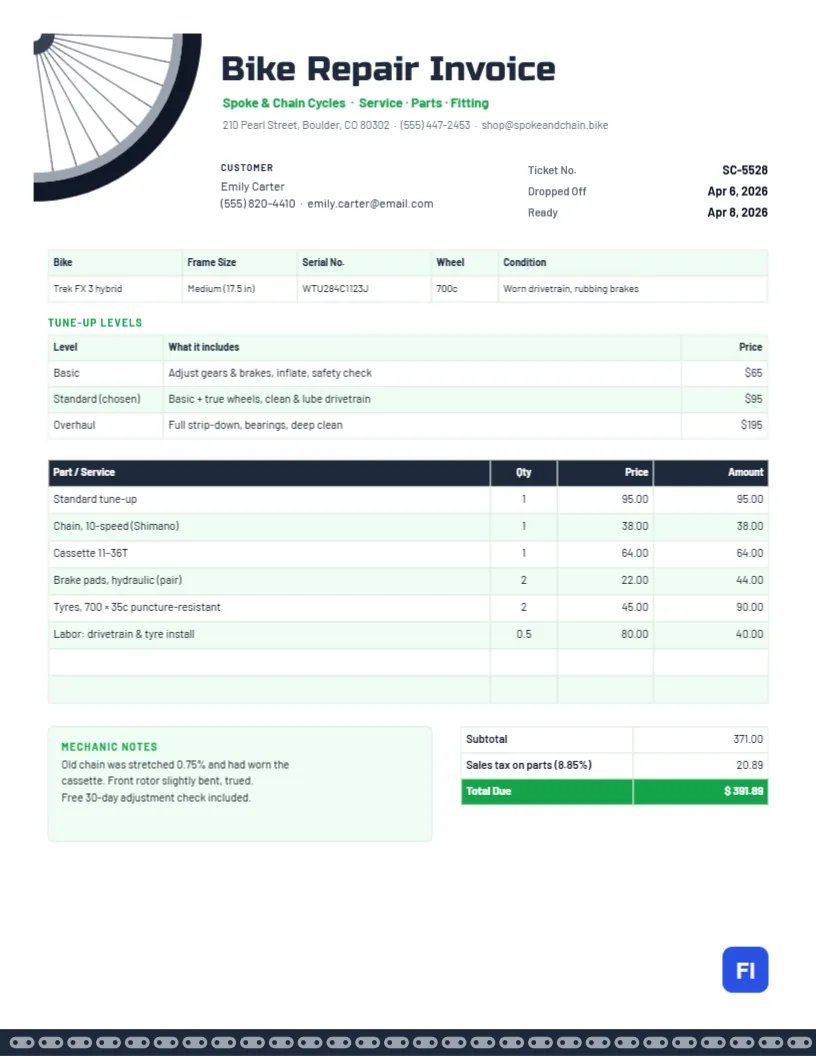
- Trade-specific document types — separate invoice types for plumbing, electrical, HVAC, landscaping, cleaning, general repair, auto repair, and mechanic work, each with a parts-and-labor line-item layout (SKU, quantity, unit, rate, tax).
- Work orders — a distinct "Work Order" document type for authorizing and documenting work before it's billed.
- Rugged, trade-appropriate templates — bold, high-contrast designs built for construction and field service, alongside any of our 50+ general templates.
How to invoice a job, step by step
- Pick the document type that matches the work. "Construction Invoice" for general contracting and phased projects, or the specific trade type (plumbing, electrical, HVAC, etc.) for a single-visit job.
- Add the project details. Job site address, project name, and PO number if the client issued one — this is what lets a client's accounts-payable team match your invoice to their records.
- Break the job into line items. For parts-and-labor work, separate material costs from labor so the client can see both; for phased projects, one line (or milestone) per phase.
- If the job is milestone-based, add each milestone. State what was completed for each one, not just a percentage — "Framing complete" reads better than "Milestone 2."
- Apply retainage if your contract calls for it. Show the percentage withheld and the amount, so the client sees the actual payment due is reduced by the agreed holdback.
- Show previous payments if this isn't the first invoice on the job. A running project makes much more sense to the client when each invoice shows what's already been paid, not just what's newly due.
- Preview, download, and send. Export the PDF and send it promptly — on a multi-invoice job, a predictable billing rhythm matters as much as the numbers being right.
Trades this covers
Beyond general construction, the editor has dedicated document types for plumbing, electrical, HVAC, landscaping, cleaning, general repair, auto repair, and mechanic work — each with a parts-and-labor line-item layout and templates styled for field service rather than corporate billing.
Common mistakes on trade invoices
- Not separating parts from labor — clients want to see what they're paying for materials vs. time, especially on larger jobs.
- Vague milestone descriptions — "Phase 2" means nothing without a note on what was actually completed.
- Forgetting to show retainage — if your contract has a holdback clause, showing it builds trust; omitting it invites a dispute later.
- No job site reference — a general contractor managing several concurrent jobs needs the site address or project name to route the invoice correctly.
- Inconsistent invoice numbering across a multi-invoice job — keep a clear, sequential trail so both sides can reconcile what's been billed and paid to date.
Templates for trade & field service work
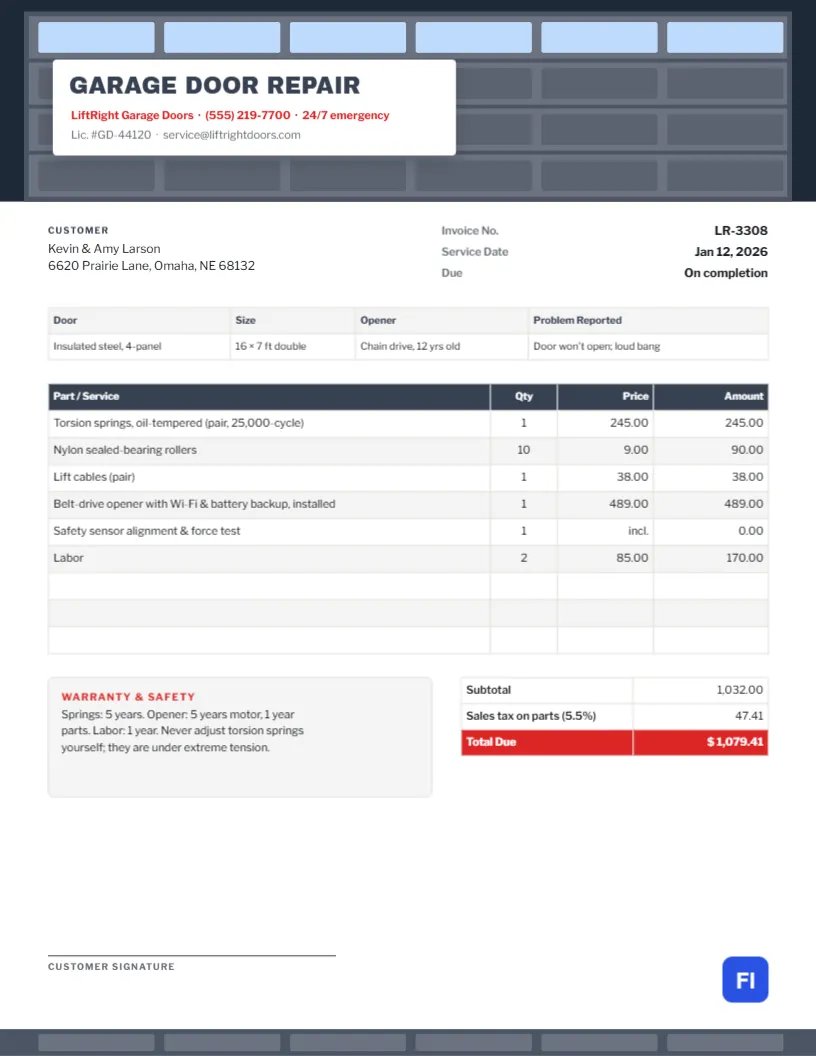
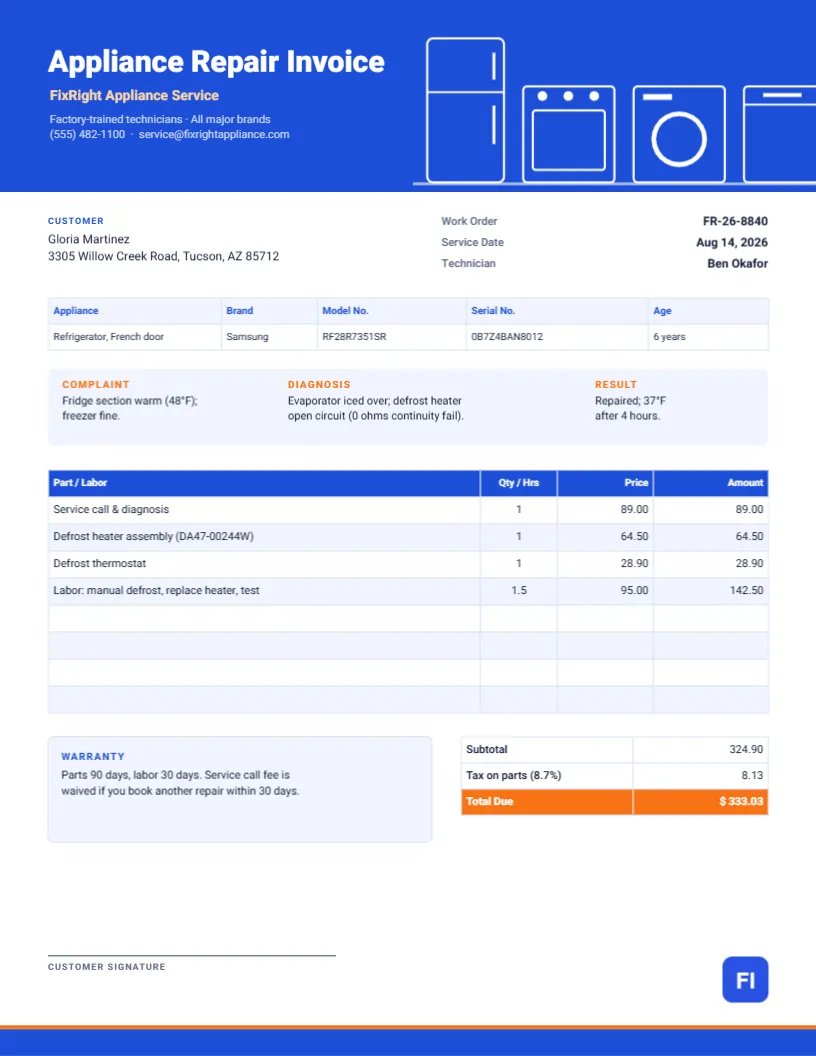
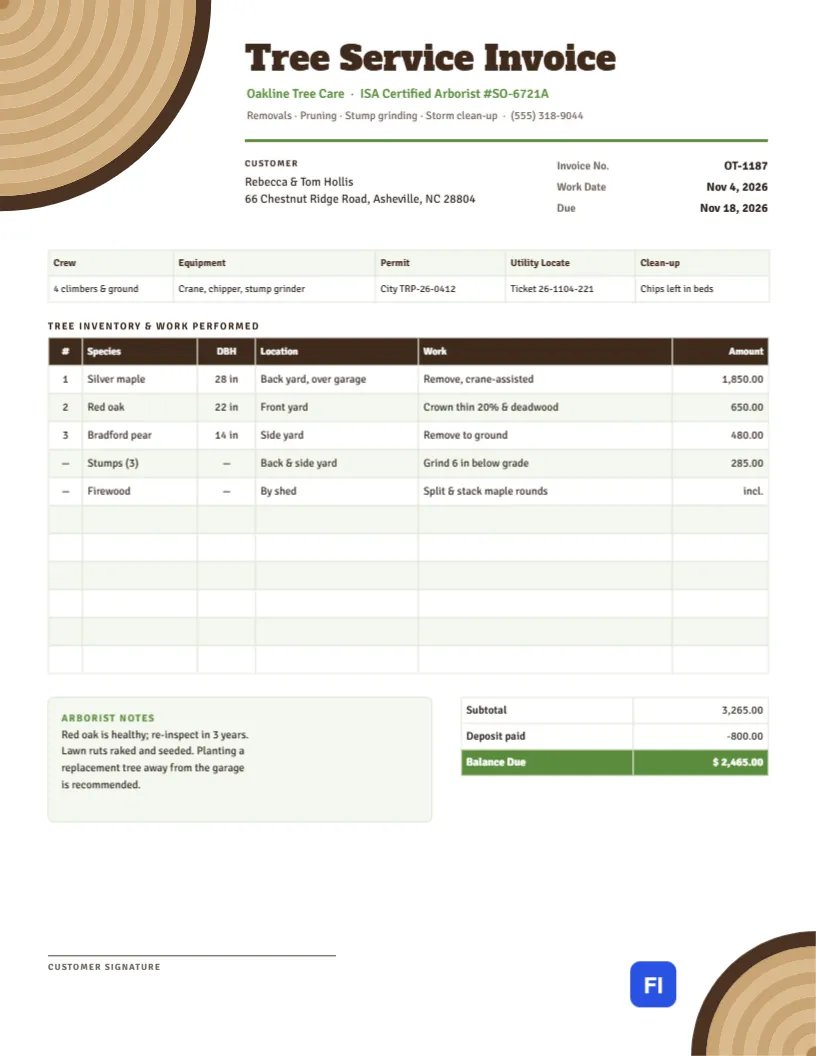
Rugged, high-contrast designs built for the job site — browse the full gallery for more.

Visual Template Studio
Looking for Pre-Designed Trade & Contractor Templates?
Need a professional layout for work orders and job estimates? Customize print-ready construction and contractor invoices directly in our visual template studio.
Common questions
Can I bill a construction job in phases?
Yes — the construction invoice type supports milestone billing, plus optional field groups for project details, previous payments, and retainage. Add a milestone per phase of the job and the invoice shows exactly what's being billed for at each stage.
What is retainage and does this tool handle it?
Retainage is a percentage of each payment withheld until the job is fully complete, common in construction contracts as a completion guarantee. Turn on the retainage field group for a construction invoice to show the withheld amount and the running total held back, separate from the current payment due.
Do the trade-specific invoices (plumbing, electrical, HVAC) work differently from a general invoice?
They share the same underlying editor and calculation engine, just with a line-item column set (SKU, quantity, unit, rate, tax) suited to parts-and-labor billing, and recommended templates styled for trade work. Pick whichever type label matches your trade — the fields adapt automatically.
Is a work order the same as an invoice?
No — a work order documents what work was authorized and performed, often used internally or with a client before billing. Once the work order is complete, you'd typically create a separate invoice referencing it. Our editor supports "Work Order" as its own document type for exactly this.
More general questions? See our full FAQ or the complete construction invoicing guide.
Explore other invoice types
Billing varies by the work — see the other document types built for how you actually bill clients.
Commercial invoices
Built-in HS code, country of origin, and weight fields for customs documentation on international shipments.
Freelance & hourly work
Time-entry line items, deposits, and clean templates built for independent professionals.
Receipts
Payment, rent, and donation receipts with the fields specific to confirming a payment already made.
Estimates & quotes
Give a client a clear, itemized quote before work begins, using the same accurate calculations as a real invoice.
Purchase orders
Order from a vendor with a proper PO — your business as the buyer, vendor and ship-to fields, before any invoice is due.
Medical, legal & professional
Calm, clinical templates for medical and dental billing, and formal layouts for legal and accounting invoices.