50+ templates · Free · No signup
Invoice templates for every kind of business
Every template below is a genuinely different design — not a single layout with a color swap. Pick one, click through to the editor with it already selected, and switch anytime without losing your data.
Minimal

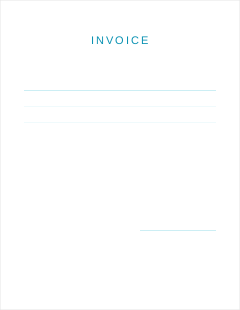
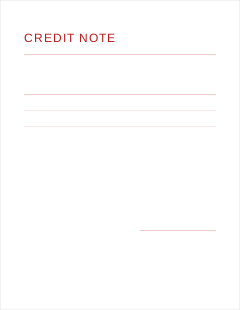
Modern

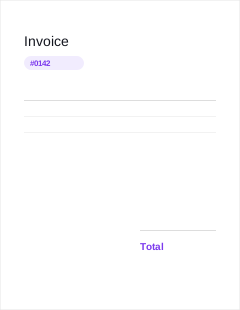
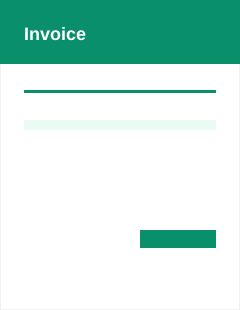
Corporate
Professional

Elegant
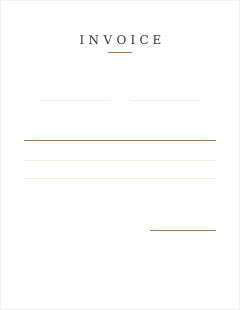

Creative

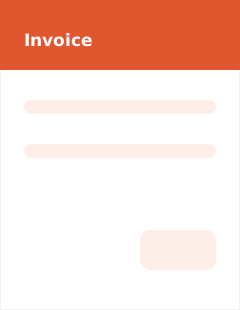
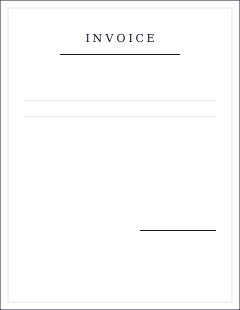
Bold


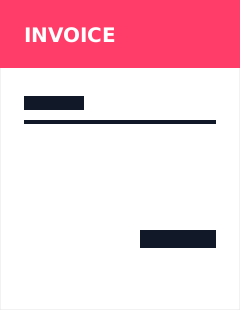
Classic
Traditional
Compact


Detailed
Service-Based

Product-Based
International Trade


Freelancer

Construction
Medical
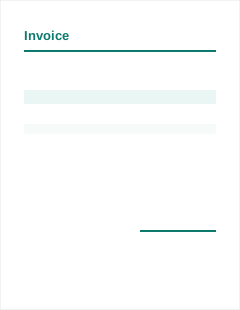
Legal
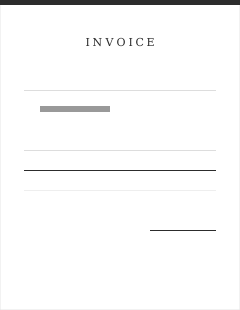
Retail
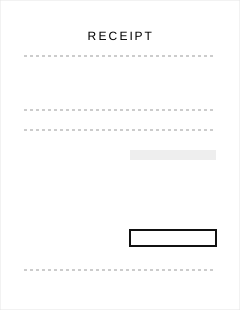
Luxury
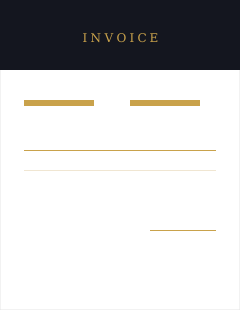

How to choose an invoice template
The right template depends less on personal taste and more on who's going to receive it. A construction client expects a work-order-style layout with clear job details; a design agency's client expects something with visual personality; a hospital billing department expects something calm and legible over something bold. Start from the category that matches your industry, then narrow down by which specific layout best fits how much detail your invoices typically carry — a short freelance invoice with two line items reads better in a spacious, minimal design than a dense, compact one built for long itemized lists.
A few practical filters worth applying before you commit to one:
- How many line items do you typically bill? A dense, compact template (see the Compact category) handles long lists better than a spacious minimal one, which can push a 20-line invoice onto a second page unnecessarily.
- Does your invoice need extra fields? International trade needs HS code/origin/weight columns; medical needs patient/insurance sections; construction benefits from milestone and retainage support. Pick a category built for that, and the underlying field set follows automatically once you also pick the matching document type.
- What tone matches your brand? Luxury and elegant templates suit hospitality, real estate, and high-end retainer work; bold and creative templates suit agencies and freelancers who want to stand out; classic and traditional templates suit legal, accounting, and formal B2B billing.
What makes a good invoice template
Beyond looking clean, a genuinely good invoice template gets a handful of structural things right: the total and balance due are impossible to miss (usually bottom-right, visually distinct), line items are legible at a glance without cramming, and there's enough whitespace that the document doesn't read as a wall of numbers. Every template here is built against that bar — and against real Dompdf PDF rendering, not just a browser preview, since a layout that looks right on screen can still break across page boundaries in an actual PDF if it wasn't tested against one.
Every template is fully editable
Picking a template is a starting point, not a final commitment. Every template supports your own logo, a custom accent color that carries through headers and totals, and any of the 65+ document types the editor supports — a "Luxury" category template works just as well for a hotel invoice as it does for a real estate retainer, once you've picked the invoice type that matches your document. Switching templates mid-edit never loses your data; only the layout changes.
Common questions about templates
Are these invoice templates really free?
Yes. Every template on this page is free to use, with no watermark and no signup — pick one, fill in your details, and download a PDF.
Can I change the template after I've started filling in my invoice?
Yes. Switching templates at any point in the editor keeps all your data — business details, line items, taxes, everything — and only changes the layout.
Can I add my own logo and brand color to a template?
Yes. Upload a logo and set an accent color once, and most templates apply it consistently to headers, totals, and highlights throughout the document.
What file format do I get?
A standard, print-ready PDF, generated from the exact layout shown in the live preview — not a separate "export" version that looks different from what you saw while editing.
Do templates work for multi-page invoices?
Yes. Every template handles pagination correctly — margins, headers, and totals stay consistent across pages even on a long, multi-page invoice with dozens of line items.
Which template should I use for my industry?
Browse by category above — minimal and modern templates suit most general business use, while categories like construction, medical, legal, and international-trade have templates with fields and styling built for those specific document types.
More general questions? See our full FAQ, or start with our invoice generator if you're not sure where to begin. If you don't actually need a template at all — just a fast walk-in sale rung up in seconds — Quick Billing skips the template picker entirely.
Visual Template Studio
Looking for Graphic, Printable Studio Templates?
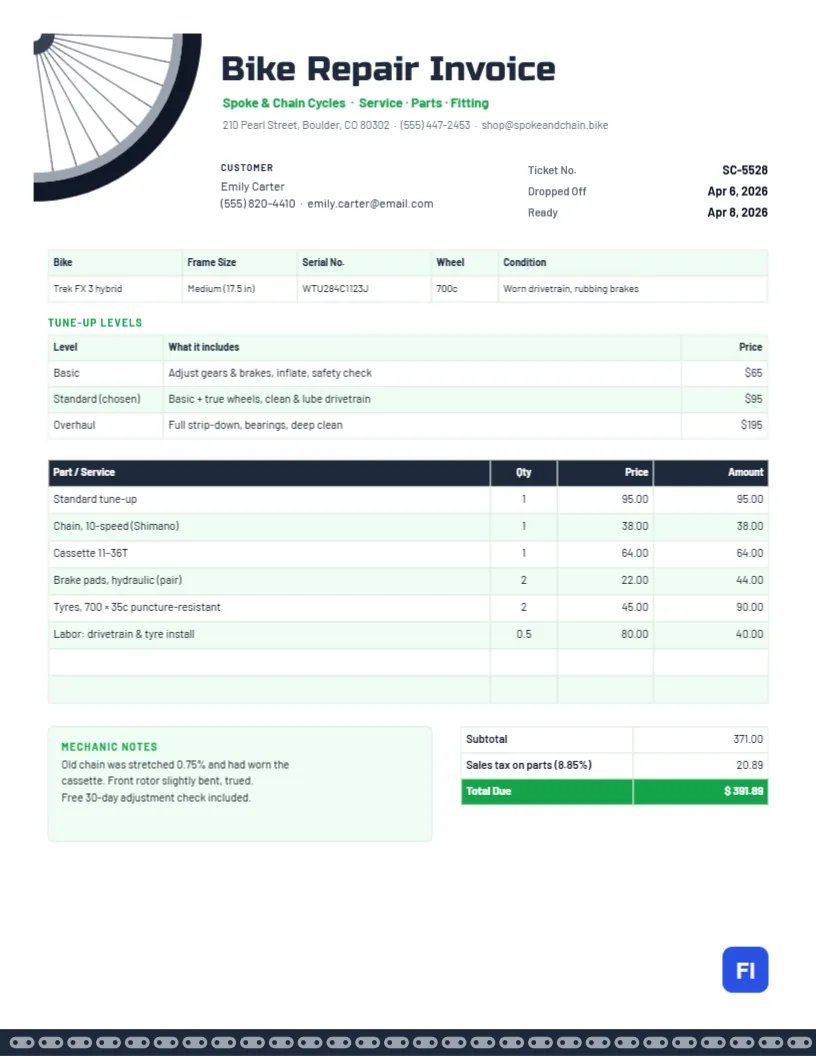
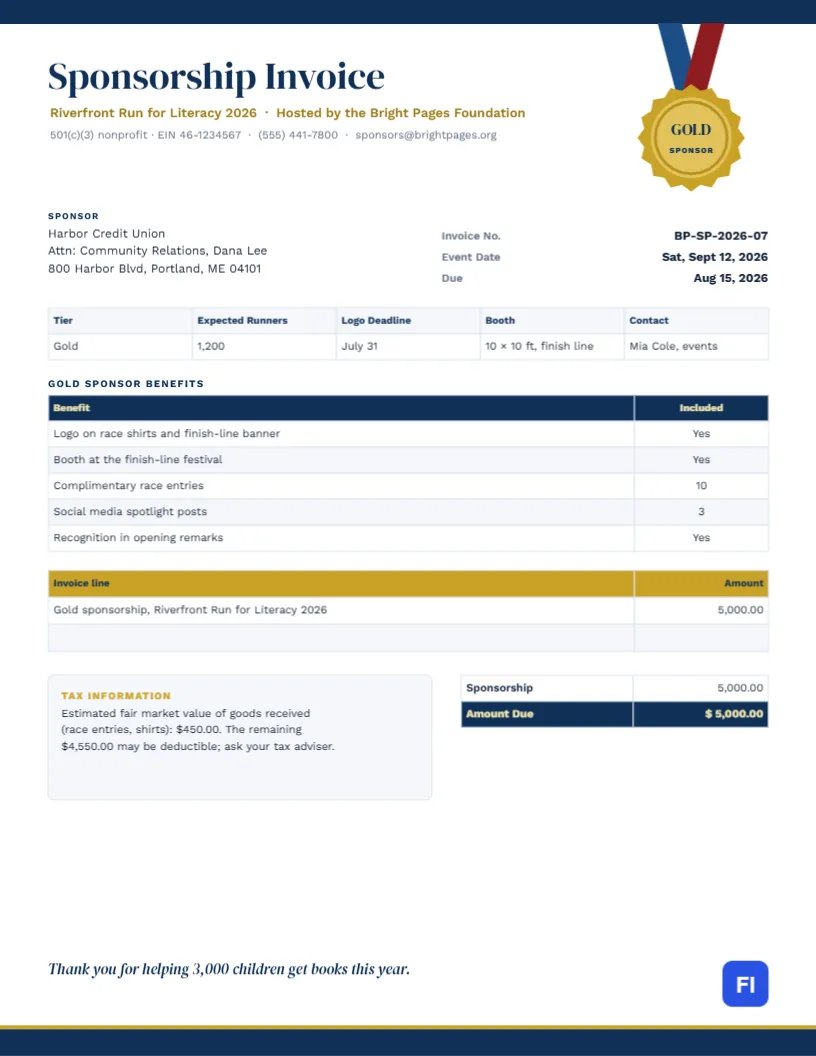
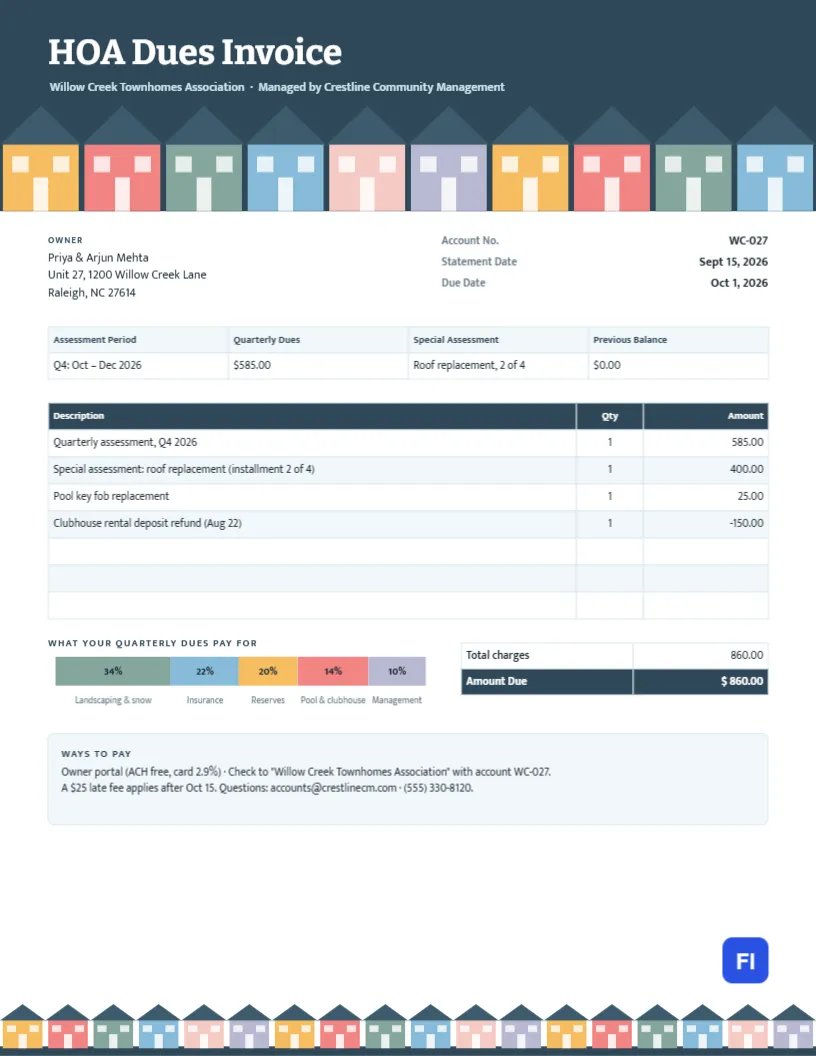
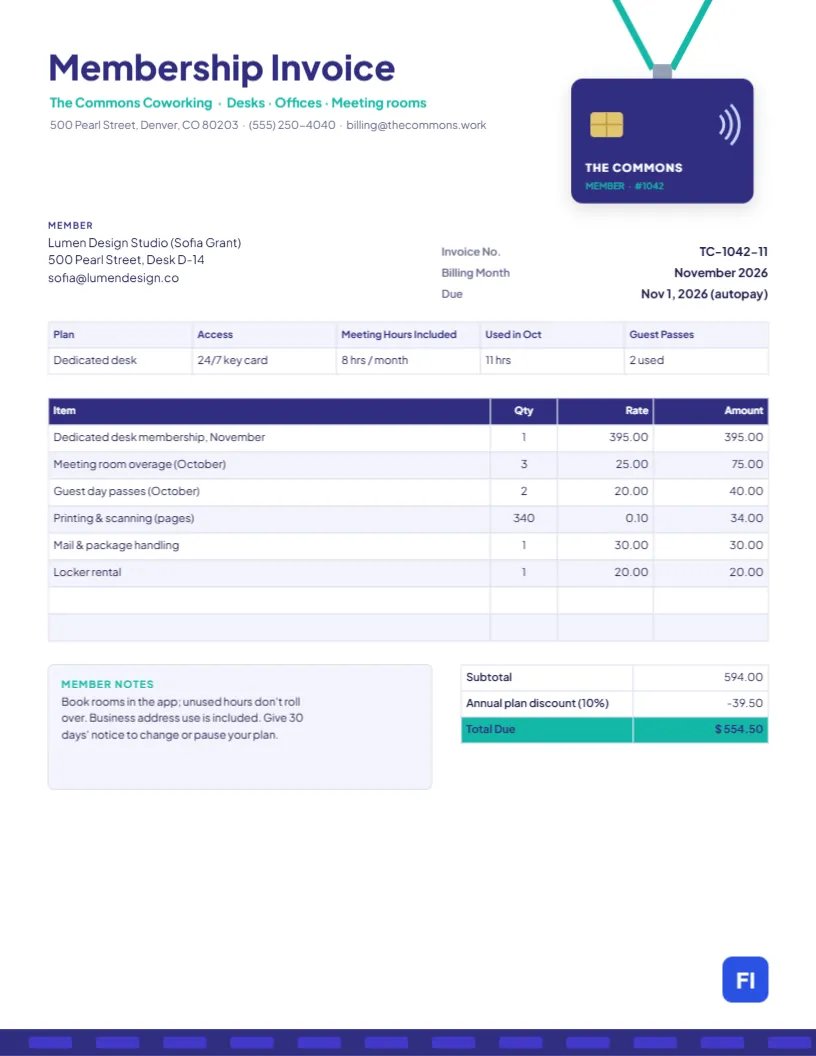
Want a layout with custom decorative headers, badges, and print-ready typography? Browse our in-browser visual template studio with 100+ editable designs.
Not sure which one to pick?
Start with any template — you can switch designs at any point while editing without losing your data.
Start Creating Your Invoice