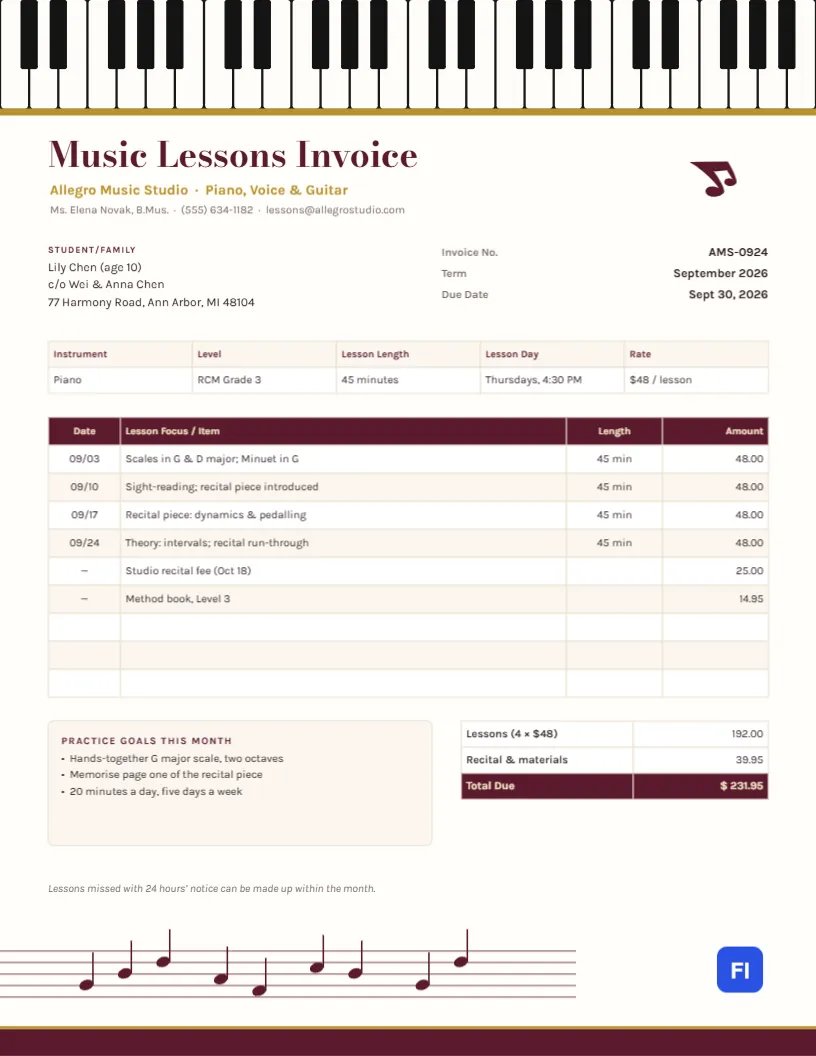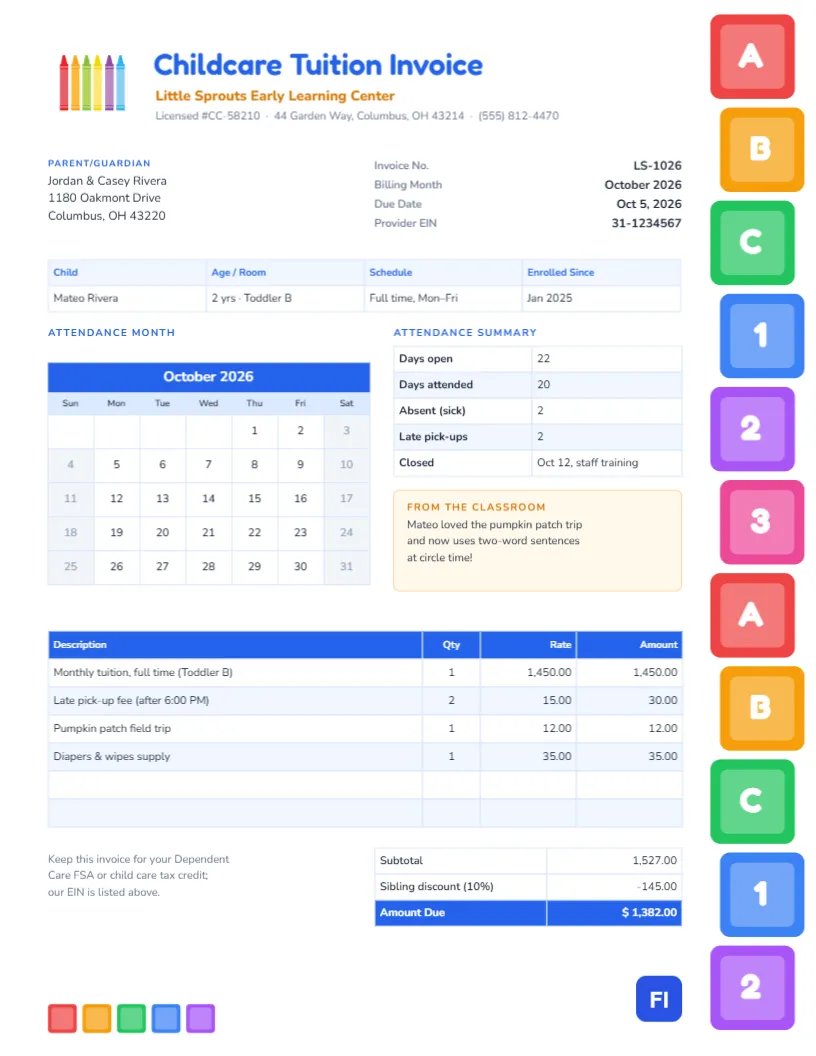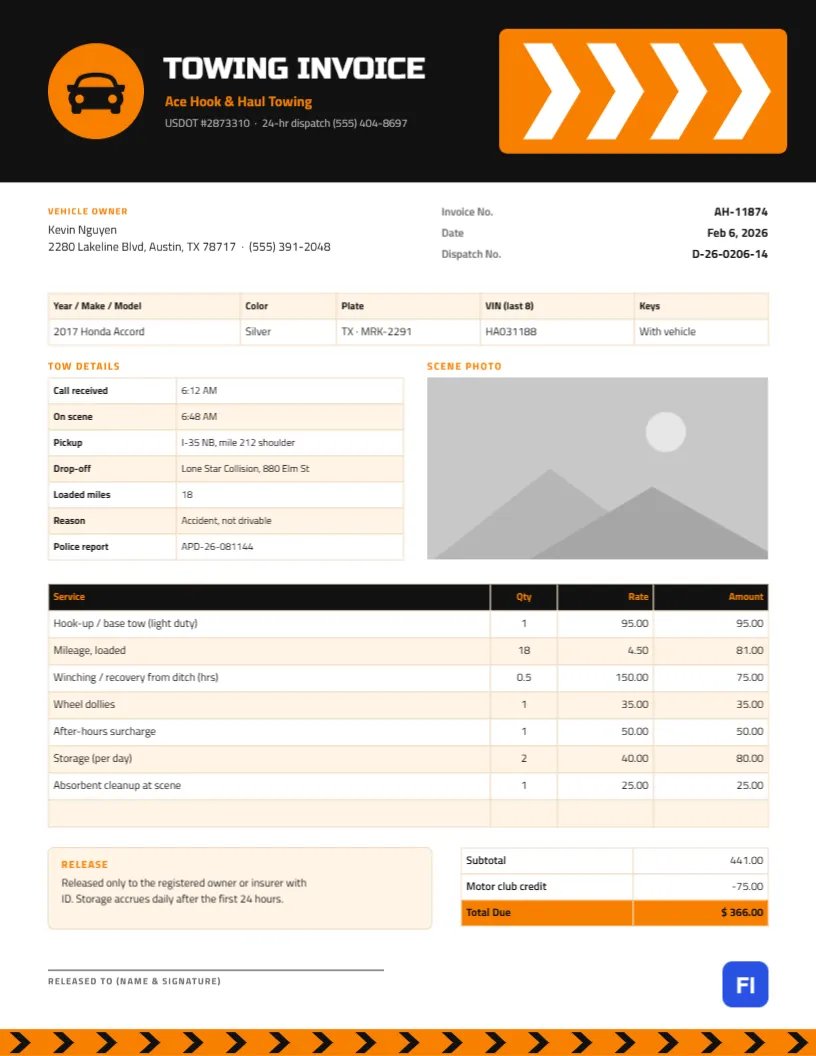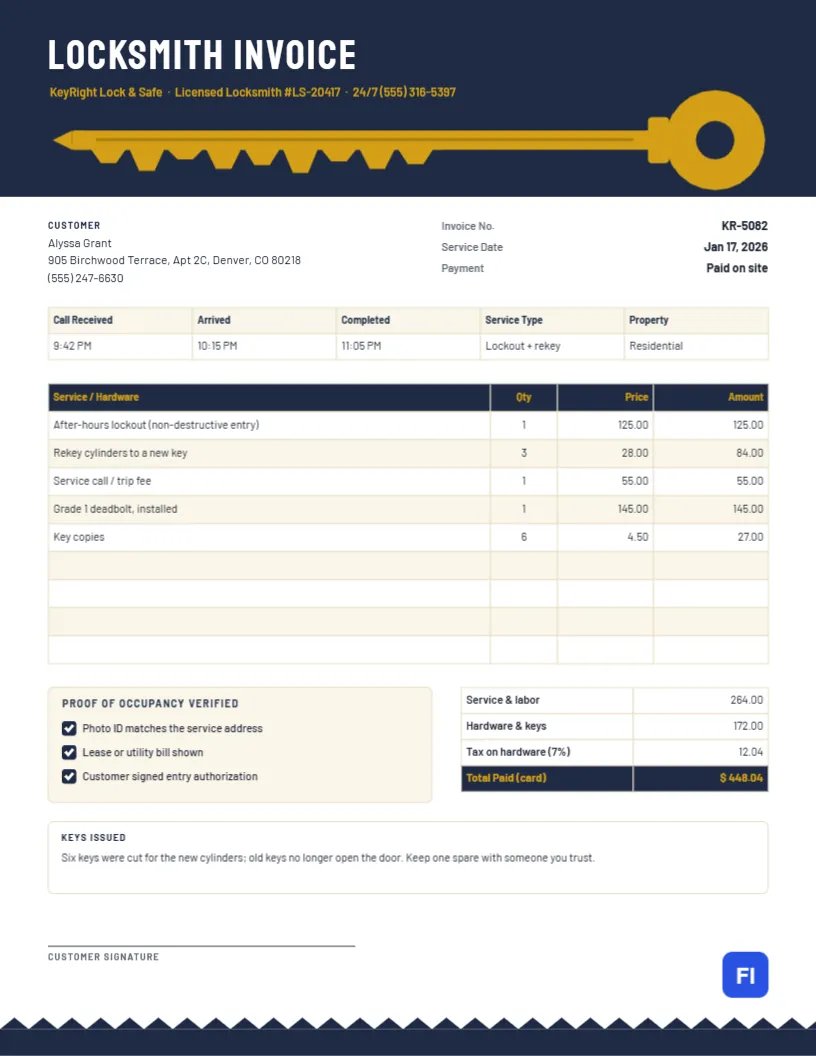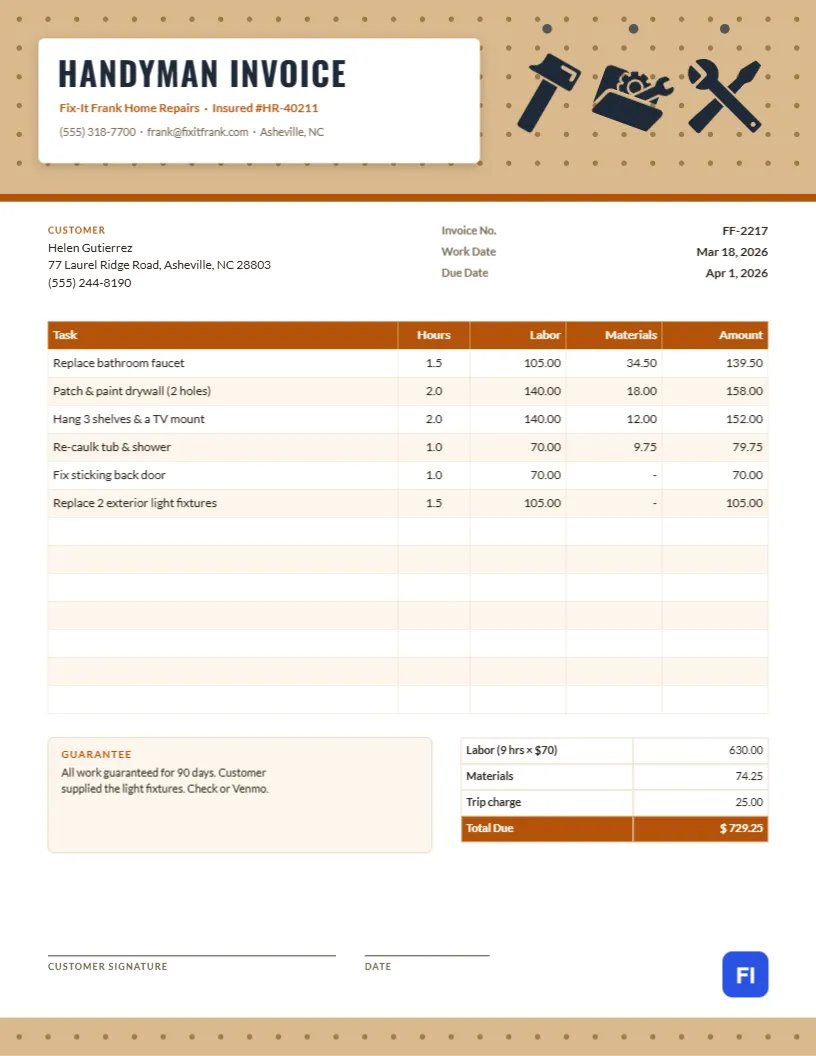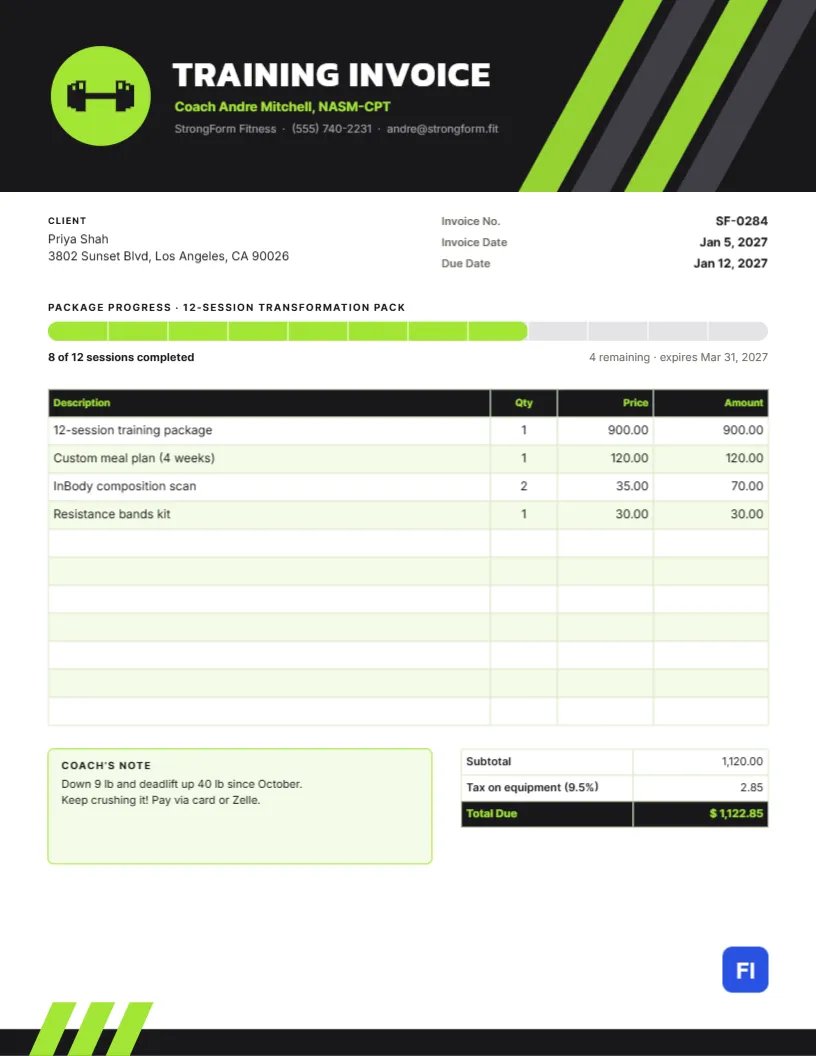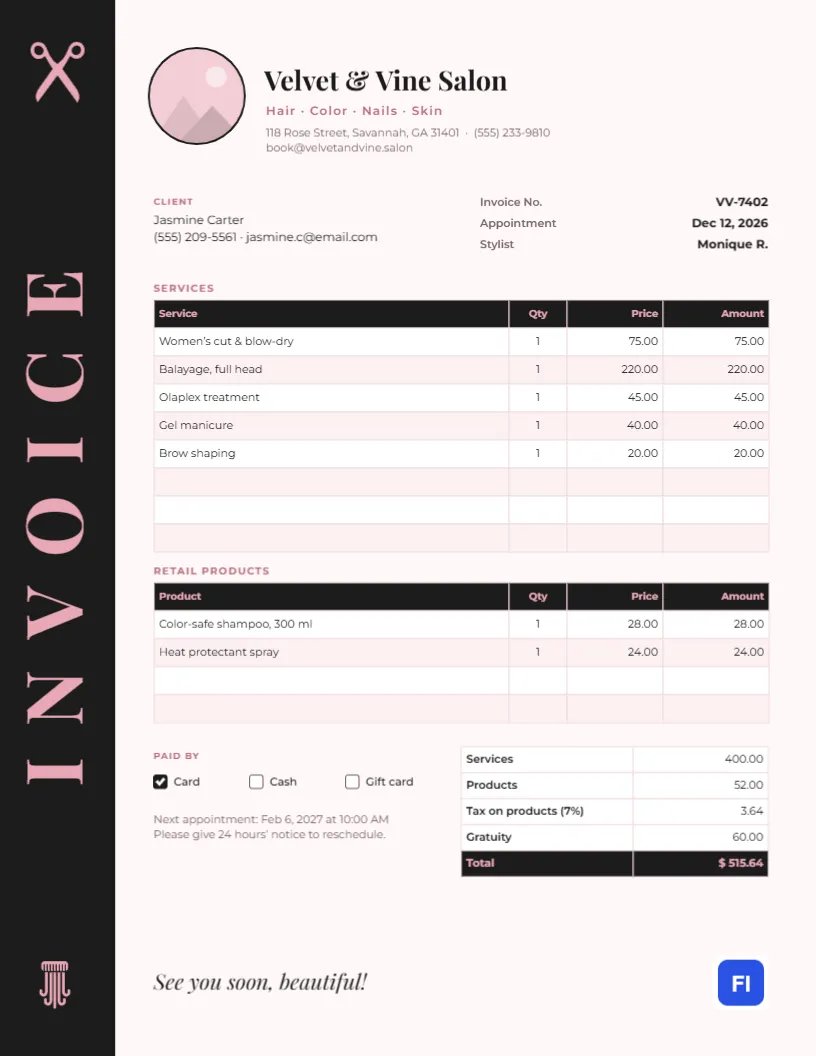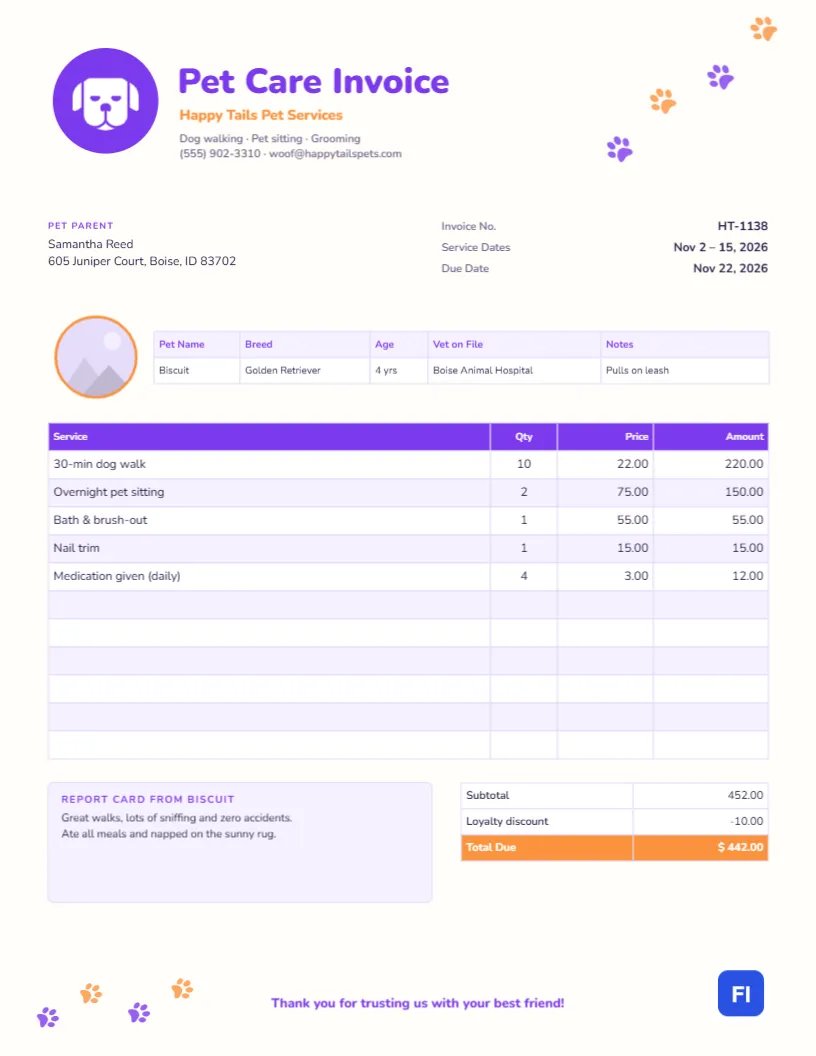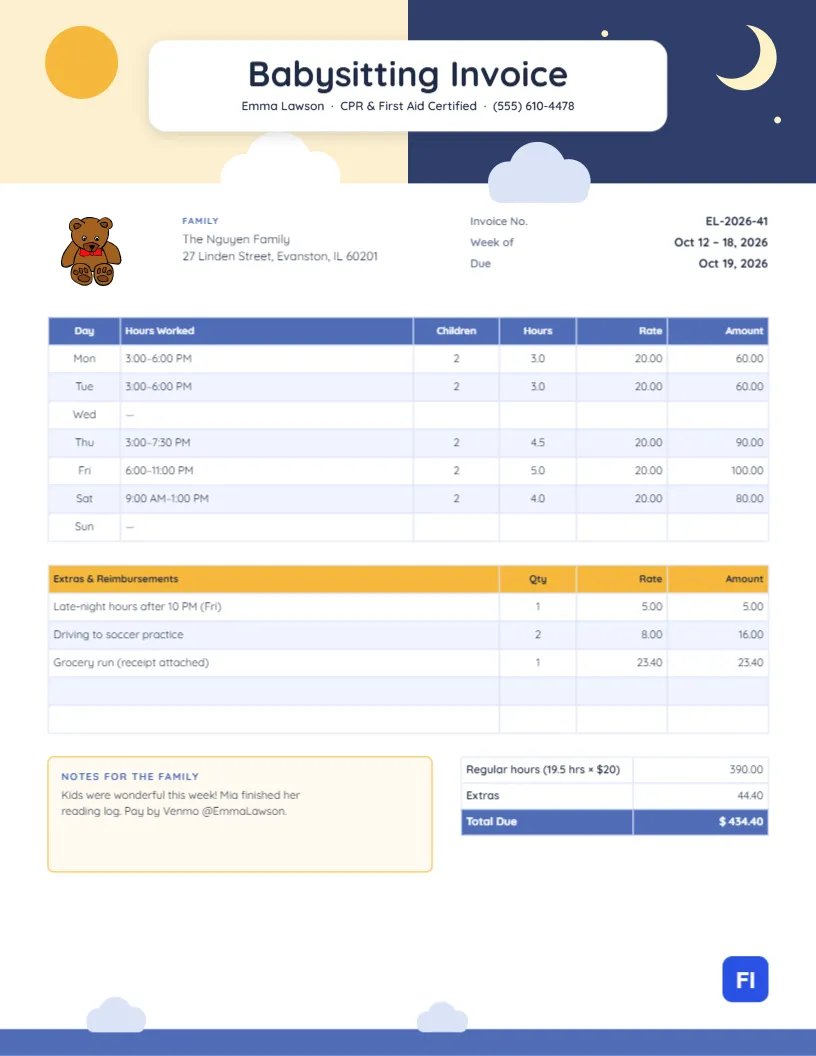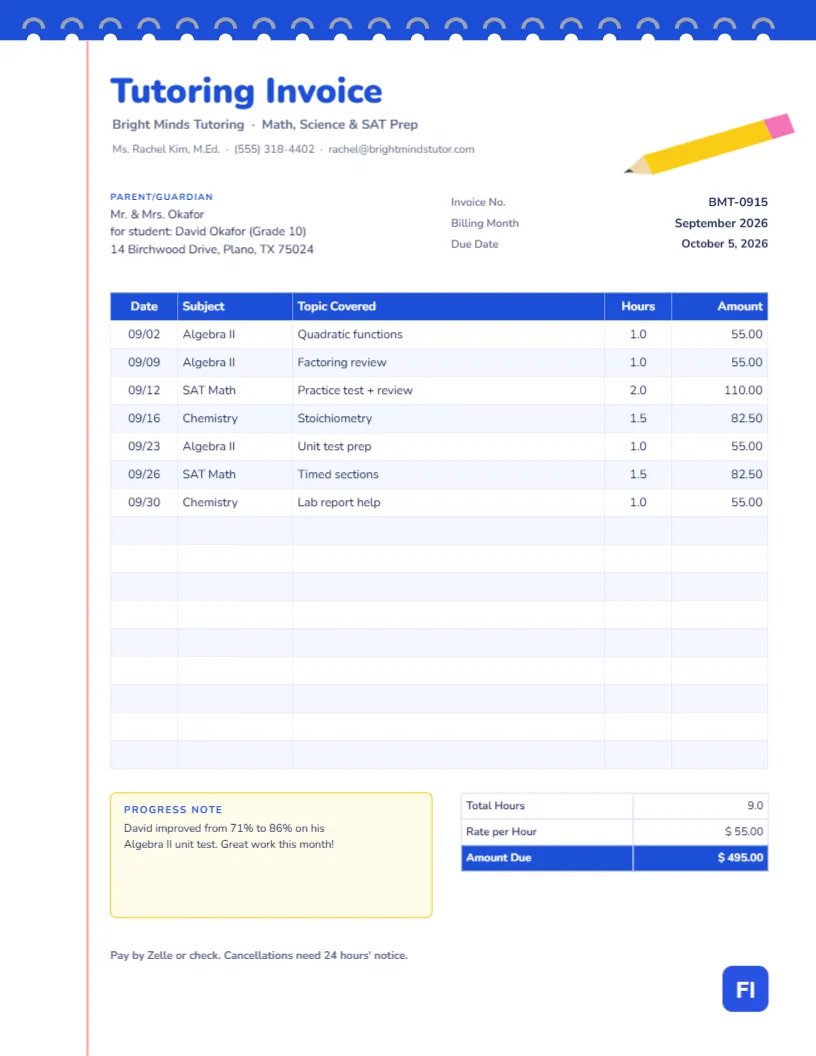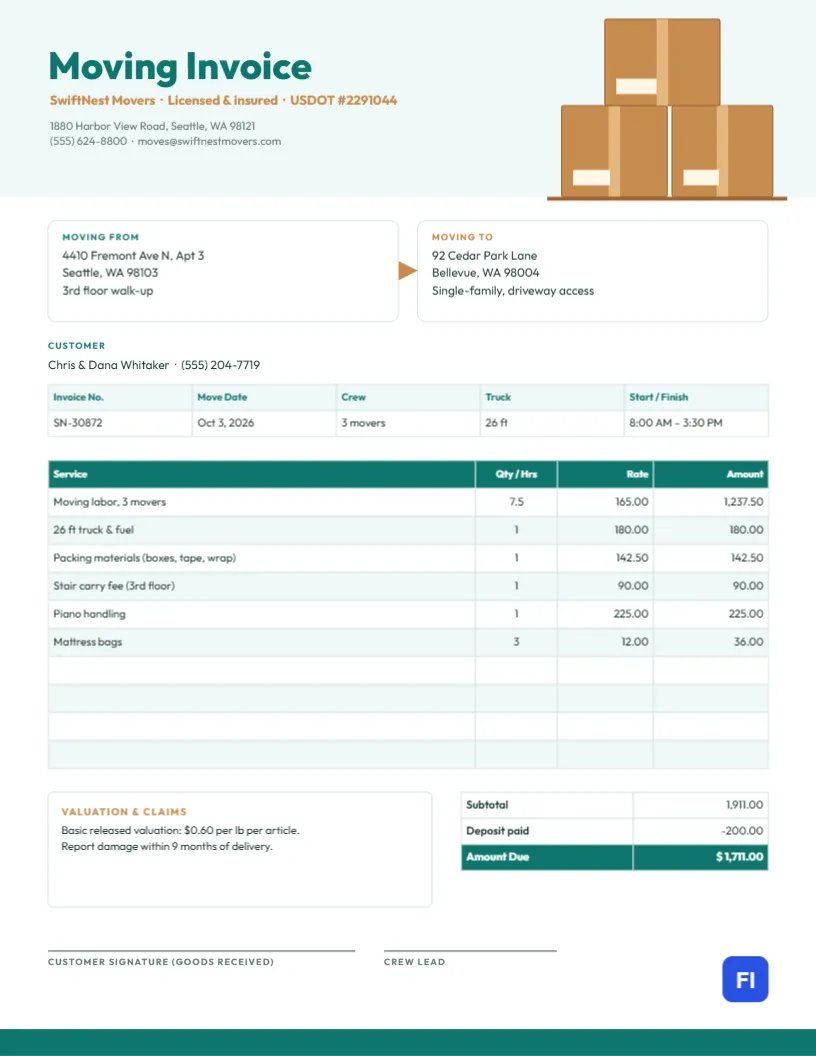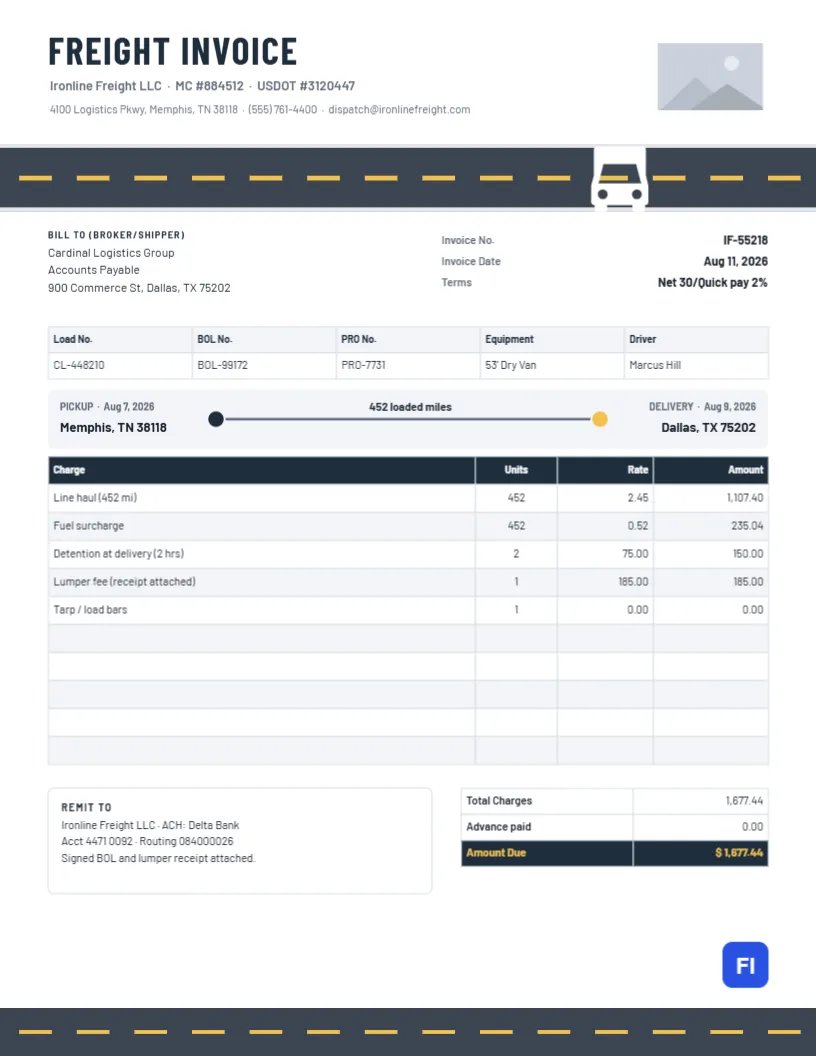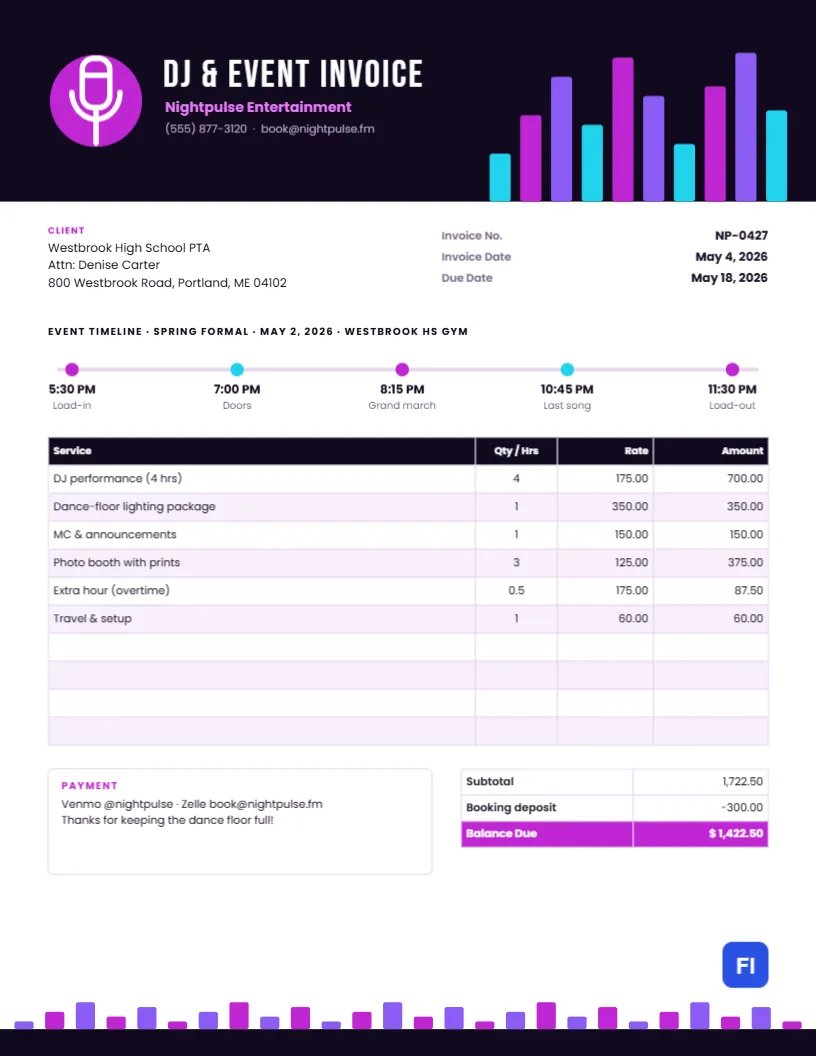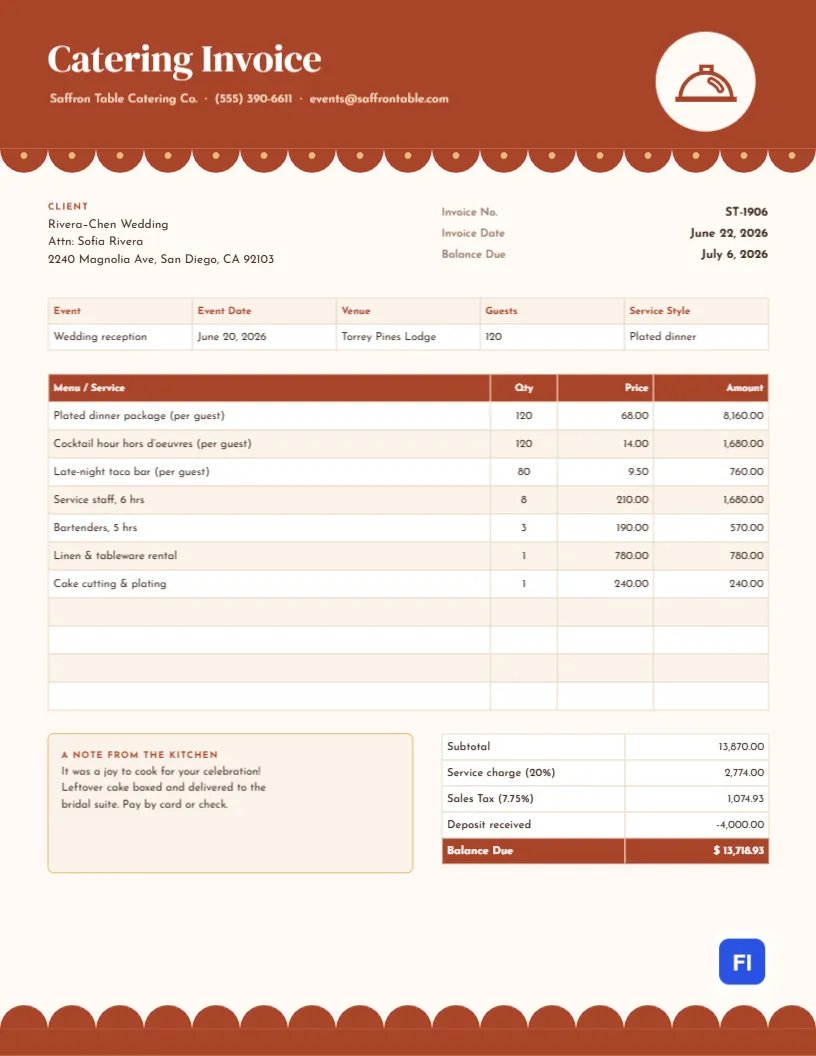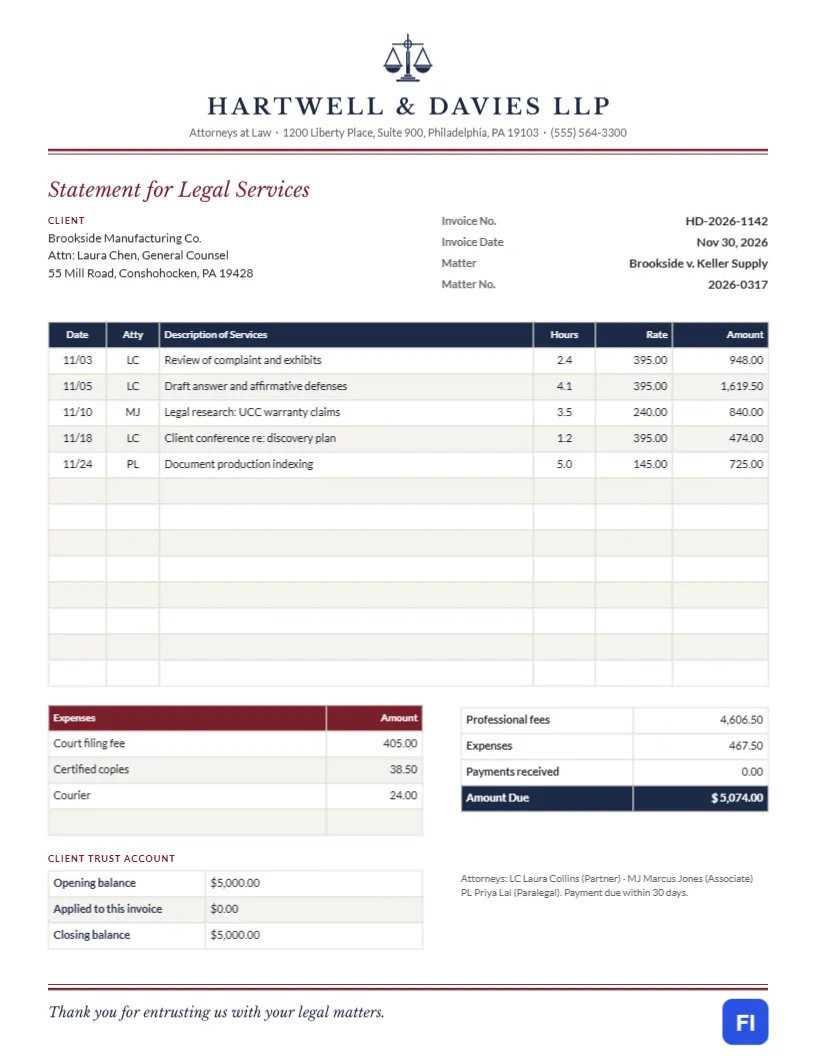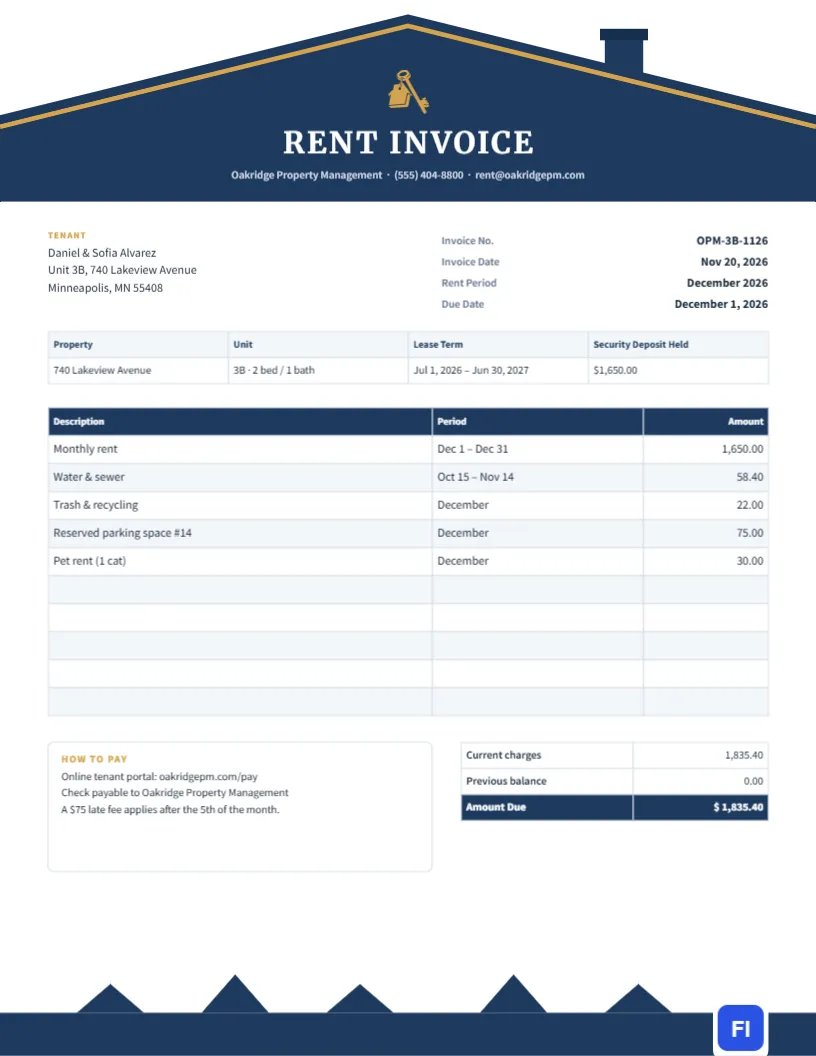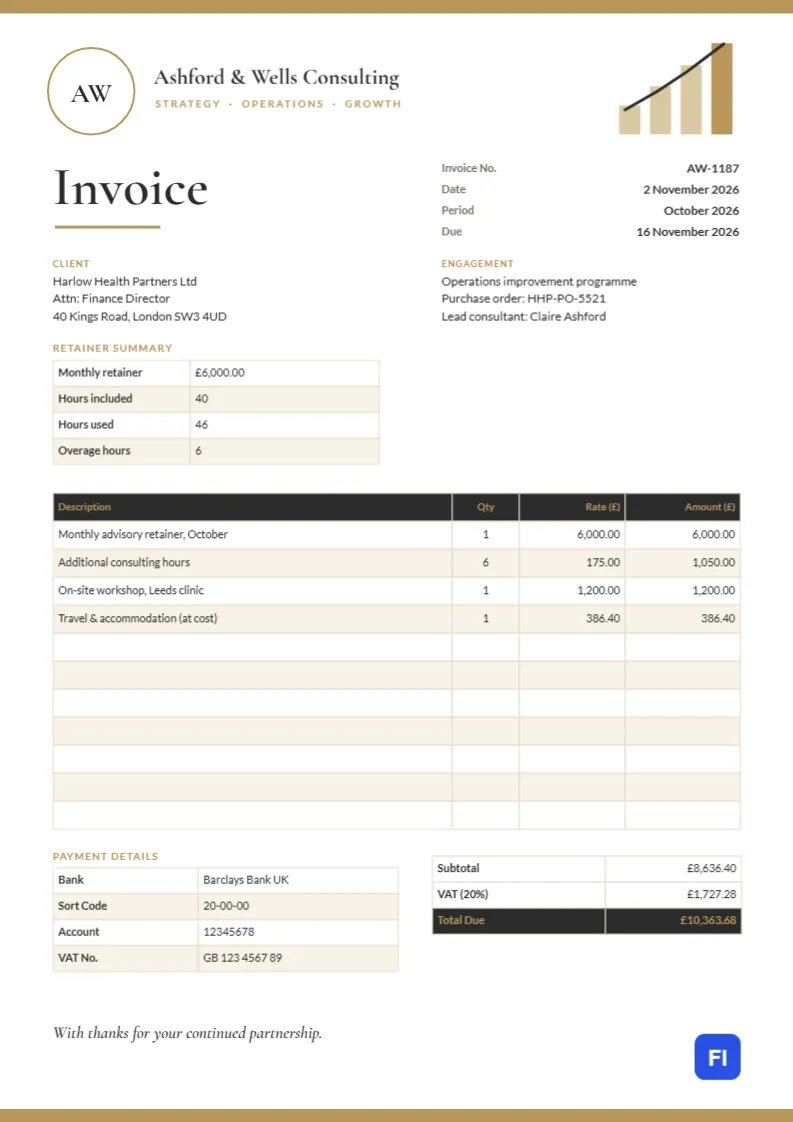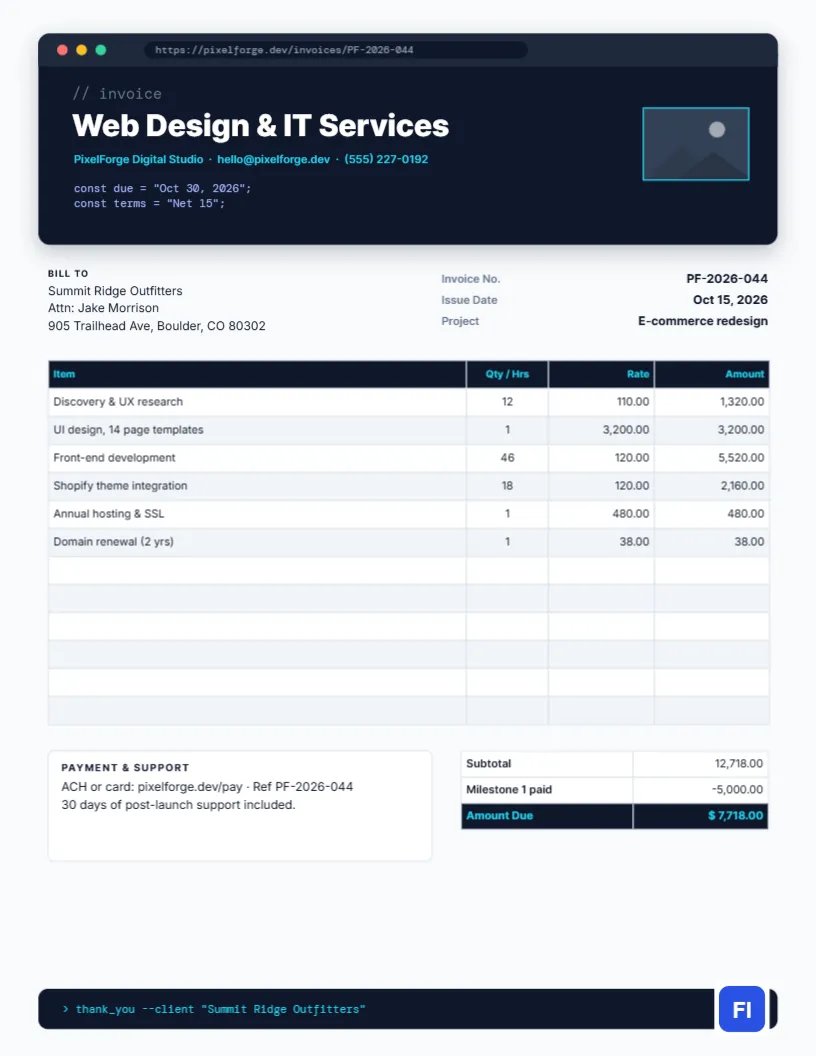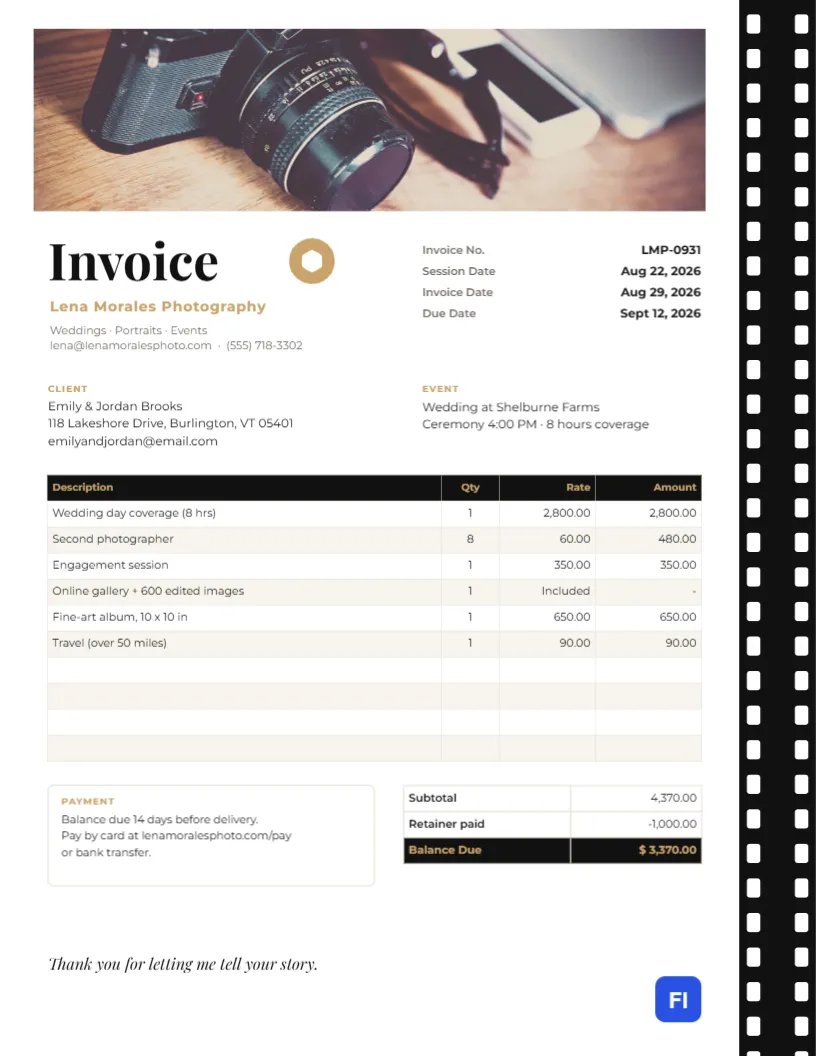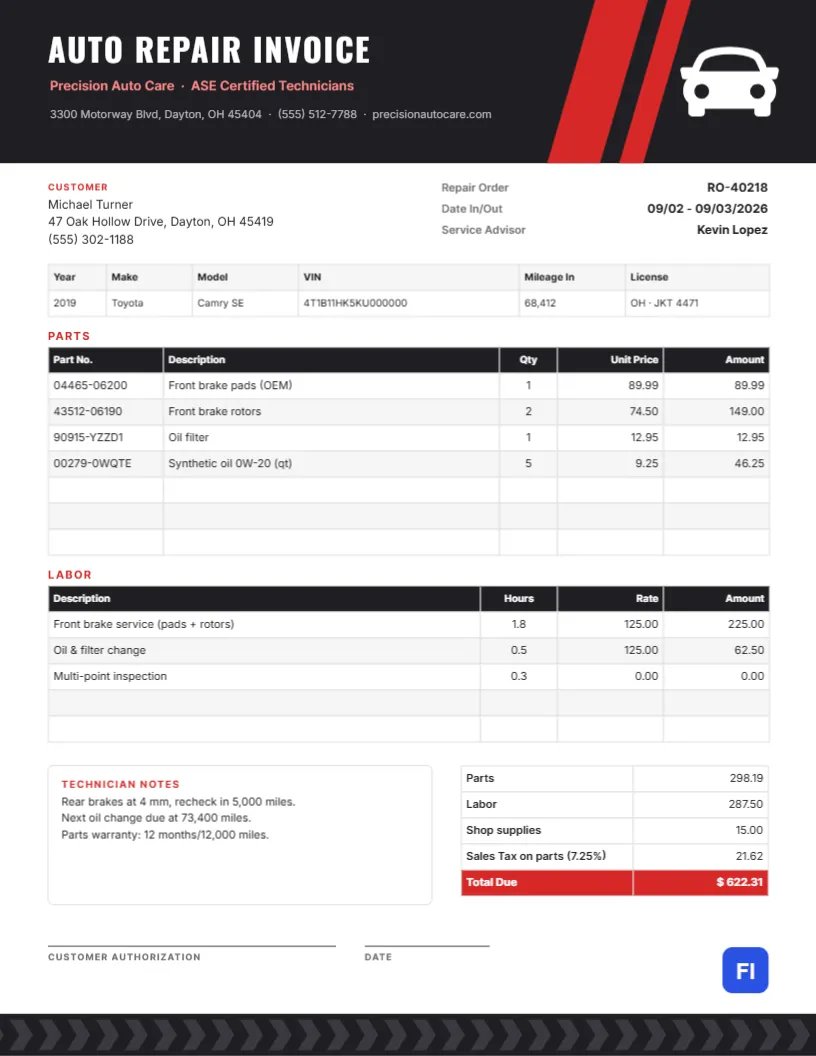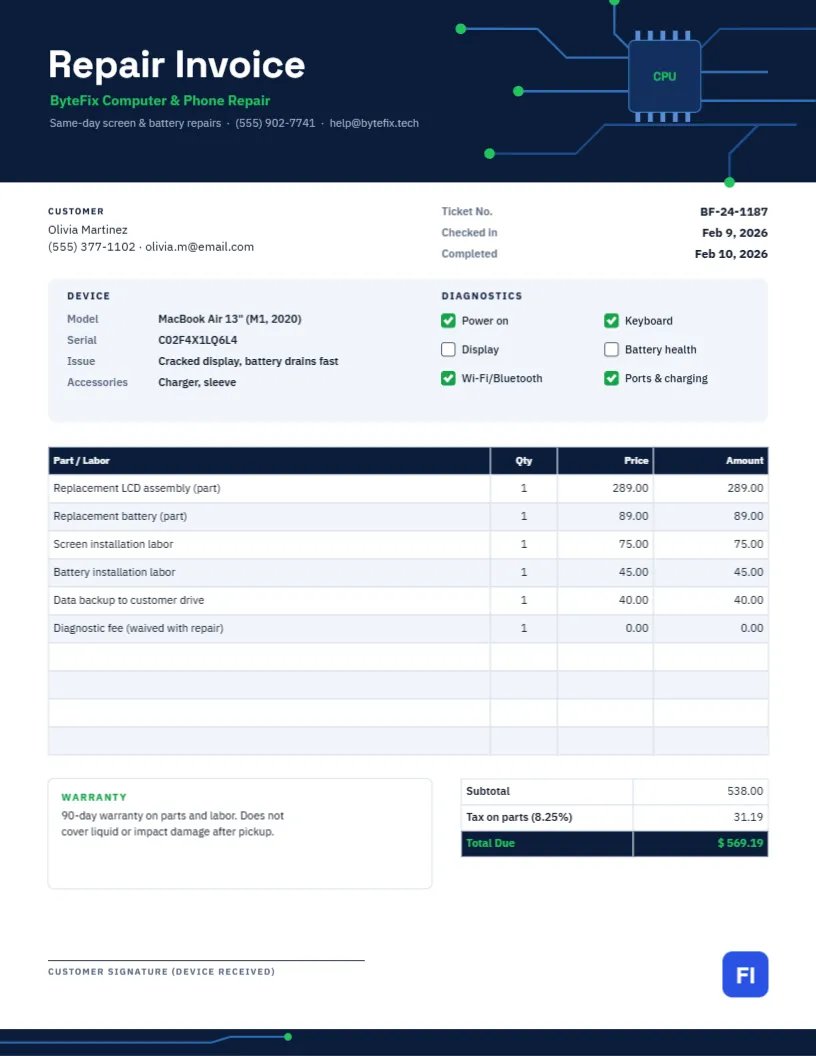
When a customer hands over a laptop or phone for repair, they are trusting you with something expensive and full of personal data. The paperwork needs to show exactly which device you received, what was wrong, what you tested, which parts you replaced, and how long the repair is guaranteed. This Computer and Phone Repair Invoice Template records all of it on one page, with a navy header drawn as a circuit board and a diagnostics checklist that shows the device’s condition at a glance.
Repair Shops, Technicians and IT Help Desks
The template fits computer and laptop repair shops, phone and tablet repair counters, game console repairers, mobile technicians, school and office IT help desks, and managed service providers doing break-fix work. The sample shows ByteFix Computer & Phone Repair invoicing Olivia Martinez for a MacBook Air with a cracked display and a battery that drains quickly: a replacement LCD assembly and battery, installation labor for each, a data backup, and a diagnostic fee waived with the repair.
Circuit Traces and a CPU Chip
A deep navy band spans the top of the page. On its right, blue circuit traces run across the board, stepping at angles and ending in bright green solder points, all leading to a square CPU chip with pins on its top and bottom edges and CPU printed in green in the middle. On the left, Repair Invoice is set in white Space Grotesk, with the shop name in green and the tagline, phone, and email in soft blue. A slim navy footer band repeats a single trace with a green endpoint.
Under the header, the customer block sits beside the ticket number and the check-in and completion dates. A pale blue-gray device card follows, split in two. On the left: model, serial number, reported issue, and accessories received. On the right: a diagnostics checklist with green ticks for components that passed (power, keyboard, Wi-Fi and Bluetooth, ports and charging) and red boxes for those that failed (display and battery health). The parts and labor table, a Warranty note, the totals, and a customer signature line for device received complete the page.
A Clean Intake Process in Six Steps
Most disputes in repair shops start at the counter. A consistent intake routine, recorded on this invoice, prevents them:
- Record the model and serial number from the device itself, not from the customer’s memory.
- Write the customer’s description of the problem in their words.
- List every accessory received: charger, case, SIM tray, stylus.
- Note existing damage such as scratches, dents, or missing keys.
- Run a quick diagnostic and tick the checklist before any work starts.
- Agree the estimate and have the customer sign or confirm by text.
Parts Versus Labor, and Tax
Parts and labor are listed on separate lines, which lets customers compare prices and allows tax to be applied correctly. In the sample, parts and labor total $538.00; tax at 8.25% on the $378.00 of parts adds $31.19, for a total of $569.19. The diagnostic fee is shown at 0.00, waived because the customer approved the repair, a common policy that customers appreciate seeing in writing.
The Diagnostics Checklist
The checklist shows what you tested and what failed. Green ticks and red boxes make the result obvious to the customer, and the record protects you if another fault appears later. Edit the labels for phones (camera, speakers, Face ID, charging port) or desktops (fans, drives, RAM), and change each box between the green and red states as needed.
Editing the Parts and Labor Table
The parts and labor list is a real editor table. Double-click it or use Edit Table Data; add lines with + Add Row and remove them with – Remove Last. The cells hold text, not formulas, so calculate each amount and the tax on parts yourself and type in the subtotal and total.
Data, Privacy and Backups
Customers worry about their data. If you back up files, list it as a service as the sample does. If a repair might erase data, say so before you start and note the customer’s agreement. Never record passwords on the invoice; ask customers to change them after the repair if they had to share one.
Warranty Terms
State your warranty on every invoice: the sample offers ninety days on parts and labor, excluding liquid and impact damage after pickup. Clear exclusions prevent arguments when a phone is dropped a week later. Keep the serial number on your copy, since it proves which device the warranty covers.
Recoloring the Circuit Board
The traces, chip, and pins are grouped, so the whole circuit moves and scales together. Change the green solder points and shop name to your accent color, or switch the navy for charcoal or deep purple. The overall look instantly says technology, whatever colors you choose.
Printing at the Counter
The page is US Letter, 8.5 x 11 inches. Print a copy at check-in for the customer to sign, keep it with the device, and print the completed invoice at pickup for the device receipt signature. Email the PDF as well; customers often need it for insurance claims or business expenses.
Devices Left Unclaimed
Repair shops regularly end up holding devices whose owners never return. State a pickup deadline on the invoice, such as thirty or sixty days after the customer is notified, and what happens afterwards, whether a storage fee, recycling, or sale to recover costs. Check local rules on abandoned property, keep records of every attempt to contact the customer, and wipe any data before disposing of a device.
Repair Invoice FAQs
Can I use this for business clients with several devices?
Yes. Add each device’s model and serial as separate rows in the table, or use one device card per invoice.
What if the device cannot be repaired?
Bill the diagnostic fee only, and note Not repairable: logic board failure in the warranty box.
Can I add a QR code for reviews?
Yes. Open QR/Barcode in the editor sidebar, create a URL QR code for your review page, and place it near the footer.