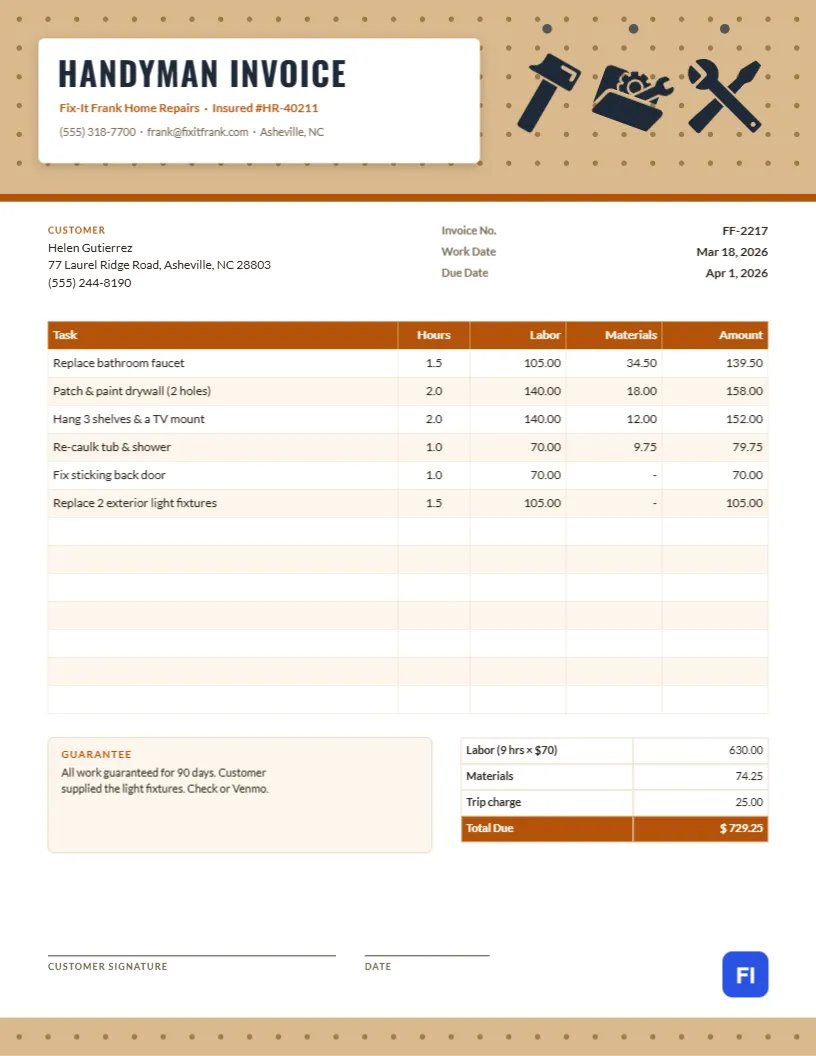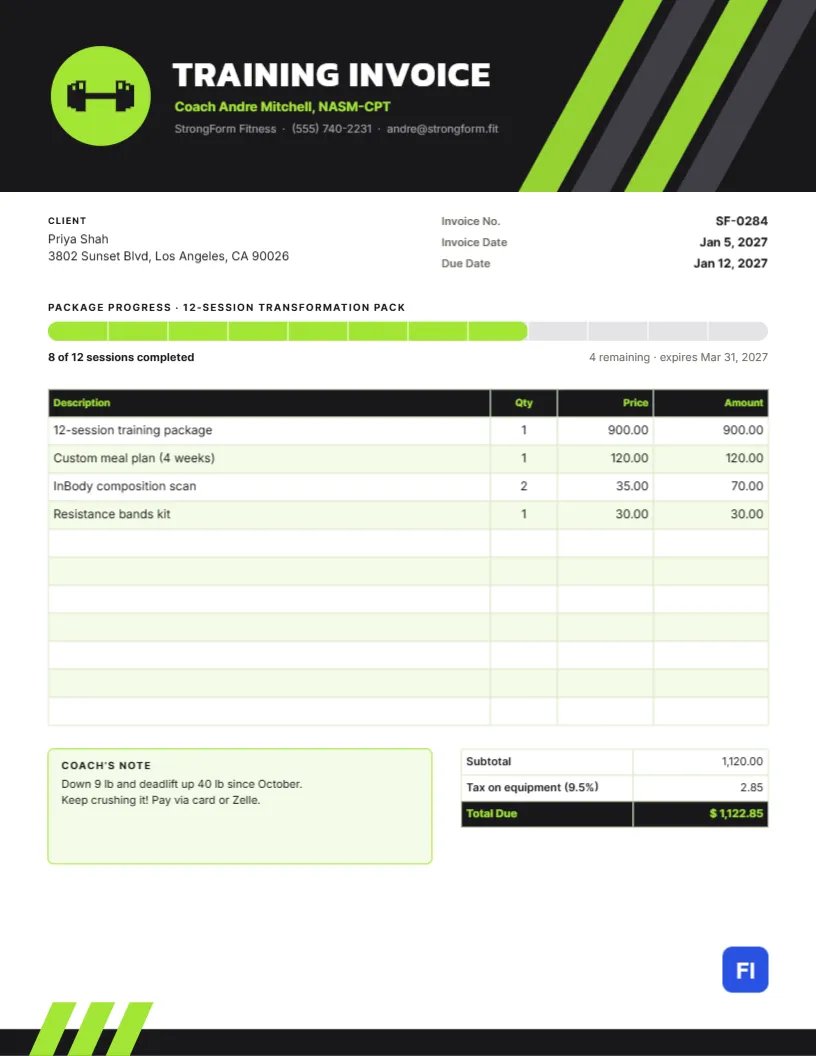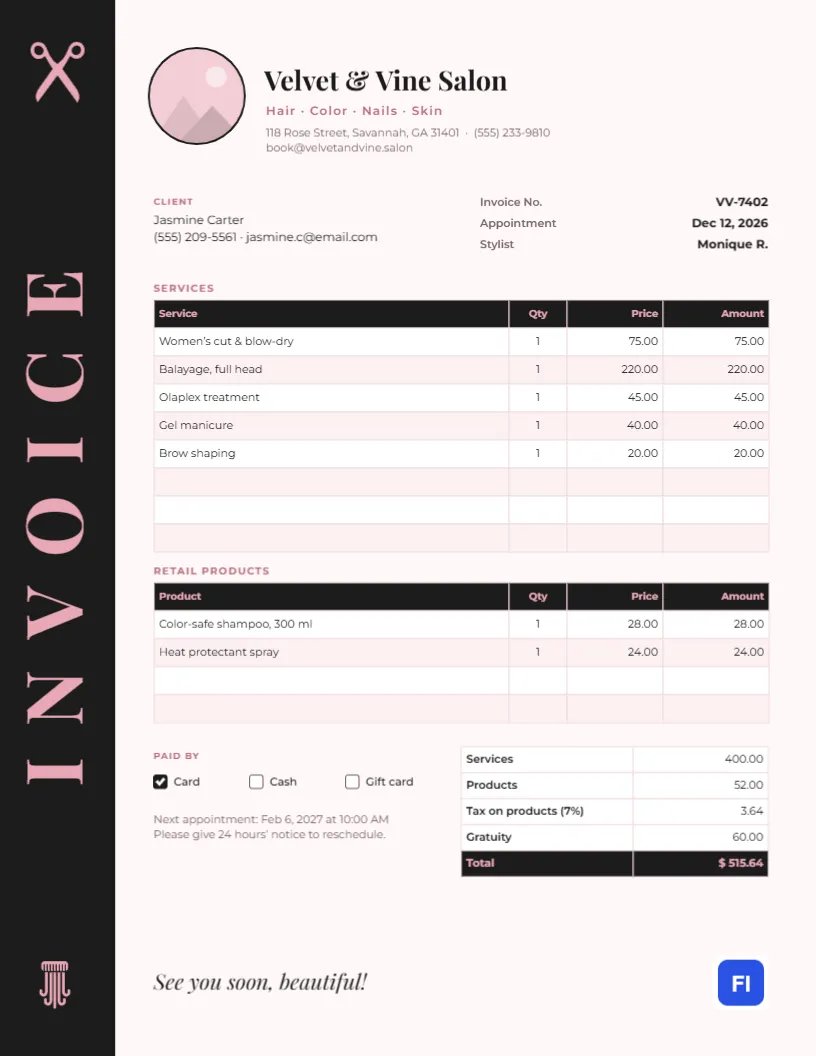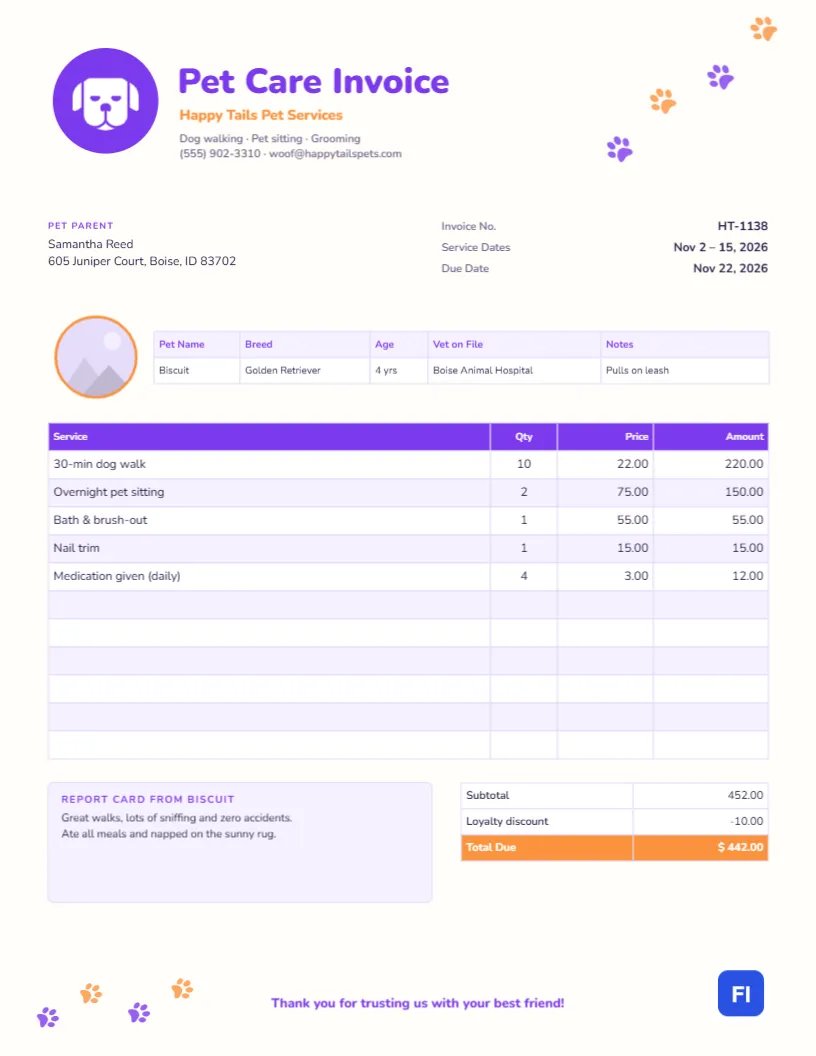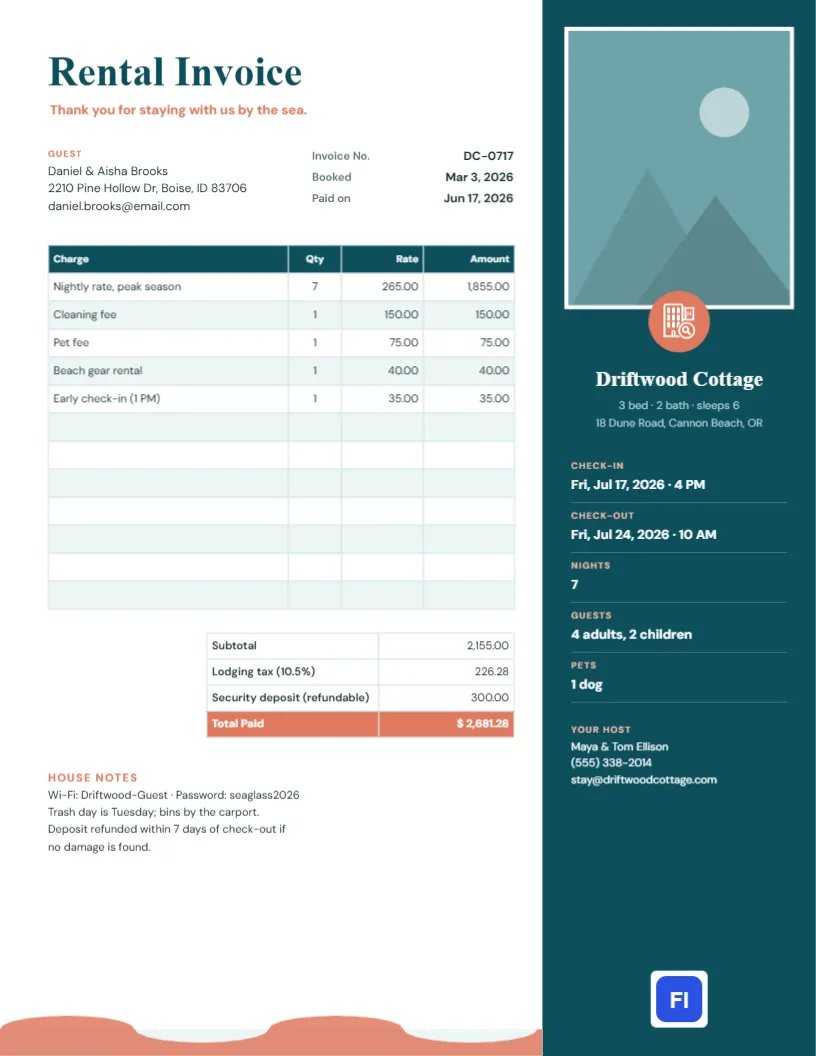
More and more vacation rental owners take bookings directly, through their own website or repeat guests, rather than through booking platforms. Direct bookings save fees, but they also mean you provide the paperwork a platform would: a clear invoice showing the nights, the rate, the cleaning and pet fees, the lodging tax, and the deposit. This Vacation Rental Invoice Template does it in style, with a tall photo of your property in a deep teal sidebar that makes guests want to book again.
Owners, Hosts and Small Rental Managers
The template suits owners of beach houses, cabins, cottages and city apartments, hosts taking direct bookings, small vacation rental management companies, bed and breakfasts and camping sites. The sample shows Driftwood Cottage, a three-bedroom house on the Oregon coast, billing Daniel and Aisha Brooks for a seven-night summer stay with four adults, two children and a dog.
A Sidebar That Sells the Stay
The right third of the page is a deep teal sidebar running from top to bottom. At the top sits a tall photo slot with a white border for your best picture of the property. A coral circle with a white hotel icon overlaps the bottom edge of the photo like a badge. Under it, the property name appears in Young Serif, with its size, sleeping capacity, and address in soft teal. The stay summary follows, with coral labels and white values separated by thin lines: check-in, check-out, nights, guests, and pets. The host’s names and contact details sit near the bottom of the sidebar, with the site logo on a white plate at its foot.
On the white left side, Rental Invoice is set large in teal Young Serif, with a coral thank-you line. The guest block and invoice number, booking date, and payment date come next, then the charges table, a totals table with a coral Total Paid, and a House notes section with Wi-fi details, trash day, and deposit terms. A coral wave runs along the bottom edge beneath the white column, a nod to the sea.
A Check-Out Checklist Guests Actually Follow
The house notes section has room for a short list. Guests follow check-out instructions far better when they are brief. A good example:
- Load and start the dishwasher.
- Strip the beds and leave used towels in the bathtub.
- Take trash and recycling to the bins by the carport.
- Set the thermostat to 65°F and close all windows.
- Lock the door and return the key to the lock box by 10 AM.
Nightly Rates, Fees and Lodging Tax
List the nightly rate times the number of nights first, then each fee on its own line: cleaning, pets, early check-in, extras like beach gear. In the sample, seven nights at $265, cleaning, a pet fee, beach gear, and early check-in come to $2,155.00. Lodging tax at 10.5% adds $226.28, and a refundable $300 security deposit brings the total paid to $2,681.28. Many cities and counties require hosts to collect lodging or transient occupancy tax on direct bookings; register and use the rate that applies to your property.
Refundable Deposits
Label the security deposit clearly as refundable and state when it will be returned, as the sample does: within seven days of check-out if no damage is found. Some hosts prefer a damage waiver fee instead of a deposit; if you use one, show it as a non-refundable line.
Adding Your Property Photo
Select the tall photo slot and choose Replace Image. The slot keeps its portrait proportions, so pick an image that works vertically: the front of the house, a view from the deck, the living room at golden hour. The white border and the badge stay in place over whatever photo you use.
Editing Charges, Totals and Stay Details
The stay summary values are plain text, so click to change dates, nights, and guests. The charges and totals are editor tables: double-click or use Edit Table Data, and change the number of lines with + Add Row and – Remove Last. The cells do not calculate, so multiply nights by the rate, add fees and tax, and type in the totals yourself.
Changing Colors for Mountains or City
Teal and coral suit a seaside rental. For a mountain cabin, forest green and rust feel right; for a city apartment, charcoal and mustard. Change the sidebar, the title, the coral badge and labels, and the footer wave together. The hotel icon is an editable vector that can become a cabin, a tent, or a key from the library.
Sending It Before and After the Stay
The page is US Letter, 8.5 by 11 inches. Send the invoice when the guest pays, as a receipt, and again after check-out if any adjustment is made to the deposit. Guests traveling for work often need a PDF invoice for expenses, so make sure the guest’s name and the dates are correct.
Repeat Guests and Direct Booking Discounts
The invoice is also a marketing piece. Add a line to the house notes offering returning guests a discount on their next direct booking, or a code for a friend. Guests who have a lovely stay and receive a polished invoice with a photo of the house are the ones most likely to book again next summer.
Cancellations and Changes to Dates
Direct bookings need a written cancellation policy, just like the platforms. State the refund windows in your booking terms, and when a guest changes dates, issue a revised invoice with a new number that references the original. If a cancellation fee applies, invoice it as its own line and show any refund due, so both sides have a clean record.
Vacation Rental Invoice FAQs
Can I use this for a monthly rental?
Yes. Change the nightly line to a monthly rate and check whether lodging tax applies to longer stays in your area.
Do I have to collect lodging tax?
In many places, yes, for direct bookings. Rules differ by city and county, so check with your local tax office.
Can I include a map or directions?
Keep directions in your arrival email. The invoice should focus on the stay and payment.