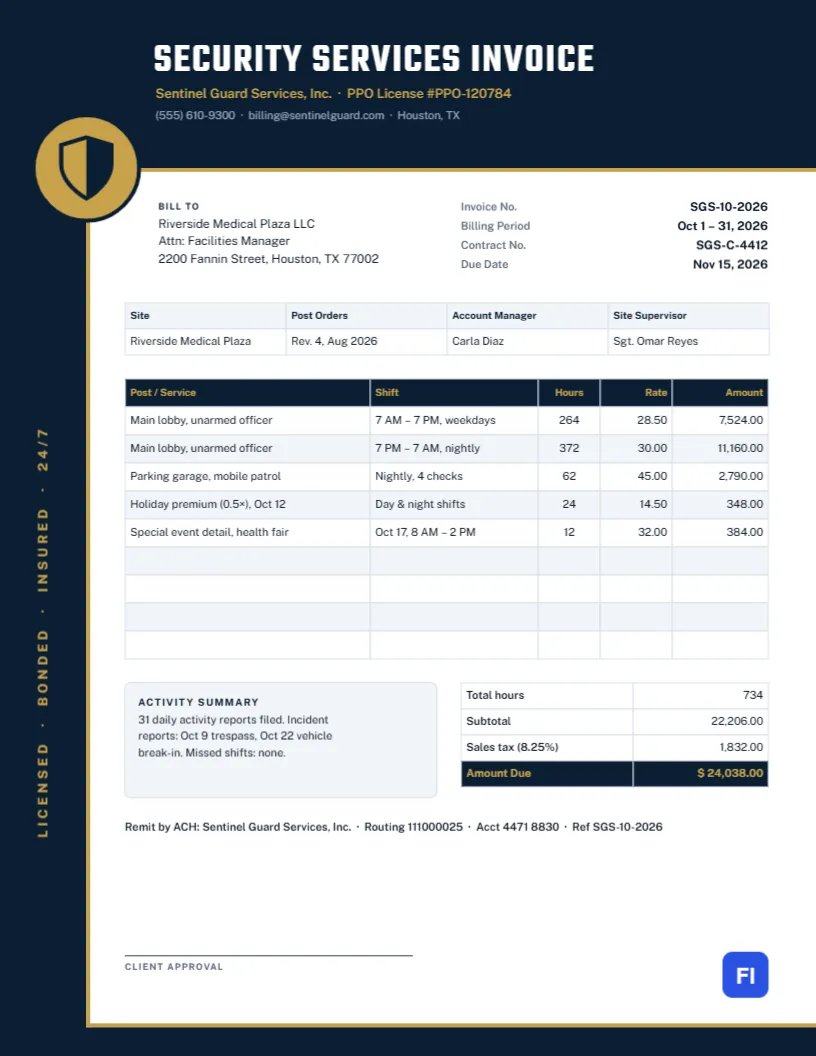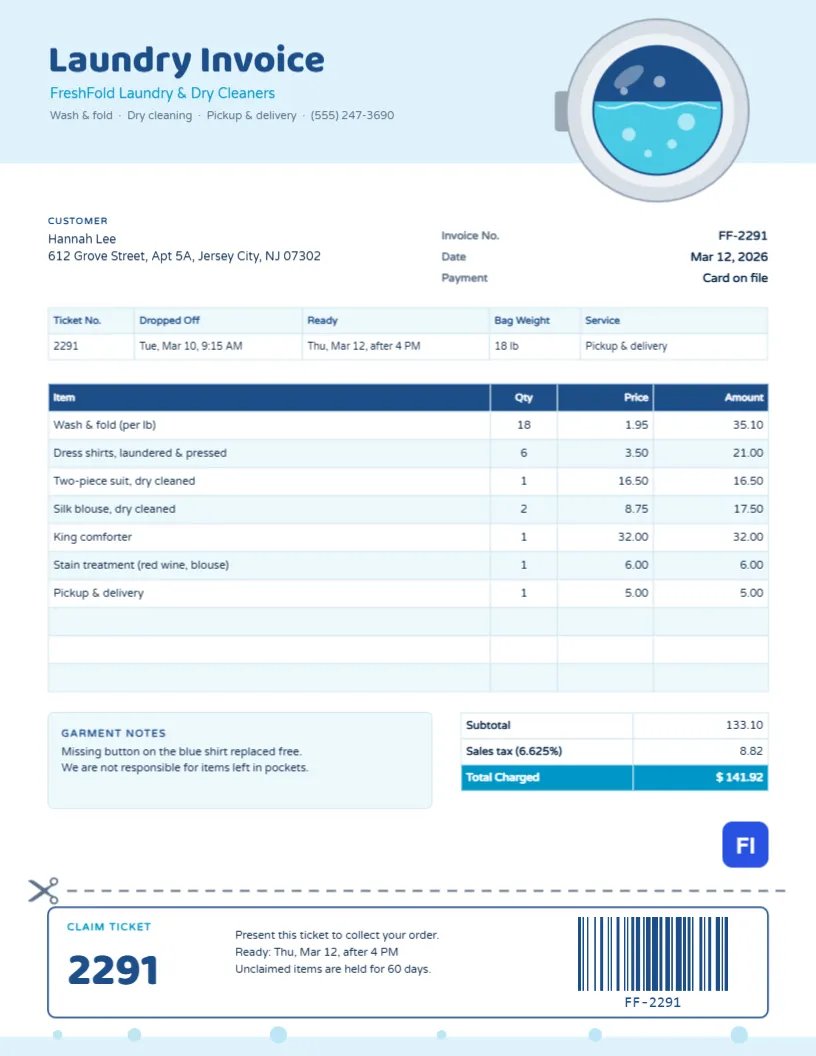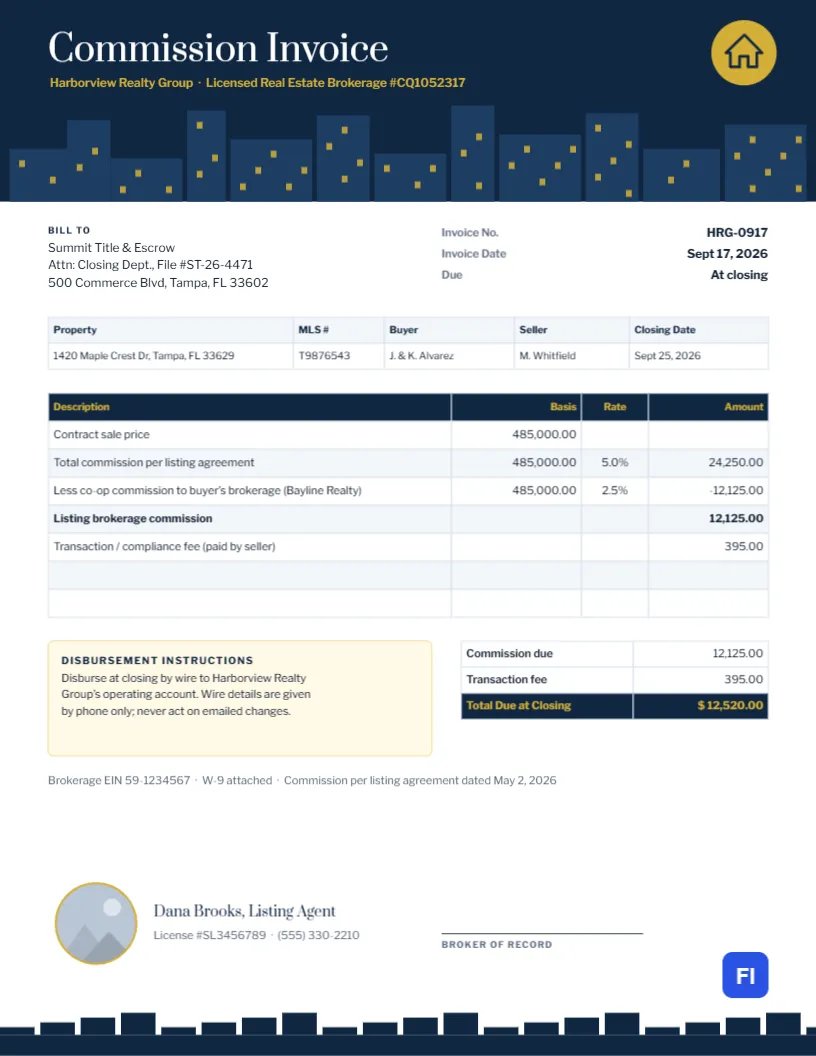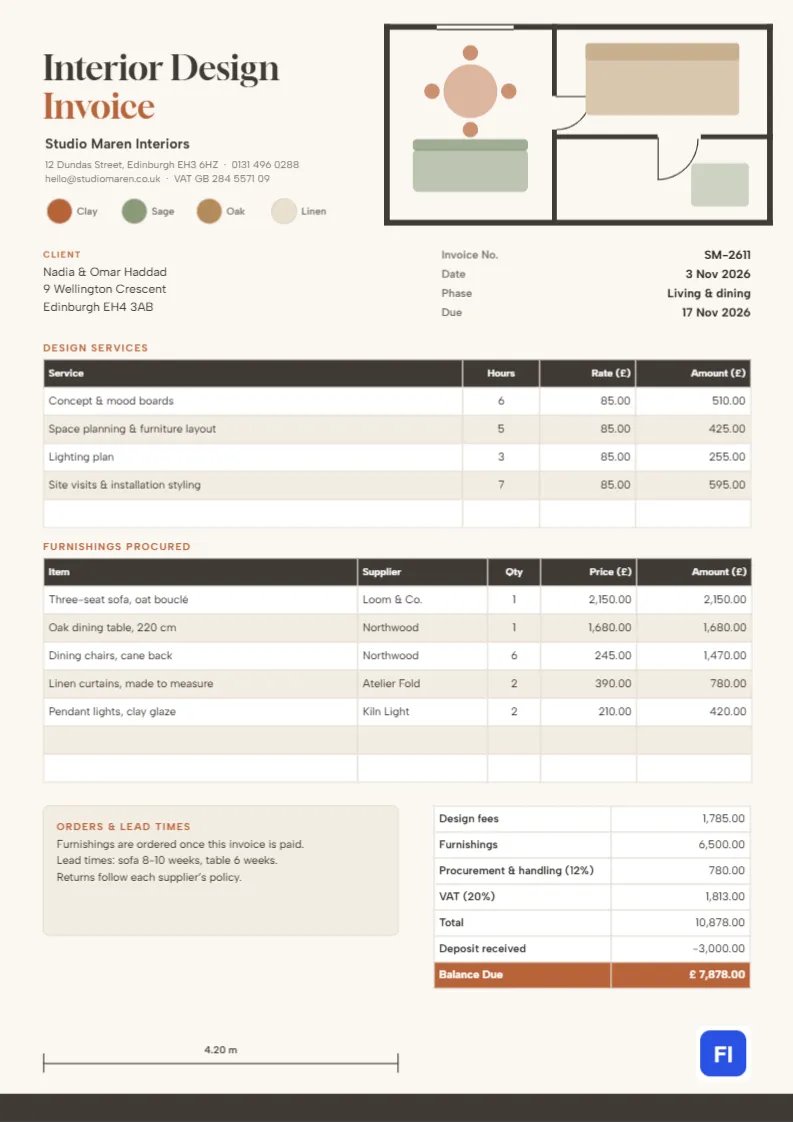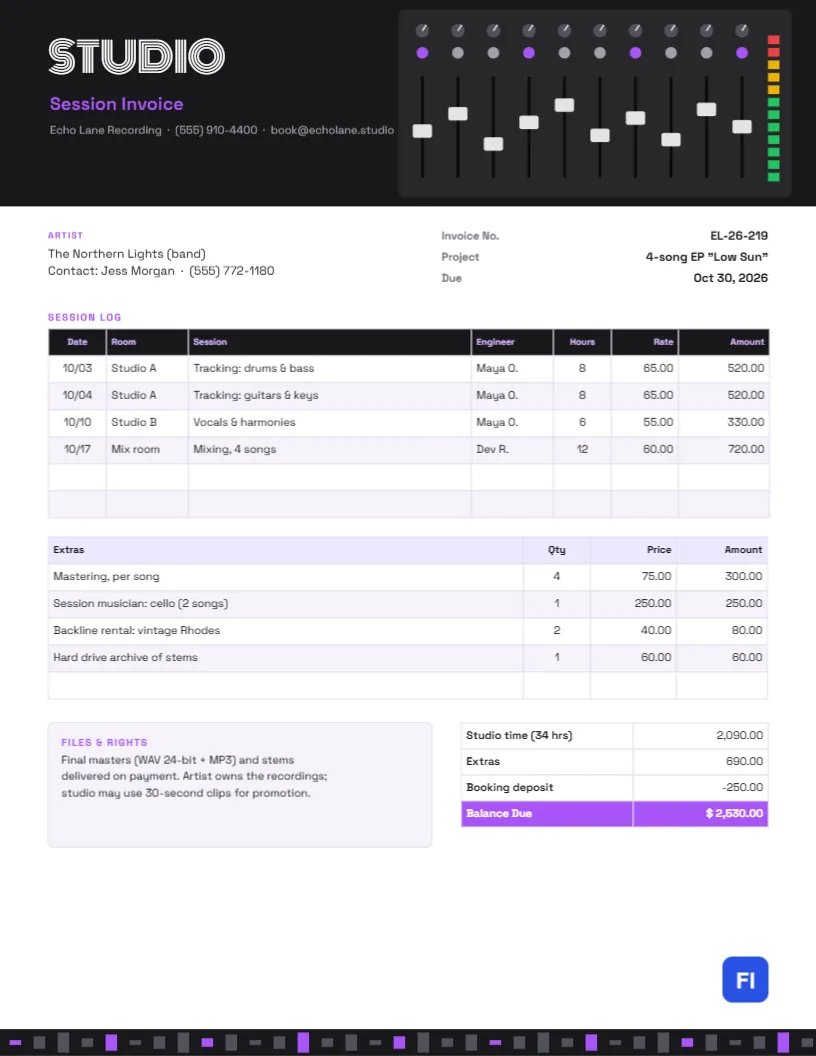
Recording an EP or album means days of tracking, vocal sessions, mixing, and mastering, often with session musicians and rented gear along the way. Bands and artists want to see where their budget went, hour by hour, and they want to know who owns the recordings. This Recording Studio Invoice Template lays out the session log and extras clearly, under a header drawn as a mixing console with a row of faders, knobs, and a green-to-red level meter.
Recording Studios, Producers and Engineers
It suits recording studios, independent producers and engineers, mixing and mastering engineers, rehearsal studios with recording rooms, podcast studios and voice-over booths. The sample shows Echo Lane Recording invoicing a band for a four-song EP: two days of tracking, a vocal session, mixing, mastering, a session cellist, a vintage Rhodes and a hard drive of stems.
A Mixing Console Across the Header
The header is almost black. On the right sits a console panel with ten channel strips: a small grey knob with a white pointer at the top of each, a coloured button below it, and a long fader slot with a white fader cap set at a different level on every channel. On the far right, a vertical level meter glows green at the bottom, yellow near the top, and red at the peak. On the left, STUDIO is set in Monoton, a striped retro display font, with Session Invoice in purple and the studio’s contact line. The footer is a row of short bars like a waveform, with every fourth bar in purple.
The artist block and invoice facts are followed by the session log, with date, room, session description, engineer, hours, rate, and amount. A second table lists extras. A files-and-rights note sits beside the totals.
Studio Rates by Room and Task
Studios usually charge different hourly rates for different rooms and tasks:
| Service | How it is billed | Sample rate |
|---|---|---|
| Tracking in the large room | Hourly or day rate, engineer included | $65 per hour |
| Vocals or overdubs in a small room | Hourly | $55 per hour |
| Mixing | Hourly or per song | $60 per hour |
| Mastering | Per song | $75 per song |
The Sample EP
Two eight-hour tracking days in Studio A, a six-hour vocal session in Studio B, and twelve hours of mixing come to 34 hours and $2,090.00. Extras add $690.00: mastering four songs, a session cellist on two songs, two days of a vintage Rhodes, and a hard drive archive of the stems. After the $250 booking deposit, $2,530.00 is due.
Session Logs Keep Budgets on Track
Bands often underestimate how long recording takes. A clear session log, with each day’s work and hours, helps them see where the time went and plan the next project. If a session ran over the booked time, the log shows it without argument.
Files, Ownership and Credits
The files-and-rights note answers the questions artists always ask: what files they get (24-bit WAV masters, MP3s and stems), when (on payment), and who owns the recordings (the artist). It also records that the studio may use 30-second clips to promote its work. If you work on a producer points or royalty basis, reference that agreement here.
Editing the Session Log and Extras
The session log, extras, and totals are editor tables. Double-click them or open Edit Table Data, and add sessions or extras with + Add Row, or remove them with – Remove Last. Hours, rates, and amounts are typed, so add up studio time and extras and subtract the deposit yourself.
Restyling the Console
The console is one group: move the fader caps up or down, recolour the buttons, or change the meter colours. Purple suits a modern studio; amber or teal work well too. The Monoton title is distinctive; if your studio is more classical or acoustic, swap it for an elegant serif.
Sending the Invoice With Your Mixes
This invoice is sized for US Letter paper. Send it with the final mix approval, before releasing the masters, so payment and delivery happen together. Bands with several members often split costs, so a clear PDF helps them share it.
Session Musicians and Engineers’ Credits
When you hire session musicians for a client, list each musician’s fee as an extra, as the sample does for the cellist, and keep their credits for the release notes. Recording engineer and producer credits should also be confirmed in writing so streaming services show the right names.
Podcasts and Voice-Over Work
The same layout works for podcast and voice-over studios. Replace tracking sessions with recording hours, add editing per episode, and note the delivery format, such as a WAV master and an MP3 for publishing.
Deposits and Cancelled Sessions
Studios block out rooms and engineers for booked sessions, so most take a deposit and keep it if the artist cancels at short notice. State your cancellation window when you confirm the booking, and credit the deposit on the final invoice, as the sample does. For long projects, some studios invoice after each block of sessions rather than at the end, which keeps the balance manageable for the artist.
Revisions and Mix Notes
Mixing usually includes a set number of revision rounds, after which extra changes are billed hourly. Collect the band’s notes in one list per round rather than piecemeal messages, and record extra revision hours as their own line. Clear rules keep projects moving and avoid surprises on the invoice.
Recording Studio Invoice FAQs
Can I bill a flat project rate?
Yes. Replace the session log with one project line and list what it includes, such as tracking days, mixing, and mastering.
Can I include a producer fee?
Yes. Add it as an extra line, or reference a separate producer agreement if you earn points on the release.
Should I charge for setup and teardown time?
Many studios include it in the booked hours; state your policy clearly when booking.
What if the band wants the raw session files?
Offer them on a hard drive or for download, as the sample does, for an archive fee.