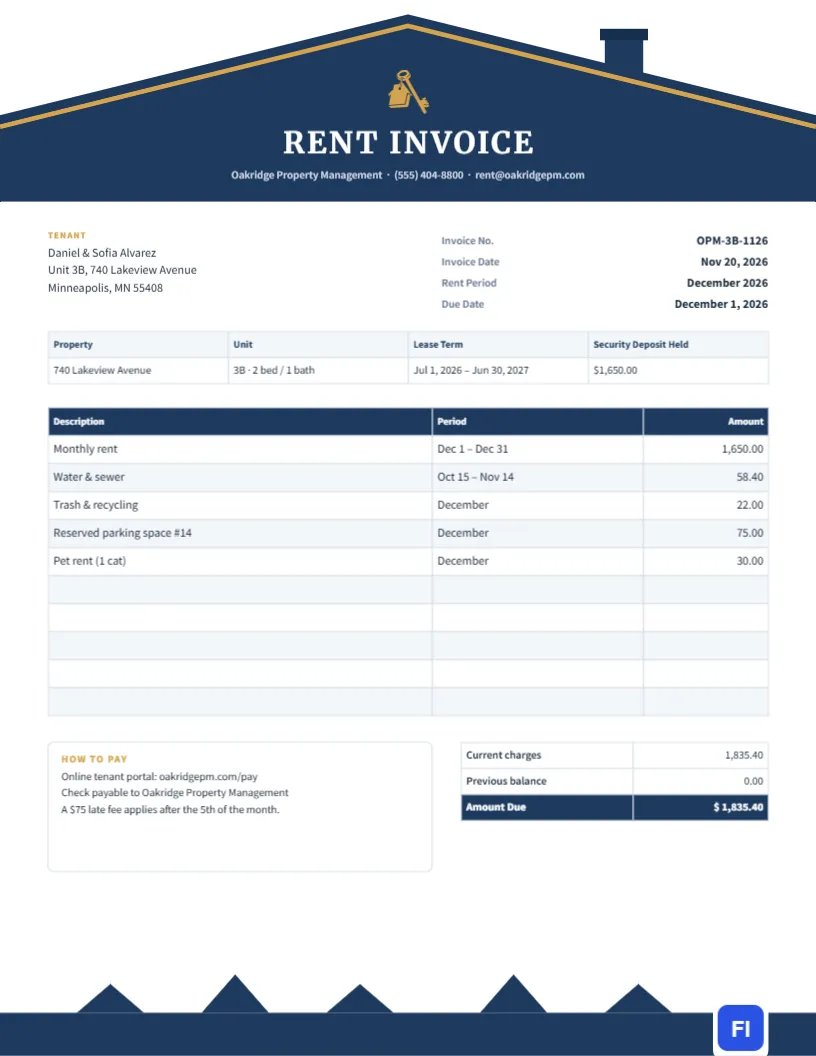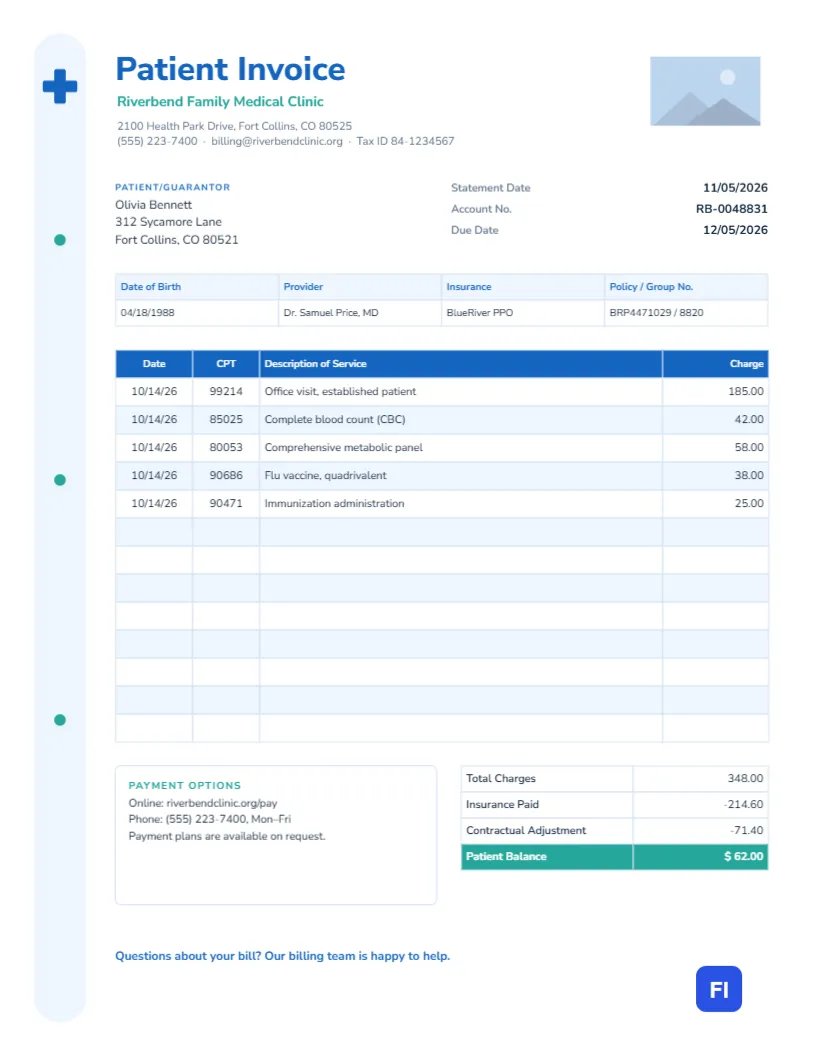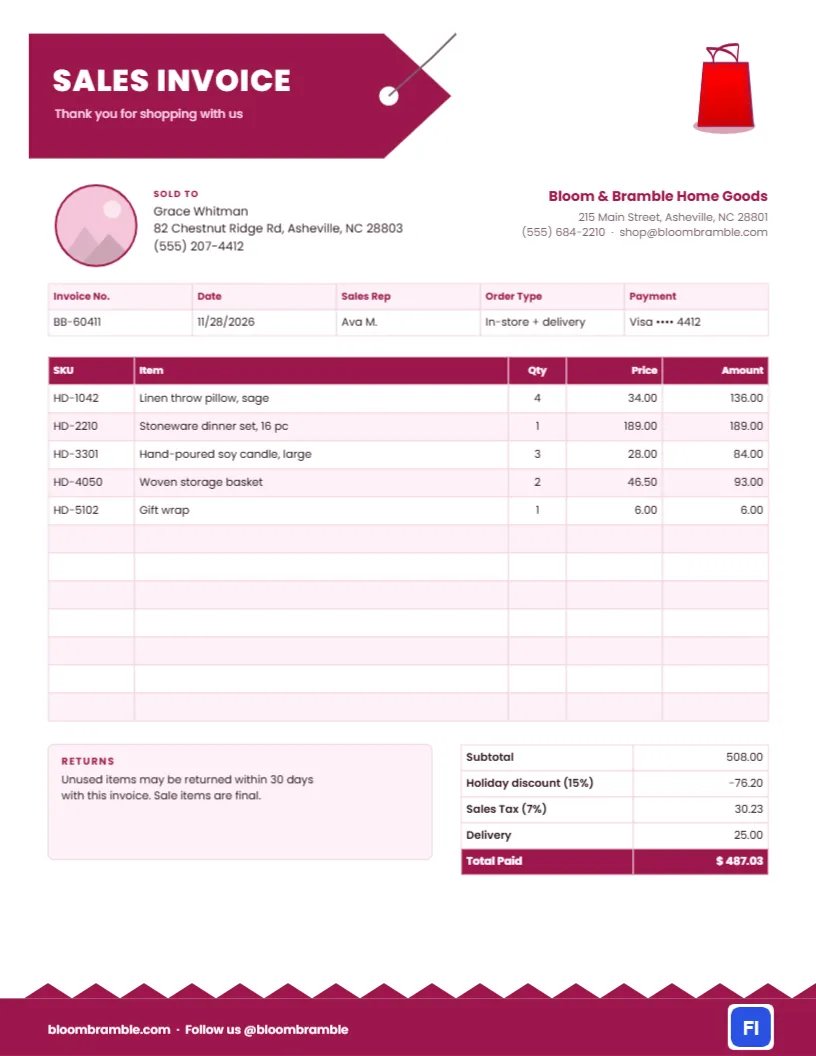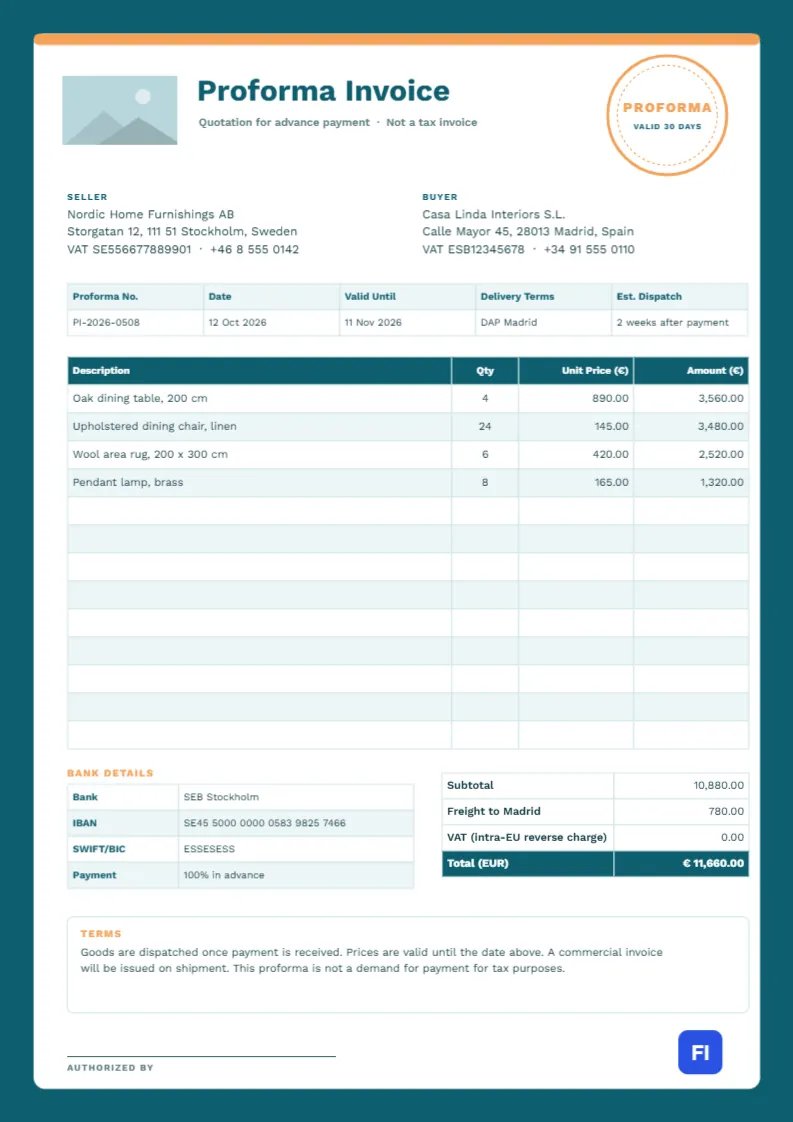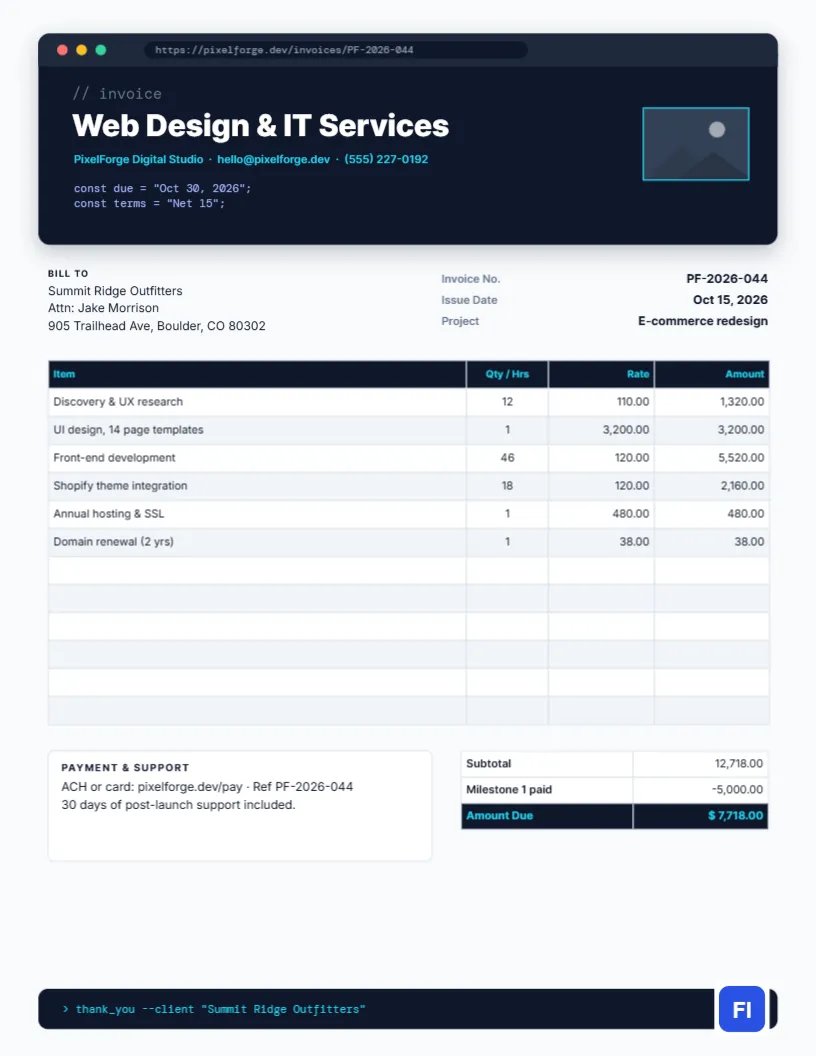
Web and IT projects are billed in a mix of ways: hours for development, fixed fees for design, annual charges for hosting and domains, and milestone payments along the way. Clients need all of it laid out clearly, and a developer’s invoice should look like it came from someone who builds things for the web. This Web Design & IT Services Invoice Template does both. The header is drawn as a dark browser window with a URL bar and code comments, and the body keeps every line item, milestone, and support term easy to read.
For Developers, Agencies and IT Consultants
Web designers, front-end and full-stack developers, WordPress and Shopify specialists, small digital agencies, IT support providers, app developers, and SEO consultants will feel at home with it. The sample shows PixelForge Digital Studio billing Summit Ridge Outfitters for an e-commerce redesign: discovery and UX research, UI design of fourteen page templates, front-end development, Shopify theme integration, a year of hosting and SSL, and a two-year domain renewal.
Inside the Browser-Window Header
The page background is a very light slate grey, and the header is a rounded dark navy card with a soft shadow, styled as a browser window. Its title bar shows the familiar red, yellow, and green window dots and an address bar reading the invoice URL. Inside the window, a grey code comment // invoice sits above the large white title Web Design & IT Services, with the studio name, email, and phone in cyan. Two lines of code declare the due date and terms as constants, a wink to technical clients that still tells everyone when payment is due. A small logo slot with a cyan outline sits on the right of the window.
Below, the Bill To block and the invoice number, issue date, and project name sit side by side. The items table has a dark header and cool grey stripes with Item, Qty / Hrs, Rate, and Amount columns. A Payment & Support note sits beside the totals, which subtract the first milestone already paid. At the bottom, a dark terminal-style bar prints a mock command, > thank_you –client, in cyan monospace, next to the site logo.
Planning Milestone Payments for a Web Project
Big web builds are safer for both sides when they are paid in stages. Agree on the plan in your proposal and send one invoice per milestone, listing earlier payments as credits the way the sample does.
| Milestone | Trigger | Share of fee | Milestone | Trigger | Share of fee | |
|---|---|---|---|---|---|---|
| 1. | ||||||
| Kick-off | Signed proposal | 30-40% | 2. | |||
| Design approved | Client signs off on page designs | 20-30% | 3. | |||
| Launch | Site live on the client’s domain | 30-40% | Recurring | Hosting, maintenance, domains | Billed yearly or monthly |
Writing Line Items Non-Technical Clients Understand
Your client may not know what theme integration means. Keep each description short but concrete: UI design, 14 page templates, Front-end development, 46 hrs, Annual hosting & SSL. If a line covers several deliverables, list the main ones in the project brief or the email instead of stuffing them into the table. Hours are best shown as a quantity, with your hourly rate in the Rate column.
Editing the Items Table
The table is a proper editor table object. Double-click it or open Edit Table Data to change any cell; use + Add Row for more lines and – Remove Last to shorten the list. If you track time in a tool that exports CSV, Import CSV saves you from retyping. Cells hold text rather than formulas, so add up the lines yourself, subtract any milestone payments, and update the Amount Due. It is the same discipline as checking a build before you deploy.
Customizing the Code Lines and Colours
The comment, the URL, and the two const lines are ordinary text in DM Mono, so edit them freely: change the URL to your own invoice link, the due date, and the terms. Keep them accurate, since clients will read them. Cyan is the accent throughout; if your brand is lime or violet, change the cyan text, the logo slot outline, and the terminal footer text together. The dark window can go black or deep purple without losing the effect.
Your Logo in the Window
The outlined rectangle at the right of the header is an image placeholder. Select it and use Replace Image to add your logo or a screenshot of the finished site; the frame keeps its size. A screenshot of the client’s new homepage is a nice touch on a launch invoice.
Support Terms and Scope Creep
State your post-launch support on every final invoice. The sample includes thirty days of support after launch. Beyond that, say how further work is billed, such as hourly or via a maintenance plan. Clear terms prevent the common problem of small quick fixes turning into weeks of unpaid work.
PDF, Screen and Print
The page is US Letter, 8.5 by 11 inches. Almost every IT invoice travels as a PDF, where the dark header and cyan text look sharp. If a client needs a printed copy, it prints well on a laser printer; the dark window uses more toner than a plain header, so avoid printing large batches in color for your own files.
Tax on Digital Services
Some states and countries tax software, hosting, or digital products while leaving custom design and development untaxed. If any of your lines are taxable where your client is, add a tax row to the totals and name the rate. Keeping taxable items like hosting on separate lines, as the sample does, makes it straightforward to apply tax only where it belongs.
Web & IT Invoice FAQs
Can I bill a monthly maintenance retainer with this template?
Yes. Use one line such as Website care plan, November, and remove the milestone credit.
Is the code in the header real code?
It is styled text for decoration. It reads like JavaScript, but it does not run anything.
Should hosting be billed to the client or me?
Either works. If you resell hosting, list it as a line item; if the client pays the host directly, leave it off.