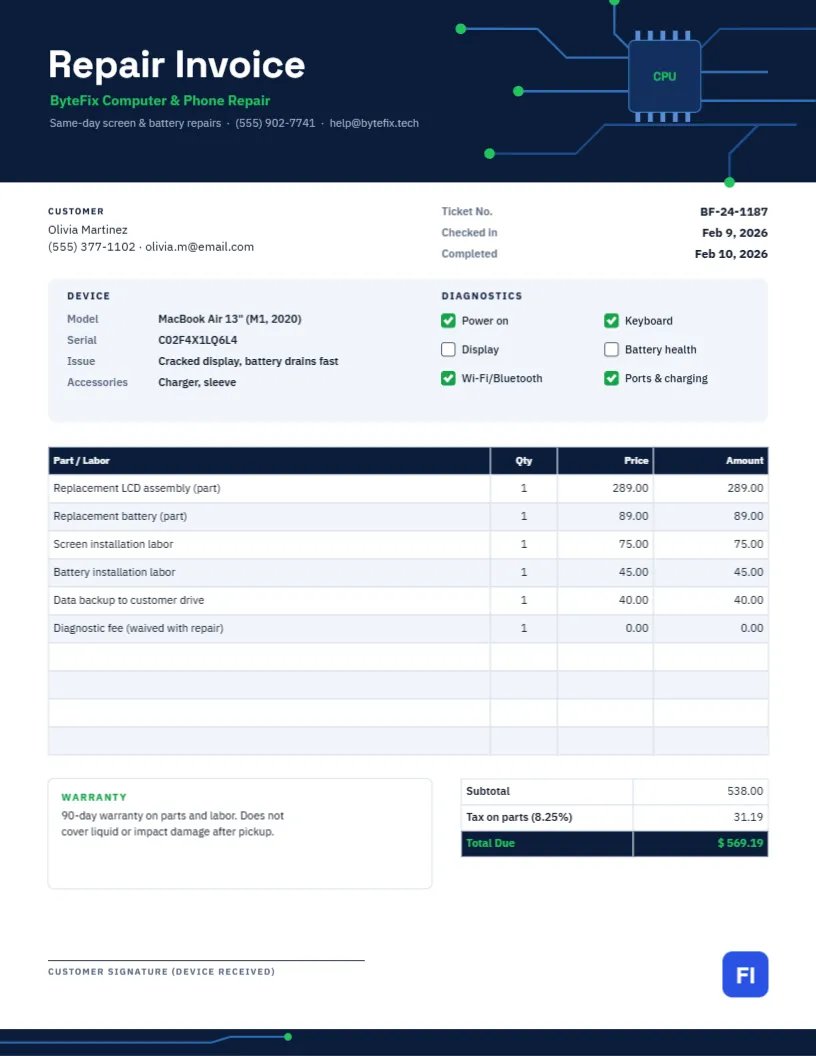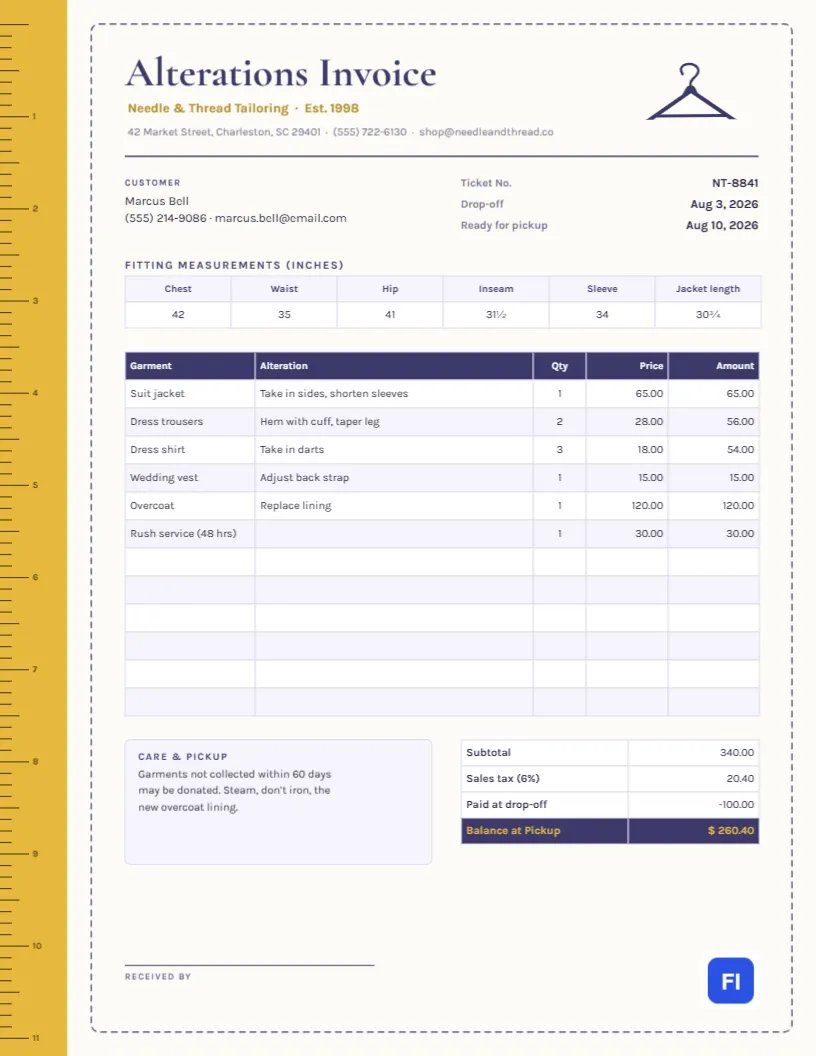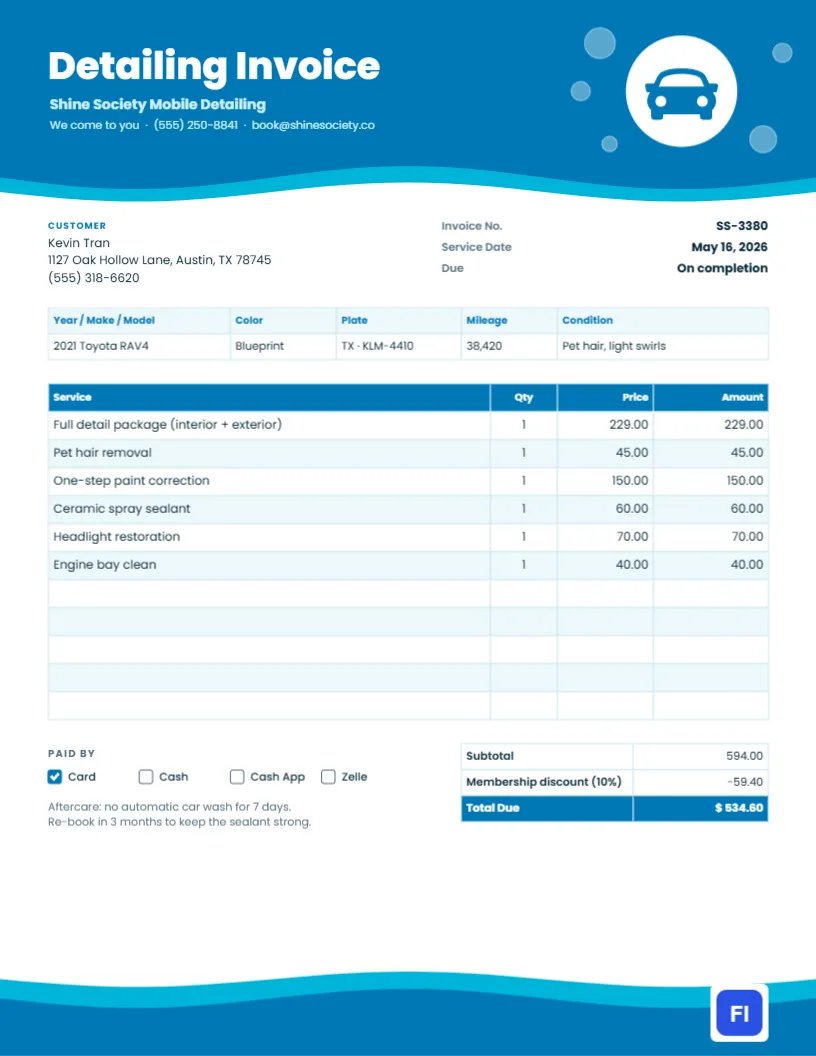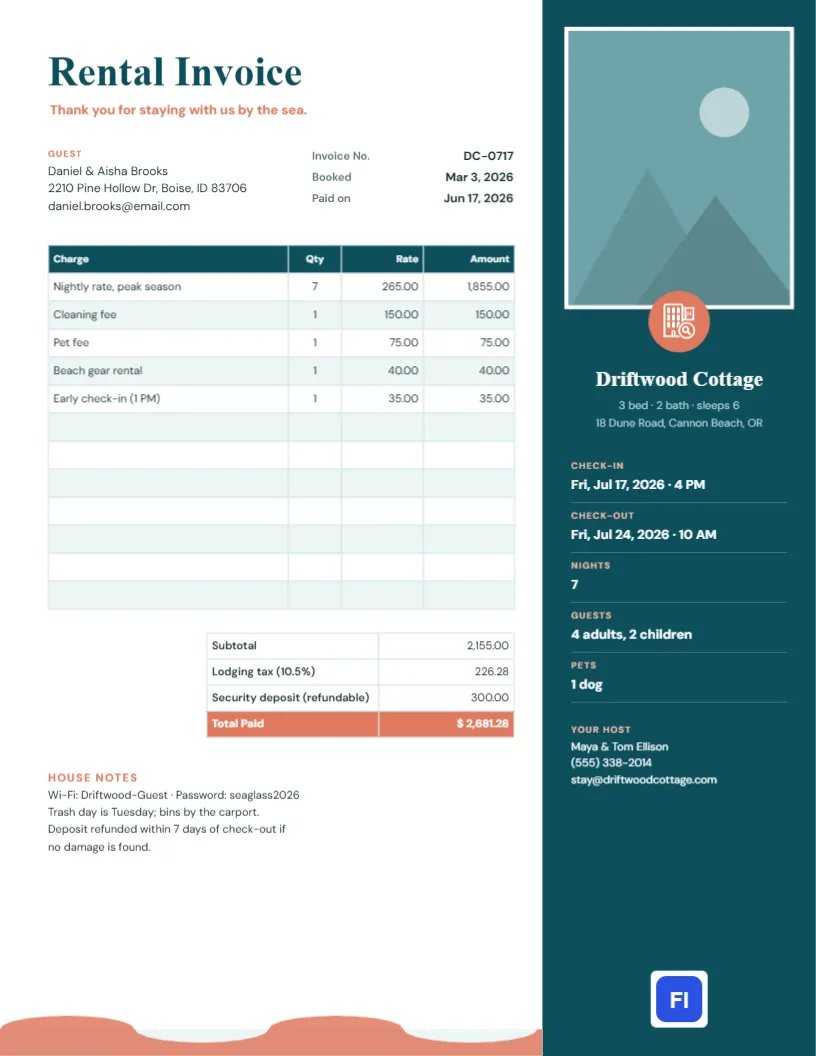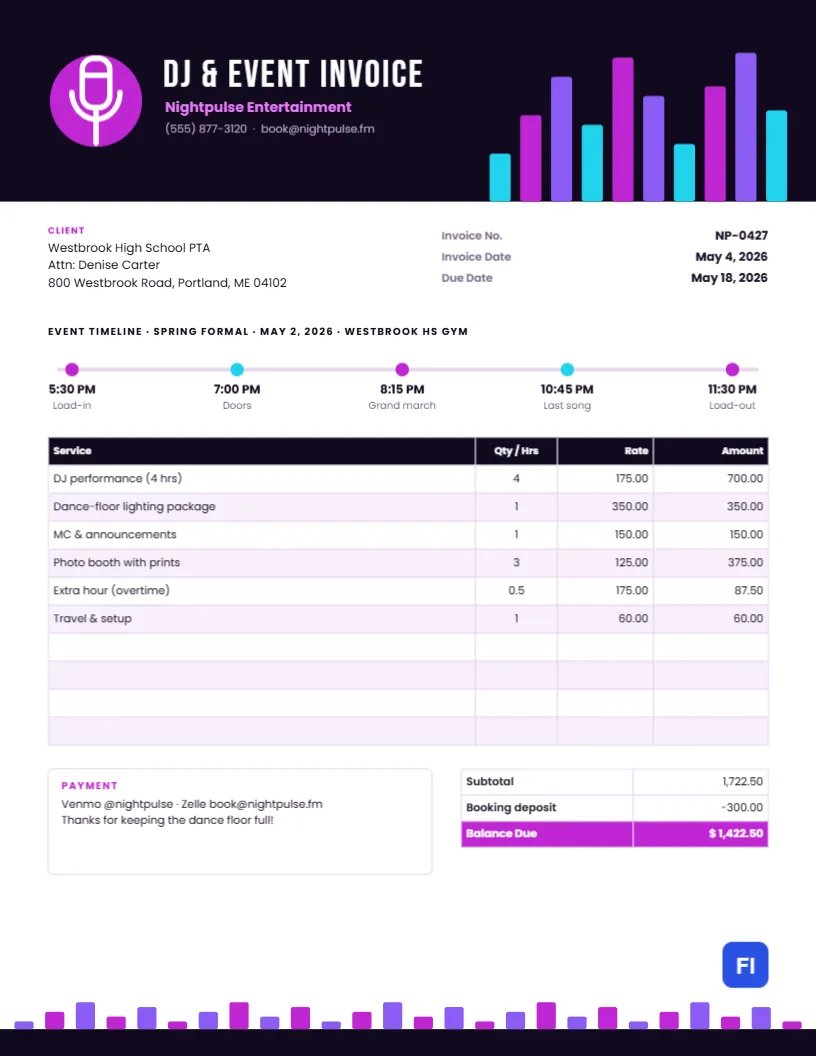
You kept the dance floor packed until the last song. Now it is time to get paid, and the invoice you send says as much about your act as your playlist does. This DJ and Event Entertainment Invoice Template has the energy of a night out: a black header with glowing equalizer bars, a magenta microphone badge, and an event timeline that shows the client exactly how the night ran.
DJs, MCs, Bands and Party Services
Mobile DJs, wedding DJs and MCs, live bands, karaoke hosts, photo booth companies, lighting rental services and party entertainers can all use it. The sample shows Nightpulse Entertainment billing a high school PTA for a spring formal: four hours of DJ performance, a dance-floor lighting package, MC announcements, a photo booth with prints, half an hour of overtime, and travel and setup.
Neon on Black
The header is almost black, deep aubergine like a darkened venue. On its right side, a row of rounded equalizer bars rises in cyan, magenta and violet, like the lights on a mixing desk mid-track. A solid magenta circle on the left carries a white microphone. Beside it, DJ & EVENT INVOICE is set in tall white Bebas Neue, with the company name in bright pink Poppins and the phone and booking email underneath. The bars return along the bottom edge in a smaller, bouncing row, as if the music were still playing when the page ends.
Below the header, the client block and invoice number, invoice date, and due date sit side by side. Then comes the design’s signature element, the event timeline: a thin line with five colored dots marking load-in, doors, grand march, last song, and load-out, each with its time. The services table follows with a black header and lilac stripes, and a Payment note sits beside the totals, where the booking deposit is subtracted to reach a magenta Balance Due.
Mapping the Night on the Timeline
The timeline is more than decoration. It records when you arrived and left, which supports any overtime charge, and reminds the client of the moments you made happen. Here is how to use its five points:
- Load-in: the time you arrived to set up. Venues often restrict this, so recording it is useful.
- Doors: when guests arrived and your performance began.
- Key moment: the grand march, first dance, cake cutting, or countdown, whatever the event’s highlight was.
- Last song: the end of your performance; anything past the contracted end time is overtime.
- Load-out: when you finished packing up and left the venue.
Edit each label and time to match the event. For a wedding, you might use ceremony, cocktails, first dance, last dance, and load-out.
Billing Overtime Fairly
Parties often run late, and clients usually ask you to keep going. Agree on an overtime rate in your contract, record the extra time on the timeline, and bill it as a separate line. The sample bills half an hour at the hourly performance rate. If your policy charges in full-hour blocks, say so in the contract so the client is not surprised.
Deposits and Booking Terms
Most entertainers take a booking deposit to hold the date, often a fixed amount or a percentage of the fee. The sample shows a $300 deposit against a $1,722.50 total, leaving $1,422.50. Show the deposit as a credit on the final invoice so the client sees the full value of what they booked, and state whether the balance is due before the event, on the night, or within a set number of days afterwards.
Editing Services and Totals
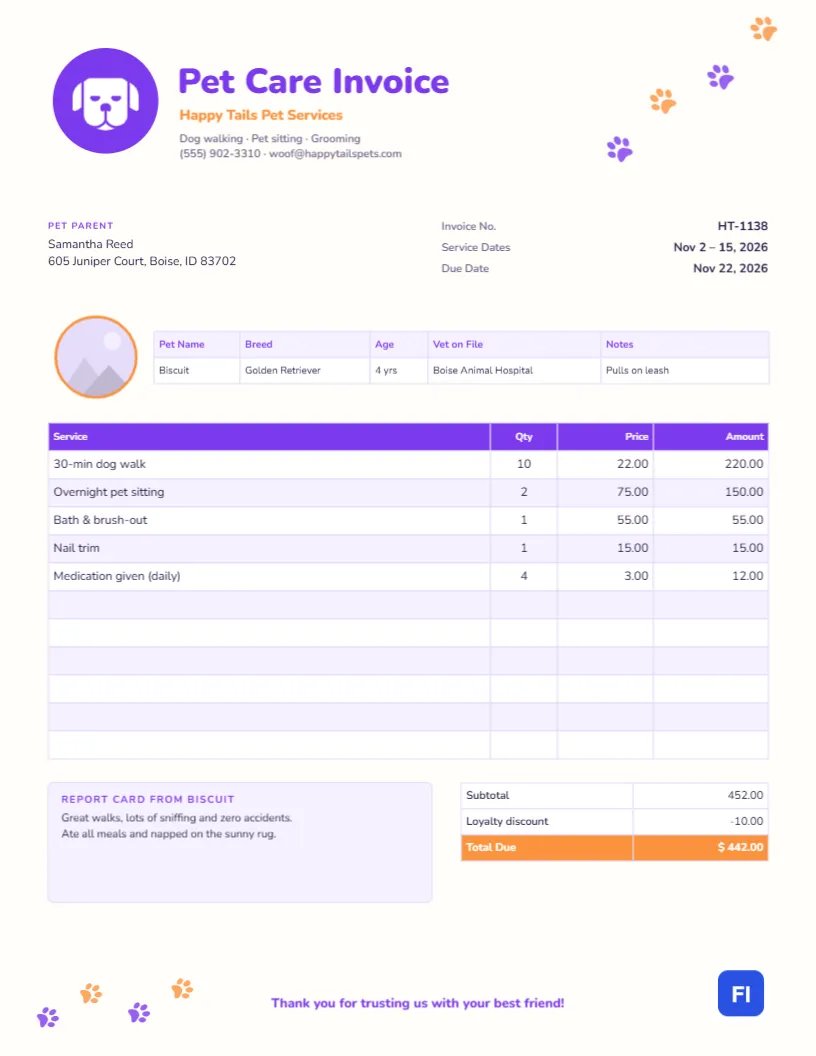
The services list is an editor table. Double-click it to change the text or open Edit Table Data; use + Add Row for add-ons like up-lighting, a fog machine or a second MC, and – Remove Last to tidy up. The cells store text, so after changing any line, work out the amounts again and update the subtotal and balance due by hand.
Recoloring the Equalizer
The equalizer bars are grouped, so the whole set moves and resizes together, and each bar can be recolored. If your brand is gold on black or electric blue, change the bars, the mic circle, the company name, and the Balance Due highlight. The microphone is an editable vector; swap it for headphones, a turntable, or a guitar from the library if that suits your act.
Sending It After the Gig
The page is US Letter, 8.5 by 11 inches. Email the PDF the next morning with a thank-you note and a link to leave a review. The dark header prints heavily, so for clients who want paper, a laser printer handles it better than an inkjet, or you can send the PDF and let them print.
School, Corporate and Wedding Clients
Schools and PTAs often pay by check through a treasurer and may need a W-9 or tax ID; include it in your email. Corporate clients may want a purchase order number on the invoice. Couples usually pay by app. List the methods you accept in the payment note, as the sample does with Venmo and Zelle, so each client can pay the way that suits them.
Equipment, Travel and Venue Fees
Clients understand extra charges when they are specific. Rather than a single equipment line, name what you brought: a lighting package, a second speaker system for the ceremony, wireless microphones for toasts. Travel beyond your included radius, parking at city venues, and venue-imposed load-in fees can each be separate lines. Being specific shows that every charge relates to something the client received on the night.
DJ Invoice FAQs
Should I charge sales tax on DJ services?
In most places, entertainment services are not taxed, but some states tax admissions or equipment rentals. Check locally.
Can I show the songs requested?
The invoice is not the place for a set list, but you can attach one to the email as a keepsake.
What if the event is canceled?
Invoice any cancellation fee under your contract, show the deposit, and state whether any refund is due.