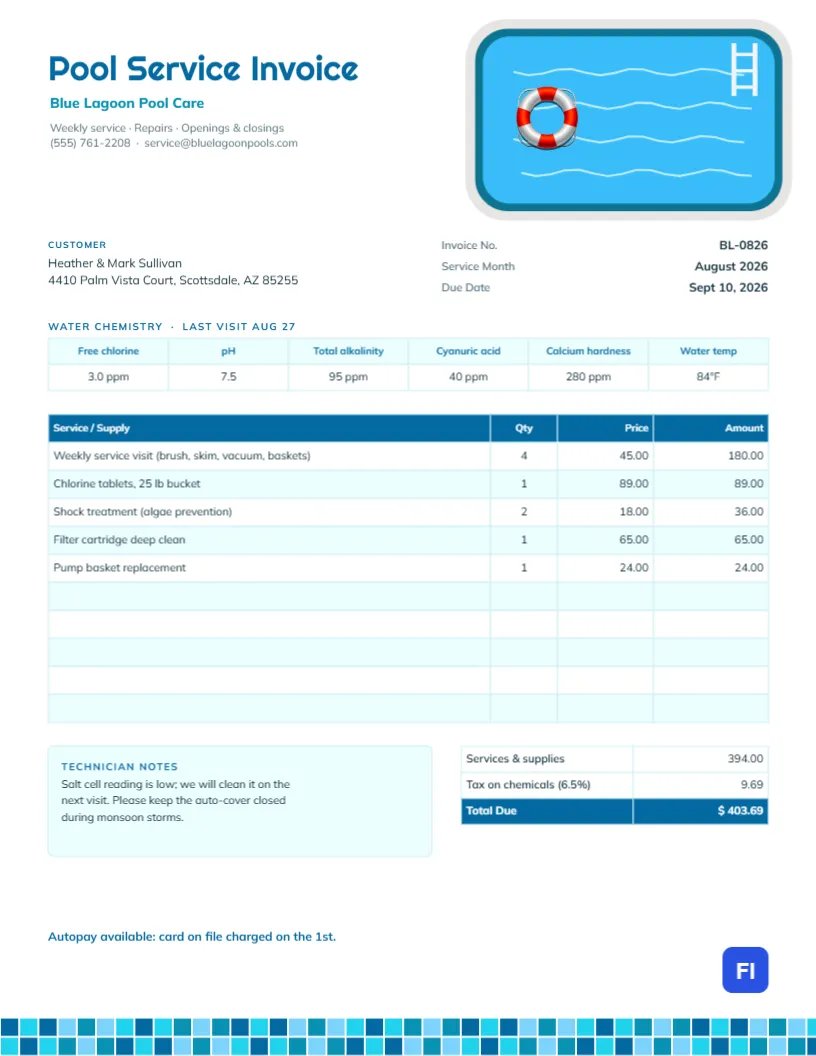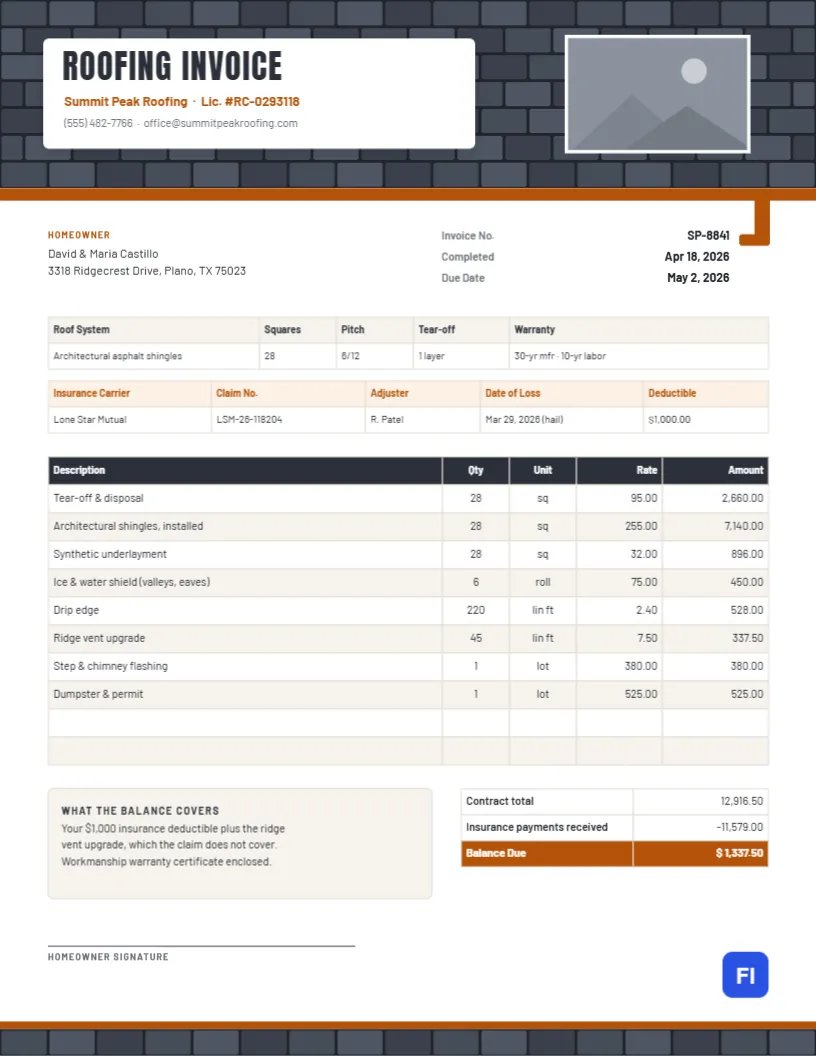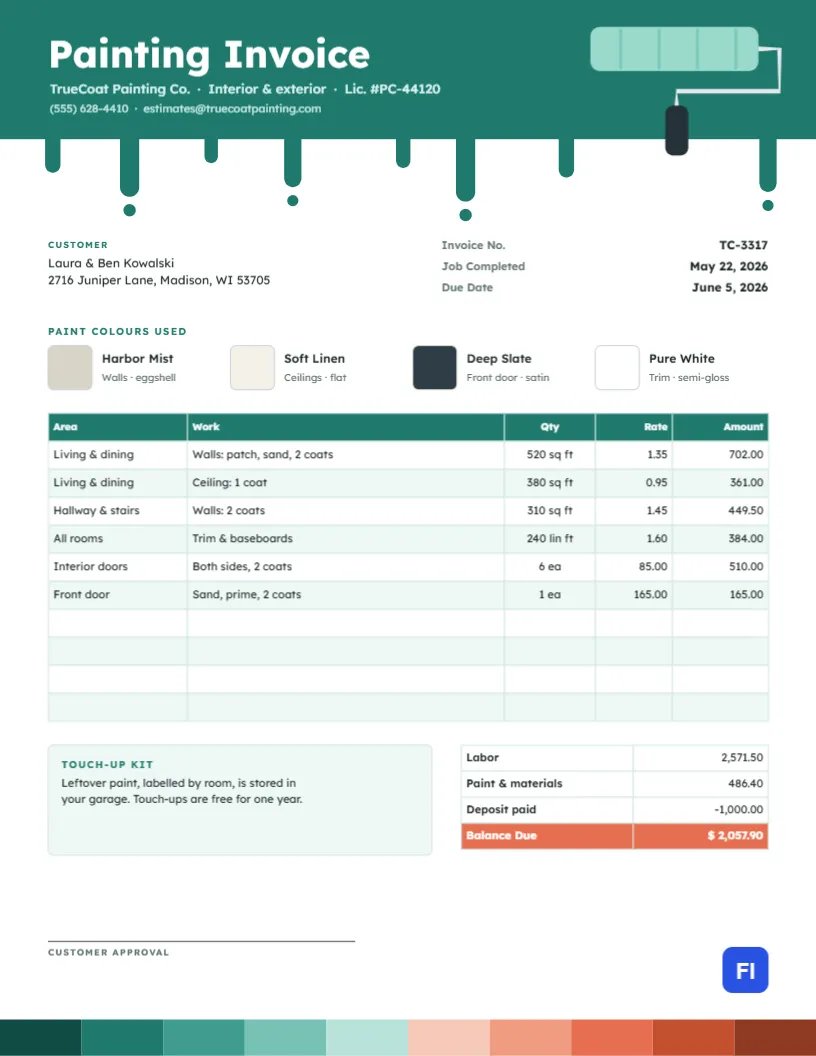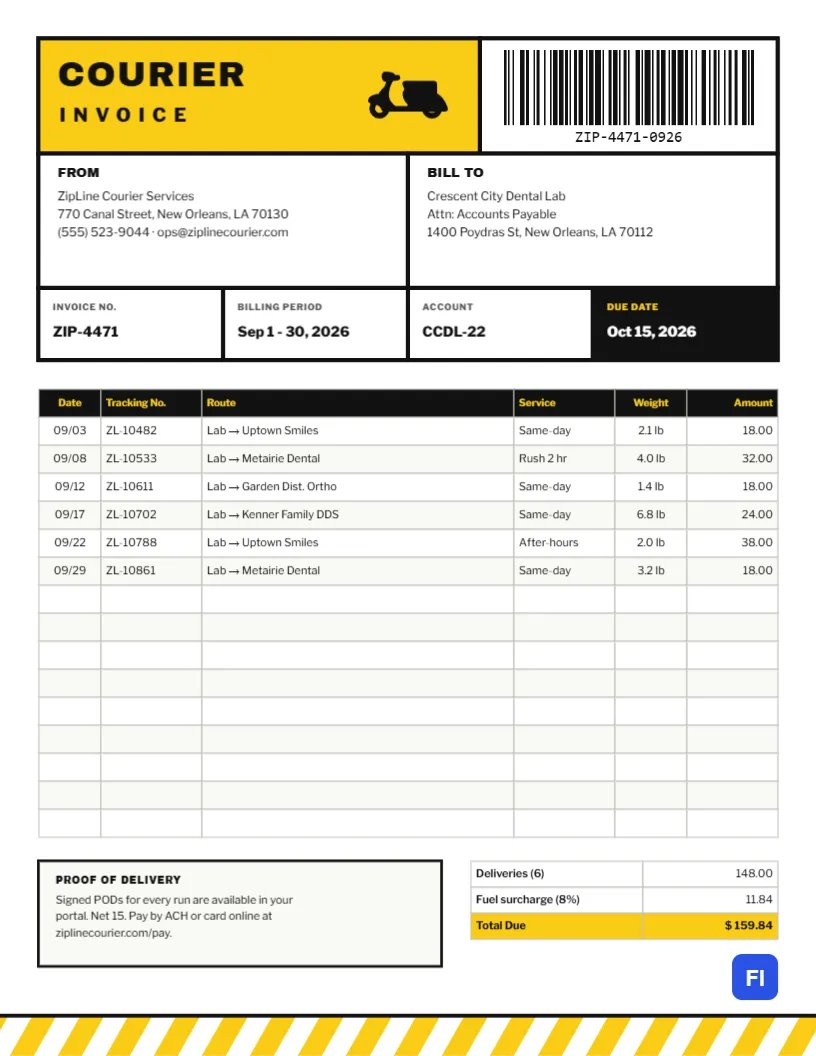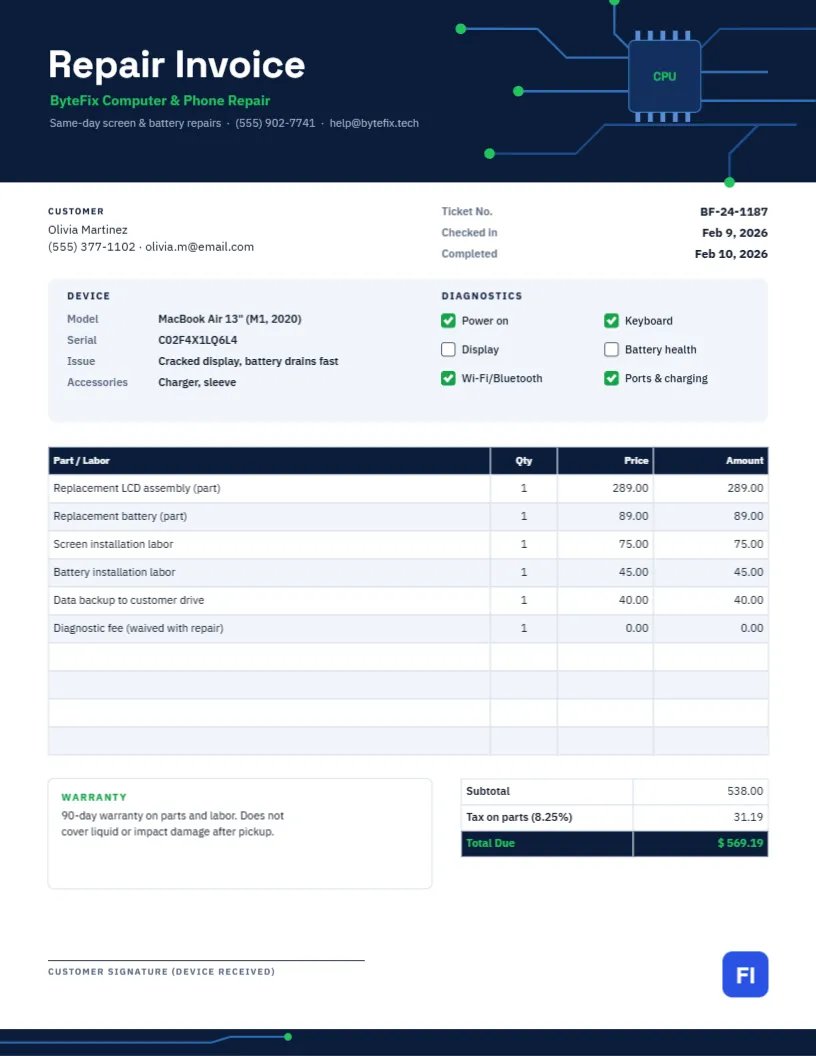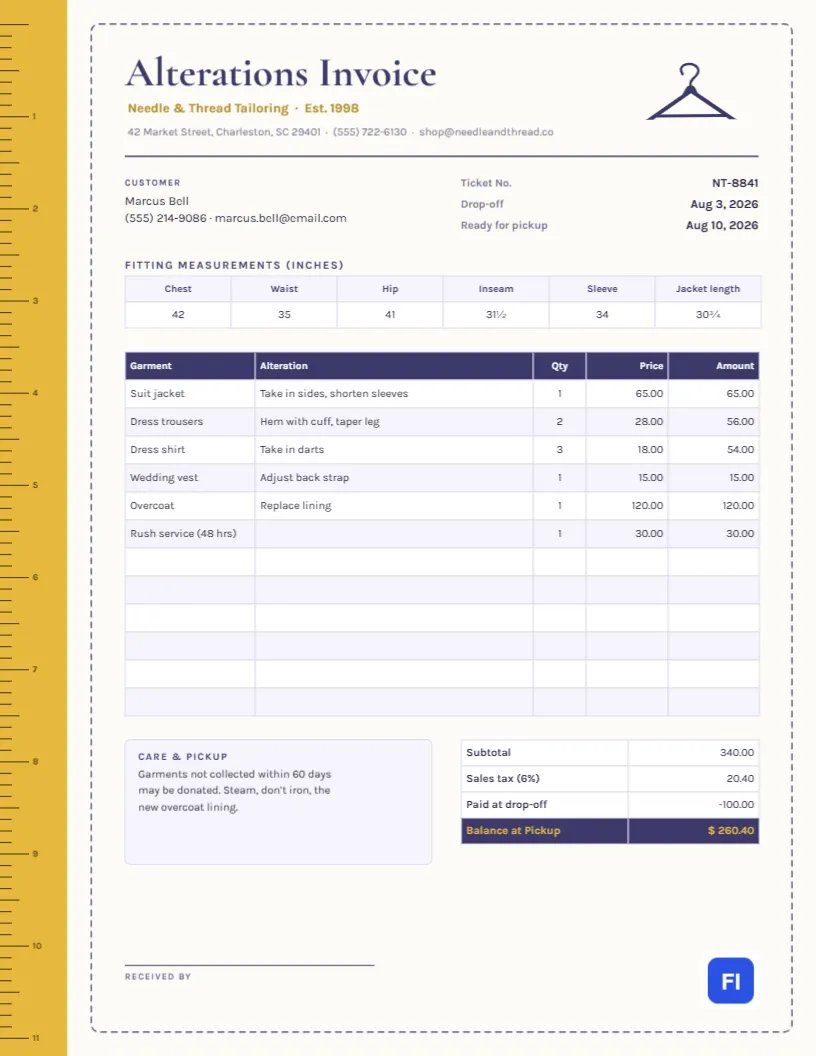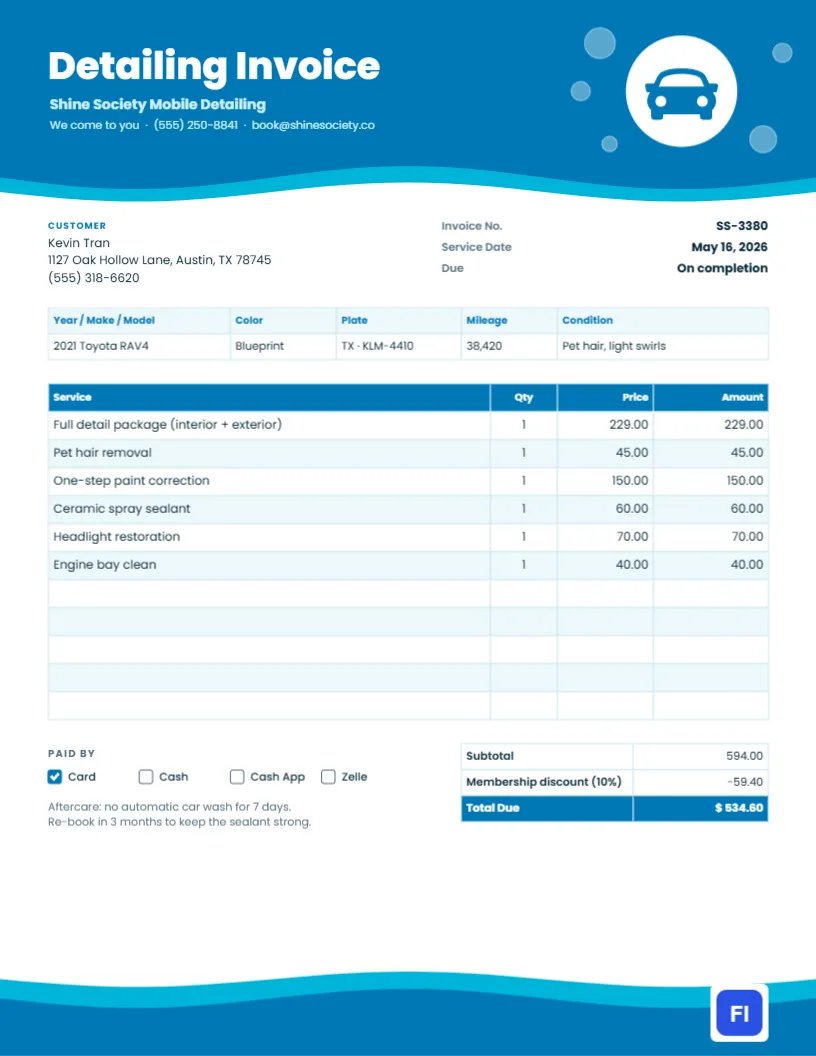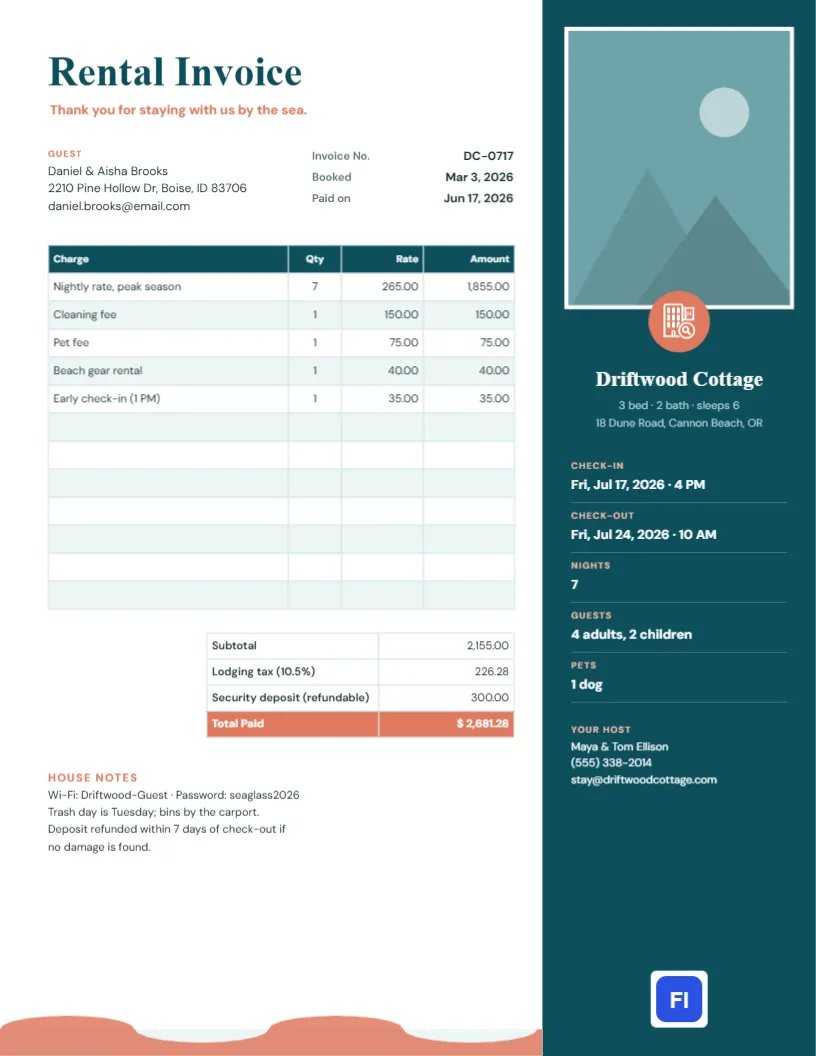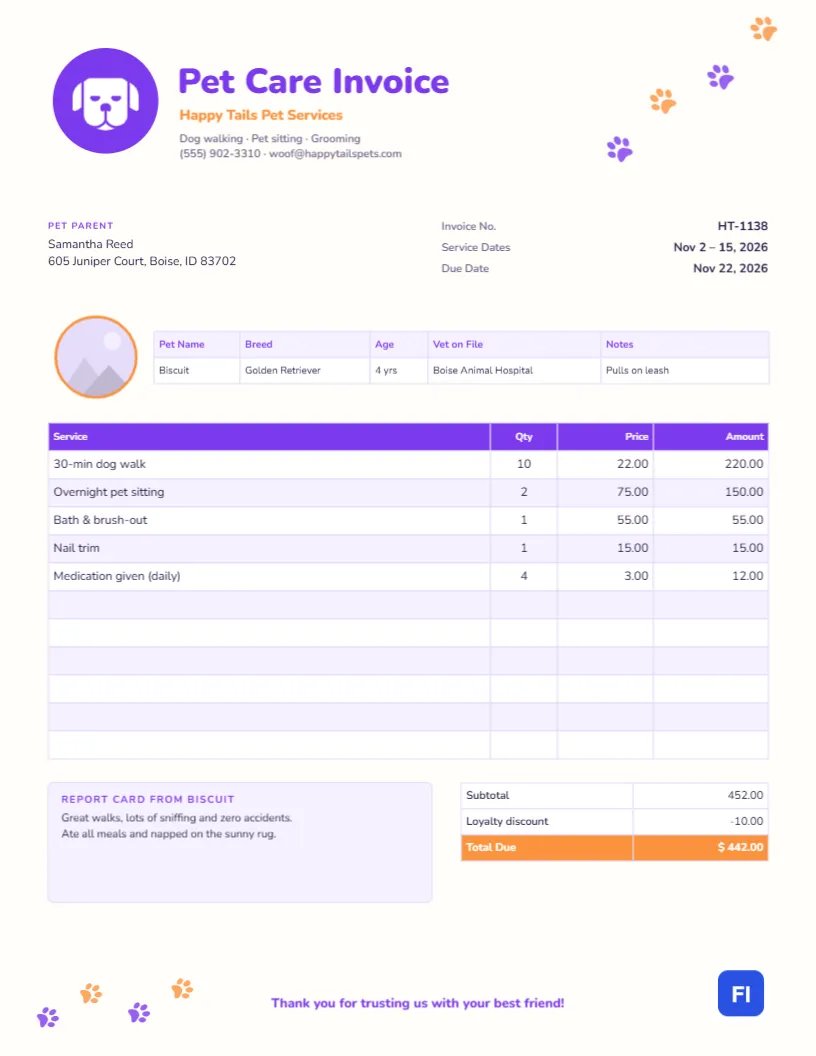
Pet owners treat their animals like family, and they choose pet sitters and dog walkers they trust. Your invoice is one more chance to show that care: it should list the walks and visits clearly, show the price for each, and include a few words about how their pet got on. This pet care invoice template is designed for that, with a trail of paw prints, a round spot for a photo of the pet, and a little report card at the bottom.
Dog Walkers, Pet Sitters and Groomers
The template fits dog walkers, pet sitters who do drop-in visits or overnights, mobile groomers, doggy daycare, pet taxis, and trainers. The sample shows Happy Tails Pet Services billing Samantha Reed for two weeks of care for Biscuit, a four-year-old golden retriever: ten 30-minute walks, two overnight sits, a bath and brush-out, a nail trim and four days of medication.
Paw Prints and a Friendly Dog Badge
A trail of paw prints in alternating purple and orange walks up the top-right corner of the page, as if a dog had just trotted across the invoice. On the left, a purple circle holds a white dog face, and Pet Care Invoice is set in heavy purple Nunito with the business name in orange and the services, phone, and email beneath. The page background is a warm off-white, and a second, smaller trail of paws wanders along the bottom-left corner next to the closing line, Thank you for trusting us with your best friend!
Below the header, the Pet Parent block and the invoice number, service dates, and due date are laid out side by side. A round photo slot with an orange ring sits beside a pet profile strip listing the pet’s name, breed, age, vet, and a notes field. The services table has a purple header, and a lavender Report card note sits beside the totals, which apply a loyalty discount and show an orange Total Due.
What to Record in the Pet Profile
The profile strip keeps the essentials in front of anyone reading the invoice, including a backup sitter. Useful details include:
- Name, breed and age: so the invoice clearly belongs to the right pet in a multi-pet household.
- Vet on file: the clinic you would call in an emergency.
- Notes: behavior and care points like Pulls on leash, Afraid of thunder, or Twice-daily insulin.
- Medication: list daily meds as a service line, as the sample does, so the extra care is recorded and billed.
For households with two or three pets, add a second row to the strip or mention each pet’s name in the service descriptions.
Adding the Pet’s Photo
The round slot with the orange ring is a photo placeholder. Select it and choose Replace Image to upload a picture of the pet, ideally one you took on a walk. The circle keeps its size and shape. Owners love seeing their pet on the invoice, and it is a small touch that makes clients recommend you to friends.
Listing Walks, Visits and Overnights
Use the Qty column for the number of walks or visits and the Price column for your rate. Group identical services on one line (30-min dog walk × 10) to keep the table short, and list one-off services like baths and nail trims separately. The sample adds up to $452.00 before a $10 loyalty discount, for a total due of $442.00.
Editing the Services Table
The services list, the profile strip, and the totals are editor tables. Double-click the services list to edit it or use Edit Table Data, adding lines with + Add Row and removing blank ones with – Remove Last. Since the cells hold text, recalculate each amount and the totals yourself after any change.
The Report Card
This is where you share how the pet did: good walks, eating well, a funny moment, anything unusual. Great walks, lots of sniffing, and zero accidents is exactly the kind of note owners forward to their family. If something worried you, like a limp or a missed meal, mention it here and message the owner right away too.
Changing Colors and Icons
The paw trails are grouped, so each trail moves as one; recolor the paws to your brand colors. The dog face is an editable vector, and for cat sitters there is a cat icon in the library that can take its place. Purple and orange give the page a playful, modern feel, but teal and coral or navy and yellow work just as well.
Leaving a Copy on the Counter
The page is US Letter, 8.5 x 11 inches. Email the PDF at the end of each booking or once a week for regular walkers. If you leave a printed copy on the kitchen counter after a pet sit, plain white paper is fine; the paws and badge print brightly on home printers.
Holiday Rates and Busy Seasons
Holidays and summer weekends are the busiest times for pet sitters, and many charge a holiday rate for Thanksgiving, Christmas, or the Fourth of July. Put the holiday surcharge on its own line with the dates, so owners see the standard rate and the extra separately. Booking deposits for peak dates can be shown as a credit on the final invoice, just like a discount.
Meet-and-Greets and New Clients
Most pet sitters start with a free or low-cost meet-and-greet to learn the routine, collect keys, and meet the pet. If you charge for it, bill it on the first invoice as its own line. It is also the moment to collect the vet details, emergency contacts, and feeding instructions that go into the pet profile strip, so the very first invoice already looks organized.
Pet Care Invoice FAQs
Can I use this for cat sitting?
Absolutely. Swap the dog icon for a cat, and list drop-in visits and litter care as services.
Should I charge for key pickup?
Many sitters do. Add Key pickup and return as a line if it is part of your pricing.
How do I bill for more than one pet?
Add a pet line per visit, or list each pet’s care separately.