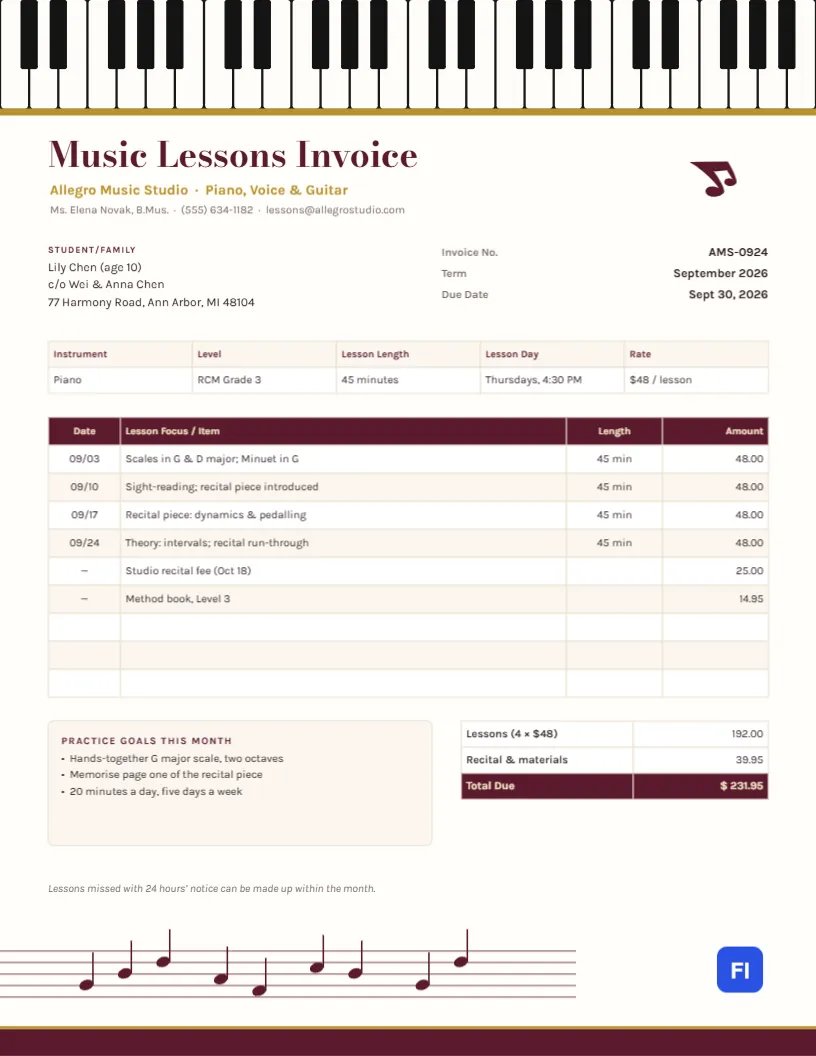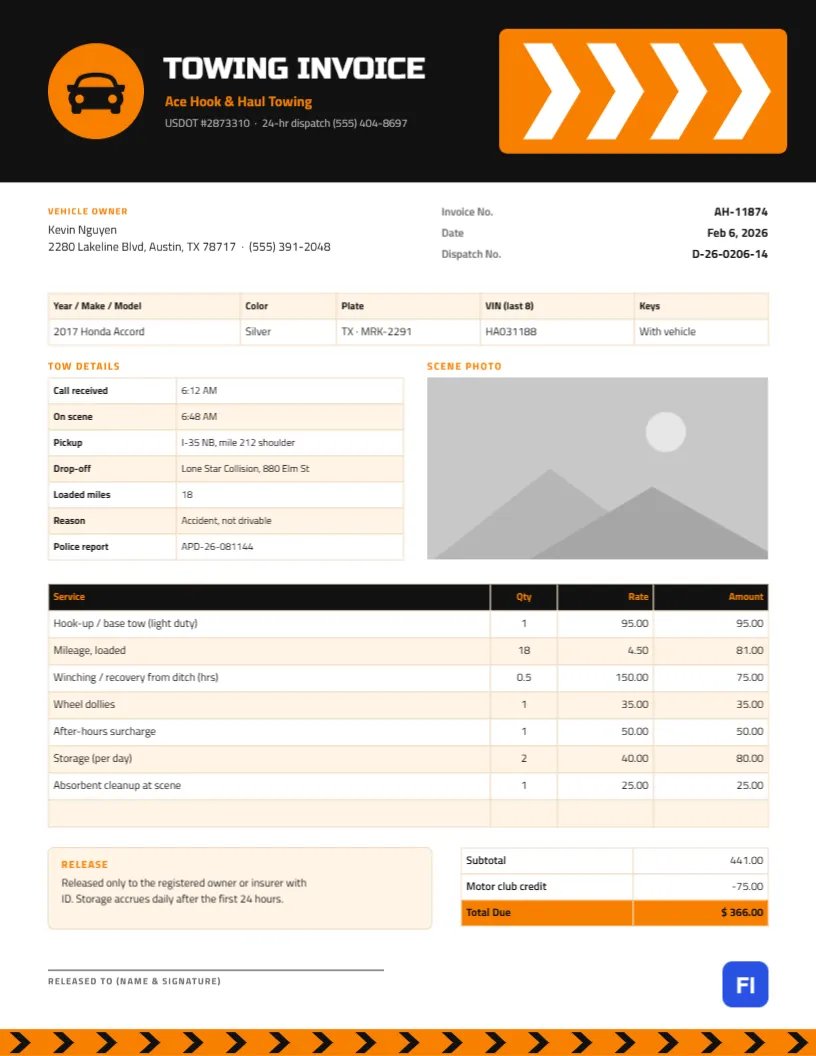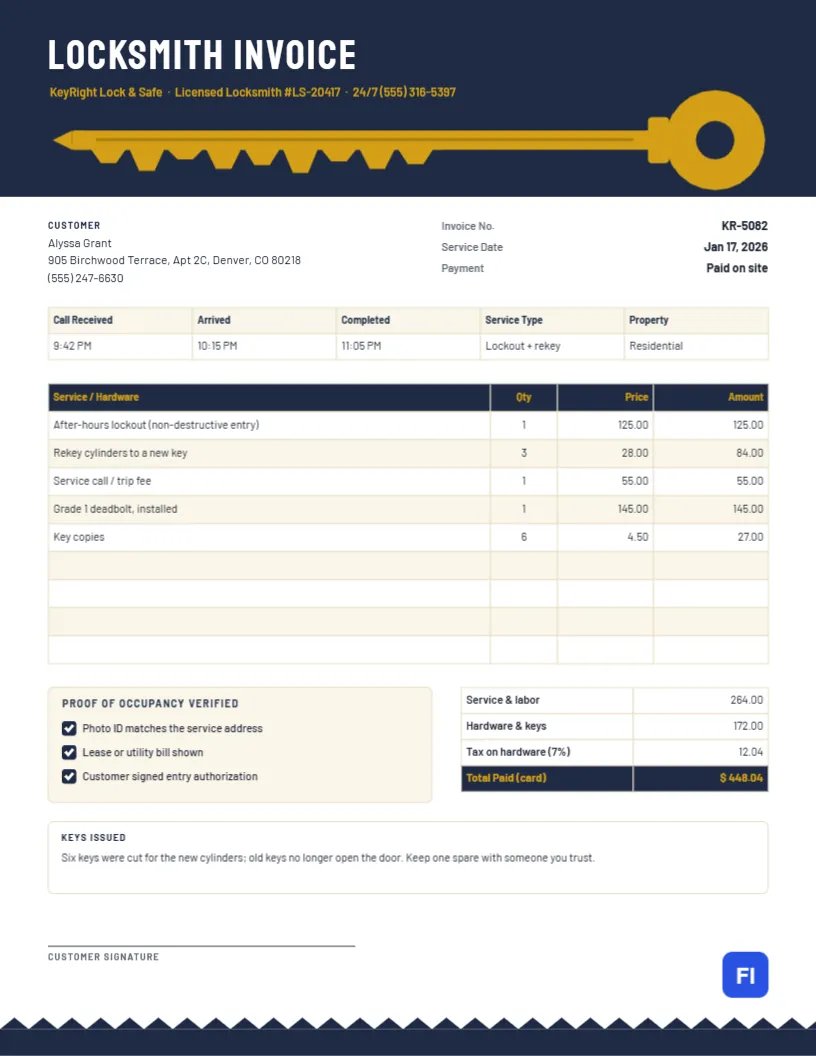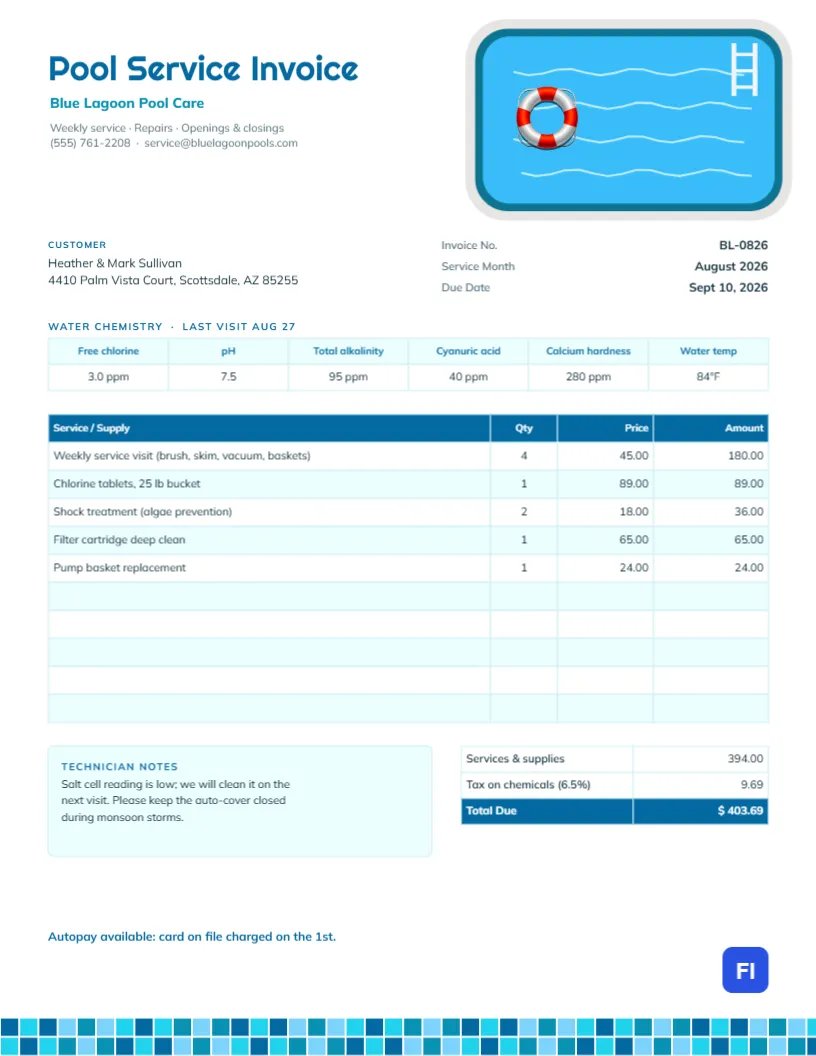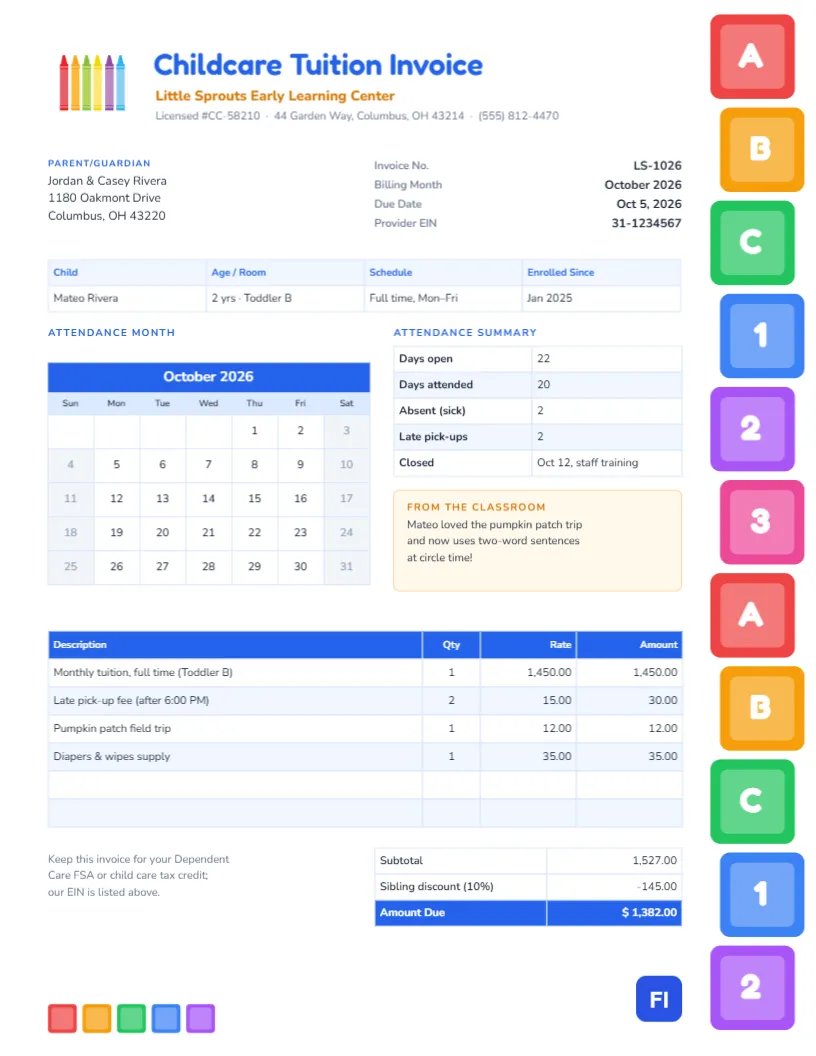
Parents pay for childcare every month, often for years, and many of them need the invoice for more than just paying: dependent care accounts, tax credits, and employer benefits all ask for proof of care, with the provider’s details and the dates covered. A daycare invoice should therefore be cheerful enough to belong on the fridge and precise enough for an accountant. This Childcare Tuition Invoice Template manages both, with a column of colorful building blocks, an attendance calendar, and the provider’s tax ID printed right in the header facts.
Daycares, Preschools and Home Childcare Providers
It suits childcare centers, preschools, home daycare providers, after-school programs, nursery schools, and nanny agencies billing monthly. The sample shows Little Sprouts Early Learning Center billing the Rivera family for October tuition for their two-year-old in the Toddler B room, plus two late pick-up fees, a pumpkin patch field trip and a diaper and wipes supply, with a ten percent sibling discount.
Building Blocks and a Box of Crayons
Down the right edge of the page runs a tall stack of chunky toy blocks in red, orange, green, blue, purple and pink, gently staggered as if a toddler had just built the tower, each printed with a big white letter or number: A, B, C, 1, 2, 3. At the top left, a bundle of rainbow crayons sits beside the title, Childcare Tuition Invoice, in rounded blue Fredoka, with the center’s name in orange and its license number, address, and phone beneath. Five small blocks line up at the bottom left of the page, echoing the tower.
The parent block sits beside the invoice number, billing month, due date and provider EIN. A child strip names the child, age, room, schedule, and enrollment date. Below it, on the left, is the attendance month as a real calendar; on the right, an attendance summary and a note from the classroom. The tuition table, the totals with the sibling discount, and a reminder about dependent care claims finish the page.
The Attendance Calendar
The month grid on this invoice is the editor’s built-in Calendar object, not a table of typed numbers. Click it and open Calendar Options to change the month and year for each new invoice; the grid rebuilds itself with the right number of days and weeks. In the same options, you can switch the week to start on Monday, change the header and weekend colors, or pick a different font. Because the calendar resizes around its center when a month needs six rows, the layout leaves space above and below it.
Using This Invoice for Dependent Care Claims
Parents often ask what they need for a Dependent Care FSA reimbursement or a child care tax credit. This invoice already carries the essentials, but here is what reviewers usually look for:
| Requirement | Where it is on the invoice |
|---|---|
| Provider name and address | Header, under the title |
| Provider tax ID (EIN or SSN) | Header facts, Provider EIN |
| Child’s name | Child strip |
| Dates of care | Billing month and the attendance calendar |
| Amount paid for care | Tuition line and Amount Due |
Fees for things other than care, such as field trips or supplies, may not qualify, which is one reason to keep them on separate lines.
Tuition, Fees and the Sibling Discount
Tuition is billed as one monthly line, and extras are listed separately so parents can see exactly what was added. In the sample, tuition and fees total $1,527.00; a ten percent sibling discount on tuition, $145.00, brings the amount due to $1,382.00. If your center charges weekly, change the tuition line to Weekly tuition and the quantity to the number of weeks.
Filling In the Attendance Summary and Classroom Note
The summary on the right records days open, days attended, sick days, late pick-ups and closures. It helps parents follow your attendance policies and explains any late fees. The classroom note is the warm part of the invoice: a milestone, a favorite activity, or a new word. Parents keep invoices with notes like these, and they build loyalty that no discount can buy.
Editing the Tables
The child strip, the attendance summary, the tuition list and the totals are all editor tables. Double-click to change their text or use Edit Table Data, and adjust the number of tuition lines with + Add Row and – Remove Last. The tables hold typed values rather than calculations, so update the discount and amount due yourself after changing any fee.
Restyling the ABC Tower and Crayons
The block tower is grouped, so it moves as one piece, and each block can be recolored. The letters on the blocks are separate text, so you can spell the center’s initials instead of ABC. The crayons are an editable vector with their own color swatches. Blue and orange are the main colors of the text and tables; switch them to your center’s colors for a branded look.
Sending Invoices to Families
The invoice is set up for 8.5 x 11 inch paper. Email it as a PDF at the start of each month, or slip a printed copy into the child’s chubby. Families who pay for care through an employer benefit often need a copy for every month, so keep them organized by family and month.
Late Pick-Up and Holiday Policies
Late pick-up fees protect staff time, and most centers charge by the minute or in blocks after closing time. State the fee in your handbook and show each occurrence on the invoice with its date. For holidays and closures, the attendance summary shows the closed days, so parents understand that monthly tuition covers the whole month rather than only the days the center was open.
Childcare Invoice FAQs
Can I show two children on one invoice?
Yes. Add a second row to the child strip and a tuition line for each child.
Can I mark specific dates on the calendar?
The calendar cells cannot be styled one by one, but you can place a small shape or sticker over a date and move it when the month changes.
Do I need the EIN on the invoice?
Parents need it to claim dependent care benefits, so it is best to include it.