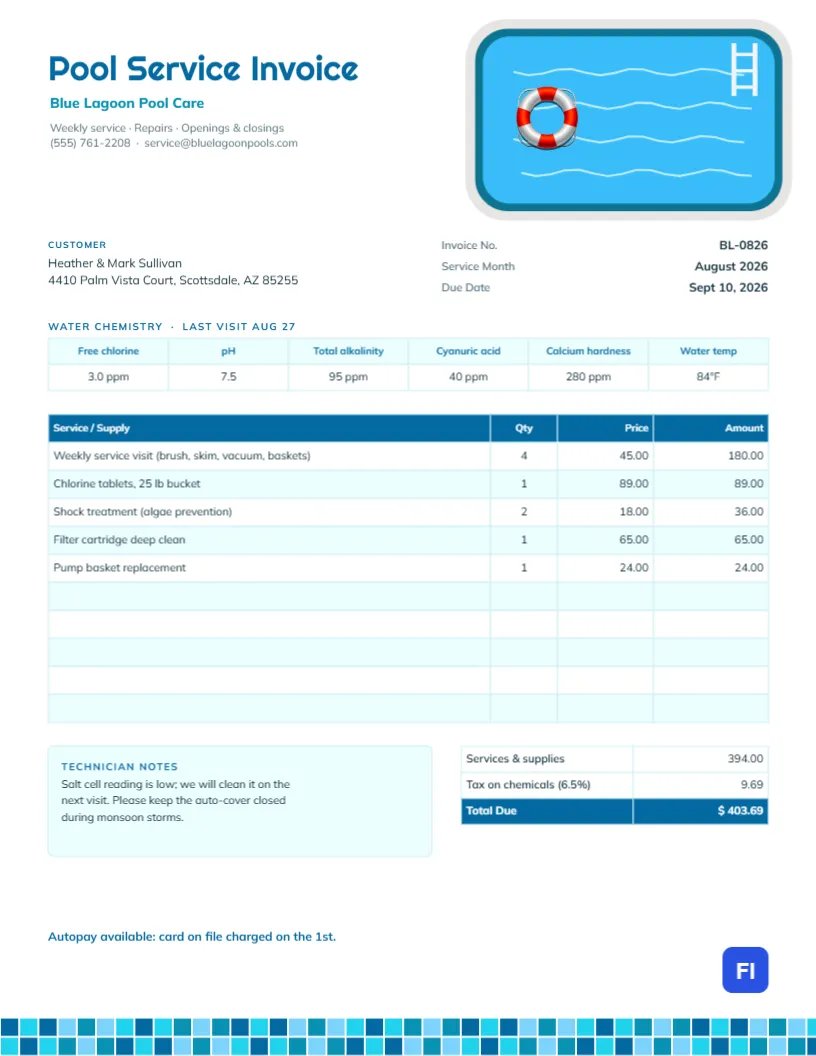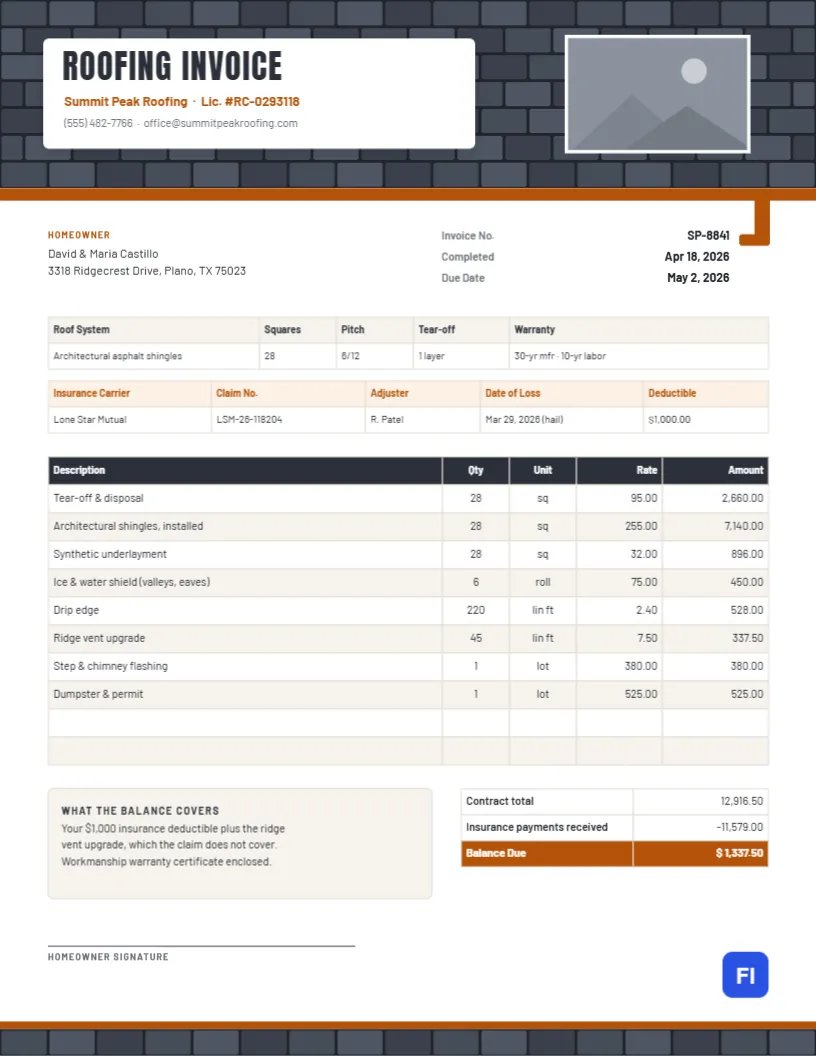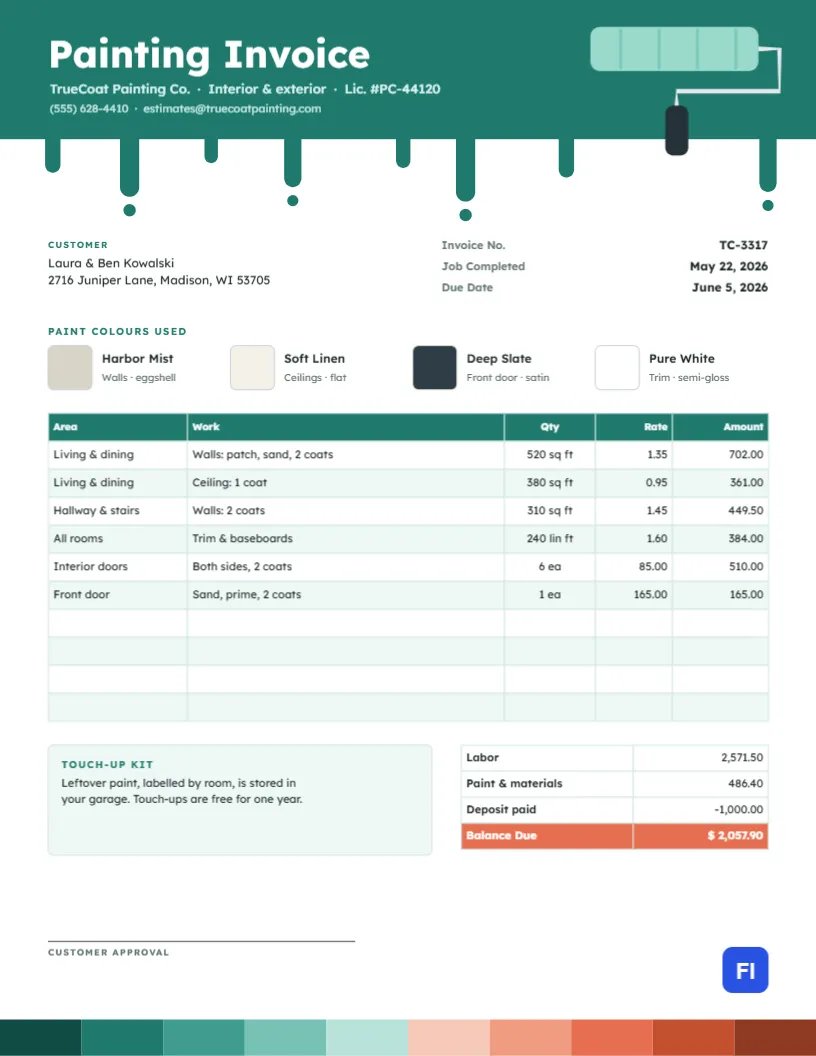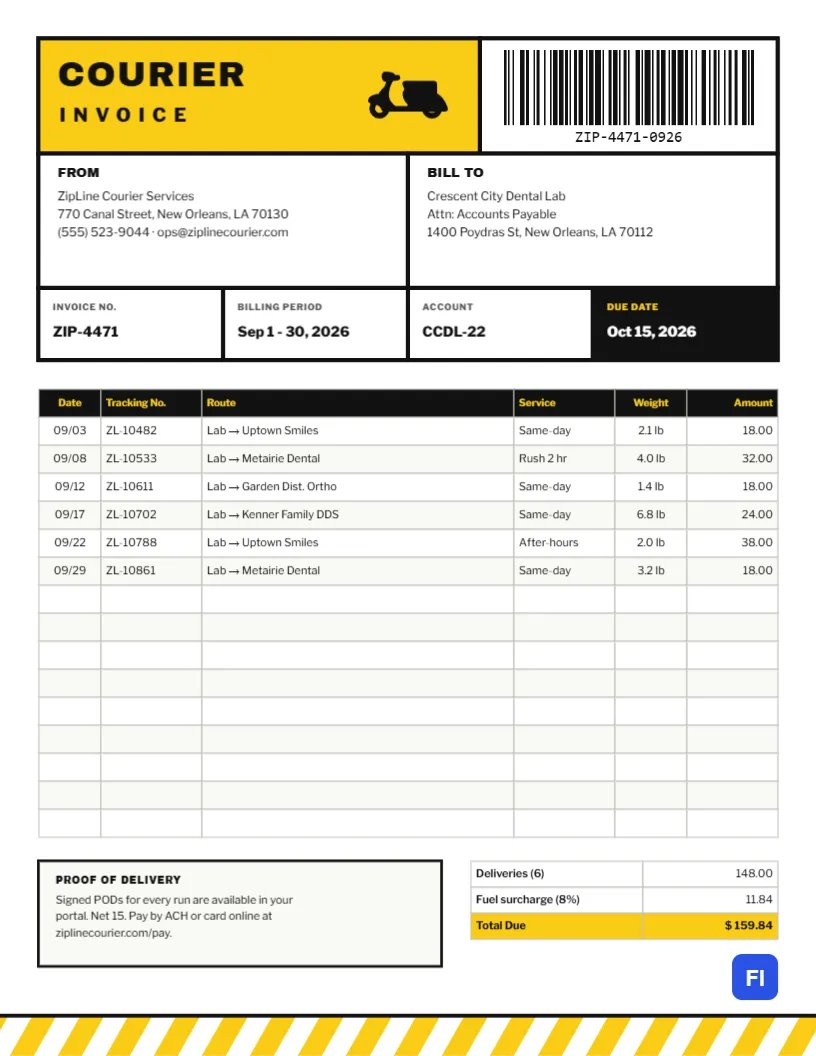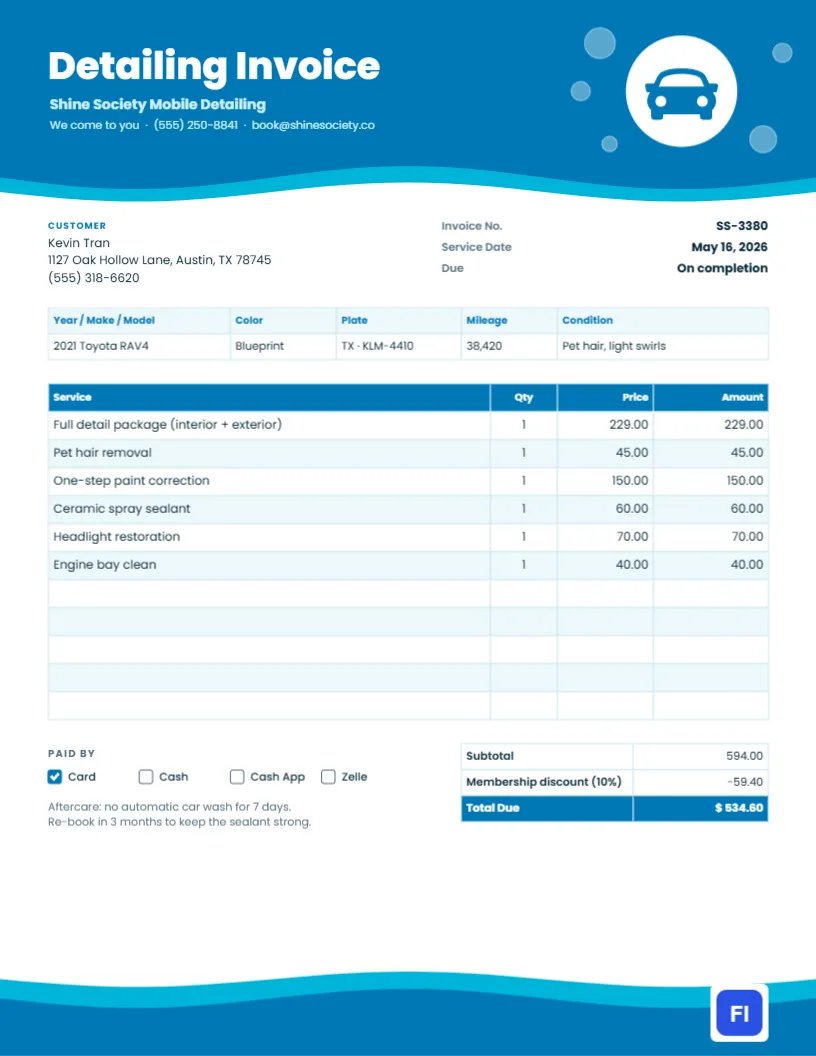
Detailing is a premium service. Customers pay for the gleam of corrected paint, the smell of a fresh interior, and the satisfaction of a car that looks new again. When the job is done, your invoice should feel just as polished. This Car Detailing Invoice Template does that with a flowing double wave of blue across the top, a car badge floating among soap bubbles, and a vehicle strip that records the car’s details and condition before you started.
Detailers, Mobile Washes and Ceramic Coating Shops
It is designed for mobile retailers, detailing studios, hand car washes, ceramic coating and paint protection installers, fleet washing services, and boat and RV retailers. The sample shows Shine Society Mobile Detailing invoicing Kevin Tran for work on a 2021 Toyota RAV4: a full interior and exterior detail, pet hair removal, a one-step paint correction, a ceramic spray sealant, headlight restoration, and an engine bay clean.
Waves of Water Across the Page
The header is a deep ocean-blue shape whose lower edge ripples in a gentle wave, with a brighter aqua wave peeking out beneath it, like water sheeting off a freshly rinsed hood. Detailing Invoice is set in heavy white Poppins, with the business name in pale aqua and the We come to you line, phone, and email below. On the right, a white circle carries a blue car seen from the front, surrounded by translucent soap bubbles of different sizes. The same double wave rises from the bottom of the page, so the invoice sits between two sweeps of water.
Under the header, the customer block sits beside the invoice number, service date, and due status. A vehicle strip records year, make, and model, color, plate, mileage, and condition. The services table follows with a blue header and pale blue stripes. Underneath, payment method checkboxes and an aftercare note sit beside the totals, which apply a membership discount and end with a blue Total Due.
A Detailing Menu Customers Can Choose From
Customers compare retailers by package. Presenting your menu clearly and billing the same way builds confidence. A sample structure:
| Package | Includes | Typical Time |
|---|---|---|
| Express wash | Hand wash, wheels, windows, quick vacuum | 45 minutes |
| Interior detail | Vacuum, shampoo, leather care, dash and vents | 2- 3 hours |
| Full detail | Interior detail plus clay bar, wax or sealant | 4- 5 hours |
| Paint correction | Machine polish to remove swirls, one or more steps | 4- 10 hours |
| Ceramic coating | Correction plus multi-year coating | 1- 2 days |
Add-ons such as pet hair, headlight restoration, and engine bay cleaning are then listed separately, as they are on the sample invoice.
Recording the Vehicle and Its Condition
The condition field is a quiet protector. Noting Pet hair, light swirls, or a door ding, rear left, before you start shows the customer what you found and protects you if they later notice a mark you did not cause. Record the plate and mileage too; fleet customers and dealerships often need them to match invoices to vehicles.
Discounts for Members and Repeat Customers
Many retailers offer monthly maintenance memberships with a discount on larger services. The sample applies 10% off a $594.00 bill, bringing the total to $534.60. Show the discount as its own line so members see the value of their membership every time.
Updating the Vehicle Strip, Services and Totals
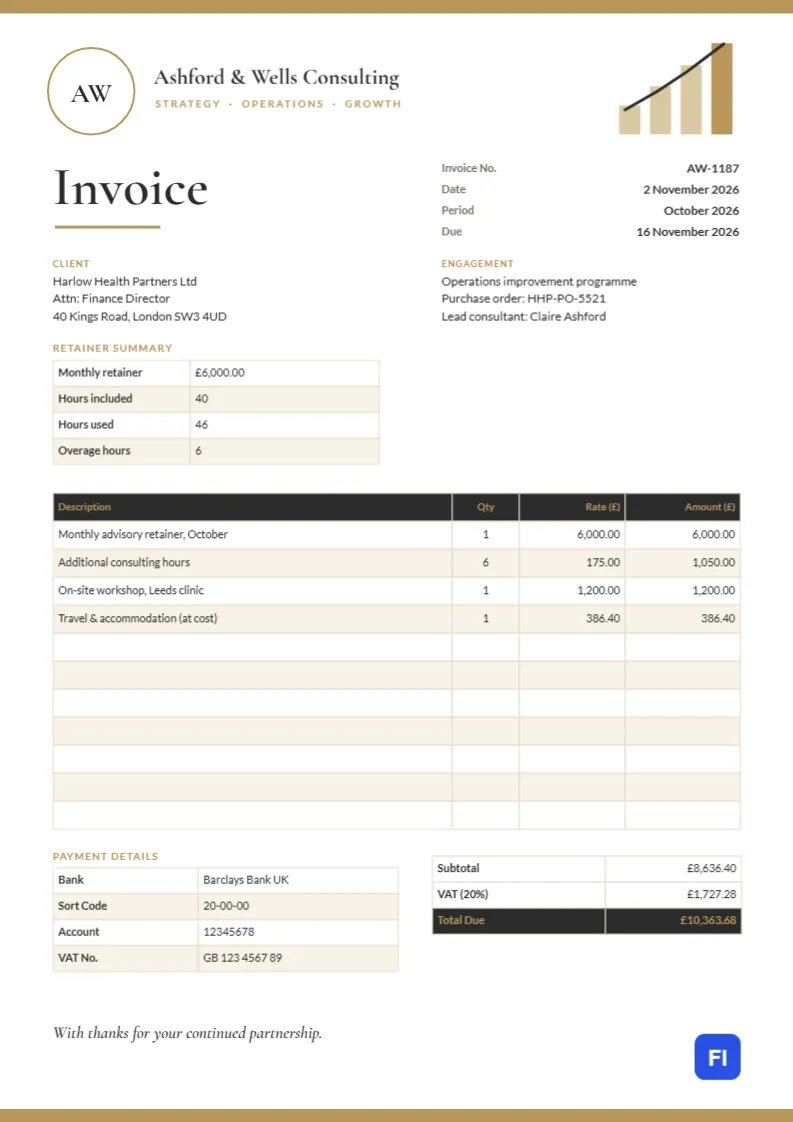
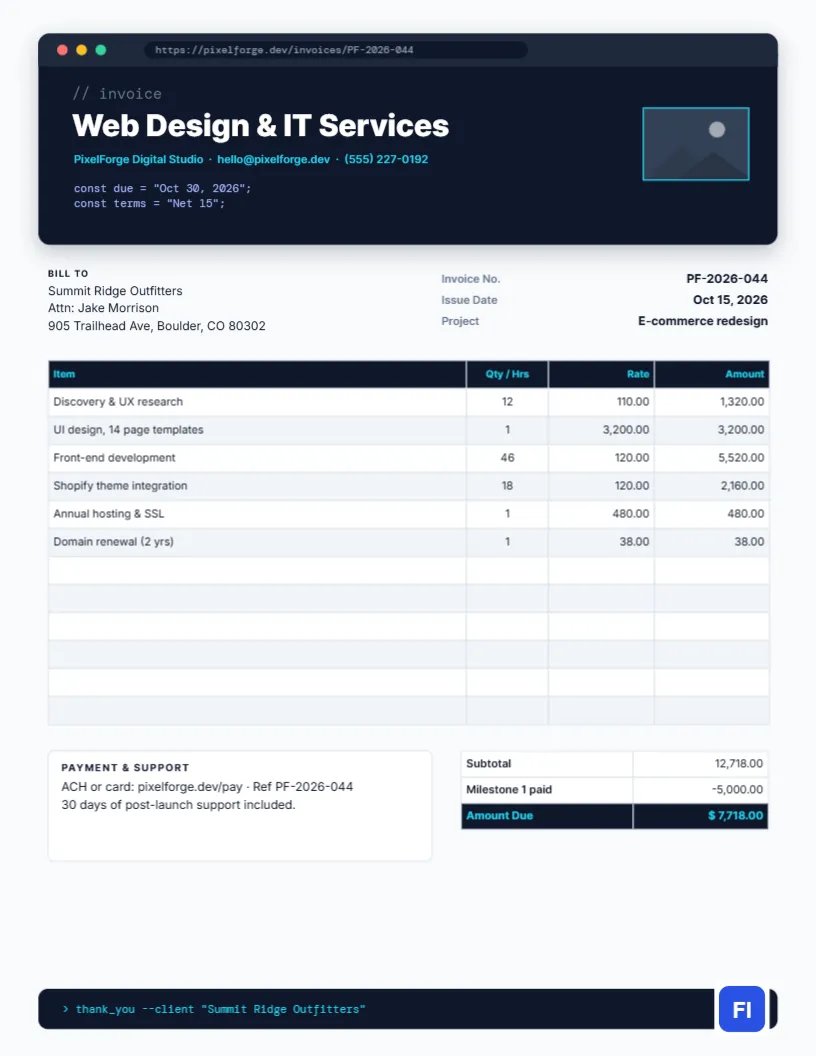
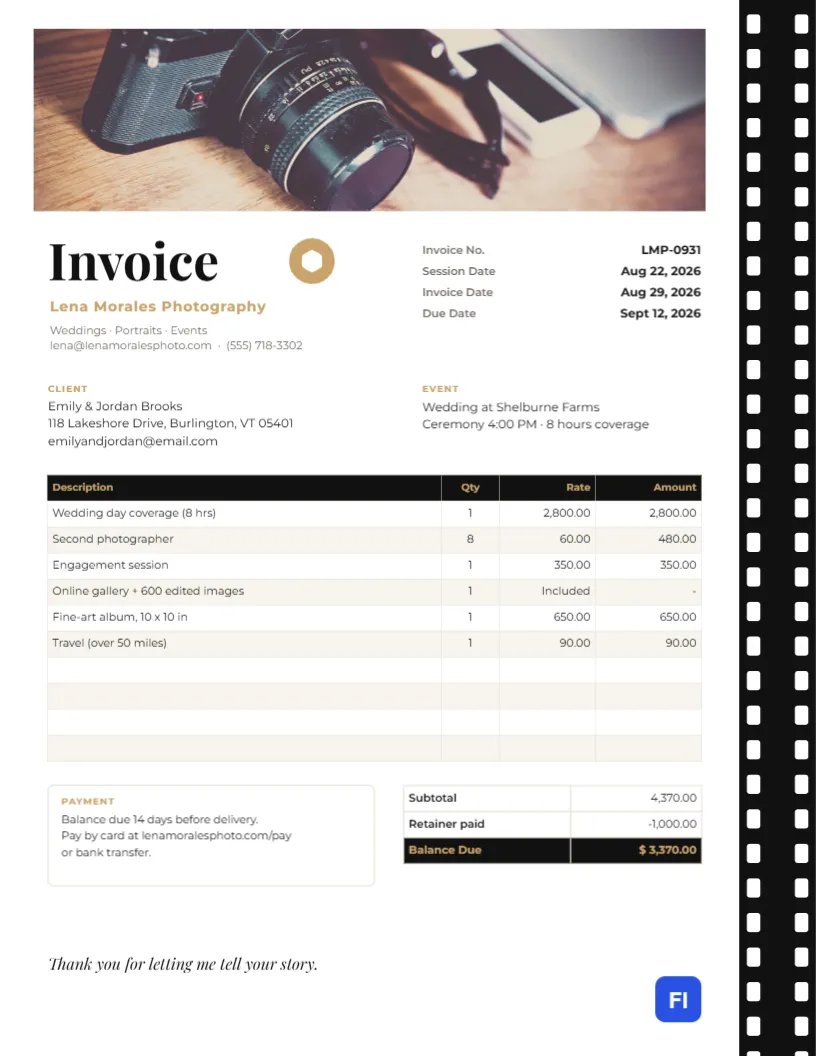
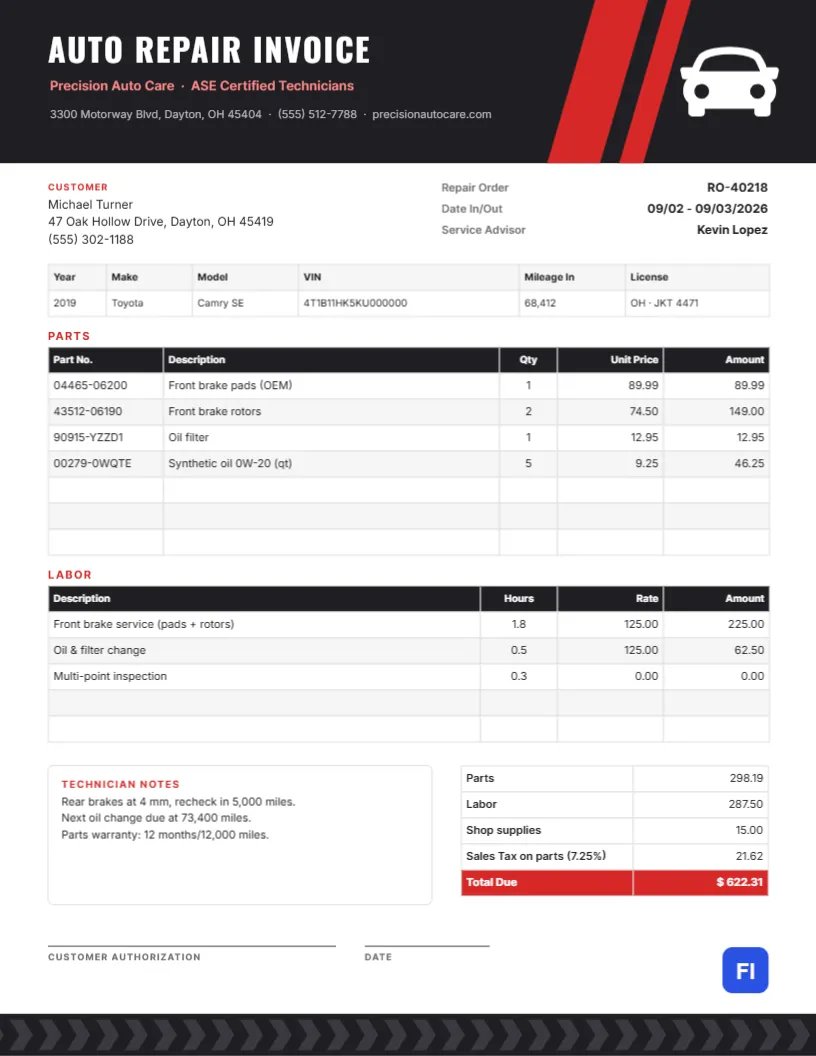
The vehicle strip, services list, and totals are editor tables. Double-click them or open Edit Table Data, and use + Add Row for extra services or – Remove Last to trim. The cells hold text, not formulas, so after any change, recalculate the subtotal, the discount, and the total due by hand.
Aftercare Advice Adds Value
The aftercare note tells customers how to protect their new shine: no automatic car wash for a week, gentle hand washes, a maintenance visit in three months. Good aftercare advice reduces complaints, extends the life of sealants and coatings, and naturally leads to the next booking.
Changing Colors and the Car Badge
The two header waves are grouped, and so are the footer waves, so each set recolors in one step. Switch to black and gold for a luxury studio, or red and gray for a sporty brand. The car is an editable vector: recolor it or replace it with a truck, a boat, or a motorbike from the library. The bubbles are part of the header group and can be recolored or removed.
Sending From the Driveway
The page is US Letter, 8.5 x 11 inches. Mobile retailers usually fill in the invoice on a phone or tablet and email it before driving away. For printed copies, bright white paper keeps the blues vivid; the waves run to the page edges, so a small white border will appear on most printers.
Fleet and Dealership Accounts
Businesses with several vehicles often prefer one invoice per month. Add each vehicle as a row with its plate or stock number and the service performed, and put the company name and purchase order in the customer block. Dealerships in particular want invoices that match their stock numbers so costs can be assigned to each car before it is sold.
Photos Before and After
Detailing is visual, and customers love to see the difference. Take a few before-and-after photos of the paint, the seats, and the wheels, and attach them to the invoice email. They reinforce the value of the work, reduce disputes about the car’s condition, and give you material for your social media, with the customer’s permission.
Weather, Water and Mobile Setups
Mobile retailers depend on the weather and on access to water and power. If you bring your own water tank and generator, say so in your booking terms; if you rely on the customer’s supply, note it too. When rain forces a reschedule, send a revised invoice with the new service date rather than editing the old one, so your records match the day the work was actually done.
Car Detailing Invoice FAQs
Can I charge a travel fee for mobile service?
Yes. Add a Travel fee line for customers outside your standard service area.
How do I bill a ceramic coating with a warranty?
List the coating as one line and write the warranty length and conditions in the aftercare note.
Should I record the time spent?
For hourly services like paint correction, put the hours in the Qty column and your hourly rate in the Price column.