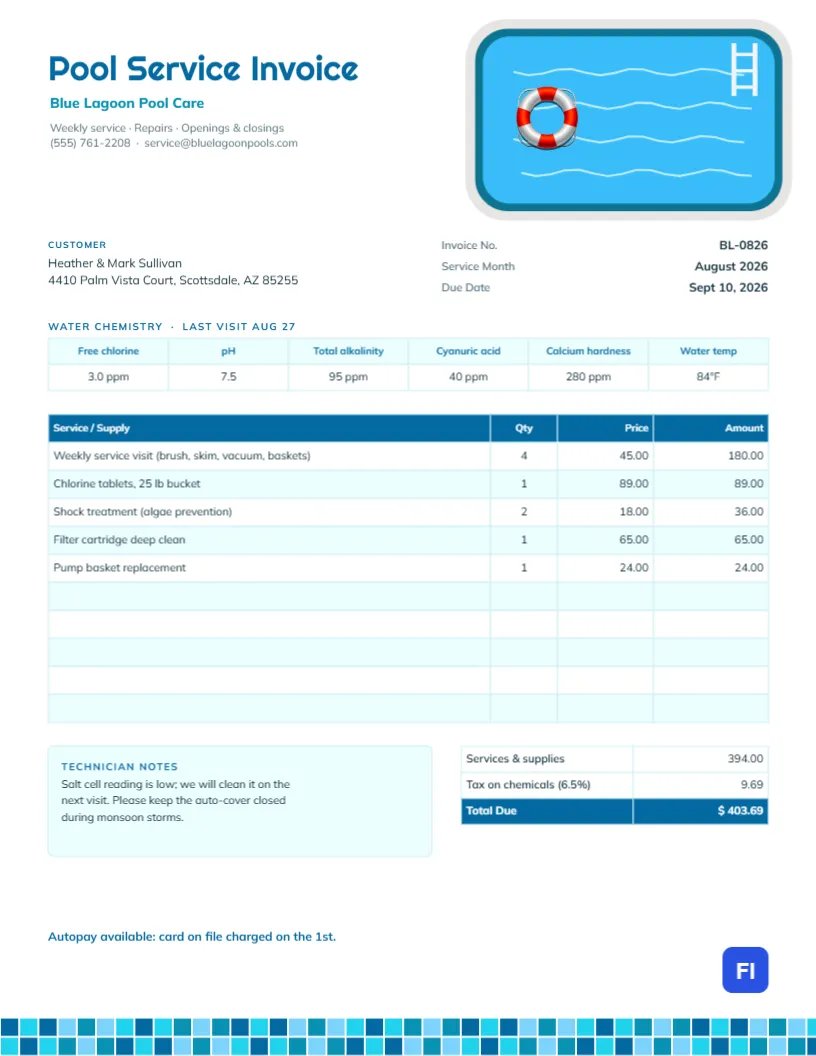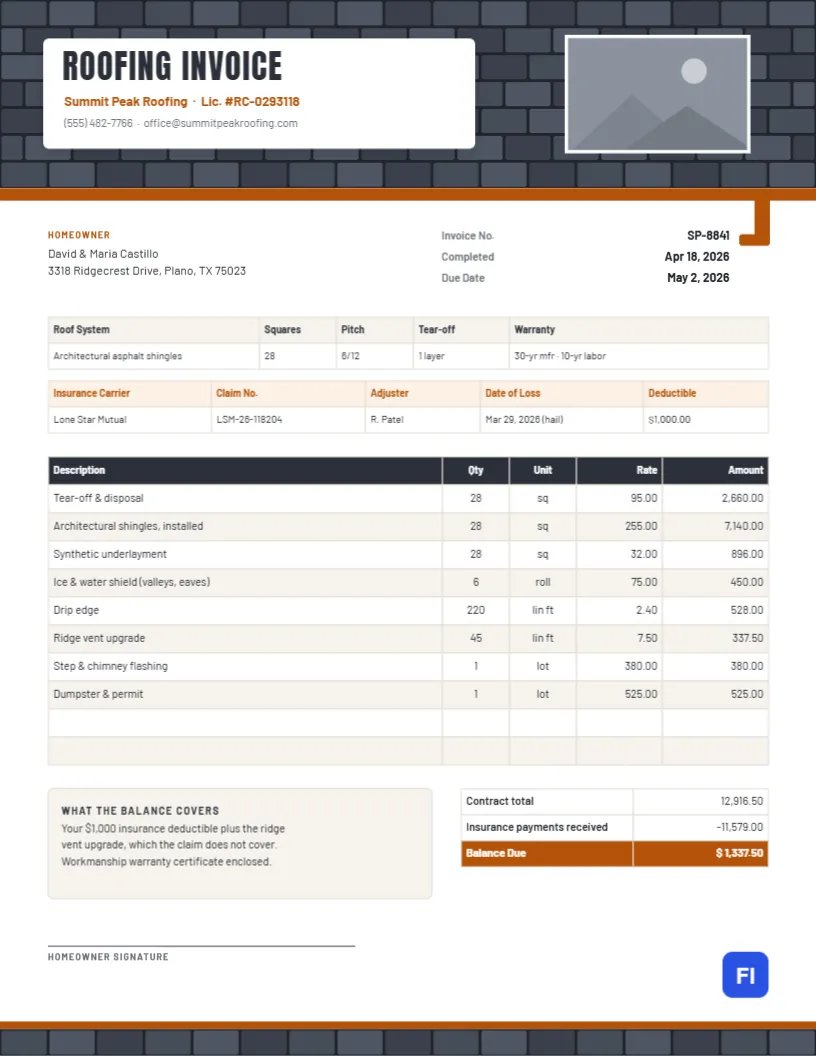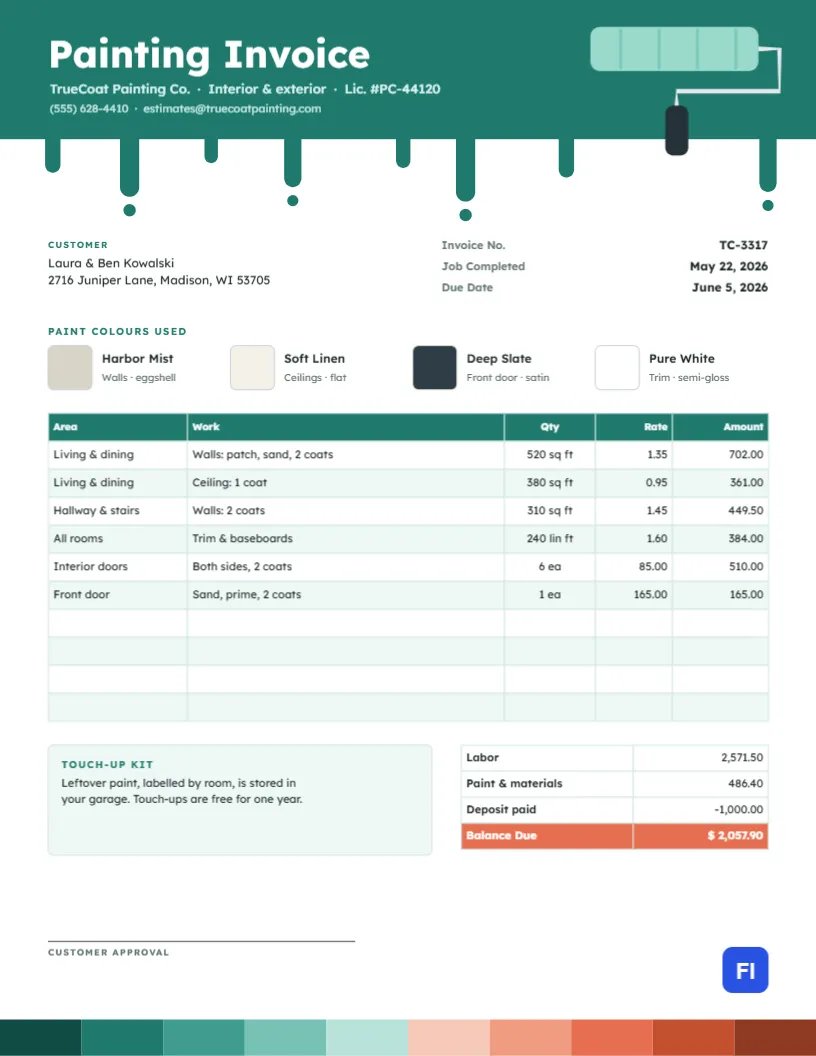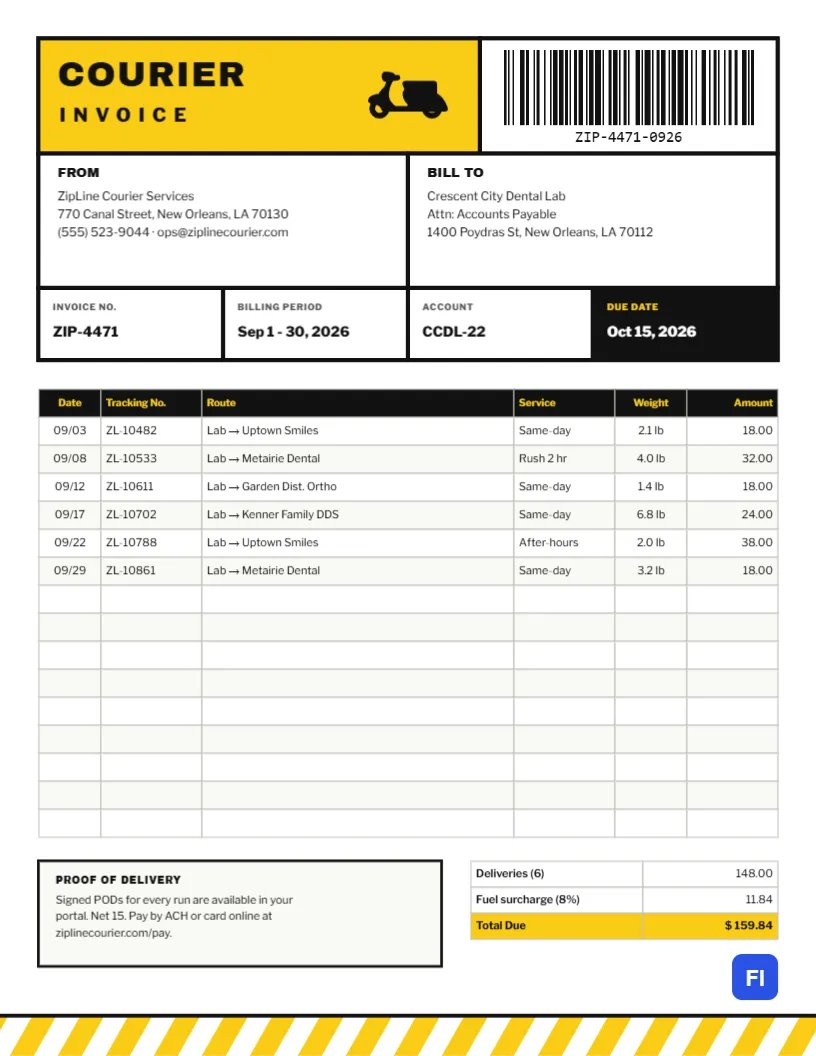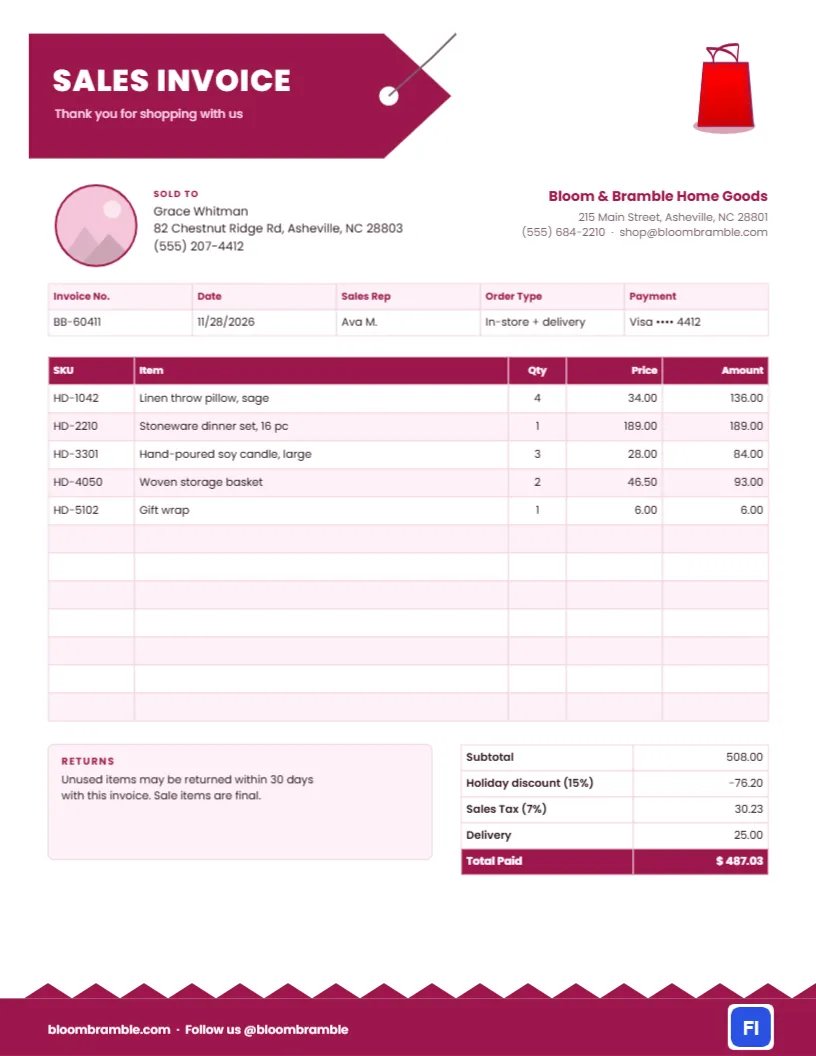
Not every sale ends at the till. Customers ordering furniture for delivery, buying gifts for a business, putting items on hold, or shopping for a big event often need a proper sales invoice rather than a thermal receipt. It records exactly what they bought, what they paid, and how returns work. This Retail Sales Invoice Template gives independent shops a stylish document that feels like part of the shopping experience, with a price-tag title and a cheerful magenta palette.
Boutiques, Gift Shops and Home Stores
It is designed for independent retailers: home goods and gift shops, boutiques, florists selling décor, bookshops, furniture stores, craft sellers at markets, and small online shops that ship orders. The sample shows Bloom & Bramble Home Goods in Asheville selling linen throw pillows, a sixteen-piece stoneware dinner set, large soy candles, woven baskets and gift wrap to a customer, with a holiday discount, sales tax and a delivery charge.
A Price Tag You Can Almost Pick Up
The title sits on a large magenta shape cut like a paper price tag, with a pointed end, a punched hole, and a thin string trailing from it. SALES INVOICE is printed on it in bold white Poppins, with Thank you for shopping with us beneath. In the top-right corner, a shopping bag icon completes the idea. The store name and address are right-aligned below the bag.
A round photo slot with a magenta outline sits beside the Sold To block, ideal for your shop logo or a photo of your storefront. A strip under it records the invoice number, date, sales rep, order type, and payment method. The items table has five columns: SKU, Item, Qty, Price, and Amount, with a magenta header and blush striping. A Returns note sits beside the totals, which show subtotal, holiday discount, sales tax, delivery, and a highlighted Total Paid. At the bottom, a magenta band with a zigzag top edge, like pinking-shear fabric, carries your website and social handle.
A Returns Policy Customers Can Read in Ten Seconds
The Returns box is small on purpose. Customers read short policies; they skip long ones. Here is a model you can adapt:
Unused items in original condition may be returned within 30 days with this invoice for a refund to the original payment method. Sale and personalised items are final. Delivered furniture can be exchanged within 14 days; a collection fee may apply.
Whatever your policy, print it on every invoice. It protects you when a customer tries to return something months later, and it reassures new customers that you stand behind what you sell.
Why the SKU Column Matters
A stock-keeping unit (SKU) is your internal code for each product. Showing it on the invoice makes returns and reorders effortless: when the customer comes back for the same candle, you look up HD-3301 and find it. It also helps you reconcile the sale against your stock records. If you do not use SKUs, rename the column to Item # or delete it and let the Item column take the extra width.
Discounts, Sales Tax and Delivery
The totals table follows the usual retail order: subtotal first, then any discount, then sales tax calculated on the discounted amount, then delivery, and finally the total paid. In the sample, a 15% holiday discount comes off before 7% sales tax is applied. Some states also tax delivery charges, so check the rule where you trade and adjust the order of lines if necessary.
Editing the Items and Totals
Both the item list and the totals are editor tables. Double-click the item list or use Edit Table Data to enter your products, and add or remove lines with + Add Row and – Remove Last. If your point-of-sale system exports orders as CSV, Import CSV brings the rows straight in. The table does not calculate by itself, so after editing, work out each amount, the discount, the tax, and the total, then type the figures into the totals table.
Making the Tag Match Your Brand
The price tag, its hole and its string are grouped, so the whole tag moves and resizes as one. Change its fill from magenta to your brand colour and update the table header, the footer band and the round photo outline to match. The shopping bag is an editable vector, so you can swap it for a gift box, a candle, or a flower from the library. The round slot is a photo placeholder; select it and choose Replace Image to add your logo.
Printing at the Counter or Emailing a Copy
The template is US Letter, 8.5 x 11 inches. Print one copy for the customer’s bag and email a PDF for their records; many shoppers prefer email because paper receipts fade and get lost. Bright white paper keeps the magenta vivid. If your counter printer is black and white, the layout still reads clearly, with the tag printing as a dark grey shape.
Orders for Delivery and Special Orders
For items delivered later or ordered in, use the Order Type field to say so, such as In-store + delivery or Special order, deposit paid. If the customer paid only a deposit, rename Total Paid to Balance Due and add a deposit row above it. Put the delivery date in the Returns note or on a separate line so the customer knows when to expect it.
Gift Purchases and Business Buyers
Business customers buying client gifts or office décor often need an invoice with their company name for expense claims. Put the business name in the Sold To block and the purchaser’s name underneath. For gift purchases shipped directly to a recipient, keep the prices off the gift note but keep them on this invoice, which goes to the buyer only.
Retail Invoice Questions
Is this a receipt or an invoice?
Both. When the customer has already paid, the Total Paid line makes it a receipt; for unpaid orders, change it to Amount Due.
Can I show the card used?
Show only the last four digits, as the sample does. Never print a full card number.
Can I add a loyalty points line?
Yes. Add a row under the totals or a line in the Returns box, such as Points earned today: 42.