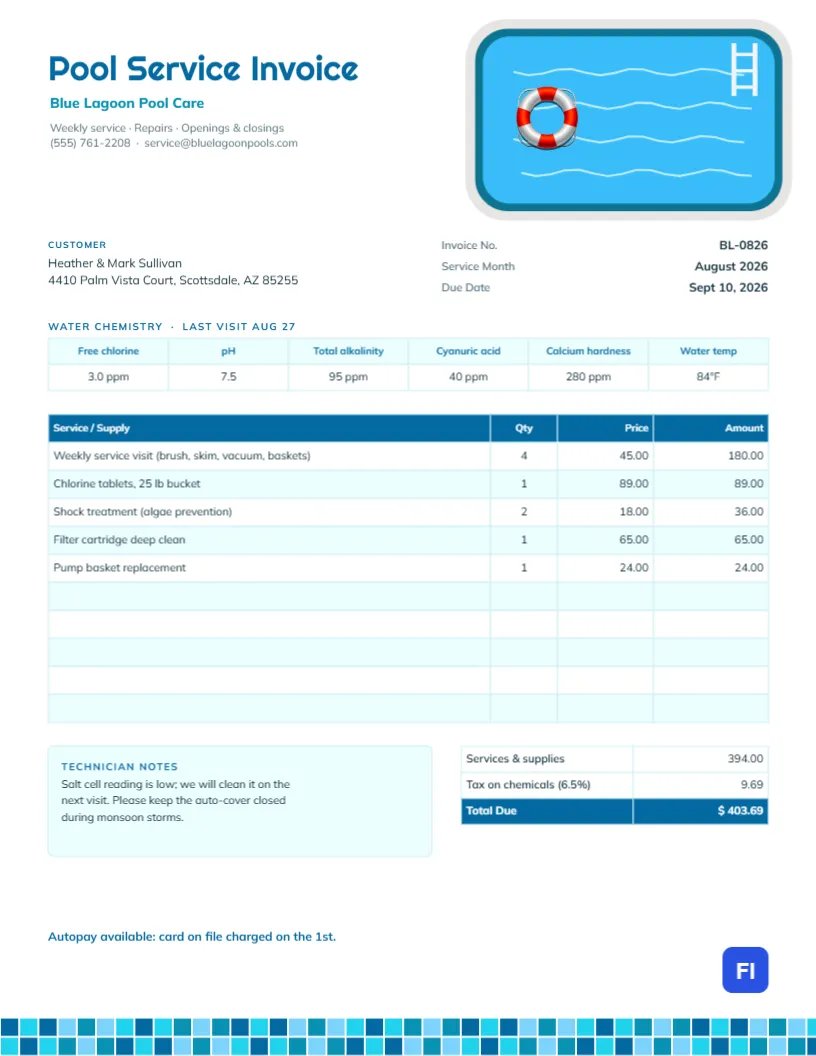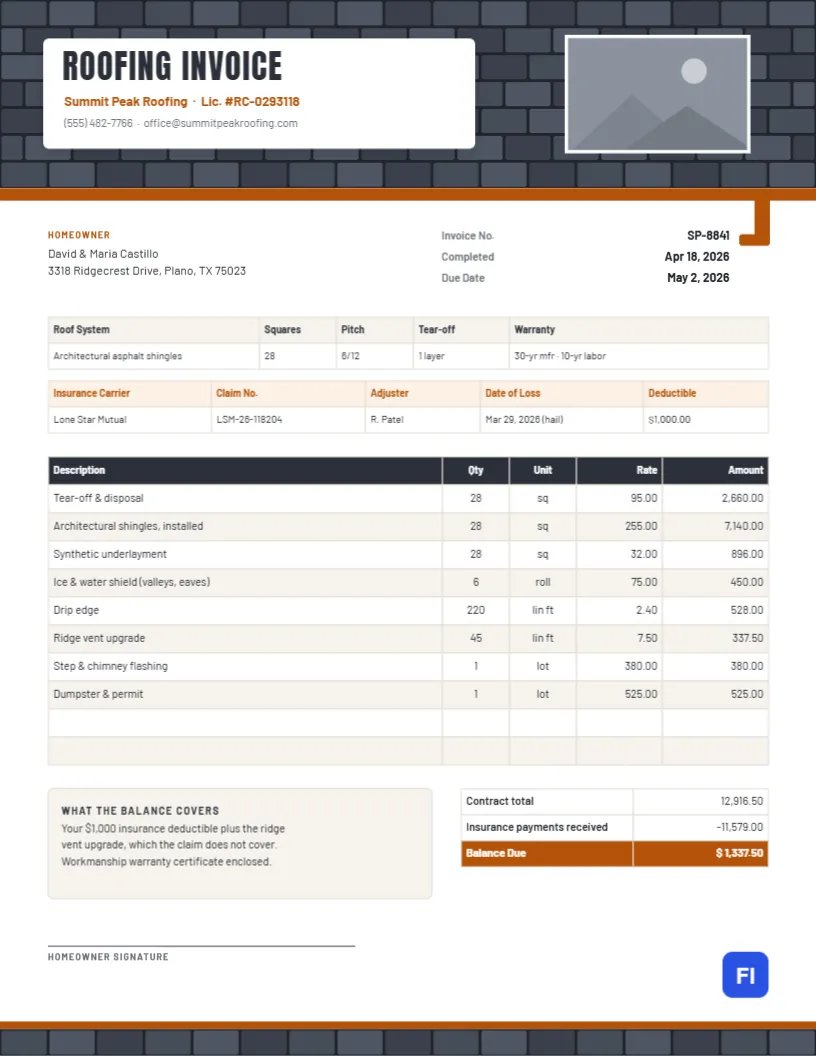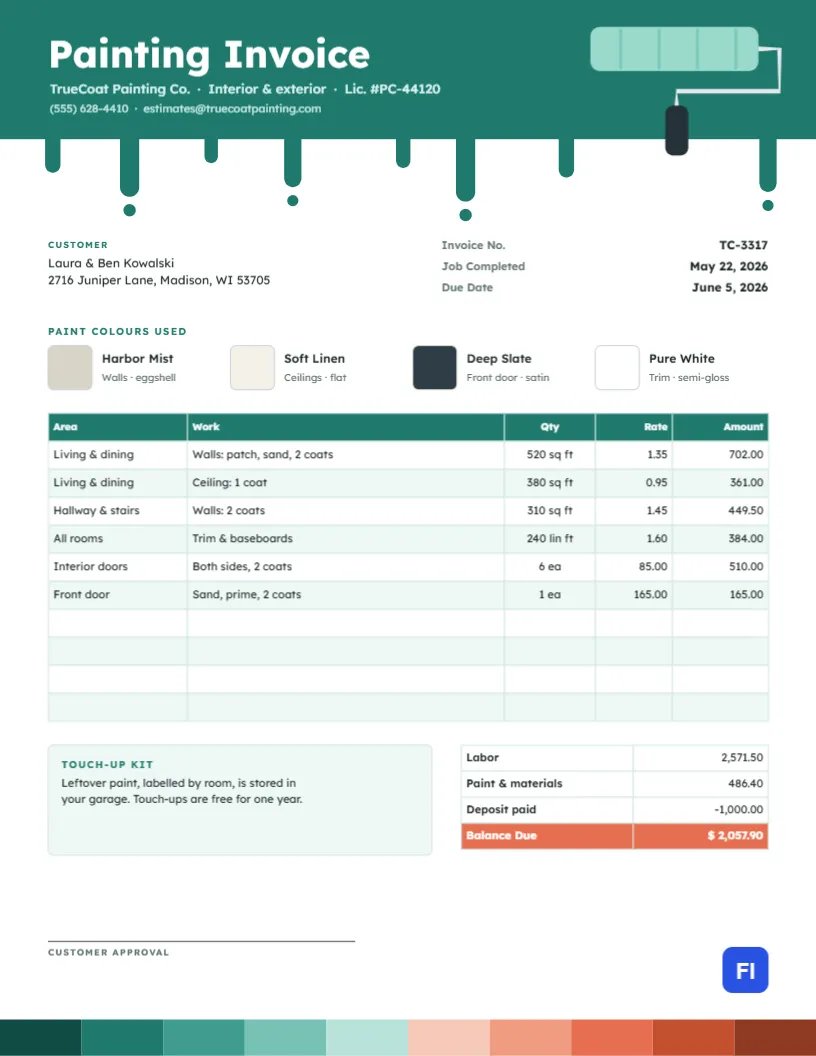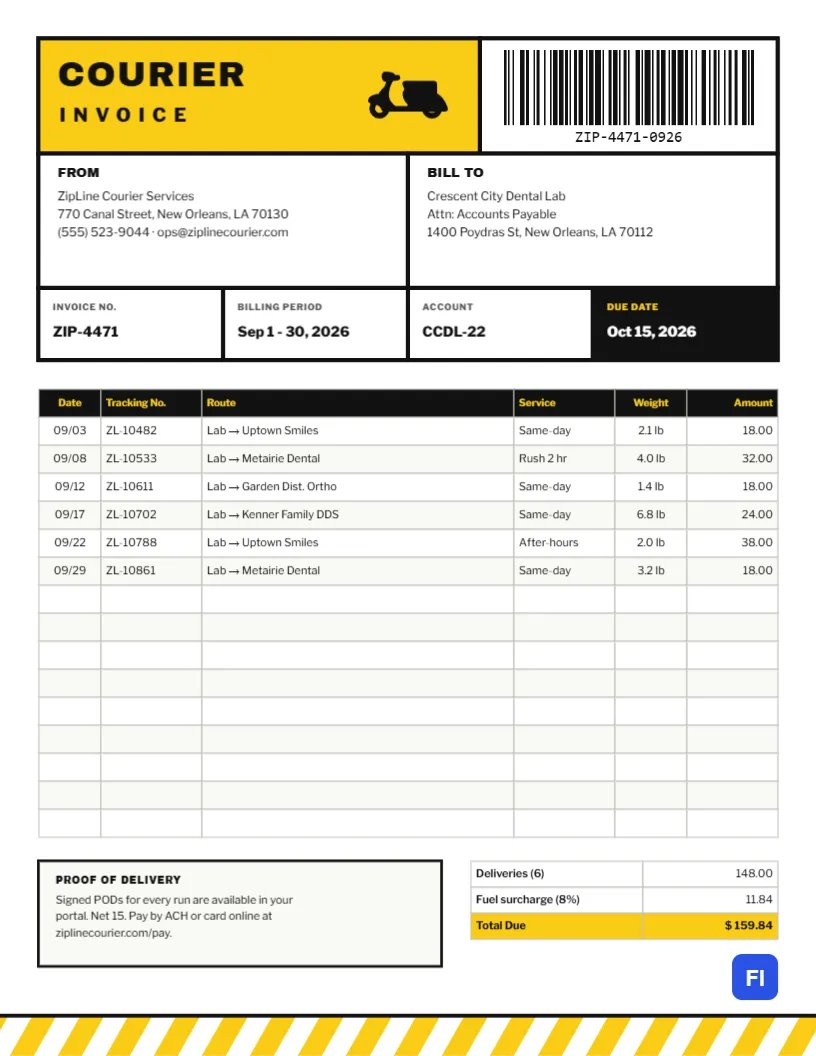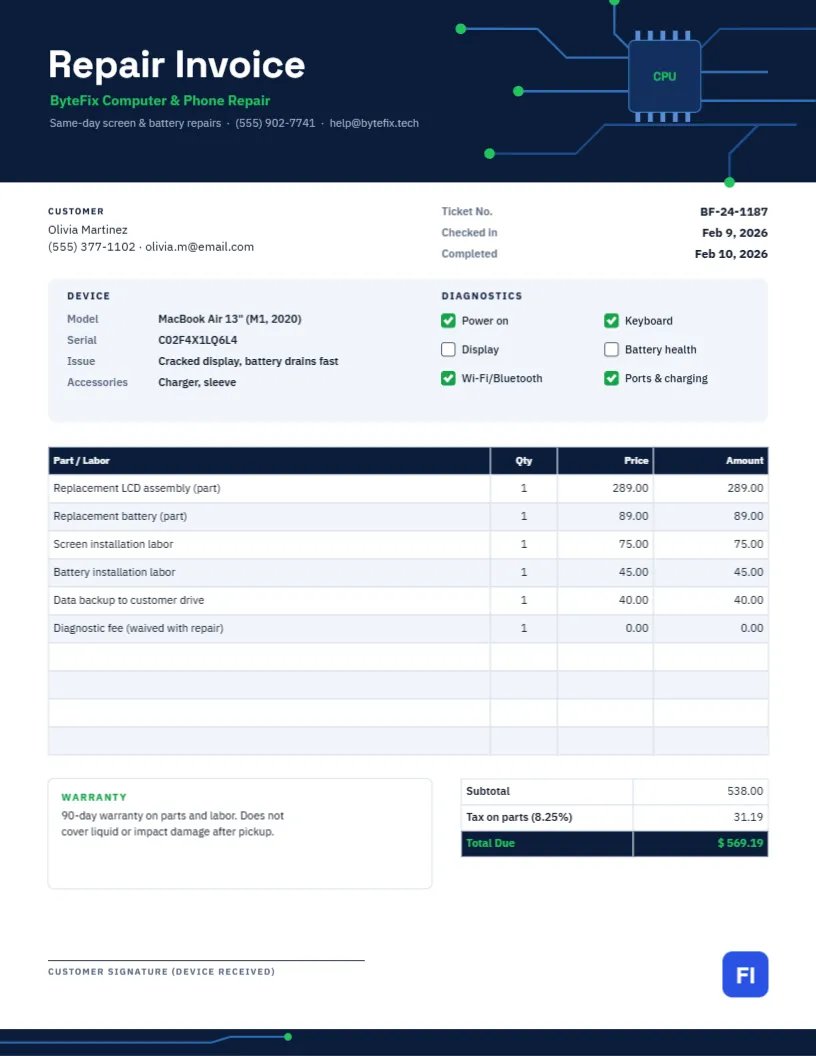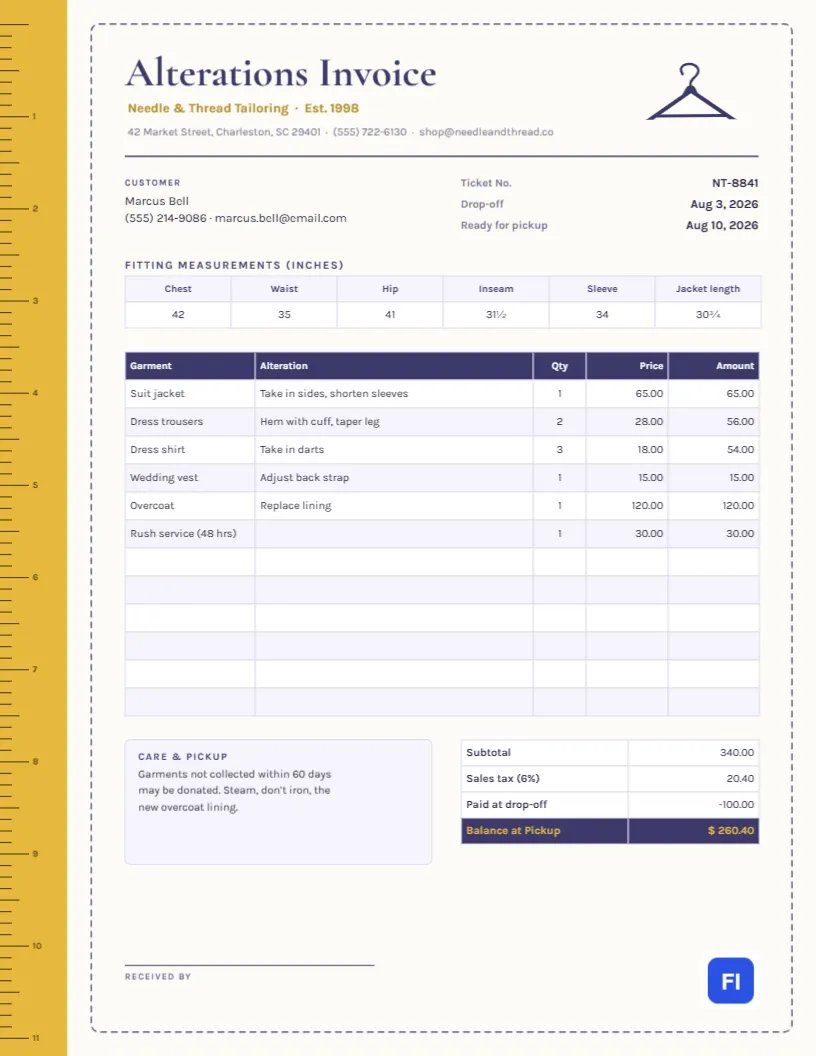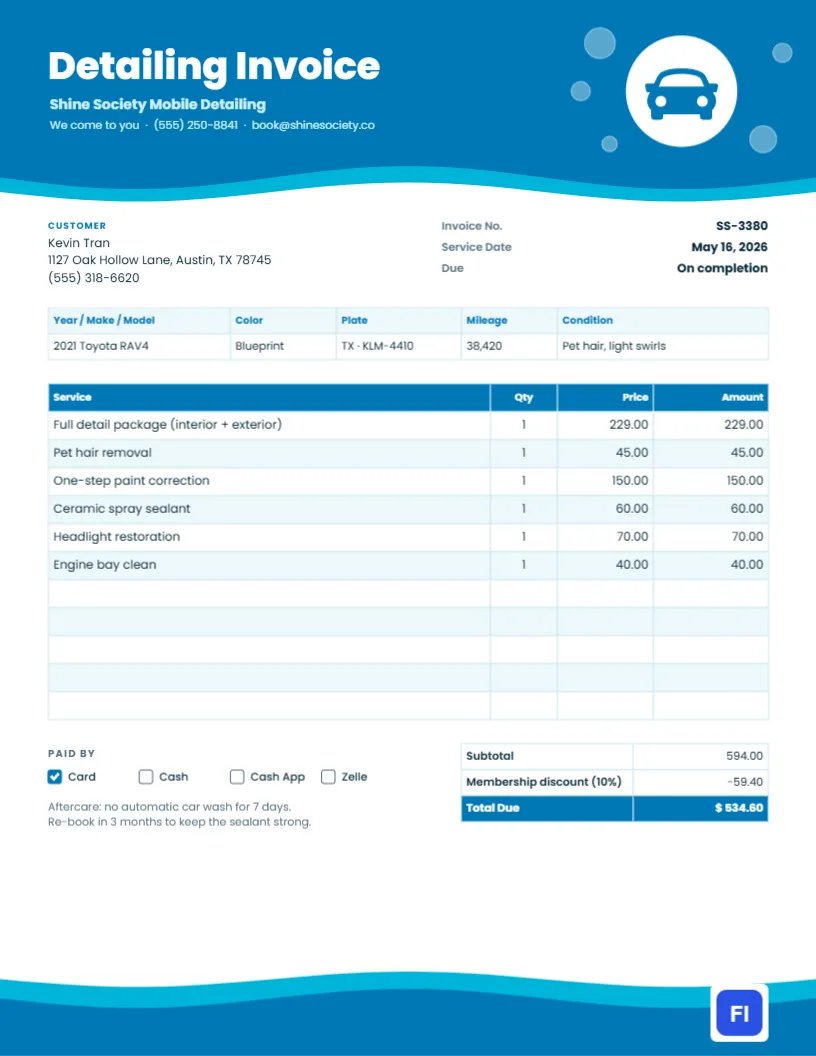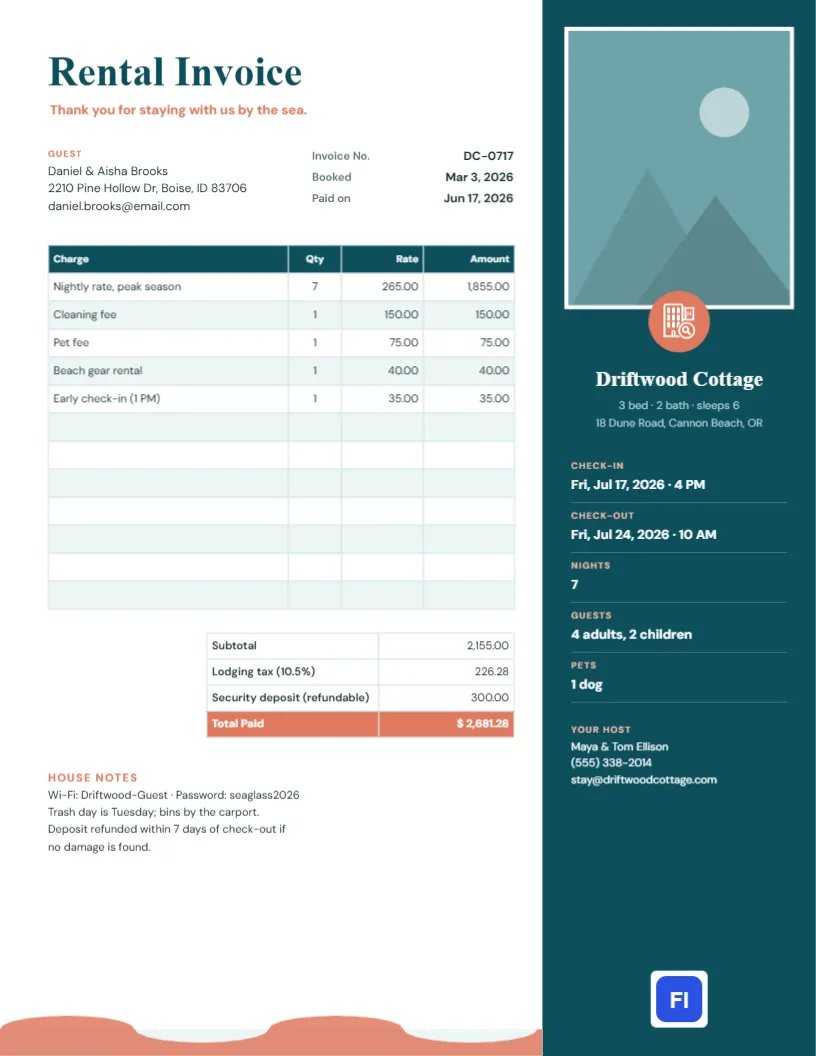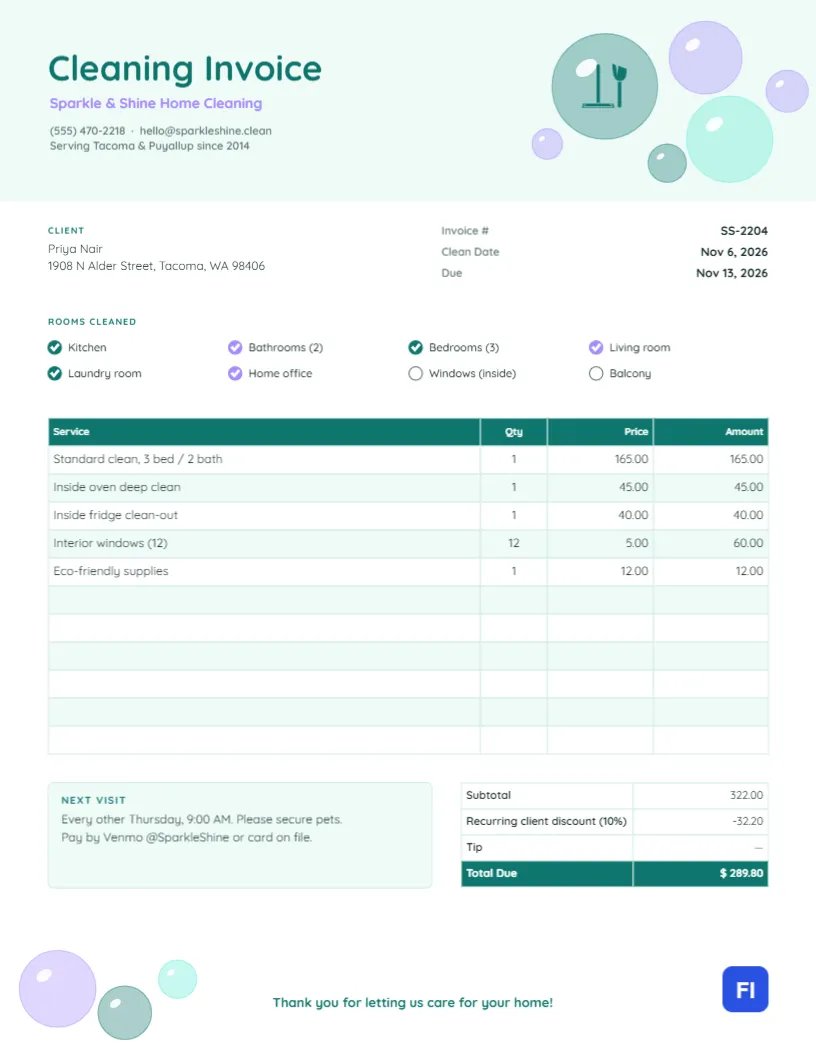
Cleaning clients love coming home to a spotless house. What they do not love is a confusing bill. A house cleaning invoice should be as fresh and tidy as the home you just cleaned: it tells the client which rooms were done, which extras were added, what they owe, and when you will be back. This House Cleaning Invoice Template does all of that on one cheerful page, with soft colors and a bubble motif that makes your business look friendly and professional at once.
Perfect for Residential Cleaners
Independent house cleaners, cleaning companies, maid services, move-out and deep-clean specialists, and Airbnb turnover cleaners can all use it. The sample shows Sparkle & Shine Home Cleaning billing Priya Nair for a standard clean of a three-bedroom, two-bathroom home, plus an inside-oven deep clean, a fridge clean-out, twelve interior windows, and eco-friendly supplies, with a ten percent recurring client discount.
Bubbles, Mint and Lilac
The top of the page is washed in pale mint. In the top-right corner, a cluster of translucent soap bubbles in teal, lilac, and aqua floats together, each with a little white highlight like light catching a real bubble. A mop and brush icon sits inside the largest bubble. On the left, Cleaning Invoice is set in rounded teal Quicksand, with the business name in lilac and the phone, email, and service area underneath.
Below the header, the client’s name and address sit on the left and the invoice number, clean date, and due date on the right. A Rooms Cleaned checklist with round tick boxes lists kitchen, bathrooms, bedrooms, living room, laundry room, home office, interior windows, and balcony; six are ticked in the sample. The services table follows, then a Next Visit note, the totals, and a friendly thank-you line in teal at the bottom, with a few more bubbles drifting up from the lower-left corner.
Price Guide by Home Size
Clients often ask how you price. Having a simple guide and billing consistently against it builds trust. The figures below are only an example; set your own based on your area and how long each home takes.
| Home size | Standard clean | Deep clean | Move-out clean |
|---|---|---|---|
| 1 bed/1 bath | $95 | $170 | $210 |
| 2 bed/1-2 bath | $130 | $230 | $280 |
| 3 bed/2 bath | $165 | $290 | $350 |
| 4 bed/3 bath | $210 | $370 | $440 |
Add-ons like ovens, fridges, windows, and laundry are then listed as separate lines, exactly as the sample invoice does.
Why a Rooms Checklist Helps
When a client comes home, they walk through the house. The checklist tells them which rooms were included today, which avoids the awkward you missed the office message when the office was never part of the job. Tick the rooms you cleaned, leave the others unticked, and rename any labels that do not fit, such as swapping Balcony for Garage or Sunroof.
Updating Services and Add-Ons
The services list is a real table in the editor. Double-click it (or press Edit Table Data) to change the text, and add or remove lines with + Add Row and – Remove Last. List the main clean first, then each extra, then supplies if you charge for them. Recurring clients usually get a discount, shown here as a negative totals row, and there is a Tip row you can fill in if the client adds one when paying by card.
The cells store text, so they do not recalculate. After you change a price, add the lines again, apply the discount, and update the total due. A quick check on your phone calculator takes seconds.
Next Visit and Access Notes
The Next Visit box is the most useful habit on this invoice. Write the date and time of the next clean and any reminders, such as Please secure pets, or Leave the key in the lock box. Regular clients rarely forget an appointment that is written on every bill, and it quietly confirms the ongoing arrangement.
Branding the Bubbles
Each bubble is a simple circle with a highlight, grouped so the cluster moves as one. You can recolor the bubbles to match your brand, change the mop icon (it is an editable vector) for a spray bottle or a house from the library, or change the title color. Keep the pastel feel; clients associate soft, light colors with cleanliness.
Printing and Leaving an Invoice Behind
The page is US Letter, 8.5 x 11 inches. Many cleaners email the invoice once the job is done, but some leave a printed copy on the kitchen counter. For that, print on white paper at standard quality; the mint header and translucent bubbles print softly, which suits the design. Fold it in thirds with the thank-you line showing.
Keeping Client Records Straight
Use the invoice number to track each visit and keep a copy of every invoice by client. It helps when a client asks how often you came last quarter or wants a year-end summary for a home office deduction. Duplicating the last invoice for each client and changing the dates and numbers keeps their details consistent from visit to visit.
When a Client Cancels at the Last Minute
Many cleaning businesses charge a lockout or late-cancellation fee when they arrive and cannot get in, or when a visit is cancelled on the same day. If your policy includes one, list it on the invoice as its own line, such as Late cancellation, Nov 20, and remind clients of the notice period in the Next Visit box. A clear, written policy applied the same way every time rarely causes friction.
Cleaning Invoice FAQs
Should I charge for supplies?
Many cleaners include standard supplies in the price and charge only for special products, like the eco-friendly line in the sample.
How do I bill an hourly clean?
Enter the hours in the Qty column and your hourly rate in the Price column.
Can I remove the Tip row?
Yes. Delete the row from the totals table, or leave it with a dash as the sample does.