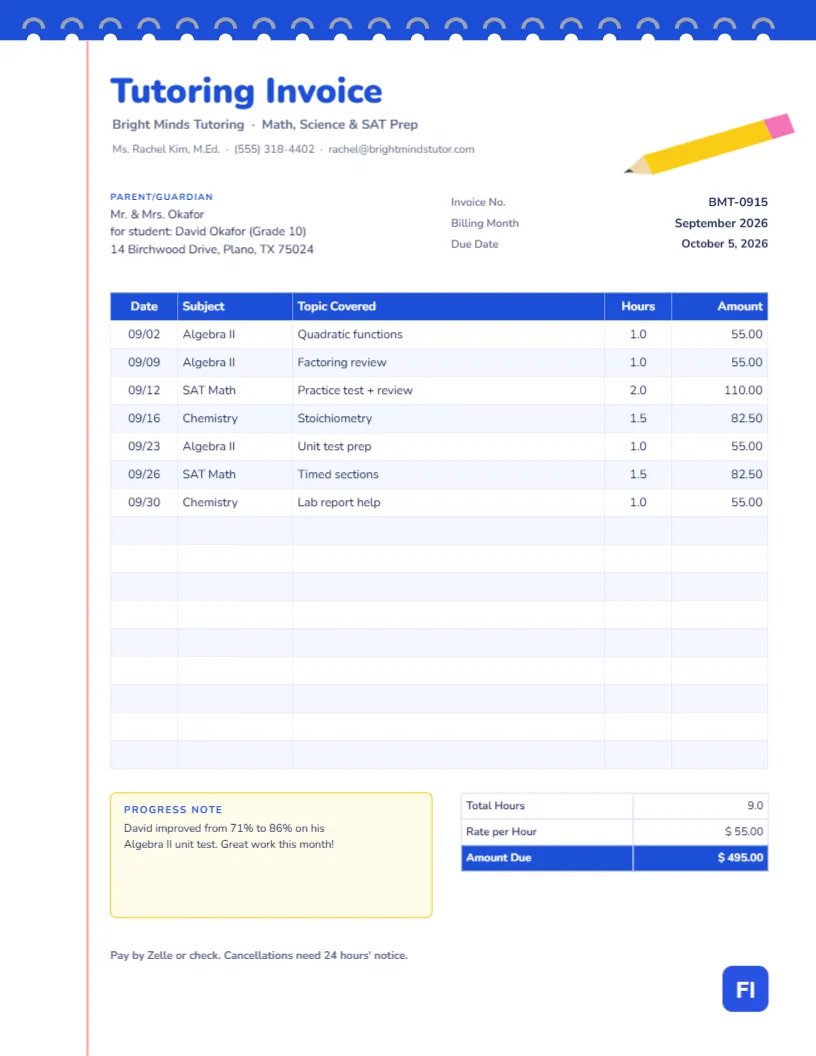
Parents paying for tutoring want two things from an invoice: to know what they are paying for, and to know it is working. A good tutoring invoice shows every session with its date, subject, and topic, then adds a line about progress. This Tutoring Invoice Template does both, on a page designed to look like a sheet from a spiral notebook, complete with a red margin line and a yellow pencil. It is friendly enough for families and clear enough for anyone checking the hours.
Tutors, Teachers and Music or Language Instructors
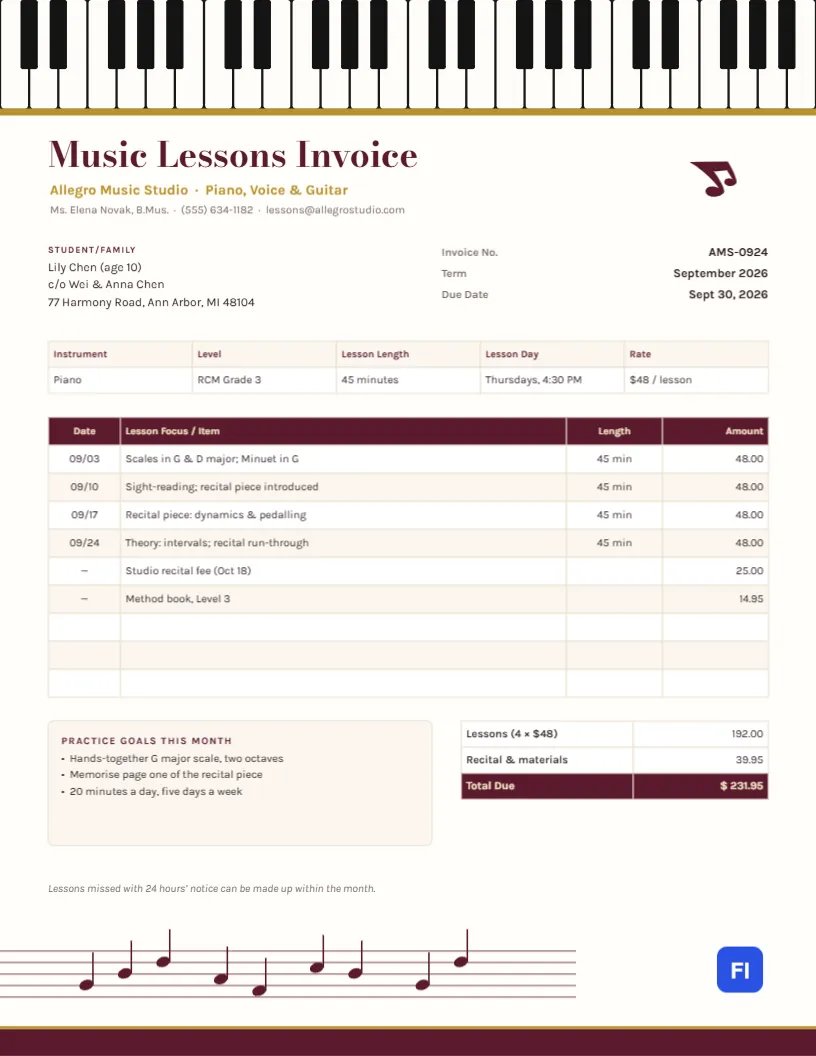
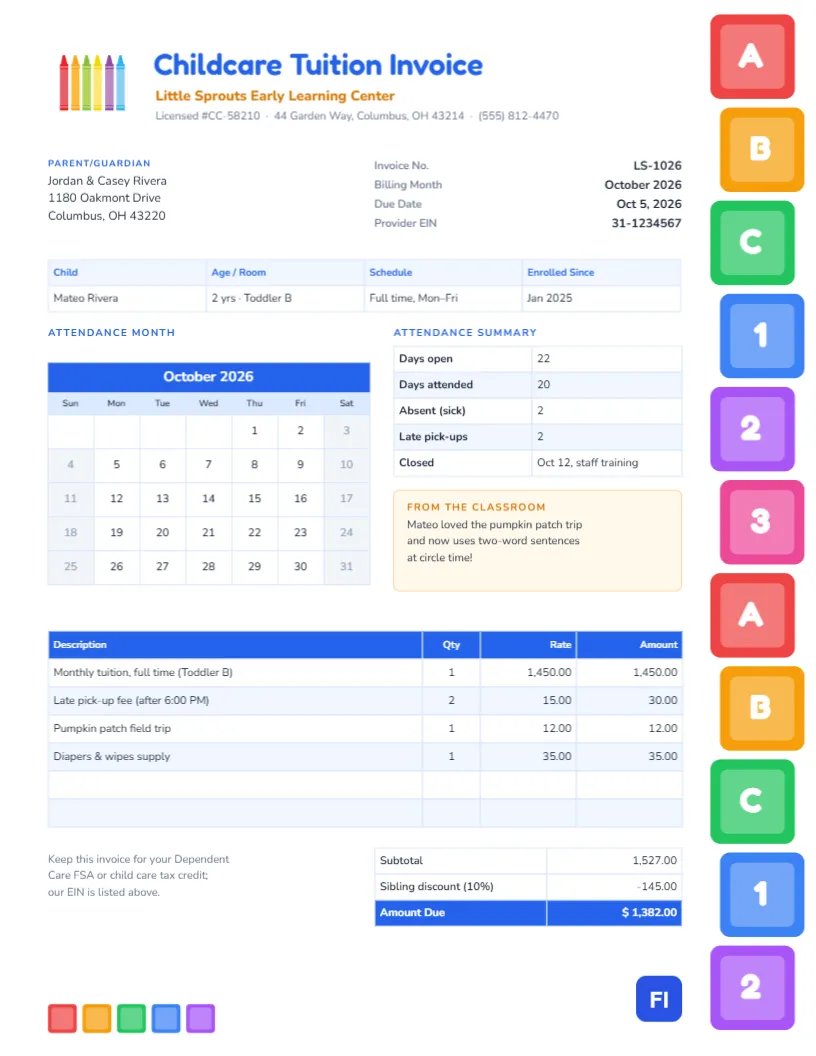
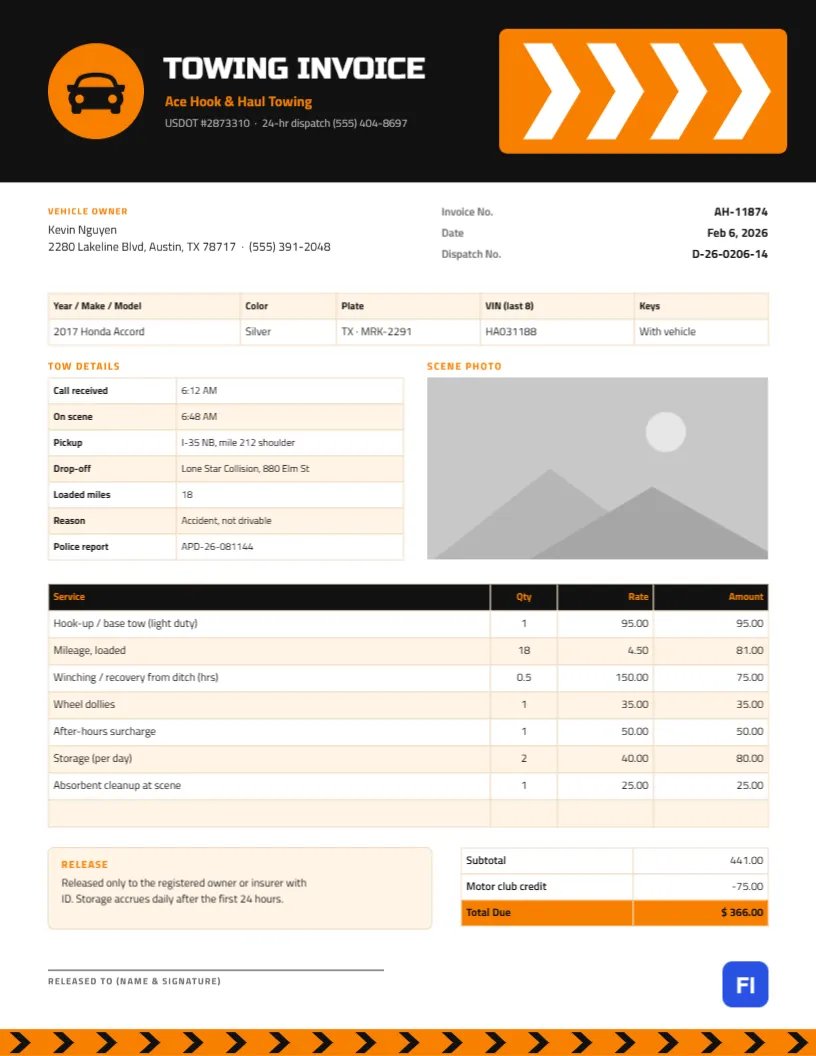
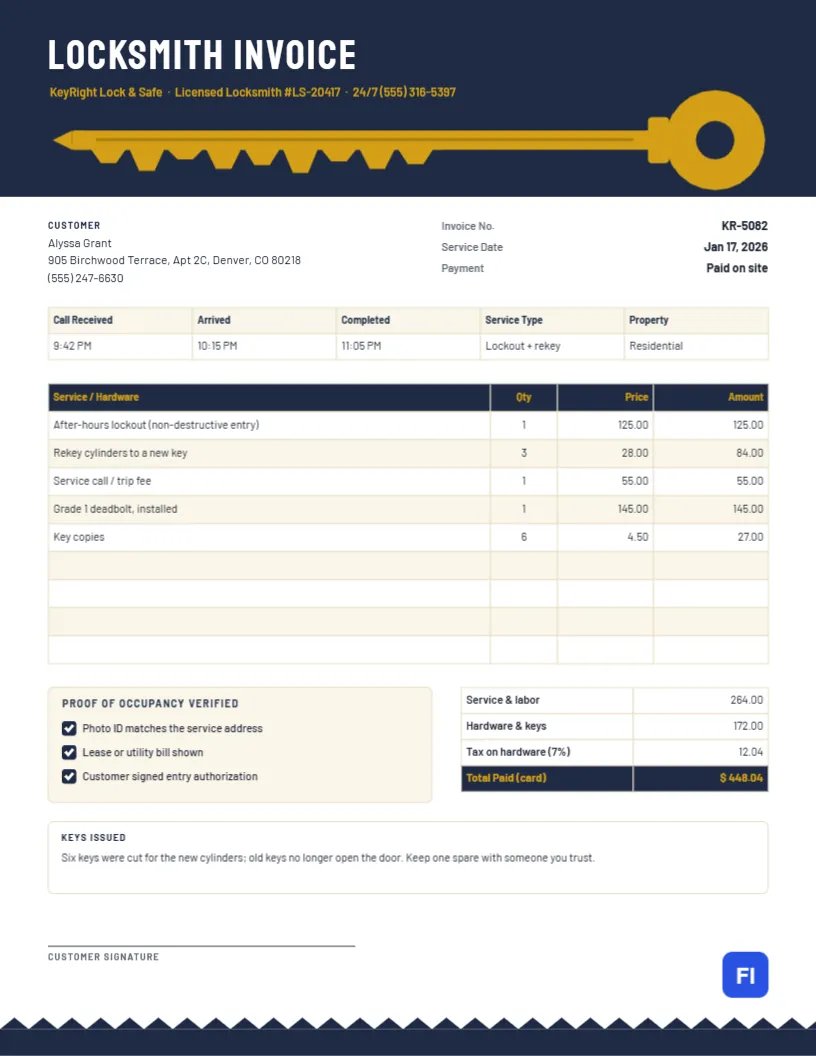
Private tutors, teachers who tutor after school, test prep coaches, homework helpers, language teachers, music instructors, and small tutoring centers can all use it. The sample shows Bright Minds Tutoring, run by a teacher with a master’s in education, billing the Okafor family for their son David’s September sessions in Algebra II, SAT Math and Chemistry.
Notebook Paper With a Pencil on Top
A bright blue band runs across the top of the page, punched with white holes and threaded with grey spiral rings, exactly like the binding of a school notebook. A thin red margin line runs down the left side of the page, and all the content sits to its right, as if written on lined paper. In the top-right corner, a yellow pencil with a pink eraser lies at an angle. Tutoring Invoice is set in heavy, rounded Nunito in blue, with the business name and subjects in grey and the tutor’s name, qualification, phone, and email underneath.
The Parent/Guardian block names the family and the student and grade; the invoice number, billing month, and due date sit on the right. The session log has five columns: Date, Subject, Topic Covered, Hours, and Amount, with a blue header. Beneath it, a pale yellow Progress note sits beside the totals, which show total hours, the hourly rate, and the amount due. A line at the bottom states the payment methods and the cancellation policy.
Lesson Packages Parents Understand
Many tutors sell packages as well as single sessions. If you do, list the package on the invoice and show how many sessions remain. A simple price structure might look like this:
| Option | Sessions | Price per hour | Best for |
|---|---|---|---|
| Pay as you go | Any | $55 | Occasional homework help |
| Monthly plan | 8 hours | $50 | Weekly support in one subject |
| Test prep block | 12 hours | $48 | SAT, ACT, or finals preparation |
The sample uses pay-as-you-go billing: nine hours at $55, for a total of $495.00.
Logging Sessions So Parents See the Plan
Each row is one session. Recording the topic, not just the subject, is what makes this invoice valuable to parents: Quadratic functions, factoring review, Unit test prep shows a clear path through the curriculum. For longer sessions, enter 1.5 or 2 hours in the Hours column. Sixteen rows are ready, enough for most months even with two sessions a week.
Updating the Log and Totals
The session log is a genuine editor table. Double-click it to type, or open Edit Table Data from the side panel, and use + Add Row or – Remove Last to fit the month. The cells hold text rather than formulas, so add the hours column yourself, multiply by your rate, and update Total Hours and Amount Due. A quick check that the hours match your calendar prevents awkward corrections.
Writing a Useful Progress Note
The progress note is short, but parents read it first. Mention something specific and measurable: a test score, a skill mastered, or a goal for next month. David improved from 71% to 86% on his Algebra II unit test is far more reassuring than Good progress this month. If a student is struggling, say so kindly and suggest a next step.
Cancellations and Missed Sessions
Last-minute cancellations cost tutors income they cannot recover. State your policy on every invoice, as the footer line does, such as 24 hours’ notice. If you charge for late cancellations, list them in the log with a note like Late cancellation (50%) so the family sees it applied fairly.
Changing Colors and the Pencil
The spiral binding is grouped, so it moves and recolors as one piece; switch the blue to green or purple to match your brand. The pencil is also a group of simple shapes, easy to recolor or delete. The red margin line is a single thin rectangle; keep it, as it is what makes the page read as notebook paper at a glance.
Printing and Sending to Families
The page is US Letter, 8.5 x 11 inches. Email the PDF on the last day of the month, or print a copy to hand over at the first session of the next month. White paper works fine; the spiral binding and margin line print clearly on any home printer.
Tutoring Through a School or Agency
Some tutoring is paid for by a school district, a scholarship program, or an employer benefit rather than the family. In that case, put the paying organization in the billing block with the student’s name beneath it, add any case or voucher number the programmer requires, and keep the session topics factual. Program coordinator often need the dates and hours to match their own attendance records exactly.
Keeping Records for Tax Time
Tutoring income is taxable, and your invoices are your income record. Keep each month’s invoice with a note of when it was paid. Families sometimes need receipts for education savings accounts or employer benefits, and a clear invoice with your name and the dates of service is usually what they are asked for.
Tutoring Invoice FAQs
Can I bill different rates for different subjects?
Yes. Add a Rate column, or calculate each row’s amount separately and sum the Amount column.
Can I use this for group lessons?
Yes. Note the group size in the topic and charge each family its share.
What if a session runs over time?
Record the actual time in the Hours column, or note no charge for overtime in the topic if you prefer to absorb it.
Should I include online session links?
Keep links in your scheduling emails. The invoice should stay focused on sessions and payment.