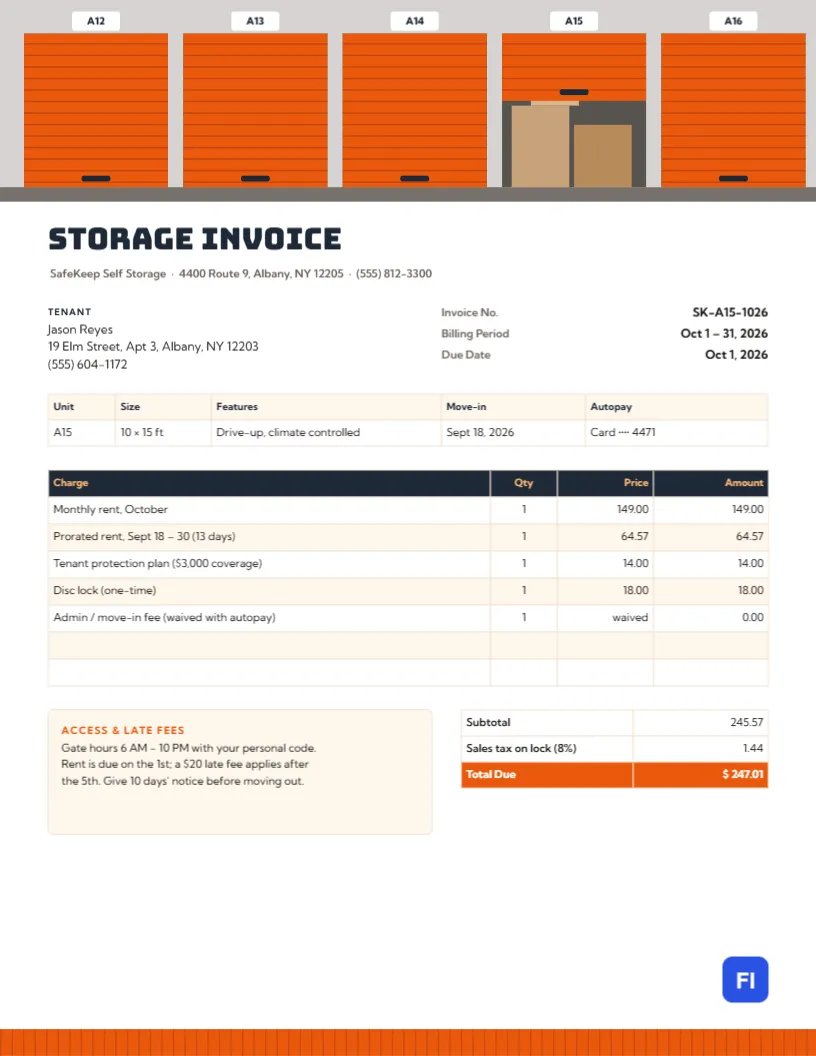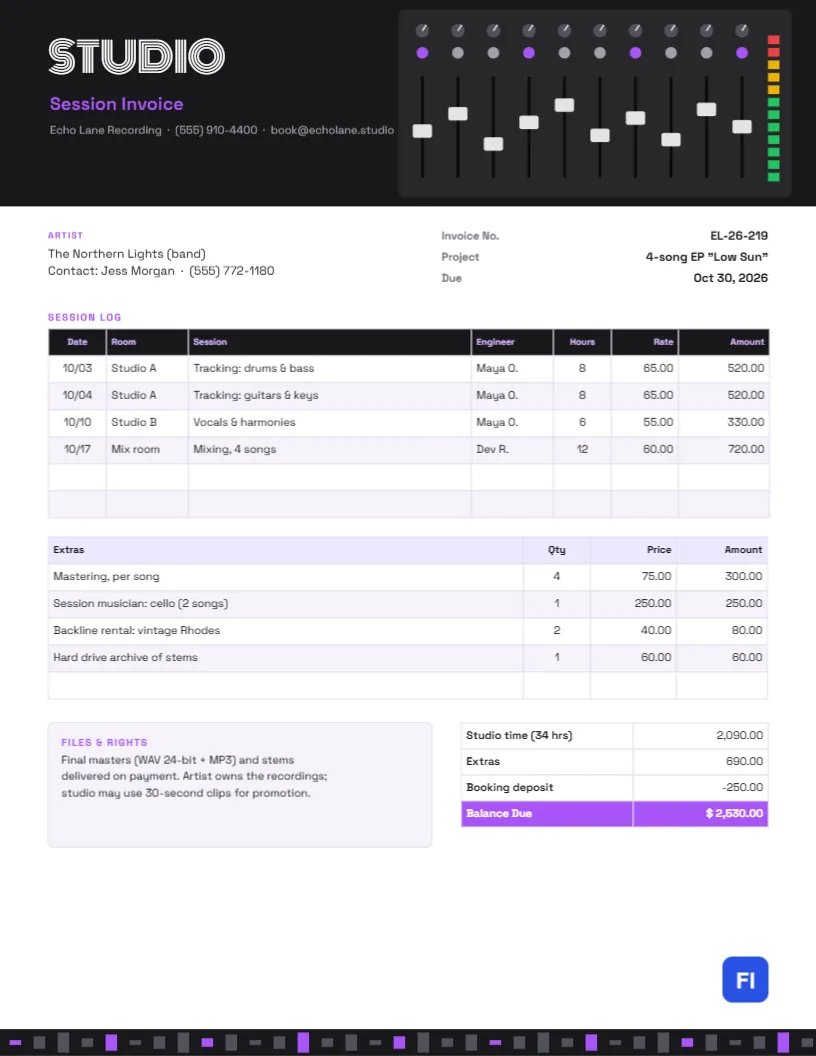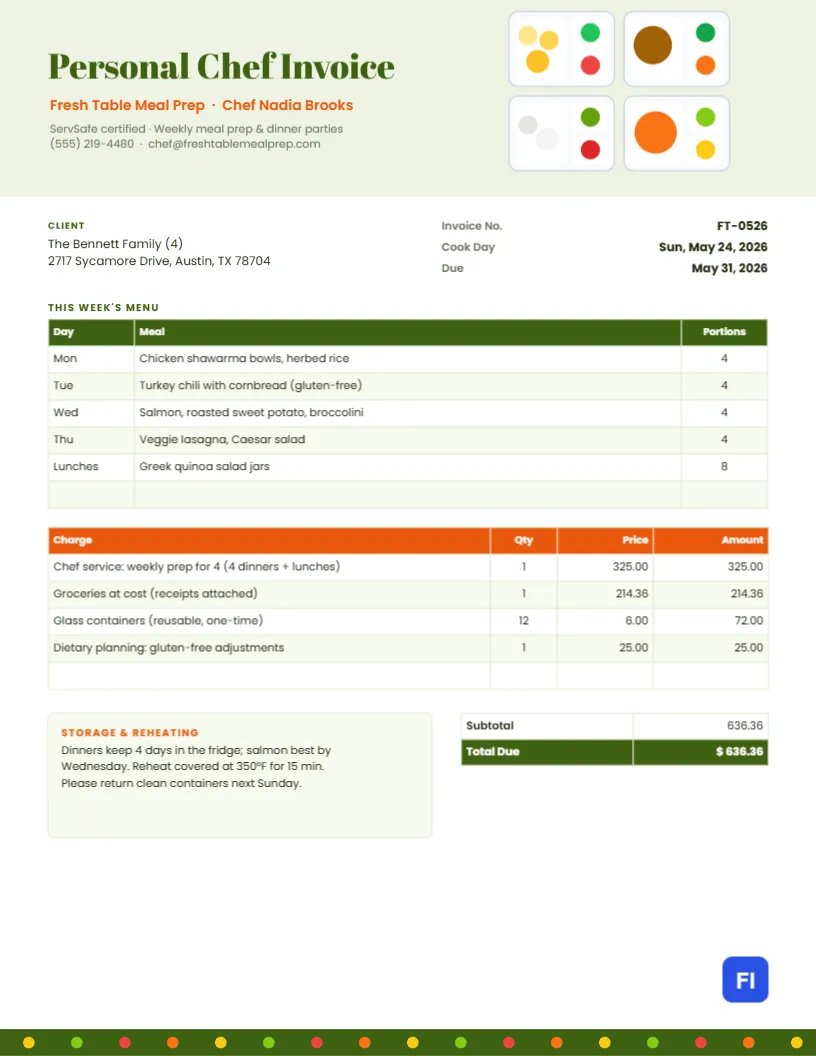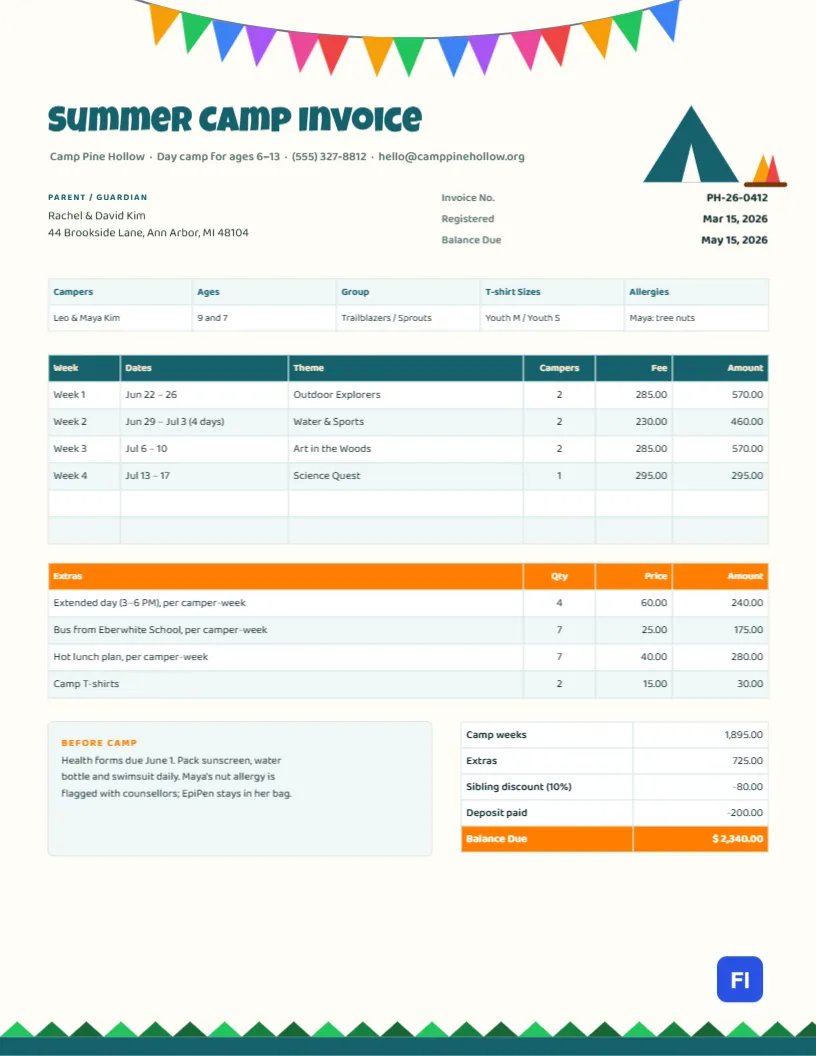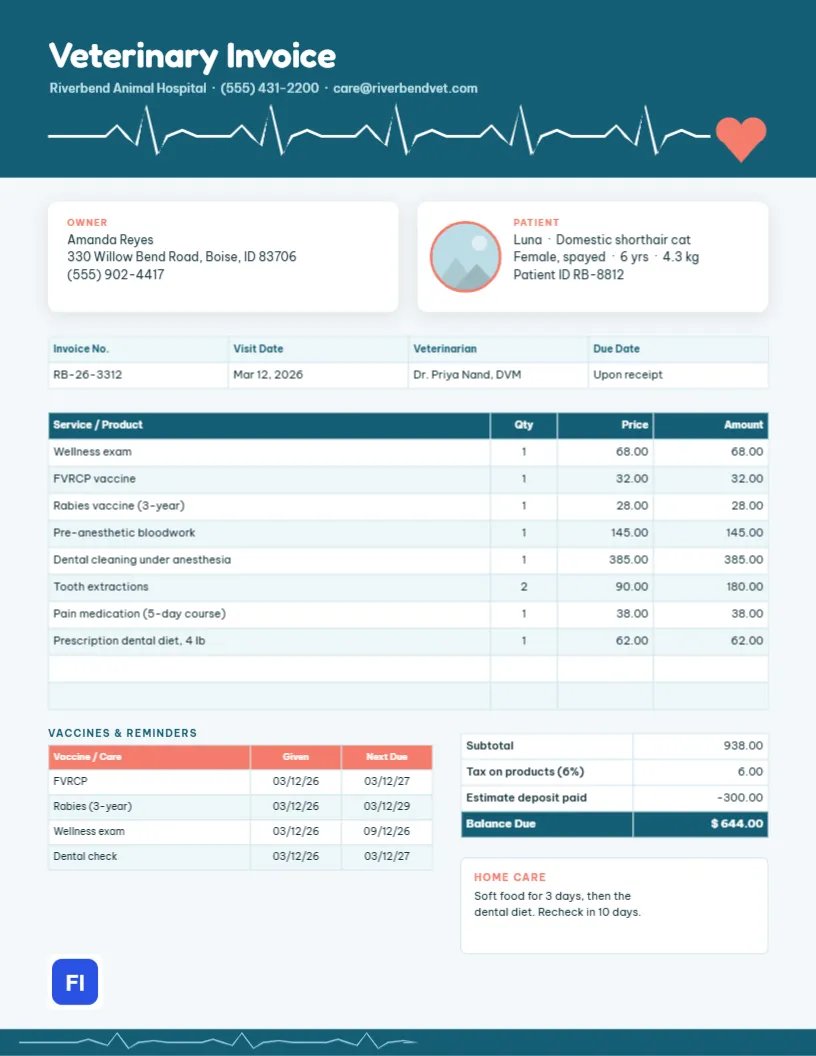
A trip to the vet is personal. Owners arrive worried about a member of their family and leave with medication, instructions, and a bill that can be surprisingly large after a dental cleaning or surgery. A clear veterinary invoice helps: it shows exactly what was done for the animal, what each item cost, what was paid in advance, and when the next vaccines are due. This Veterinary Invoice Template does all of that in a warm, modern layout, with a white heartbeat line running across a teal header and ending in a coral heart.
Small Animal Clinics, Mobile Vets and Specialists
It suits companion animal clinics, mobile and house-call vets, emergency hospitals, veterinary dentists, exotic animal practices, and low-cost vaccine clinics. The sample shows Riverbend Animal Hospital invoicing the owner of Luna, a six-year-old cat, for a wellness exam, two vaccines, pre-anaesthetic bloodwork, a dental cleaning under anaesthesia, two extractions, pain medication and a prescription dental diet.
A Heartbeat Across the Header
The header is a deep teal band. Across its lower half runs a white ECG trace, flat lines broken by the spikes of a steady heartbeat, which ends on the right in a coral heart. Veterinary Invoice is set in rounded white Fredoka, with the clinic name, phone, and email in pale blue. A thinner, lighter heartbeat line repeats in the footer band.
The page itself is a very pale blue-grey, and the key details sit on white cards with soft shadows. The Owner card holds the name, address, and phone. The Patient card holds a round photo of the pet with a coral ring, the pet’s name, species, sex, age, weight, and patient ID. A strip records the invoice number, visit date, veterinarian, and due date. Below it are the services and products table, a coral-headed Vaccines & reminders table, the totals, and a small home care card.
A Typical Vaccine Schedule for Adult Cats
The reminders table on the invoice is built from the clinic’s vaccine protocol. A common schedule for indoor adult cats looks like this; your clinic’s own protocol and local laws come first:
| Vaccine or check | Typical interval | Notes |
|---|---|---|
| FVRCP (distemper combination) | Every 1-3 years | Core vaccine for all cats |
| Rabies | 1 or 3 years, by product and law | Required by law in many areas |
| FeLV (feline leukaemia) | Yearly for at-risk cats | Often skipped for strictly indoor adults |
| Wellness exam | Every 6-12 months | Twice yearly for senior pets |
| Dental check | Yearly | Cleaning when tartar or disease is found |
Putting Luna in the Patient Card
The round frame in the Patient Card is a photo placeholder. Click it, choose Replace Image, and upload a picture of the pet from the patient record or one the owner sent. The circle keeps its size and coral ring. Owners love seeing their pet on the paperwork, and it helps staff match records at the front desk.
From Estimate to Invoice
Procedures under anaesthesia usually start with a written estimate and a deposit. The invoice then shows what was actually done, which may differ once the vet has examined the teeth or seen the bloodwork. In the sample, services and products total $938.00, tax on the medication and diet adds $6.00, and the $300.00 deposit taken with the estimate leaves $644.00 due. Explain any difference from the estimate when the owner collects the pet.
Updating Services, Vaccines and Totals
The visit strip, services list, vaccine reminders, and totals are editor tables. Double-click to type in them, or open Edit Table Data, and change the number of rows with + Add Row and – Remove Last. The cells are text, not calculations, so recalculate the totals by hand after changing any price. The owner and patient cards are text boxes on rounded shapes and can be edited directly.
Home Care Instructions
The home care card gives owners the most important instructions in two lines: in the sample, soft food for three days, then the dental diet, and a recheck in ten days. Longer discharge instructions belong on a separate sheet, but repeating the key points on the invoice means they are in the owner’s hands even if the discharge sheet is lost.
Changing Colours and the Heart
The heartbeat line and heart are grouped in the header, and the footer line is part of the footer group. Recolour the teal to your clinic’s colour and the heart to match your accent. Coral and teal feel friendly and clinical at once; navy and gold or green and orange are good alternatives for a mixed or farm practice.
Sending the Bill Home
This invoice uses letter-size paper. Print it at checkout for the owner, and email the PDF for their records and any pet insurance claim. The pale background prints lightly, so the white cards still stand out on paper.
Pet Insurance Claims
More owners now carry pet insurance, and insurers ask for an itemised invoice showing the diagnosis-related treatment, dates and amounts paid. This layout already itemises everything; owners simply attach the PDF to their claim. If your clinic submits claims directly, note the insurer and policy number in the Owner card.
Wellness Plans and Payment Options
Many clinics offer monthly wellness plans that cover exams, vaccines and routine tests, and payment plans for surgery or dentistry. Show plan-covered services at their regular price with a matching Wellness plan credit line, so owners see the value of their plan. For a payment plan, list the first instalment as the amount due and the remaining schedule in the home care card.
Controlled Drugs and Prescriptions
Pain medication and sedatives dispensed after surgery are often controlled substances, and prescription diets and flea treatments need a vet’s authorisation. Listing each product with its quantity, as the sample does for the five-day pain course and the dental diet, gives the owner a clear record and supports your dispensing log. Refills can be billed on later invoices with the original visit date noted.
Veterinary Invoice FAQs
Can I use this for dogs and other animals?
Yes. Change the patient details and the vaccine list; for example, DHPP, rabies, Bordetella, and leptospirosis for dogs.
How do I show a multi-pet visit?
Add the second pet’s name to each of its service lines, or create a second invoice for clearer records.
Can I add a microchip number?
Yes. Add it as a fourth line in the Patient card.