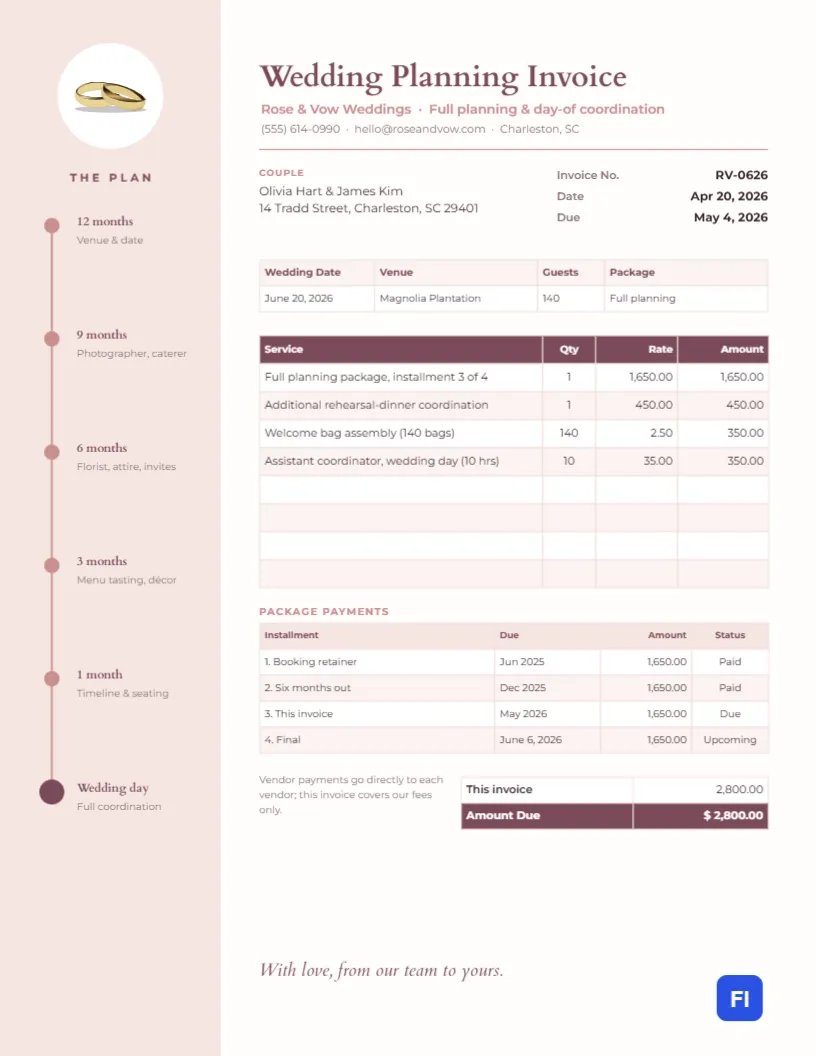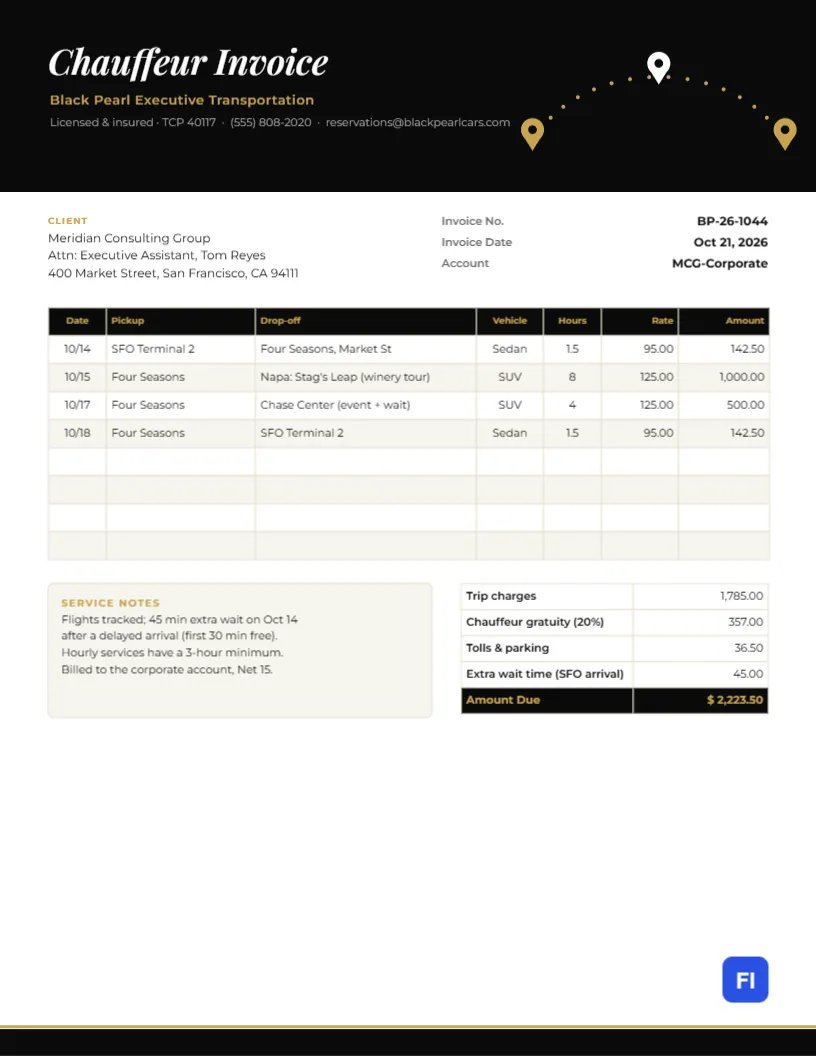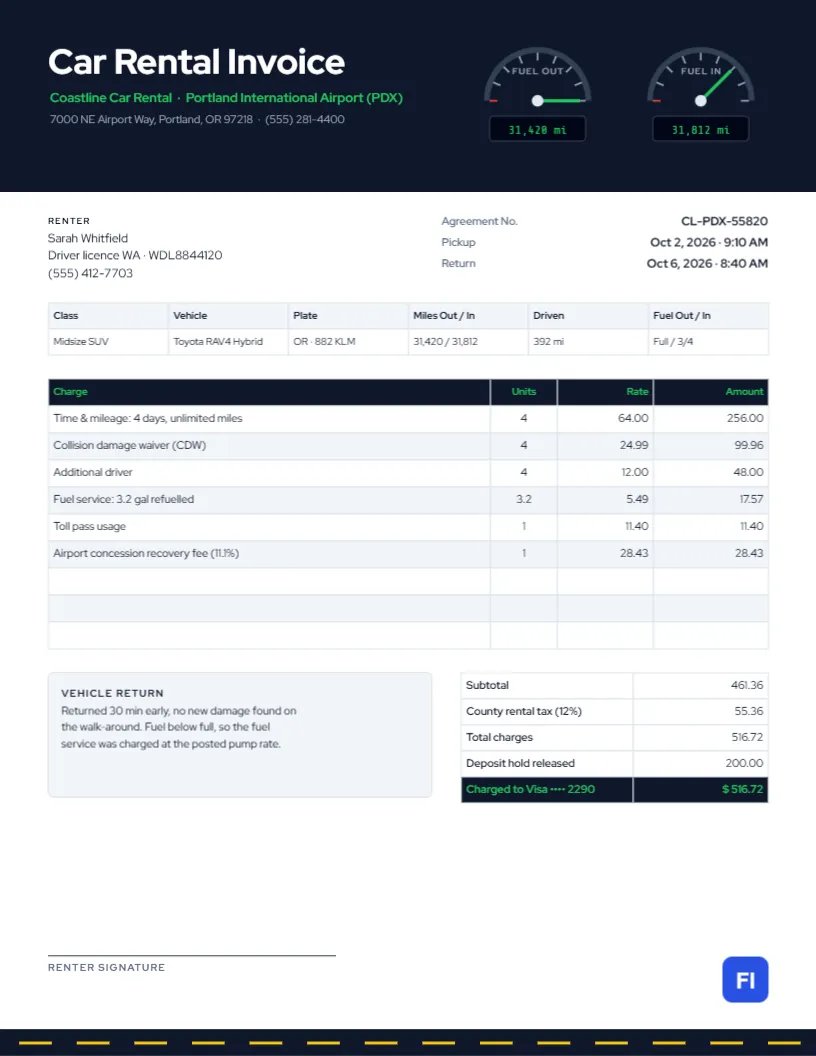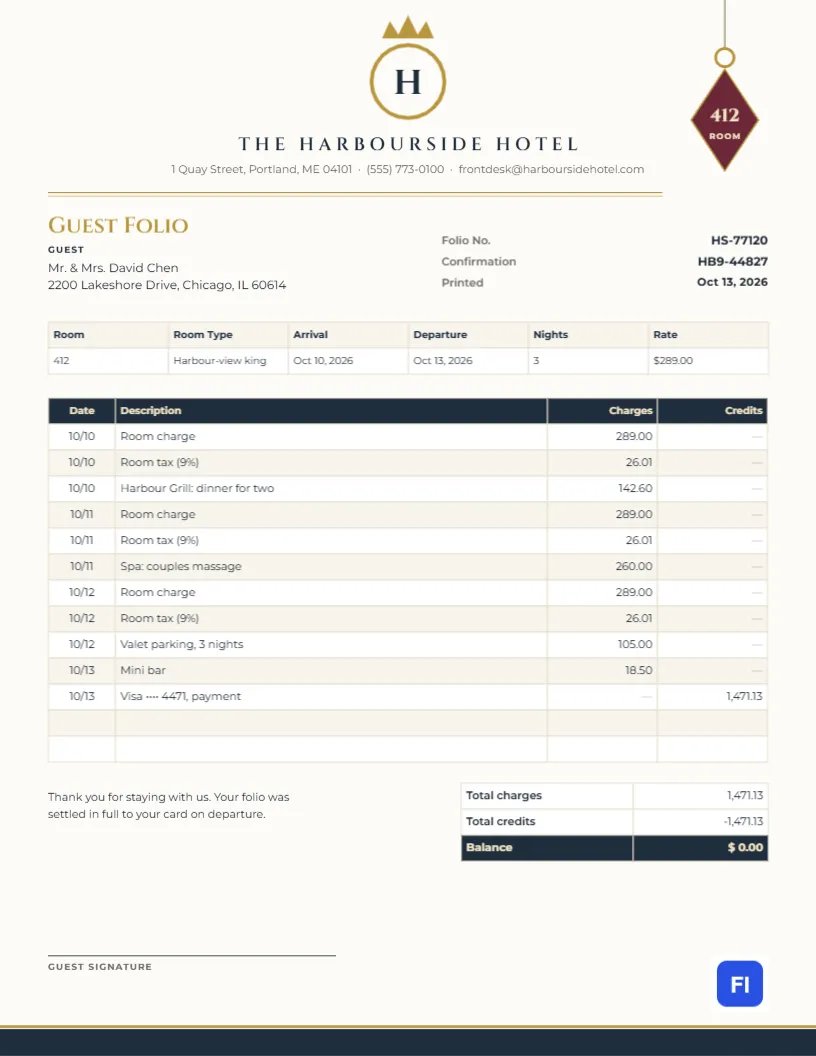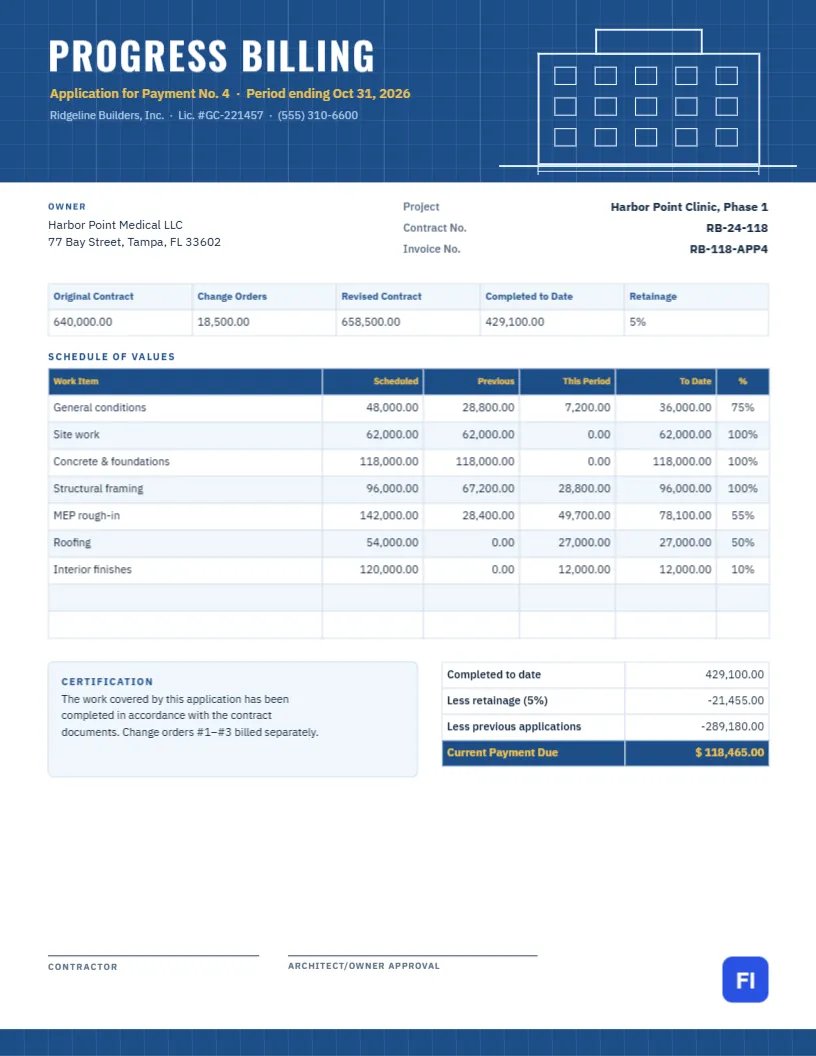
Large construction projects are not billed once at the end. They are billed month by month, as a share of each part of the work is completed. The owner, the architect, and often a lender all need to see the same thing: what each line of the contract is worth, how much was billed before, how much is billed now, how much is complete, and how much is being held back as retainage. This Progress Billing Invoice Template organizes exactly that around a schedule of values, under a header drawn like an architect’s blueprint.
Contractors, Subcontractors and Project Managers
It suits general contractors, specialty subcontractors (electrical, mechanical, concrete, roofing), commercial fit-out firms, design-build companies and project managers who prepare pay applications. The sample shows Ridge Line Builders submitting its fourth application for payment on a medical clinic, with seven work items from general conditions to interior finishes.
Blueprint Grid and a Building Elevation
The header is blueprint blue, covered in a fine grid of pale lines like drafting paper. On the right, white lines draw the front elevation of a building: a flat roof, a stair tower, three rows of windows and a ground line with a dimension mark. On the left, PROGRESS BILLING is set in tall white Oswald capitals, with the application number and period in yellow and the contractor’s name, license, and phone underneath. A slim blueprint strip with the same grid runs across the footer.
The owner block sits beside the project name, contract number and invoice number. A contract summary strip shows the original contract, approved change orders, revised contract, work completed to date, and the retainage rate. The schedule of values follows, then the payment calculation, a certification note, and signature lines for the contractor and the architect or owner.
Reading a Schedule of Values
A schedule of values breaks the contract into lines the owner can check on site. Each column has a specific meaning:
| Column | What it shows |
|---|---|
| Work item | A trade or phase from the contract, such as framing or roofing |
| Scheduled | The value of that item in the contract |
| Previous | Work billed on earlier applications |
| This period | Work completed since the last application |
| To date | Previous plus this period |
| % | To date as a share of the scheduled value |
Owners and architects compare the percentages with what they see on site before approving payment.
How the Payment Due Is Worked Out
In the sample, the seven lines total $640,000, with $18,500 of approved change orders billed separately. Work completed to date is $429,100.00. Retainage of 5% is held back ($21,455.00), and the payments already approved on earlier applications ($289,180.00, which is previous work less its retainage) are deducted, leaving a current payment due of $118,465.00. Retain age is released when the project reaches substantial completion, on a separate application.
Keeping Change Orders Separate
Approved change orders alter the contract sum, so the summary strip shows both the original contract and the revised figure. Many contractors bill change orders as their own lines in the schedule of values; others, as in the sample note, bill them on separate applications. Either way, never add unapproved changes to a pay application; they are the fastest way to get it rejected.
Editing the Schedule of Values
The summary strip, schedule of values, and payment table are editor tables. Double-click them or open Edit Table Data, and add or remove work items with + Add Row and – Remove Last. The figures are typed text rather than formulas, so calculate each line, the totals, the retainage, and the payment due in your own spreadsheet and copy the results across. Many contractors keep the schedule in a spreadsheet for the whole project and paste in each month’s figures.
Certification and Signatures
A pay application usually carries a certification that the work has been done according to the contract documents, signed by the contractor and approved by the architect or owner. The template provides both signature lines. Some projects require notarization or specific wording; if yours does, replace the certification text with the required language.
Lien Waivers and Lender Draws
When a lender funds the project, each draw usually needs conditional lien waivers from the contractor and major subcontractors. Mention the waivers in your email and attach them with the pay application, so the lender’s inspector can approve the draw in one visit.
Changing the Blueprint Colors
The grid and building drawing are grouped with the blue background, so they recolor together. Deep teal or charcoal also reads as technical drawings. The yellow accent highlights the application number and the payment due; change it to your company color if you prefer.
Print and Submission
This layout uses letter-size paper. Submit the PDF by the date required in your contract, usually a set day each month, together with the schedule of values backup, lien waivers, and any stored-materials documentation.
Monthly Pay Application Timeline
Most contracts set a fixed rhythm for progress billing. A typical month runs like this: the contractor updates the schedule of values from site progress in the last week, the draft is reviewed with the architect or owner’s representative on site, adjustments are agreed, and the final application is submitted by the date in the contract, often the 25th. Payment then follows within the contract period, such as 30 days. Missing the submission date usually pushes payment to the next cycle, so build the review into your monthly routine.
Paying Your Subcontractors From Each Application
General contractors usually bill the owner for subcontractors’ work and pay them once the owner pays. Collect each subcontractor’s own pay application a few days before yours is due, so their percentages feed into your schedule of values. Many states have prompt-payment laws requiring contractors to pay subcontractors within a set number of days of receiving payment, so track both dates.
Progress Billing Invoice FAQs
Is this the same as an AIA pay application?
It follows the same logic but is not an official AIA form. Use the official forms if your contract requires them.
Can I bill stored materials?
If the contract allows it, add a column or line for materials stored on site, with invoices as backup.
What retainage rate should I use?
Use the rate in your contract; 5% or 10% are common, and some states limit it.