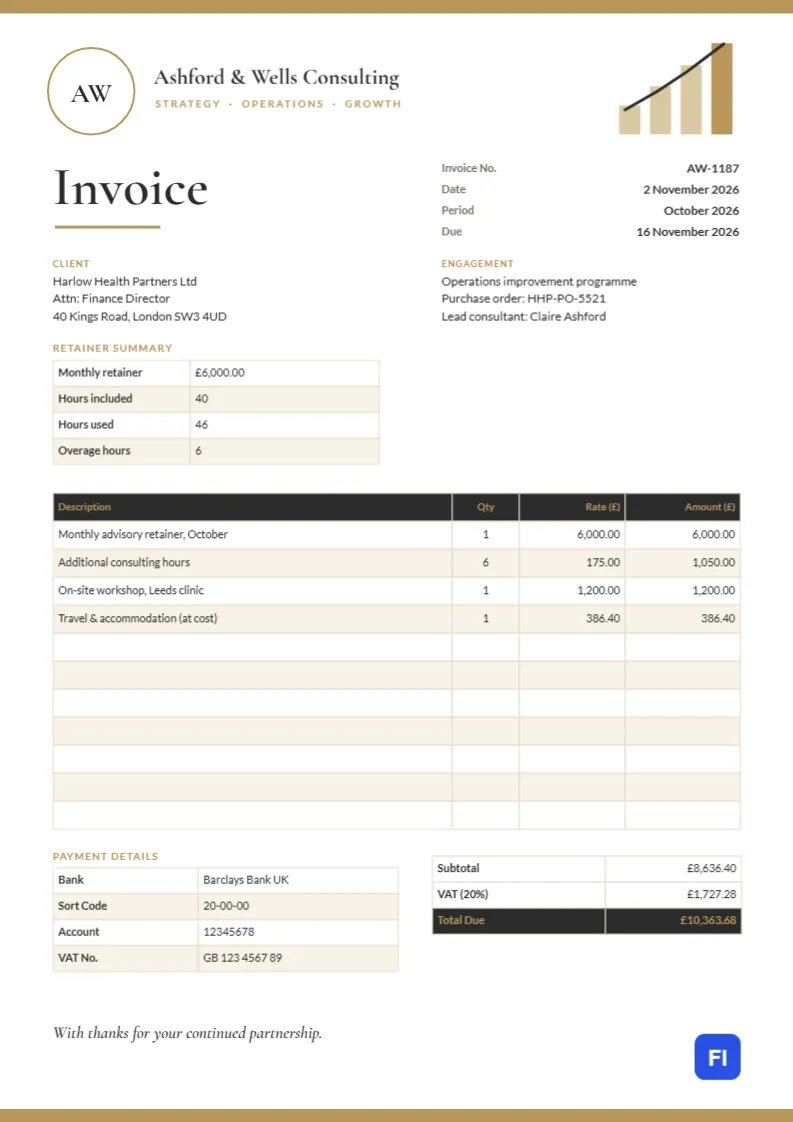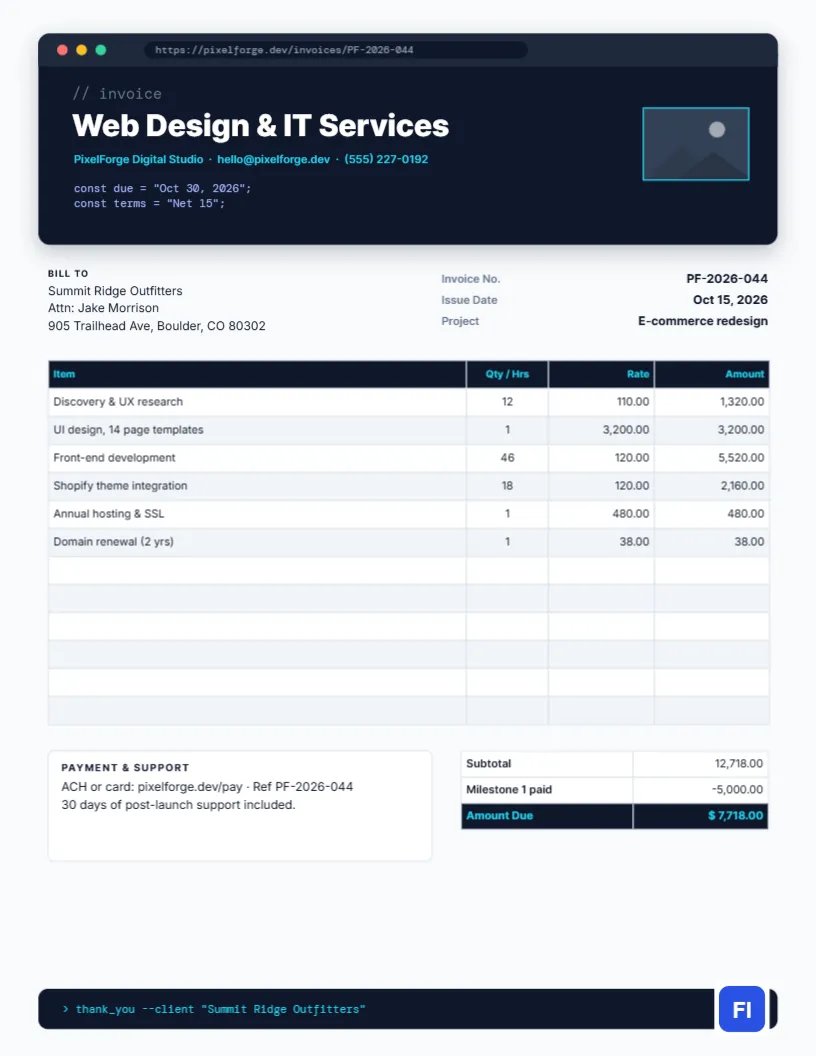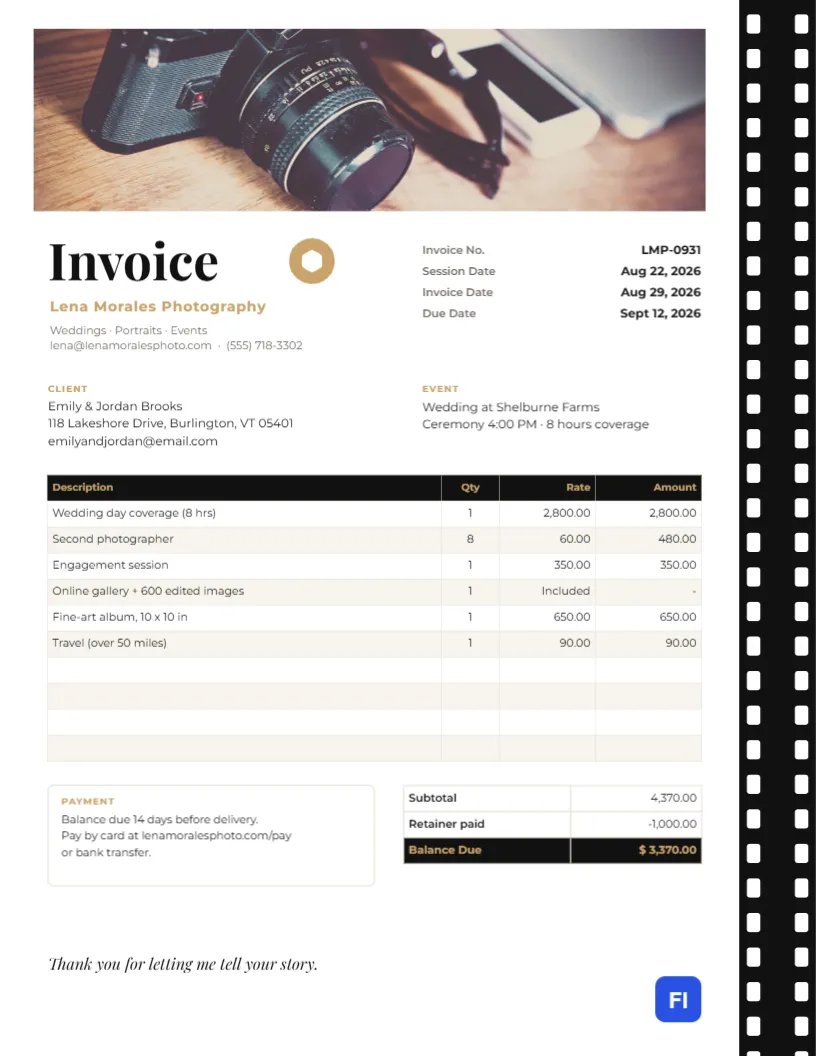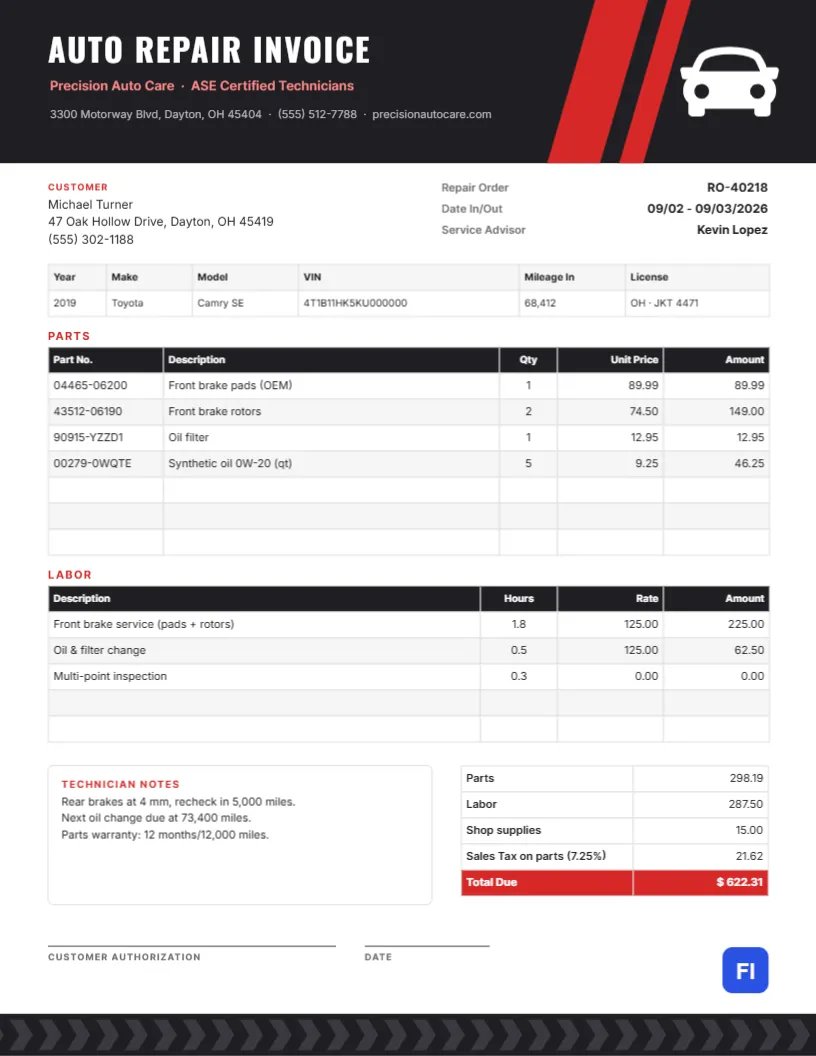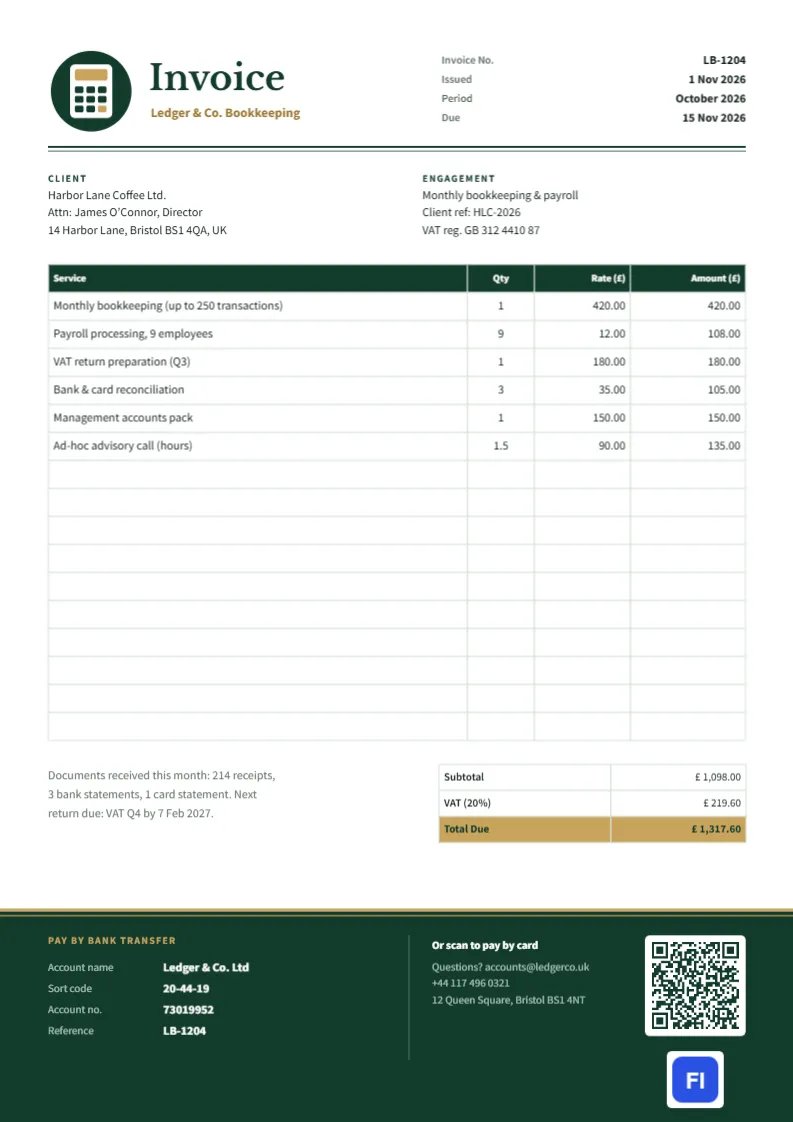
Bookkeepers and accountants spend their days checking other people’s figures, so their own invoices had better be flawless. Clients expect a clean monthly bill that lists each service, shows VAT or sales tax correctly, and makes paying as easy as possible. This Bookkeeping and Accounting Invoice Template, on A4 paper, looks like a well-kept ledger: forest green and gold, double rules under the header and a deep green footer panel that holds the bank details and a scan-to-pay QR code.
Bookkeepers, Accountants and Payroll Services
The template is designed for freelance bookkeepers, small accounting practices, payroll bureaus, tax preparers, virtual CFO and VAT agents. The sample shows Ledger & Co. Bookkeeping in Bristol billing Harbor Lane Coffee Ltd for October: monthly bookkeeping for up to 250 transactions, payroll for nine employees, a quarterly VAT return, bank and card reconciliations, a management accounts pack and an hour and a half of advisory calls.
Green, Gold and Ledger Lines
At the top left, a forest green circle holds a small calculator, drawn with a gold display and a grid of green keys with one gold key. Beside it, Invoice is set in Libre Baskerville, with the firm’s name in gold. The invoice number, issue date, period, and due date are aligned at the top right. Beneath the header runs a double rule, one heavier line above one fine line, just like the ruling under the totals in an old accounting ledger.
Client and Engagement blocks come next; the engagement block names the service, the client reference, and the client’s VAT registration. The services table has a green header and clean white rows with fine rules. Below it, a short note records the documents received this month and the next filing deadline, beside the totals: subtotal, VAT at 20%, and a gold Total Due. The bottom of the page is a deep green panel, edged with gold double lines, that holds the bank transfer details on the left, a contact block in the middle and, on the right, a white tile with a QR code for card payments above the site logo.
A Month-End Close Checklist
Many bookkeepers send the invoice together with a summary of the month’s work. A simple close checklist makes that summary easy to write:
- All bank and card accounts reconciled to statements.
- Sales and purchase invoices posted; unpaid items reviewed.
- Payroll processed and pension or tax submissions made.
- VAT or sales tax calculated for the period, and return filed if due.
- Management accounts prepared and sent to the client.
- Missing receipts and queries listed for the client.
The note under the table on the invoice is a shortened version of this: documents received and the next deadline.
Pricing Bookkeeping Work
Most bookkeepers charge a fixed monthly fee based on transaction volume, with extra fees for payroll per employee, tax returns, and advisory time. The sample shows this mix: a fixed fee, per-employee payroll, a fixed VAT return fee, reconciliations per account, and hourly advisory. The services total £1,098.00, VAT adds £219.60, and the client owes £1,317.60.
The Scan-to-Pay QR Code
The QR code in the footer is a real editor QR object linked to a payment URL. Select it, and the QR/Barcode panel opens with its settings, where you can change the URL to your own card payment page or online invoice. Clients can then pay from their phone in seconds, which shortens the time to payment considerably. Keep the bank transfer details alongside it for clients who prefer to pay by bank.
Editing the Services and Totals
The services and totals are editor tables. Double-click to edit them or use Edit Table Data, with + Add Row and – Remove Last to change the number of lines. As with any figures you would check for a client, the cells do not calculate by themselves: work out each amount, the subtotal, VAT and total on your own spreadsheet and enter them.
VAT, Sales Tax and Currency
The sample is set up for a UK VAT-registered practice, with pounds, a sort code and account number, and day-month-year dates. Practices elsewhere can change the currency, the tax label and rate, and the bank fields to match. If you are not registered for VAT, remove the VAT line, and the client’s VAT number is still useful to keep in the engagement block for your records.
From Forest Green to Your Practice Colors
The calculator badge is a small group of shapes that recolors easily. Forest green and gold feel solid and trustworthy; navy and silver or charcoal and teal work just as well. Change the footer panel, the table header, the double rules and the badge together to keep the ledger look consistent.
Paper Copies on A4
The page is A4, 210 x 297 mm. Send it as a PDF; most clients file invoices digitally, and many use accounting software that reads attachments. If you print for your records, use plain 80-100 gm paper; the green footer uses more ink, so printing your own copies in grayscale is sensible.
Reminding Clients About Missing Documents
Every bookkeeper spends time chasing receipts. The note under the services table is a good place for a gentle nudge: list what you received and what is still missing, and give a date by which you need it to meet the next deadline. Clients read their invoice, even when they ignore general emails, so the reminder has a far better chance of being acted upon.
Engagement Letters and Scope
A monthly fixed fee works only when the scope is clear. Your engagement letter should say how many transactions, accounts, and employees the fee covers, and what happens when the client grows. Mention the limit on the invoice line itself, as the sample does with up to 250 transactions, so a busy month that goes over the limit can be billed without surprise.
Bookkeeping Invoice FAQs
Can I bill hourly instead of a fixed fee?
Yes. List each task with hours in the Qty column and your hourly rate.
How do I change the QR code’s link?
Click the QR code; the QR/Barcode panel opens in edit mode, so you can type the new URL and apply it.
Can I use this template for tax preparation?
Yes. List each return or schedule as a line, and remove monthly items that do not apply.