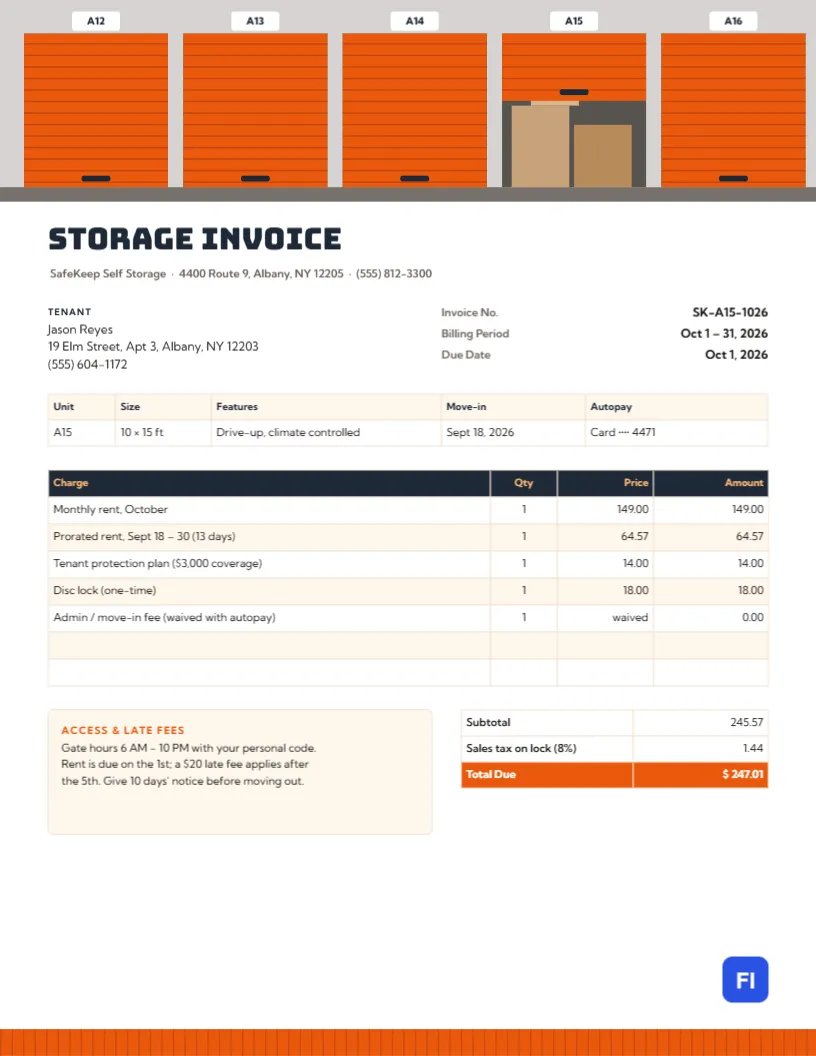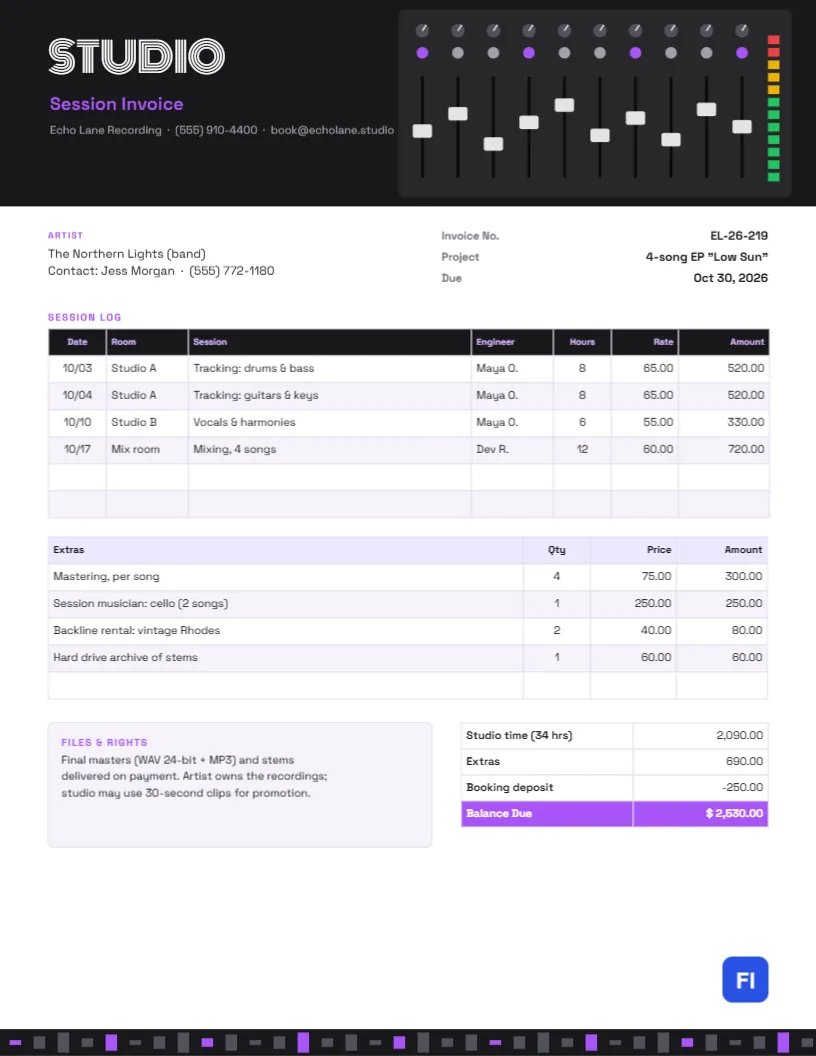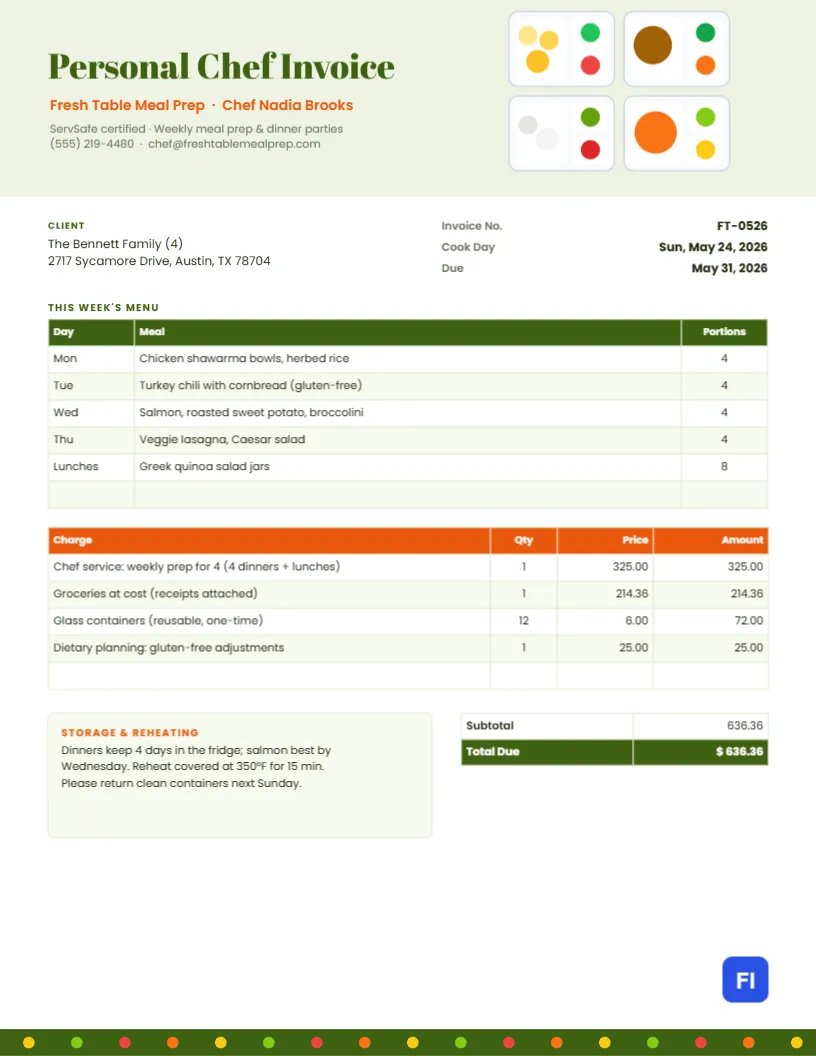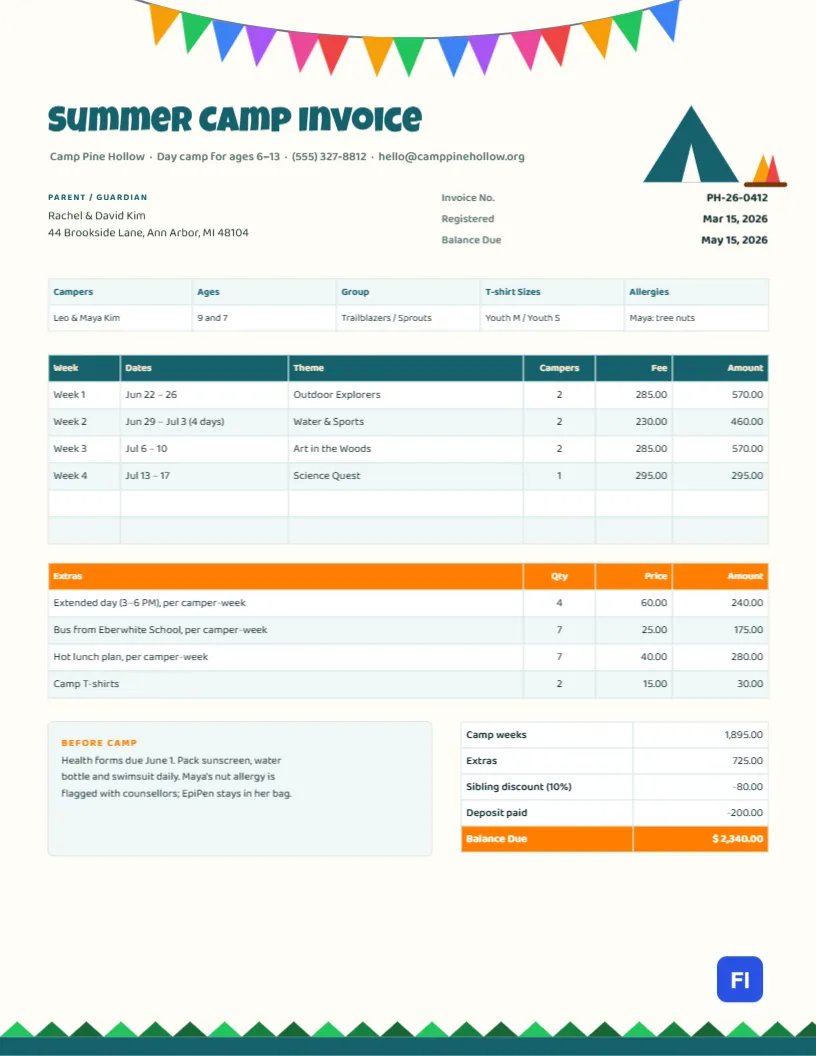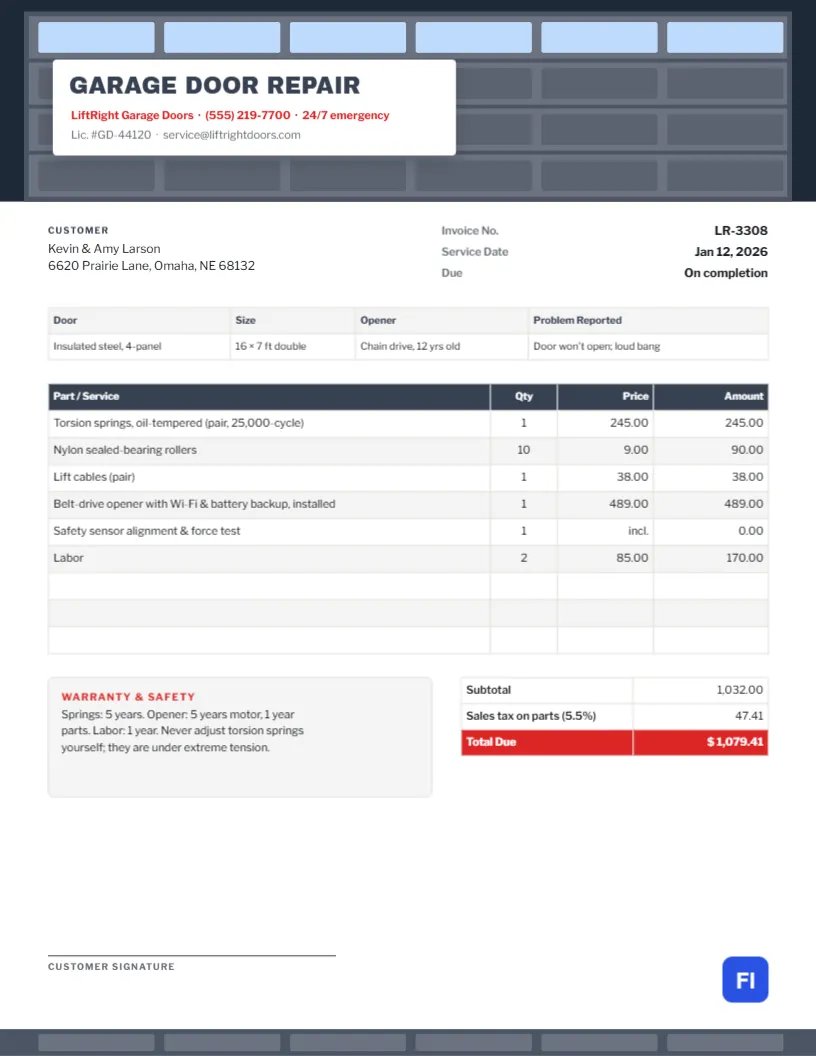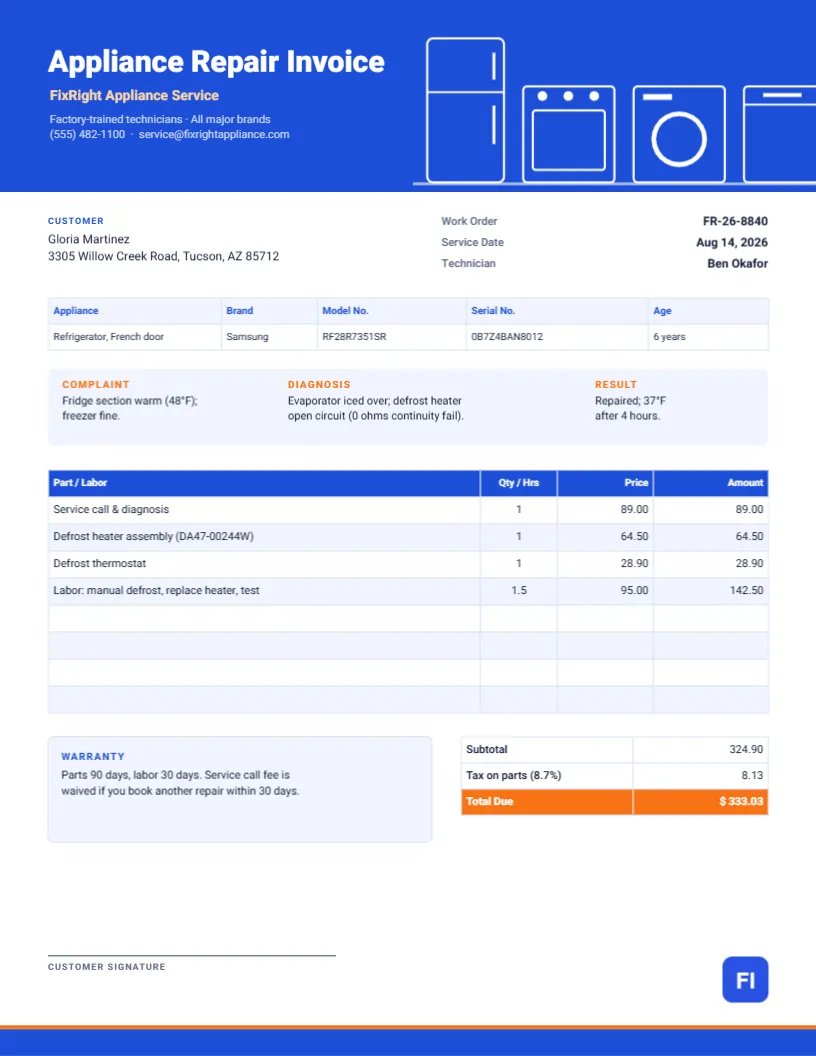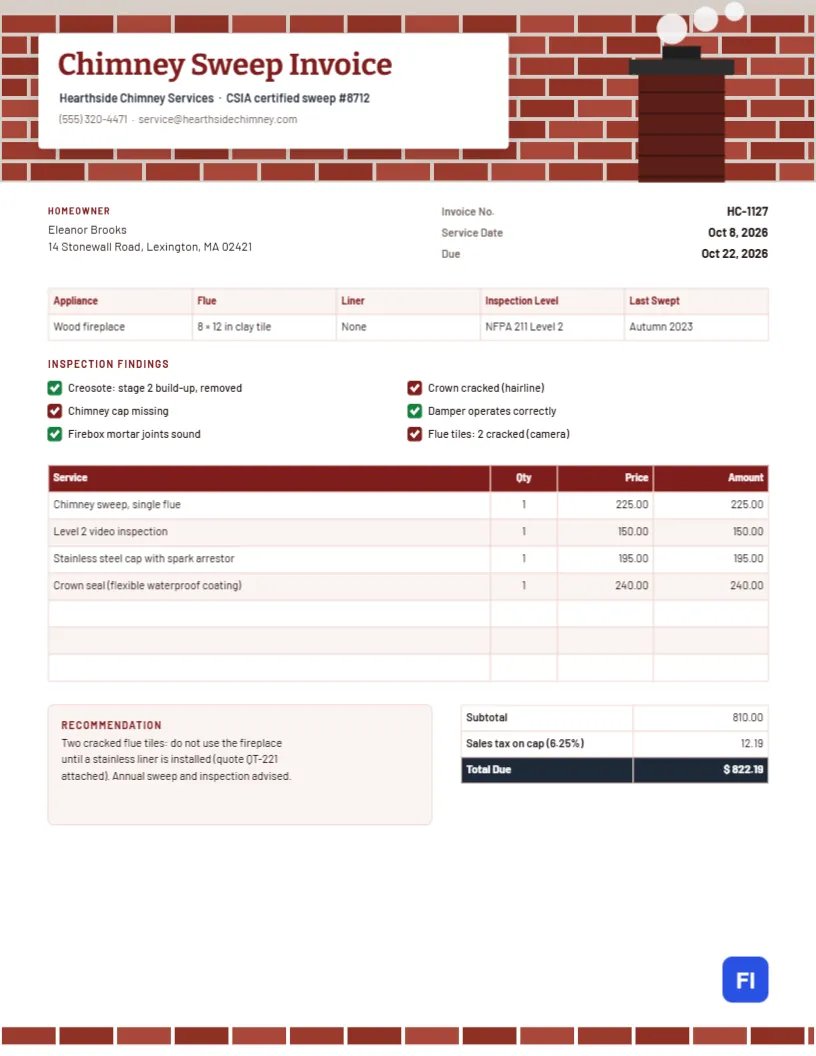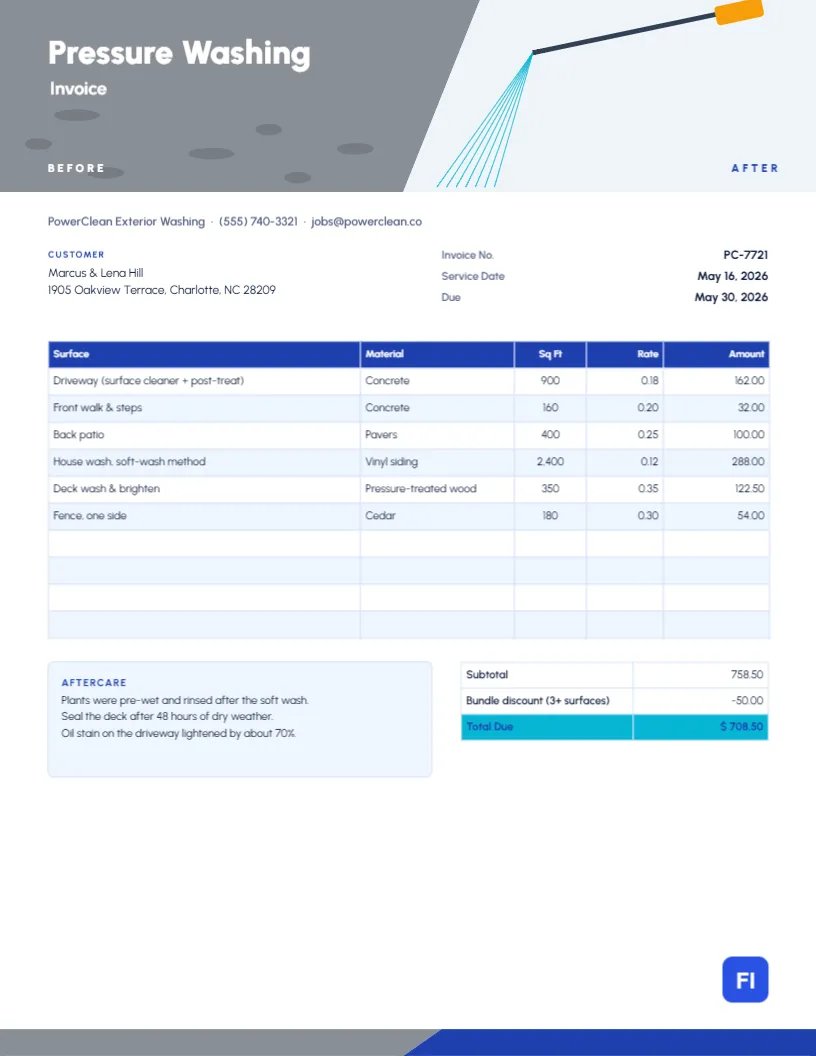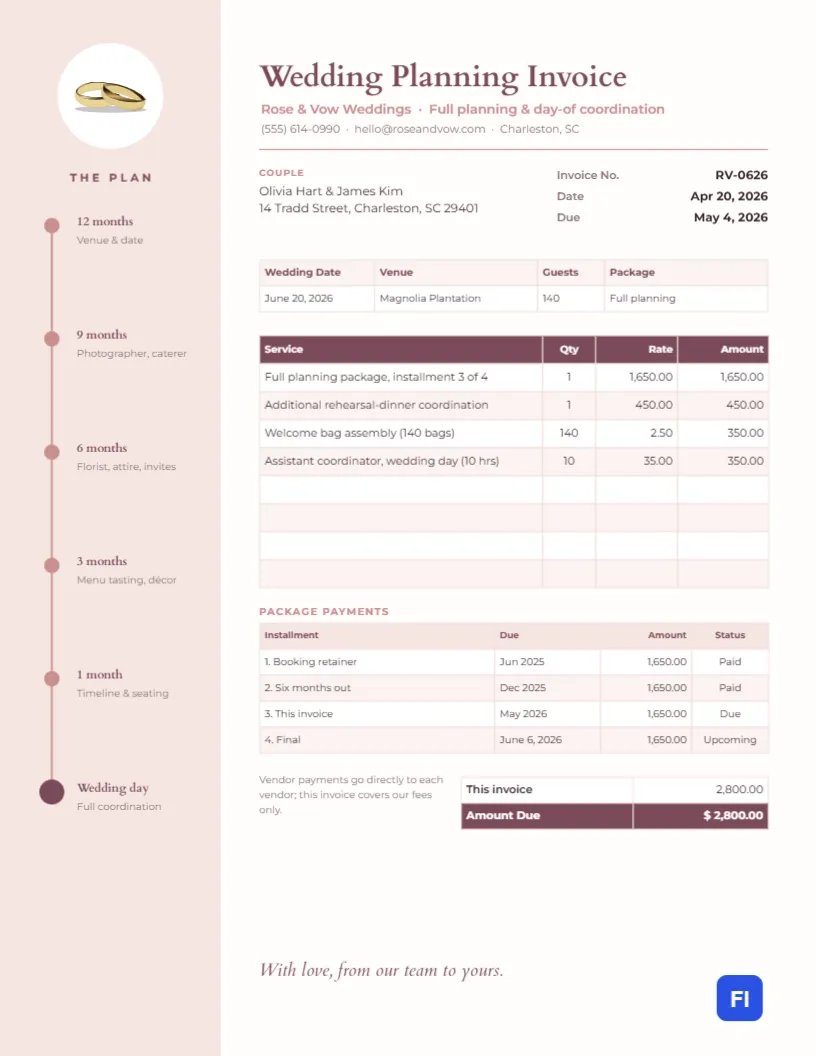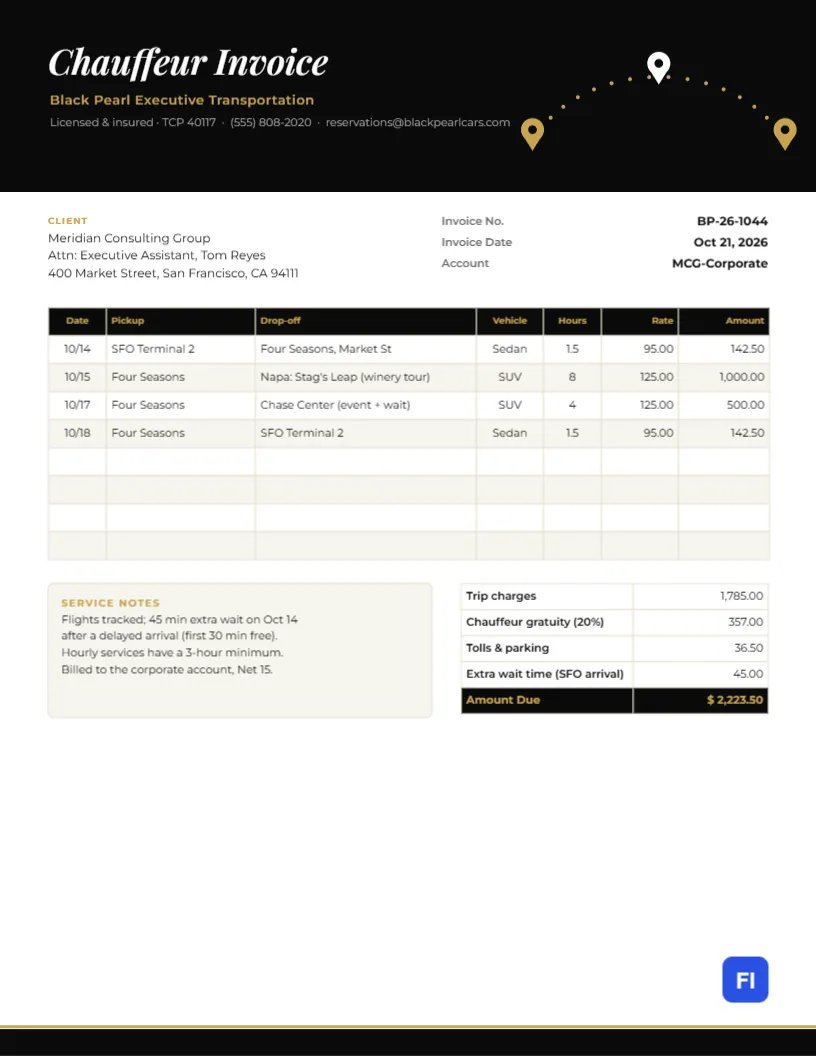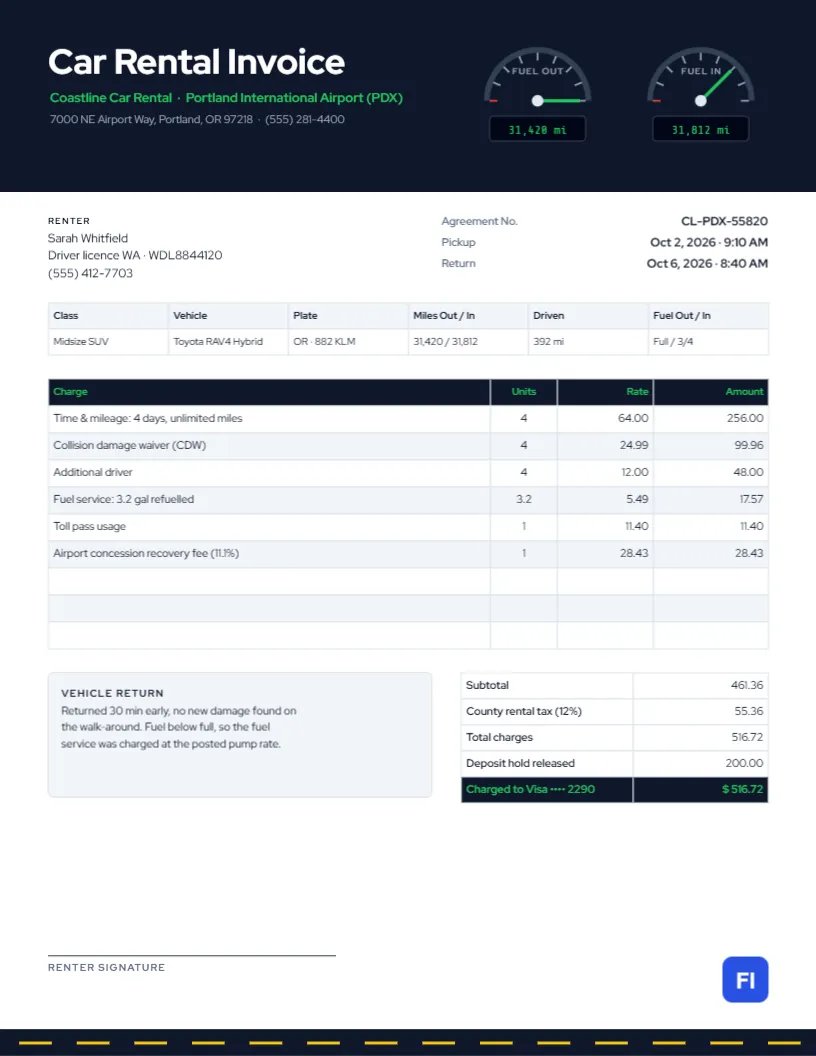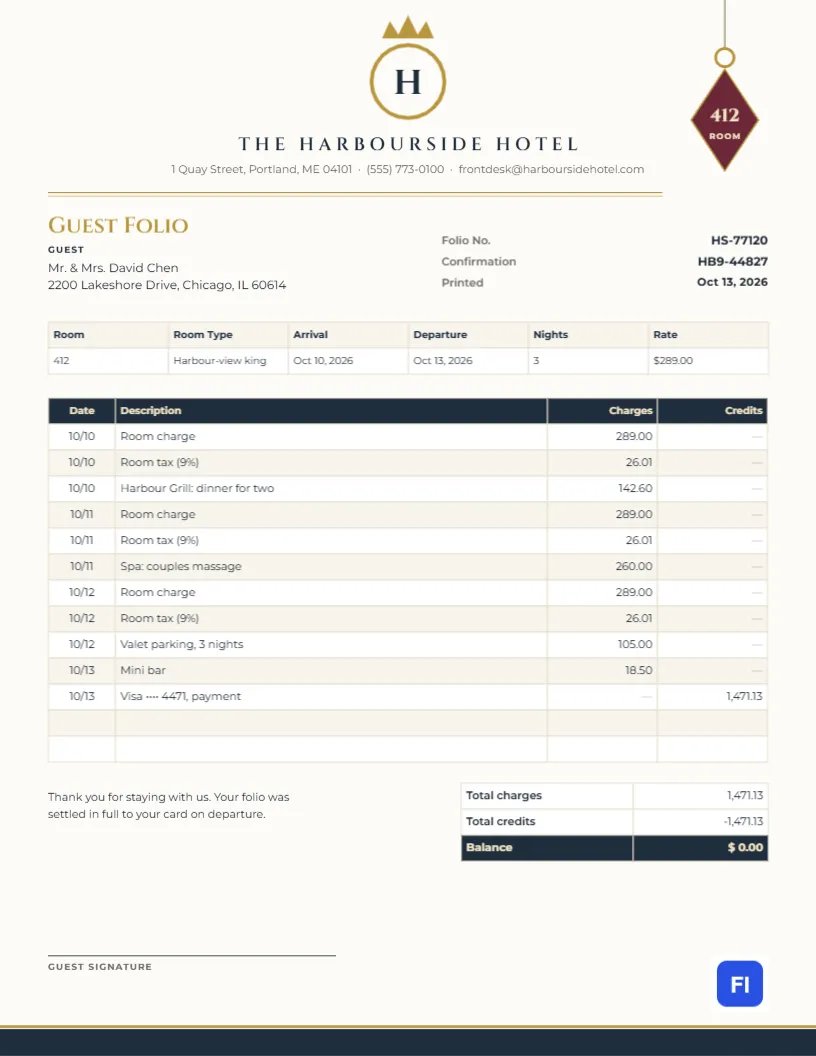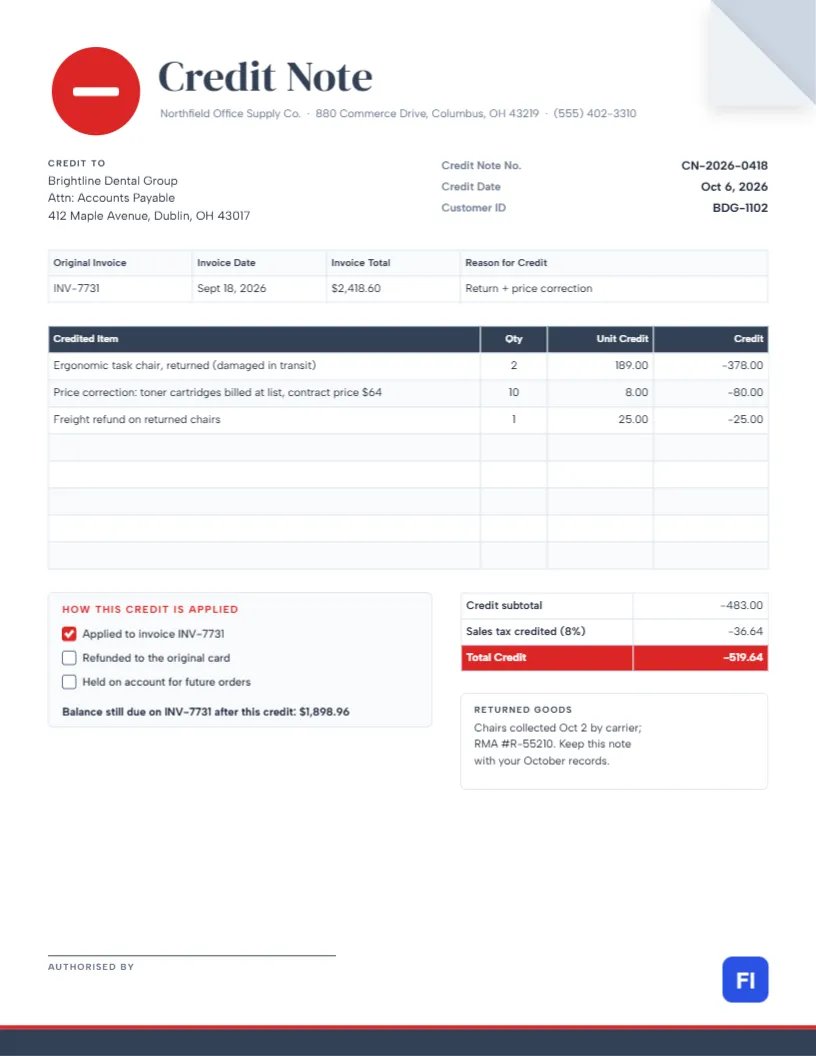
Sooner or later, every business has to give money back. Goods arrive damaged, a customer is charged the wrong price, or an order is cancelled after it was invoiced. The wrong way to handle it is to edit the old invoice and send it again; that breaks your records and confuses the customer’s accounts team. The right way is a credit note: a separate, numbered document that reduces what the customer owes and points back to the original invoice. This Credit Note Template makes the correction clear, with a folded page corner, a red minus badge, and every credited amount shown as a negative.
When to Issue a Credit Note Instead of a New Invoice
A credit note (also called a credit memo) is the standard document for reducing an invoice that has already been sent. Typical reasons include:
- Returned goods, in full or in part.
- Goods damaged in transit or not delivered.
- A pricing error, such as list price charged instead of a contract price.
- An agreed discount or rebate applied after invoicing.
- A service cancelled or cut short.
If the original invoice has not been sent yet, simply correct it. Once it has been sent, or recorded by the customer, issue a credit note.
The Folded Corner and Minus Badge
The design is deliberately different from an invoice so nobody mistakes it for a bill. The top-right corner of the page is folded down like a dog-eared sheet, revealing a grey corner beneath. On the left, a bold red circle carries a white minus sign, beside Credit Note in large DM Serif Display and the seller’s address line. The Credit To block and the credit note number, date, and customer ID follow. A reference strip ties the credit to its source: original invoice number, invoice date, invoice total, and reason for credit.
The credited items table lists each item with quantity, unit credit, and a negative amount. Beneath it, a panel headed How this credit is applied offers three tick boxes: applied to the original invoice, refunded to the card, or held on account. It also shows the balance still due on the original invoice. A returned-goods note, a signature line and a slate footer with a red rule complete the page.
Numbering and Referencing Credit Notes
Give credit notes their own number series, such as CN-2026-0418, rather than using invoice numbers. Always reference the original invoice number and date; accountants and tax authorities need to see which sale is being reduced. If one credit note covers several invoices, list each invoice on its own line with the amount credited against it.
How the Sample Credit Is Calculated
In the sample, Northfield Office Supply credits a dental group for two chairs damaged in transit ($378.00), a price correction on ten toner cartridges billed at list instead of the contract price ($80.00), and the freight on the returned chairs ($25.00). That is $483.00 before tax. Sales tax is credited only on the goods that were taxed, $458.00 at 8%, or $36.64, making a total credit of $519.64. Applied to the original invoice of $2,418.60, the customer now owes $1,898.96.
Credit Notes and Sales Tax or VAT
When you reduce a taxable sale, you should also reduce the tax charged on it, and your tax return should show the lower figure. That is why the template has a separate Sales tax credited line. In VAT countries, a credit note usually must show the same details as a VAT invoice: your VAT number, the customer’s details, the original invoice number, and the VAT being reversed. Keep the rate on the credit note the same as on the original invoice, even if rates have changed since.
Editing the Credited Lines
The reference strip, credited items, and totals are editor tables. Open them with a double-click or through Edit Table Data; + Add Row and – Remove Last set how many lines there are. Type amounts with a minus sign, as the sample does, so there is no doubt that they reduce the balance. The table does not calculate, so work out the credit, the tax credited, and the remaining balance yourself before sending.
Choosing How the Credit Is Used
Customers need to know what happens next. Tick one box in the How this credit is applied panel:
| Option | When to use it | What the customer does |
|---|---|---|
| Applied to the original invoice | The invoice is still unpaid | Pays the reduced balance shown |
| Refunded to card or bank | The invoice was already paid | Nothing; the refund arrives in a few days |
| Held on account | Regular customers who will order again | Uses the credit against a future invoice |
Returned Goods and RMA Numbers
If goods are returned, record the return authorisation (RMA) number and the date they came back in the returned-goods note, as the sample does. It links the credit to your warehouse records and prevents a second credit from being issued for the same return.
Restyling the Credit Note
The folded corner is a small group of two triangles that can be recoloured or removed. Keep the red minus badge, or change it to your brand colour; either way, a strong symbol helps the accounts team spot credit notes in a pile of invoices. The slate and red palette can switch to navy and orange, or to your invoice colours with a different accent so the two documents are related but distinct.
Paper, PDF and Your Accounts
The template is sized for US Letter. Send the PDF with a short email explaining the reason for the credit, and record it in your accounting software as a credit note against the customer, not as a negative invoice. Keep it with the original invoice in your files.
Partial Credits and Goodwill Gestures
Not every credit is for a return. Sometimes you give a partial credit as goodwill, for a late delivery or a service problem. Describe it plainly; for example, Goodwill credit: delivery 5 days late, and approve it in writing internally before sending. Clear, honest wording turns a complaint into a reason for the customer to keep ordering from you.
Credit Note FAQs
Is a credit memo the same as a credit note?
Yes. A credit memo is more common in the United States; a credit note elsewhere. Both reduce an invoice.
Can I credit more than the original invoice?
No. If more is owed back than was invoiced, review the original sale and speak to your accountant.
Does the customer need to sign it?
No. The authorised-by line is for your internal approval; the customer simply records it.