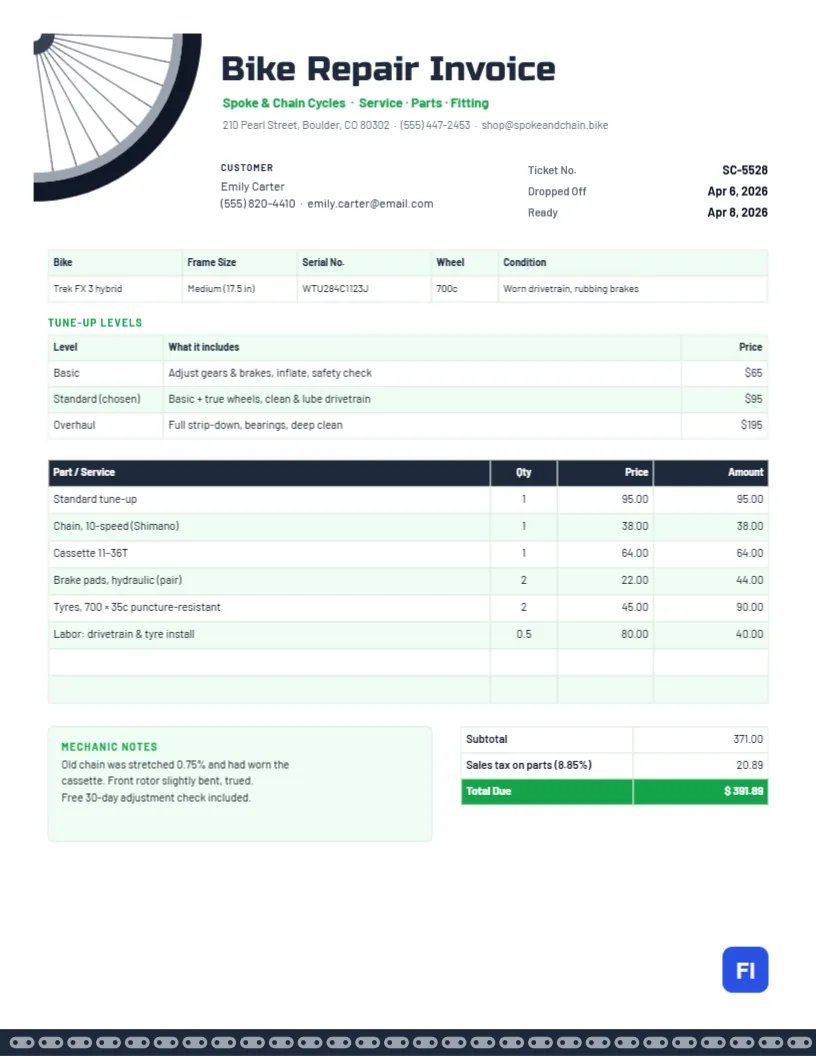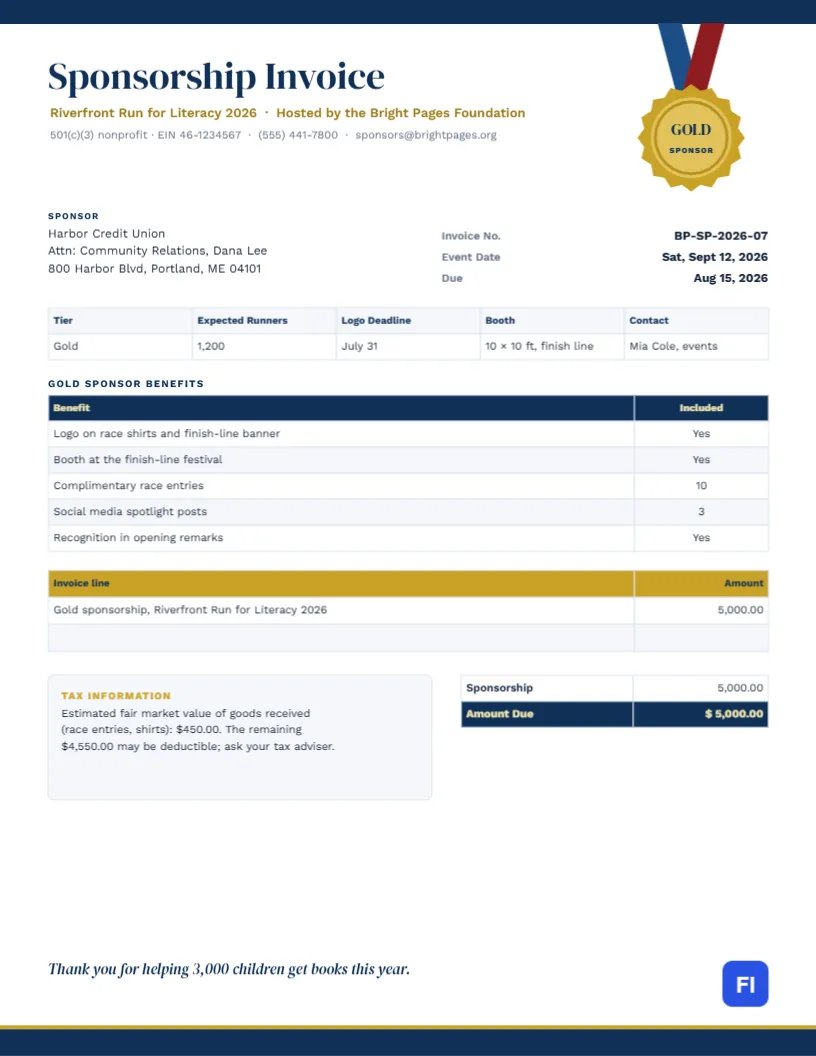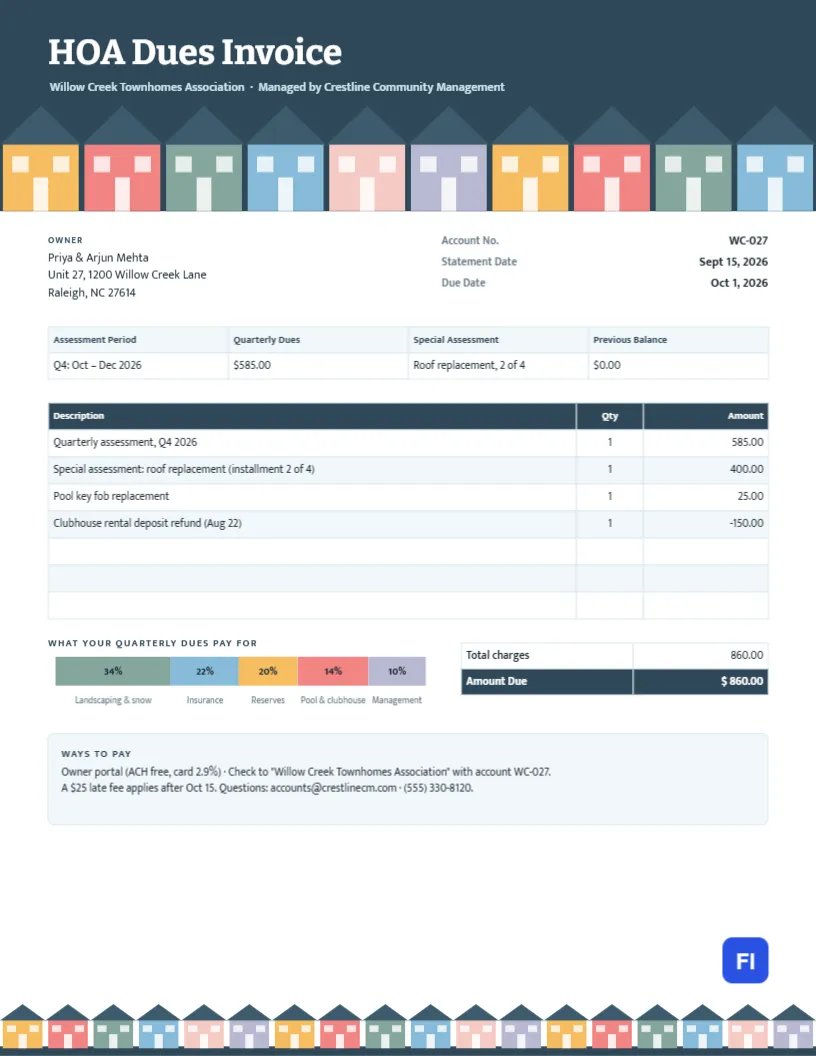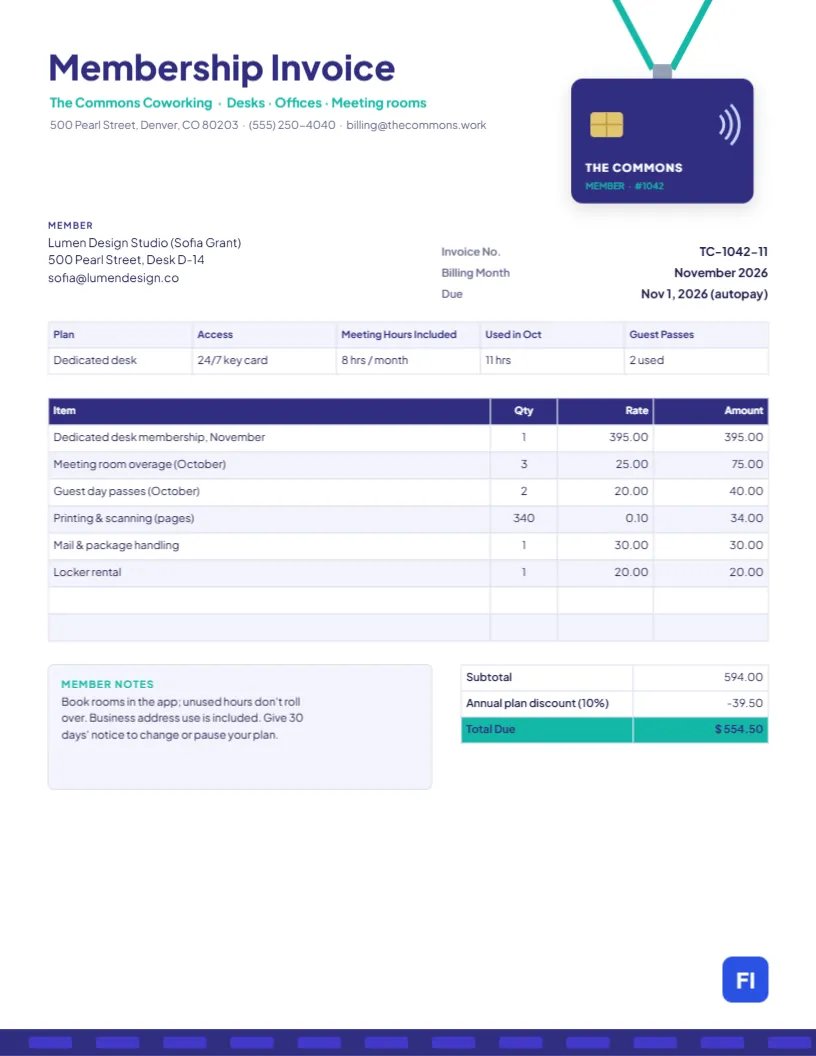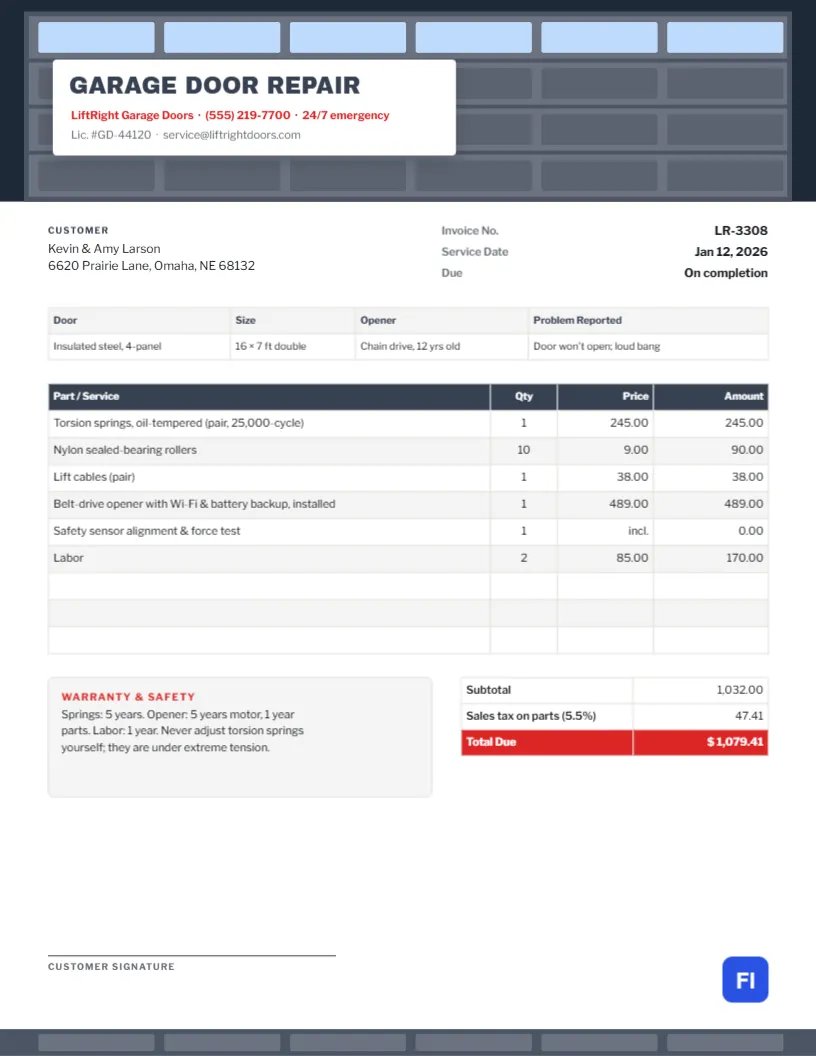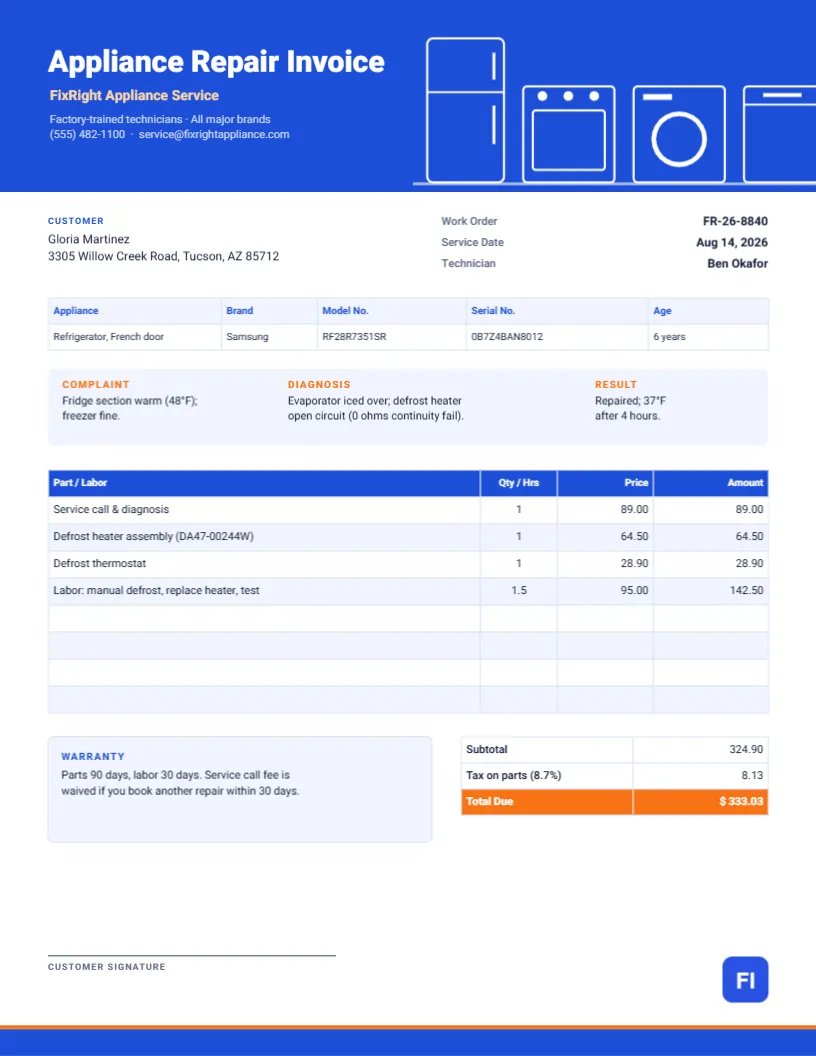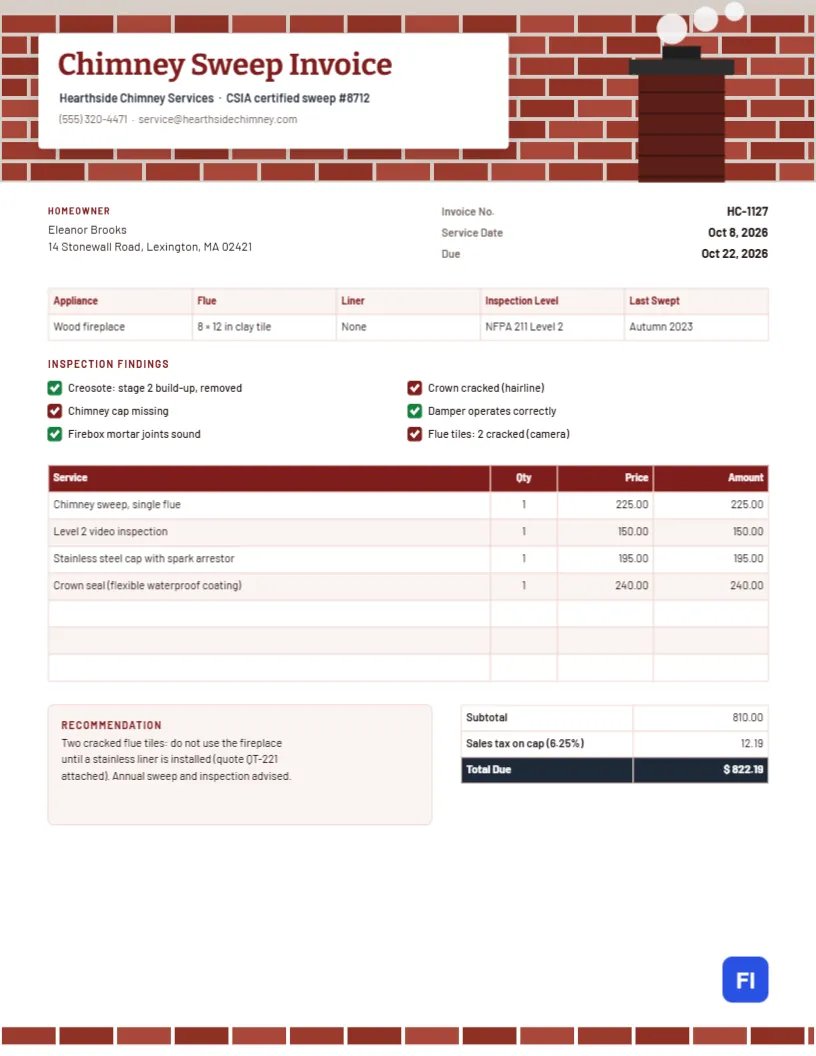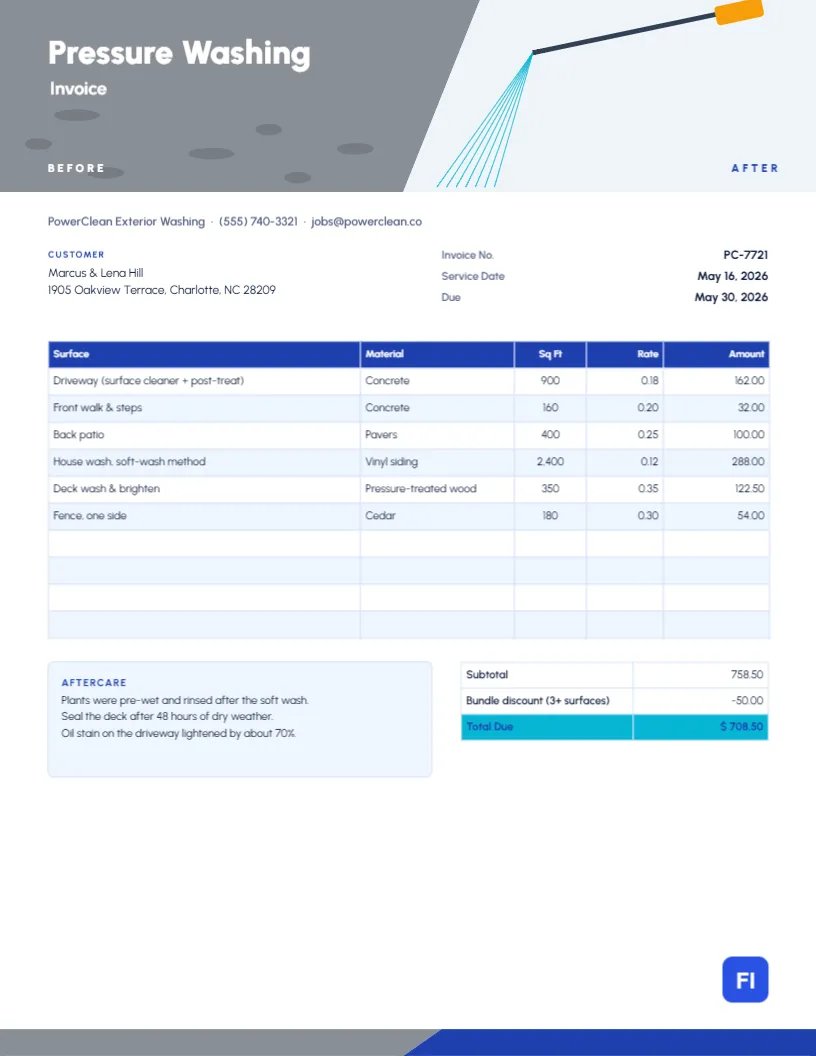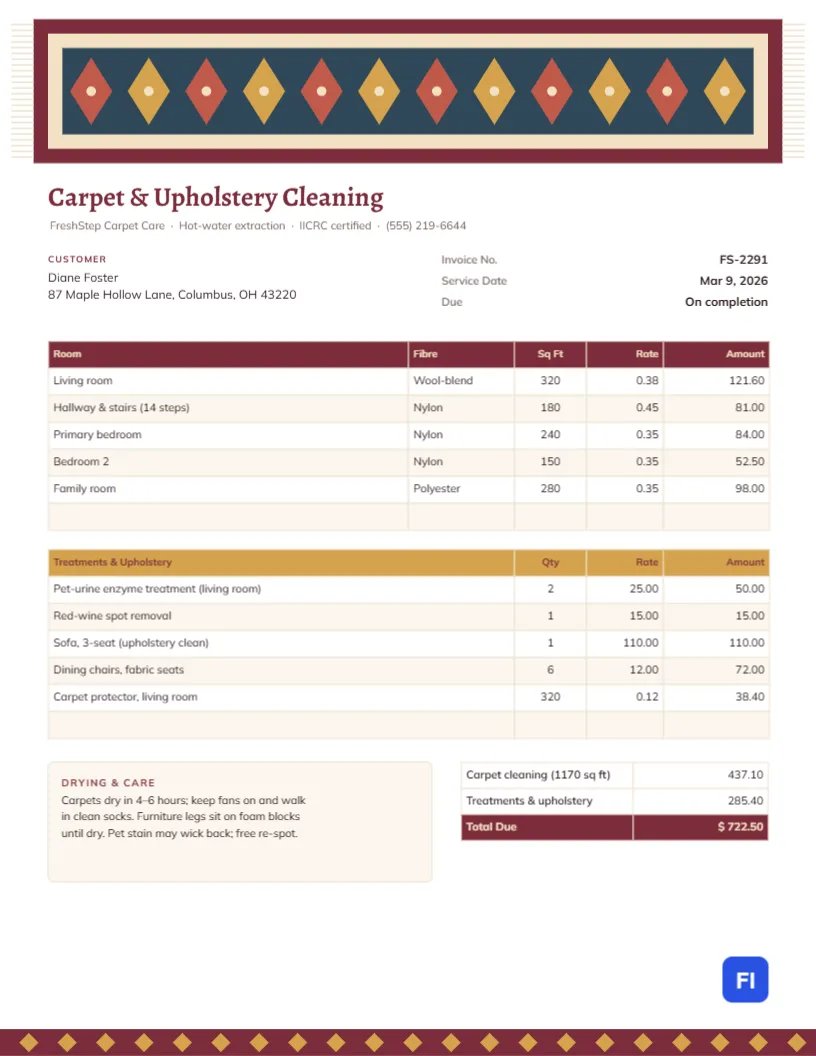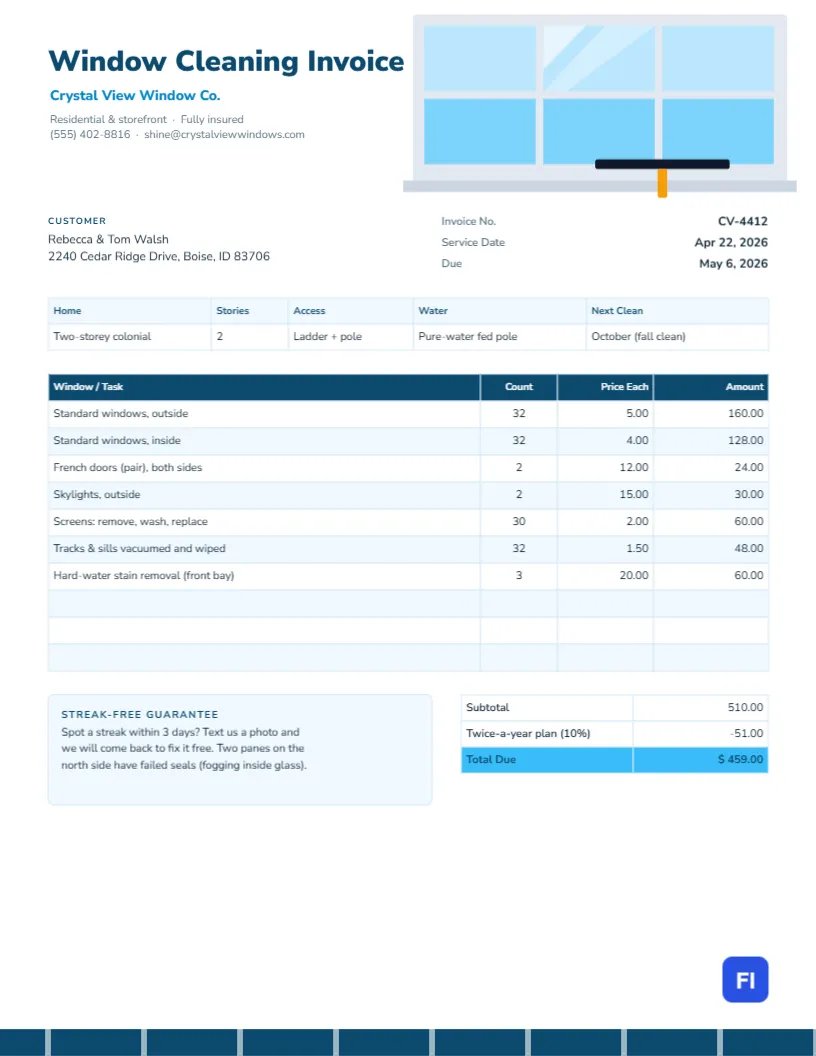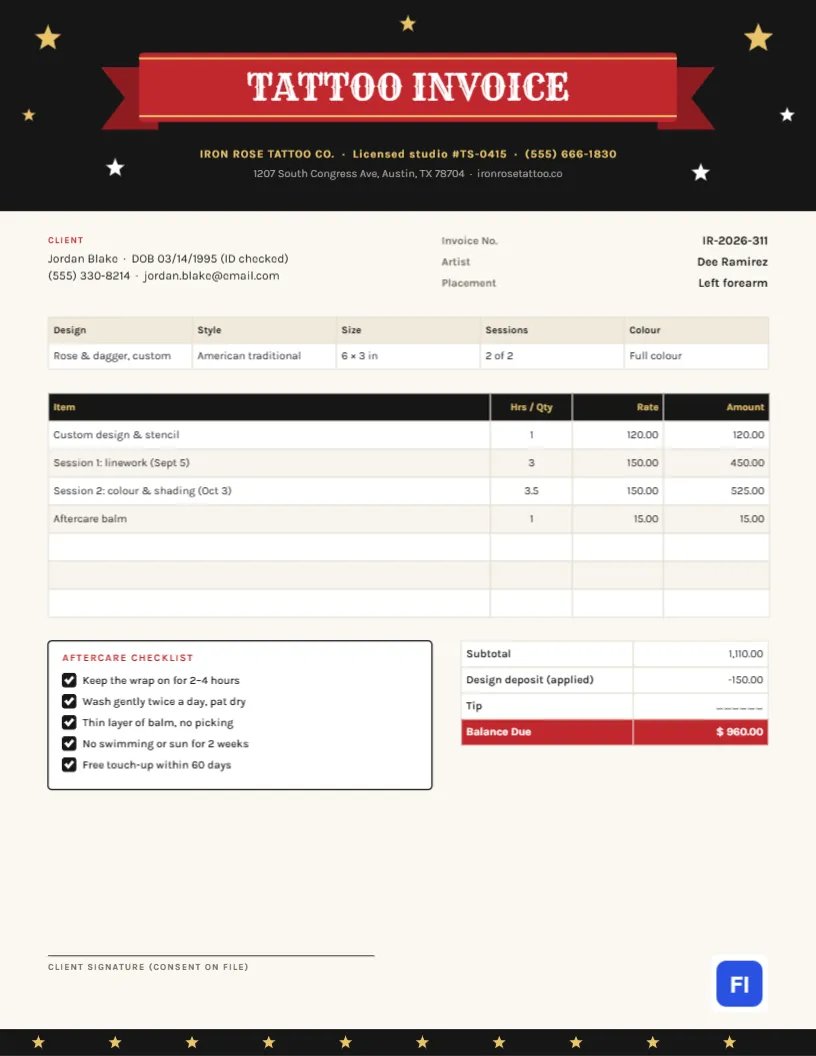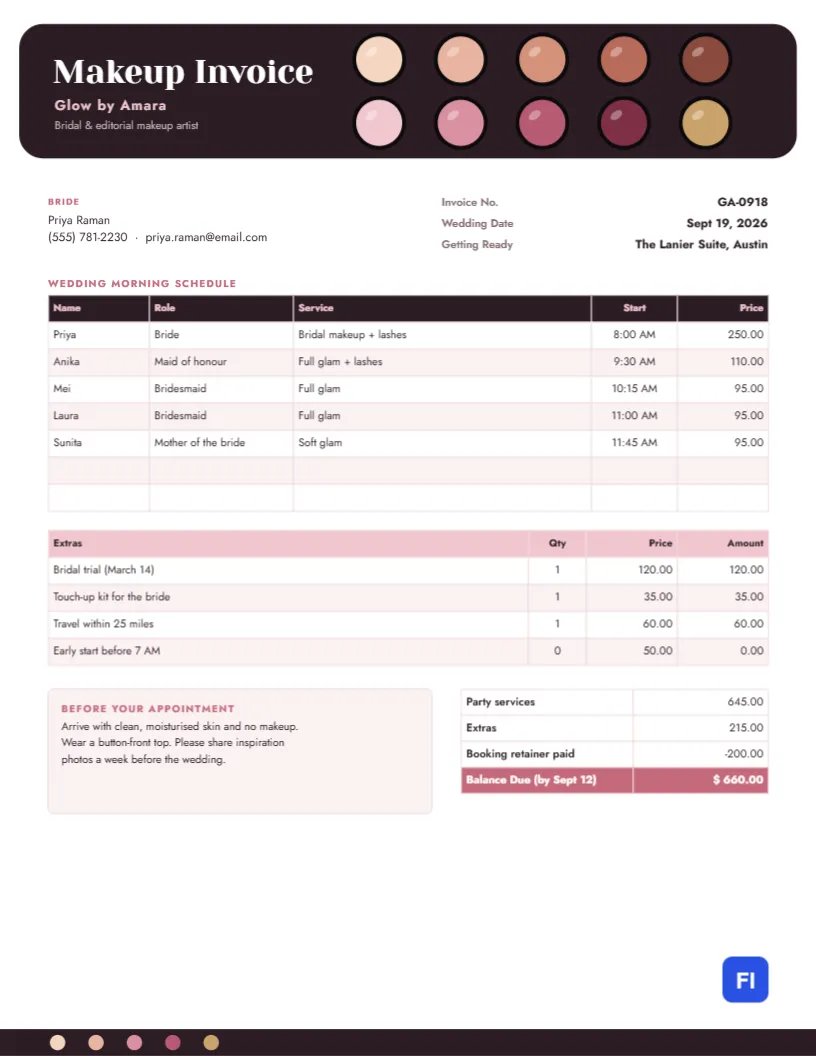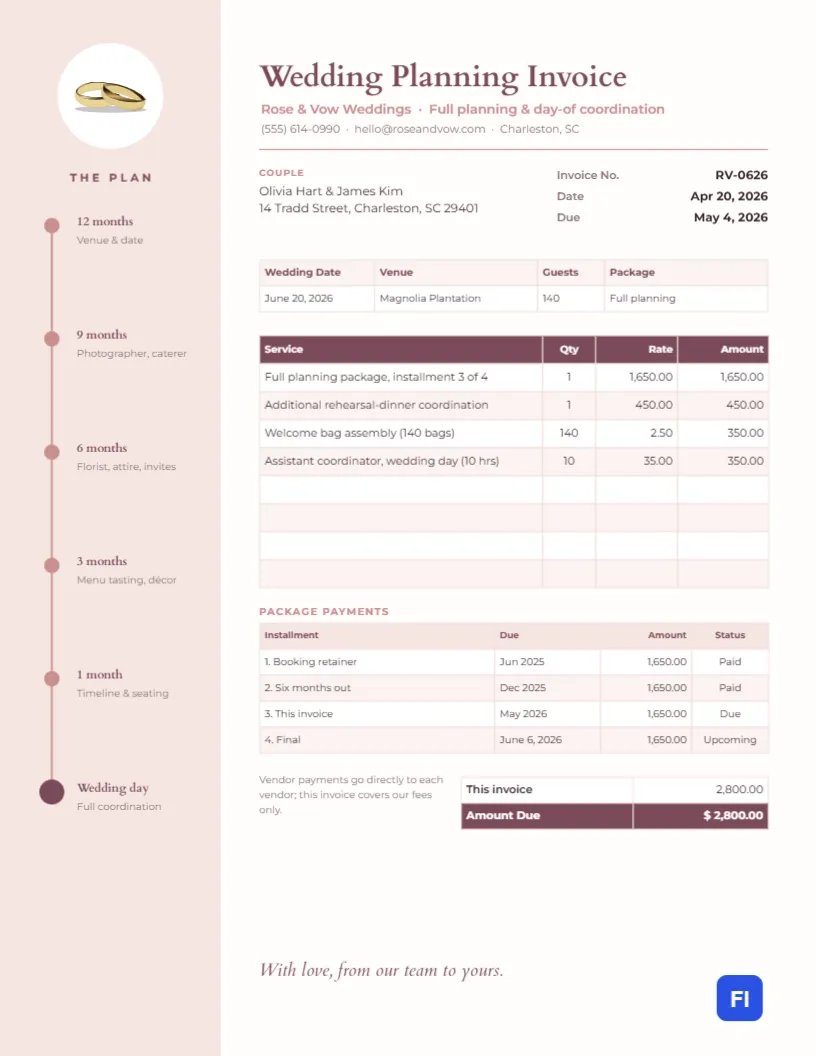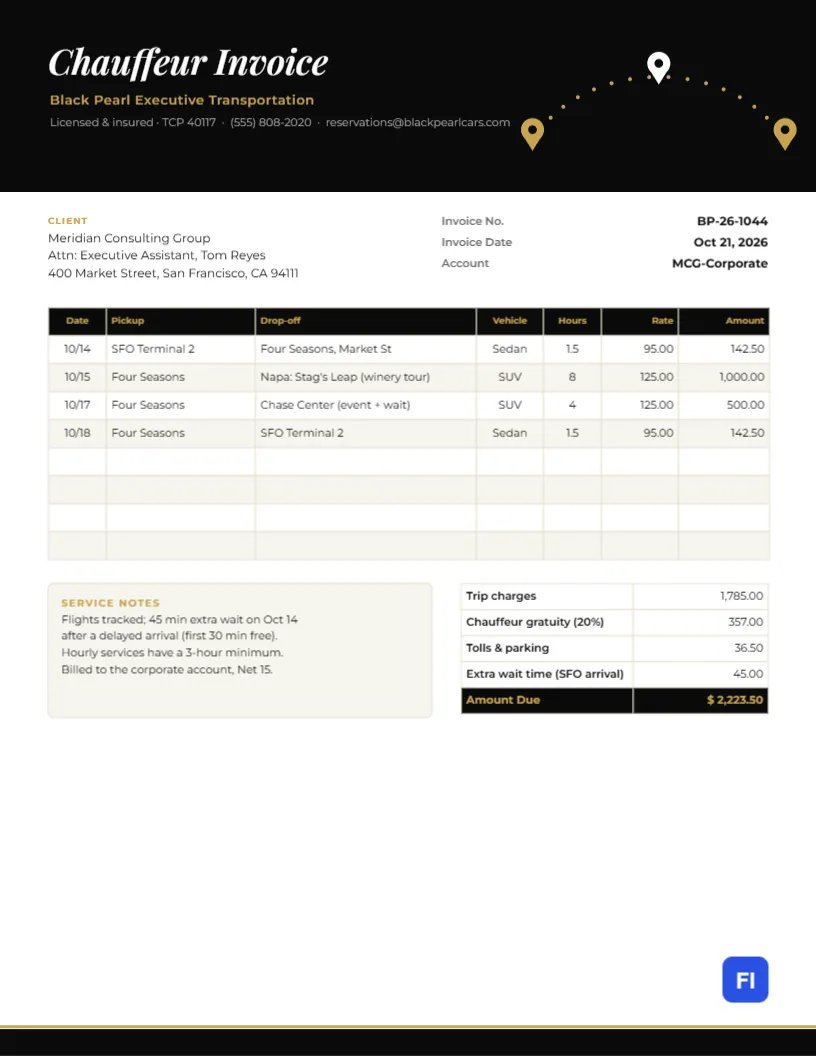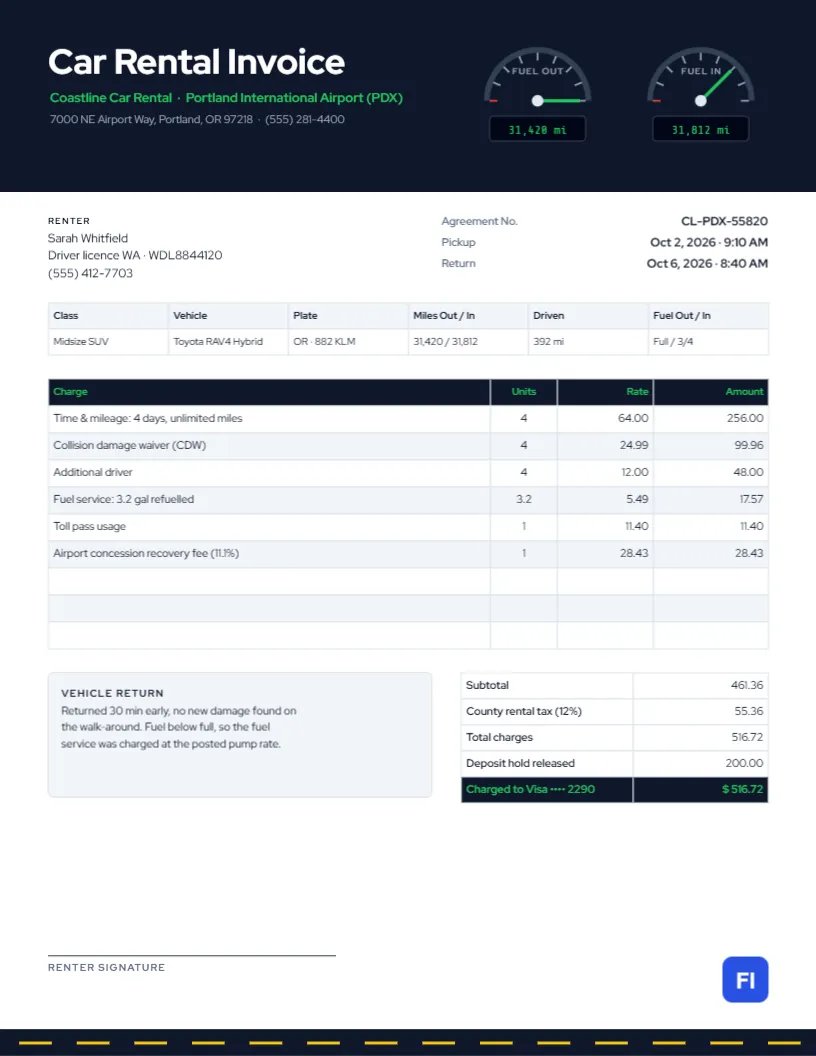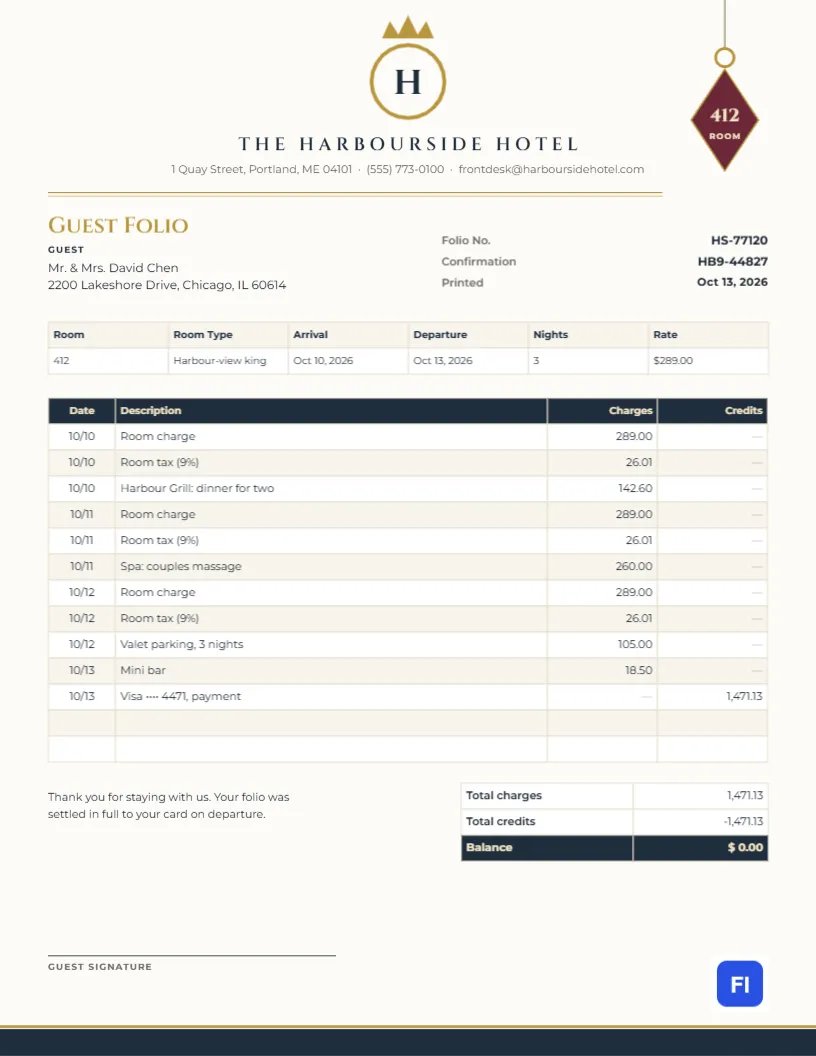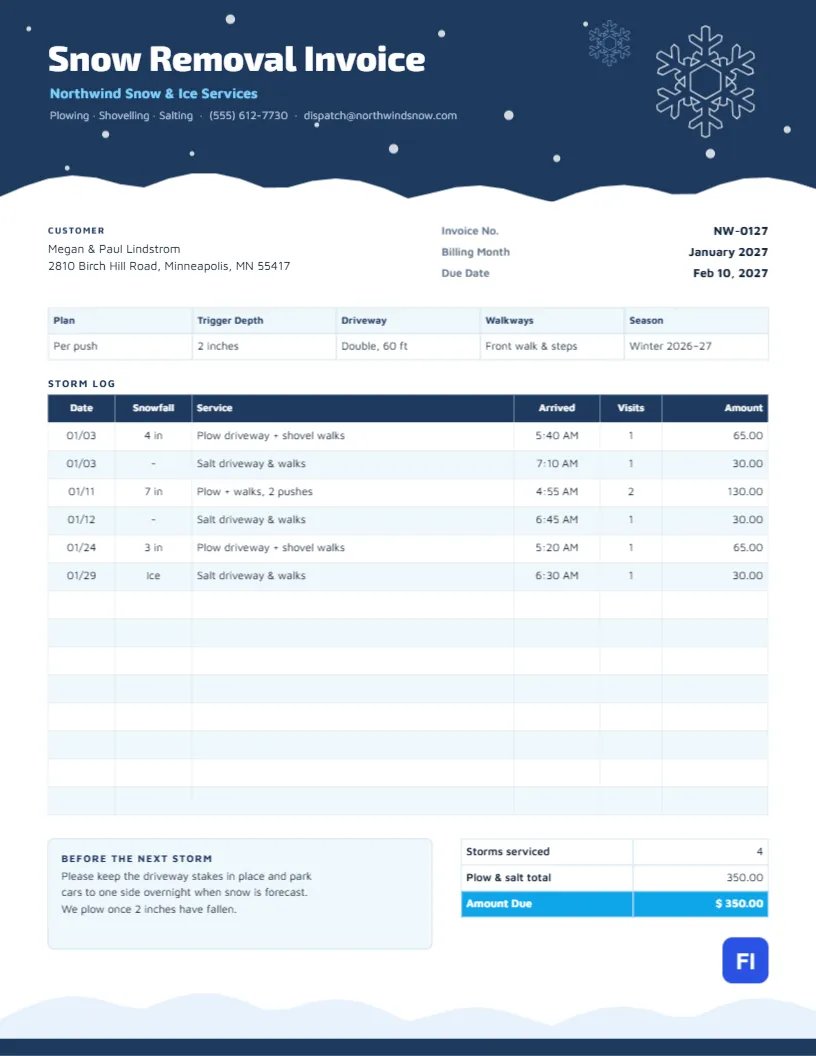
Snow removal is billed by the storm. Some months bring one light dusting; others bring three blizzards and an ice storm, and customers want to see exactly when you came, how much snow had fallen, and what you did. A storm log turns that into a bill nobody argues with. This Snow Removal Invoice Template is built around one, under a midnight-blue header where snow is falling and a white drift piles up along the bottom edge.
Plow Operators, Landscapers in Winter and Property Managers
It suits snow plowing companies, landscapers who switch to snow services in winter, residential shoveling crews, commercial lot plowing and salting contractors, and property managers who bill tenants or owners for snow removal. The sample shows North wind Snow & Ice Services billing a Minneapolis household for January: three plowing and shoveling visits, one of them with two pushes during a heavy storm, and three salting visits.
A Winter Night Over the Page
The header is deep midnight blue, scattered with small white snowflakes of different sizes. A large white snowflake crystal sits on the right with a smaller pale blue one above it. The bottom edge of the header is a soft, uneven white snowdrift, as if the page had been snowed on overnight. Snow Removal Invoice is set in bold white Exo 2, with the company name in icy blue and the services and contact details in soft gray. A matching pale drift rises along the bottom of the page over a thin navy band.
The customer block and the invoice number, billing month, and due date come first. A strip records the plan, trigger depth, driveway size, walkways, and season. The storm log follows, with date, snowfall, service, arrival time, number of visits, and amount for every trip. A Before the next storm note sits beside the totals, which count the storms serviced and give the amount due.
Per Push, Per Season or Per Inch?
Snow removal is priced in several ways, and customers often ask which is best. This comparison helps them choose:
| Pricing model | How it works | Best for |
|---|---|---|
| Per push (per visit) | A set price each time you plow after the trigger depth | Customers who want to pay only for what they get |
| Per event | One price per storm, however many visits it takes | Areas with occasional large storms |
| Seasonal contract | A fixed price for the whole winter, often in instalments | Customers who want a predictable cost |
| Per inch tier | Price steps up with snowfall depth (2-6 in, 6-12 in) | Commercial lots and heavy-snow regions |
The sample uses per-push pricing: $65 per plow and shovel visit and $30 per salting.
Keeping an Honest Storm Log
The log is your proof of service. Record the date, the snowfall depth when you arrived, the service performed, and the time you arrived. If the customer was at work, the arrival times show that the driveway was clear before they left. A heavy storm that needed two pushes, as on January 11 in the sample, is shown as two visits on one line, so the price is transparent. Six log entries total $350.00.
Trigger Depth and Salting
The trigger depth is the amount of snow that must fall before you plow, usually one to three inches. It belongs on every invoice because it answers the most common complaint: It snowed, why didn’t you come? Salting is often billed separately and done after plowing or before an ice event, as the entry for January 29 shows.
Adding Storms to the Log
The plan strip, storm log, and totals are editor tables. Double-click to edit them or use Edit Table Data; the log has fourteen rows ready, and you can add more with + Add Row or remove extras with – Remove Last. Because the cells are typed text, add up the amounts and count the storms yourself before updating the totals.
Changing the Night Sky and Drifts
The snowflakes are editable vectors, and the small dots of falling snow are grouped, so you can recolor or rearrange them. The white drift at the bottom of the header and the drift in the footer are simple shapes that can be tinted pale blue or gray. Midnight blue suits a winter theme, but a forest green or charcoal header works just as well for a landscaping company’s brand.
Sending Winter Invoices
The invoice uses standard letter-size paper. Send it at the end of each month during the season, as a PDF by email. Customers who are away for the winter appreciate a monthly invoice with a clear log, since it shows that the property was cared for while they were gone.
Damage, Stakes and Liability
Plowing can damage lawns, gravel edges, and landscaping hidden under the snow. The note on the invoice asks customers to keep driveway stakes in place and to move cars aside overnight. Record any damage you notice, such as a broken mailbox or lifted sod, and how it will be repaired in spring. Many contractors include lawn edge repair in their contracts for goodwill.
Commercial Lots and Sidewalk Liability
Business customers such as shops, offices, and apartment complexes often need proof of service for their insurance, because slip-and-fall claims can arrive months later. For these accounts, record arrival and completion times, the areas plowed and salted, and the amount of salt or ice melt applied on each visit. A detailed storm log on the invoice becomes part of their safety record as well as your bill.
Ending the Season
When spring arrives, send a final invoice for the last storms and a thank-you note inviting customers to renew for next winter. Many contractors offer an early-renewal discount in autumn, and the storm logs from the season help customers decide whether per-push or a seasonal contract would have cost them less.
Snow Removal Invoice FAQs
Can I use this for a seasonal contract?
Yes. Replace the log amounts with Included and bill the monthly installment as a single line.
How do I bill for a return visit after drifting?
Add it as a separate log entry with the time and Clean-up after drifting as the service.
Should I charge for salt by the bag?
Either per application or per bag works; state which in the plan strip.