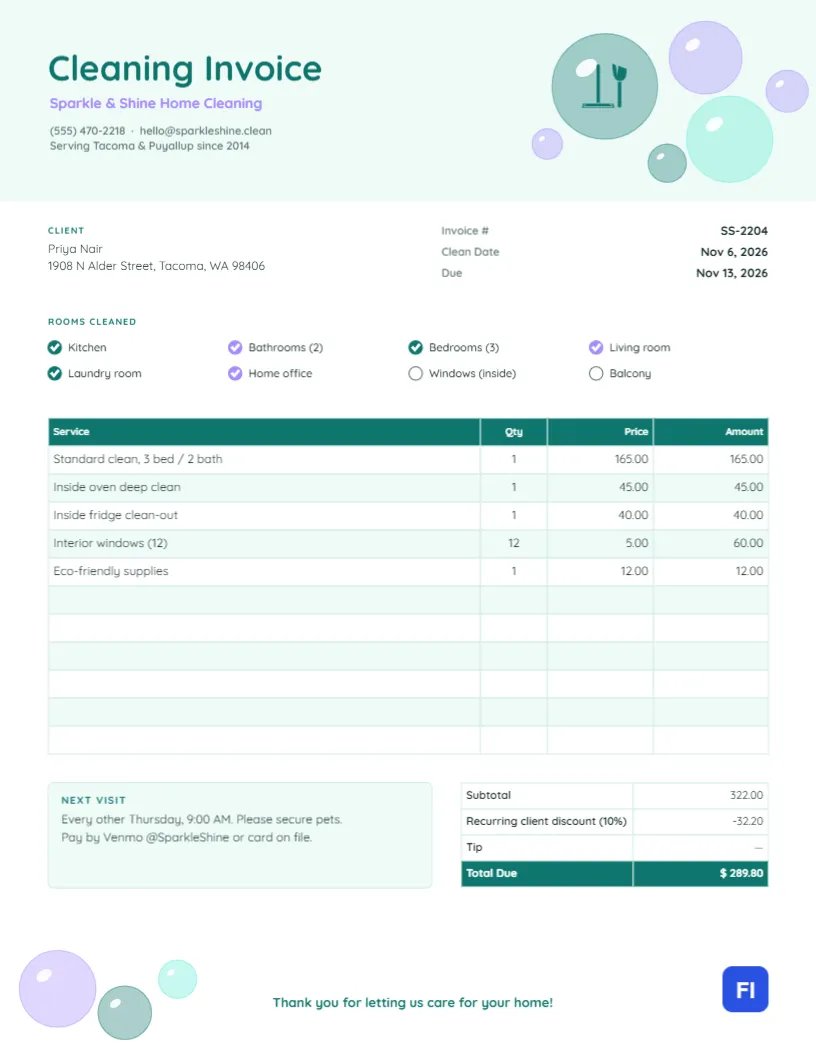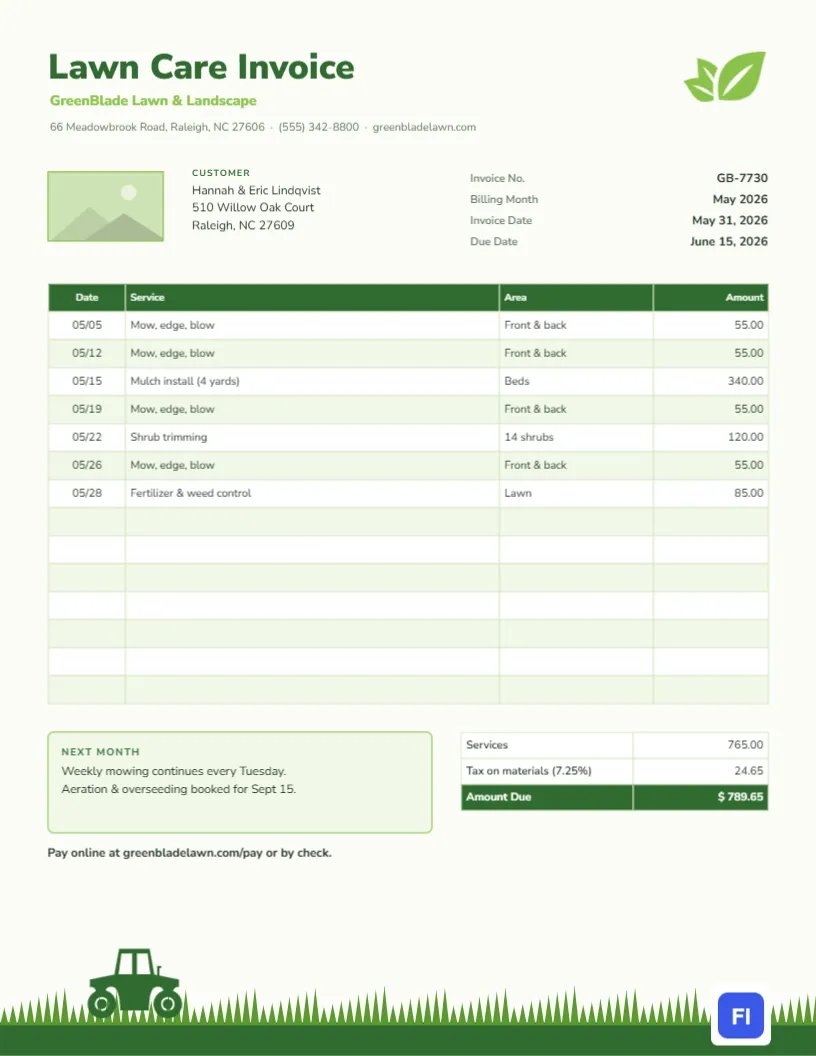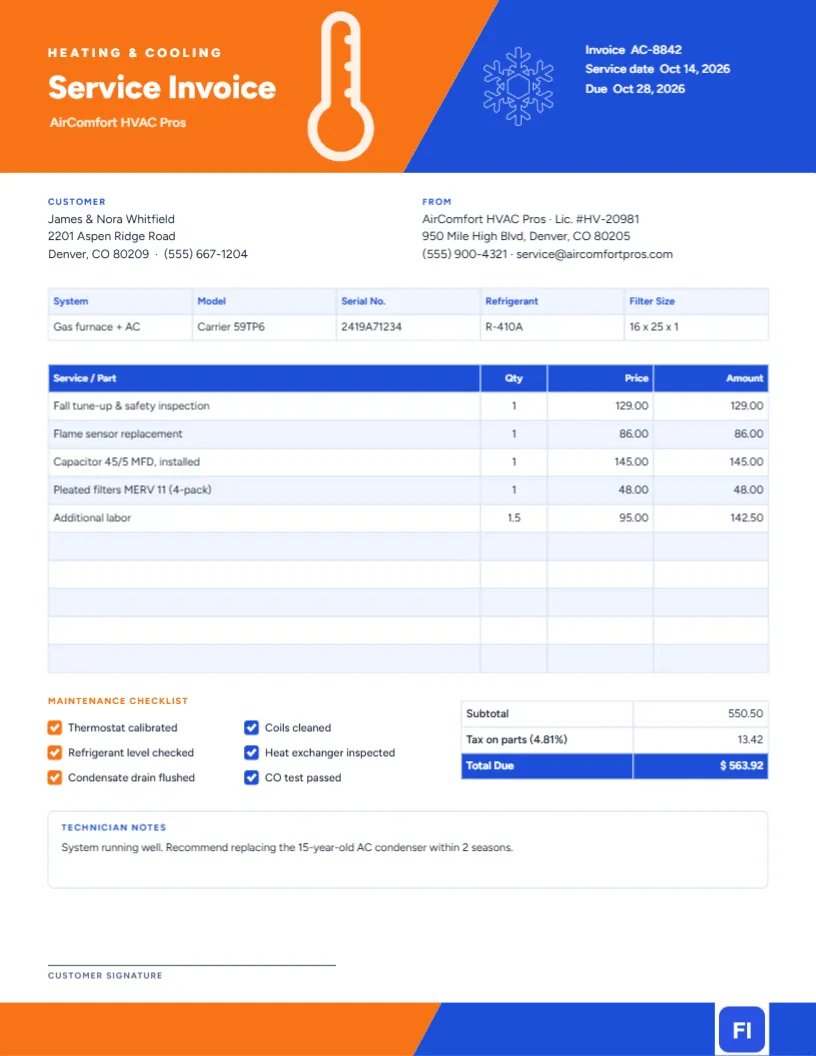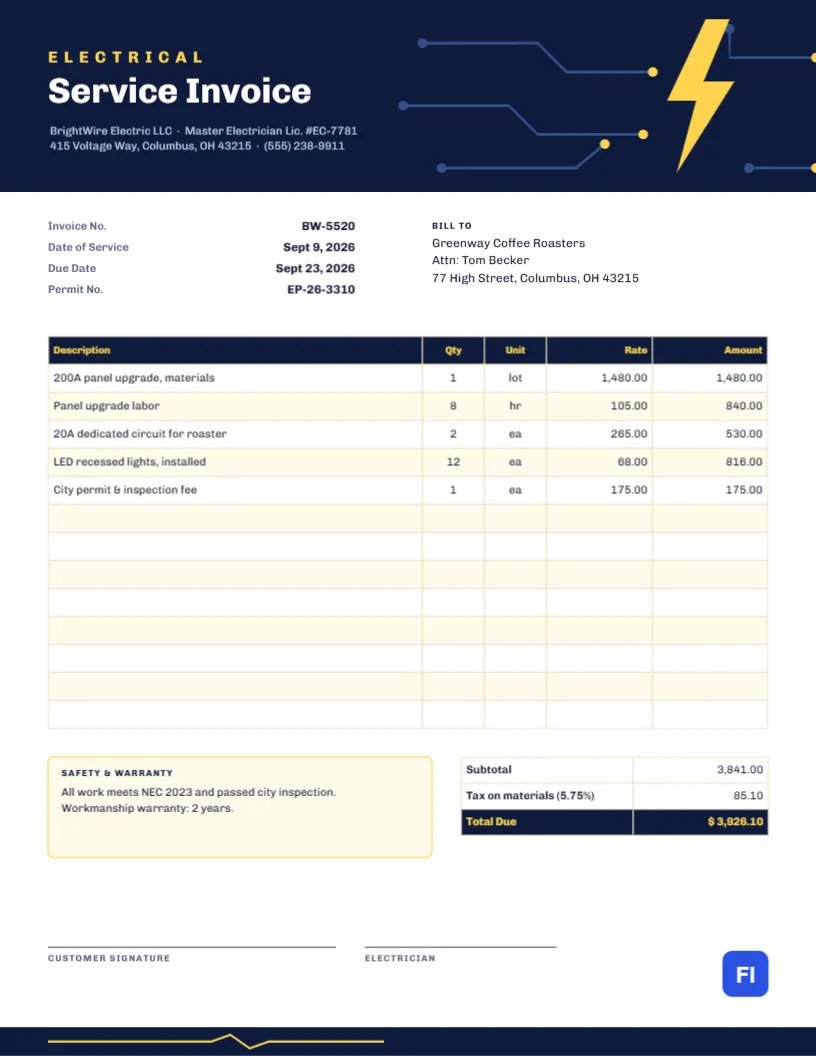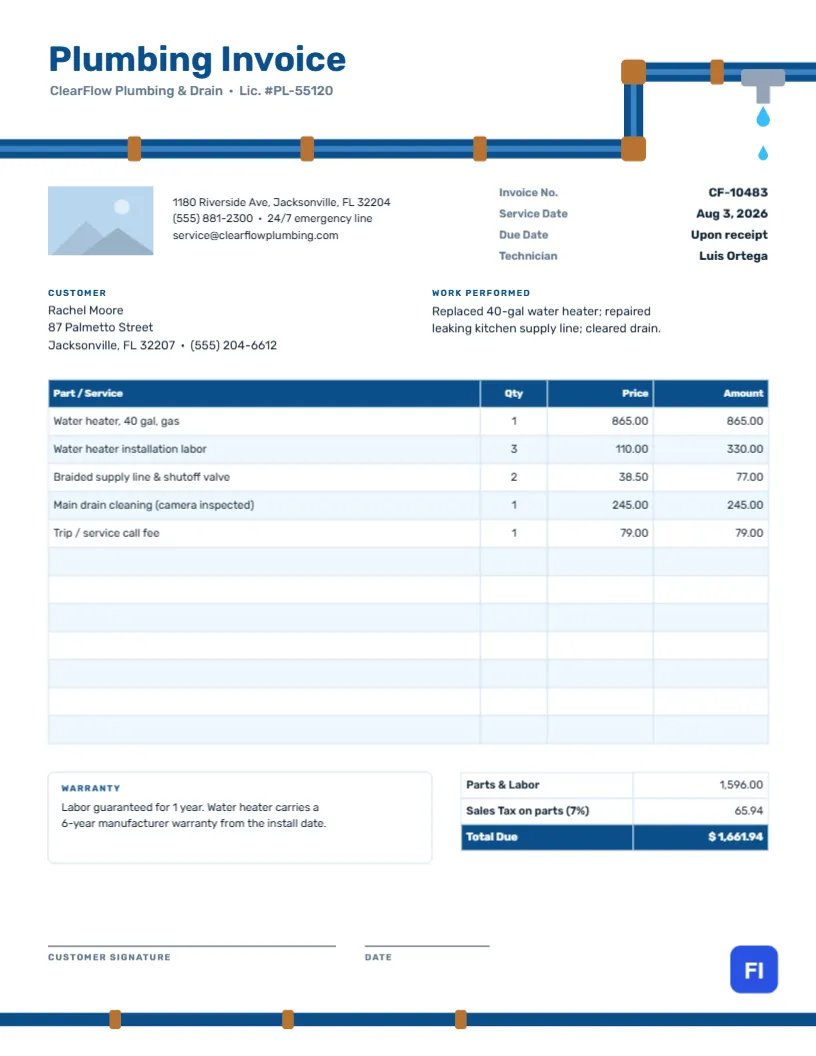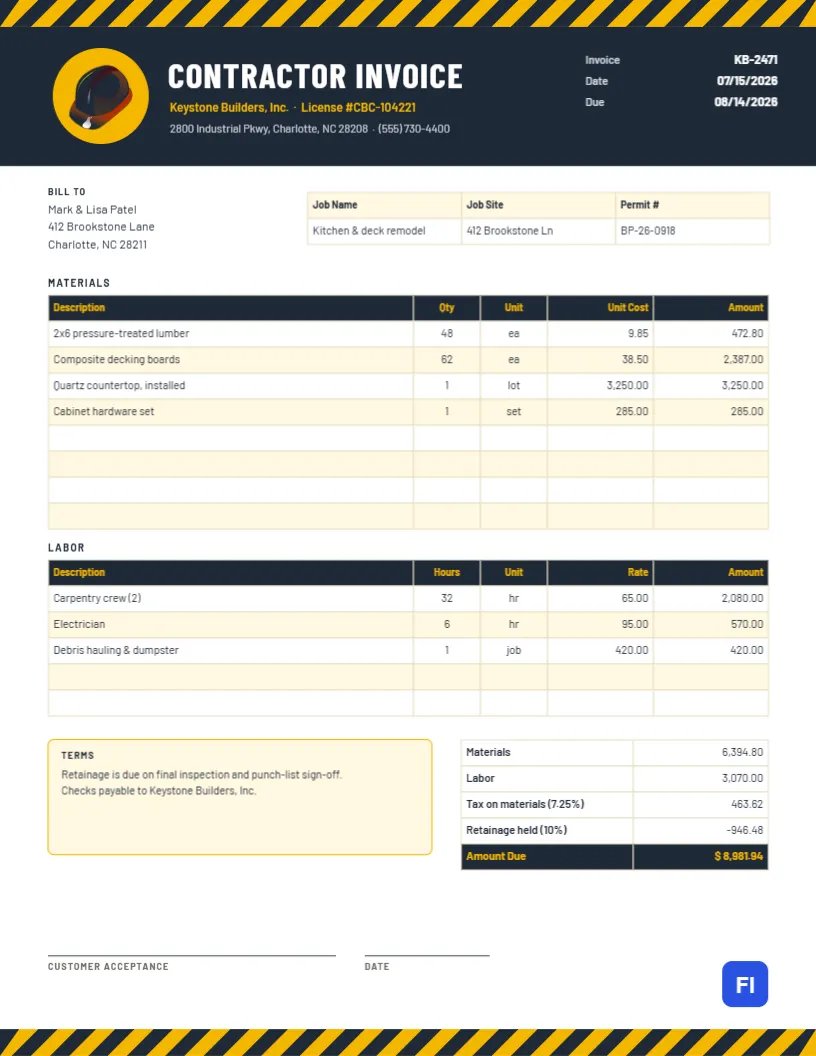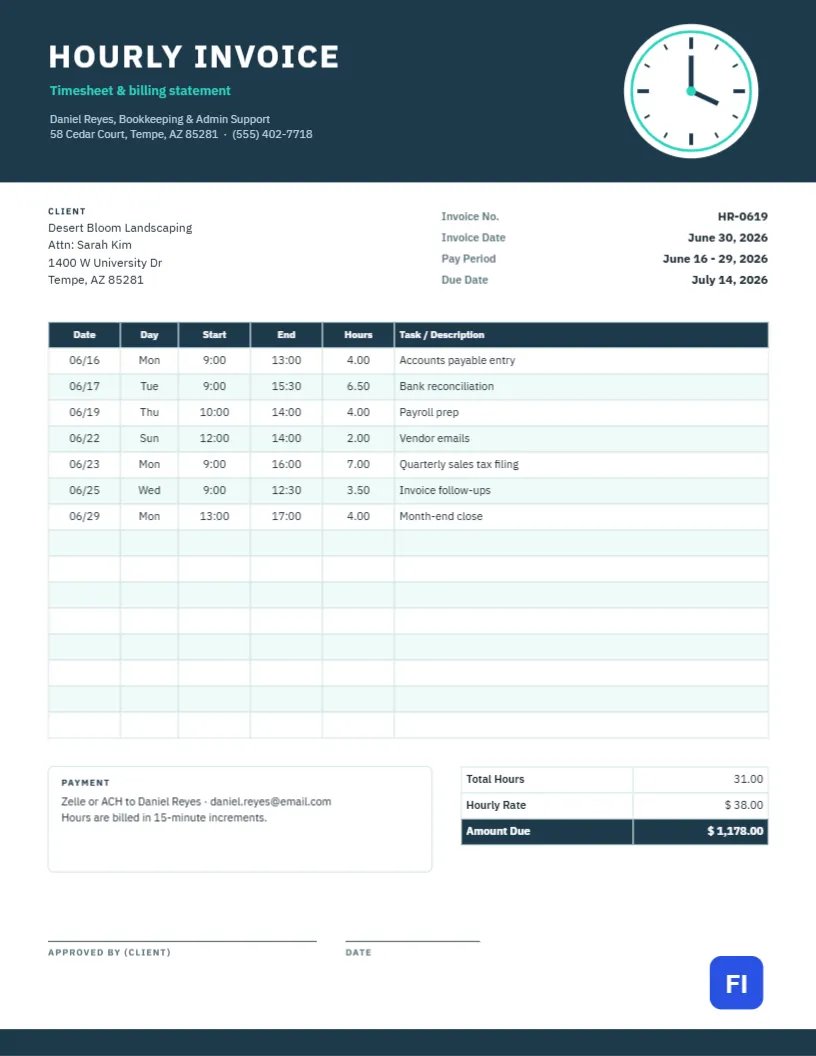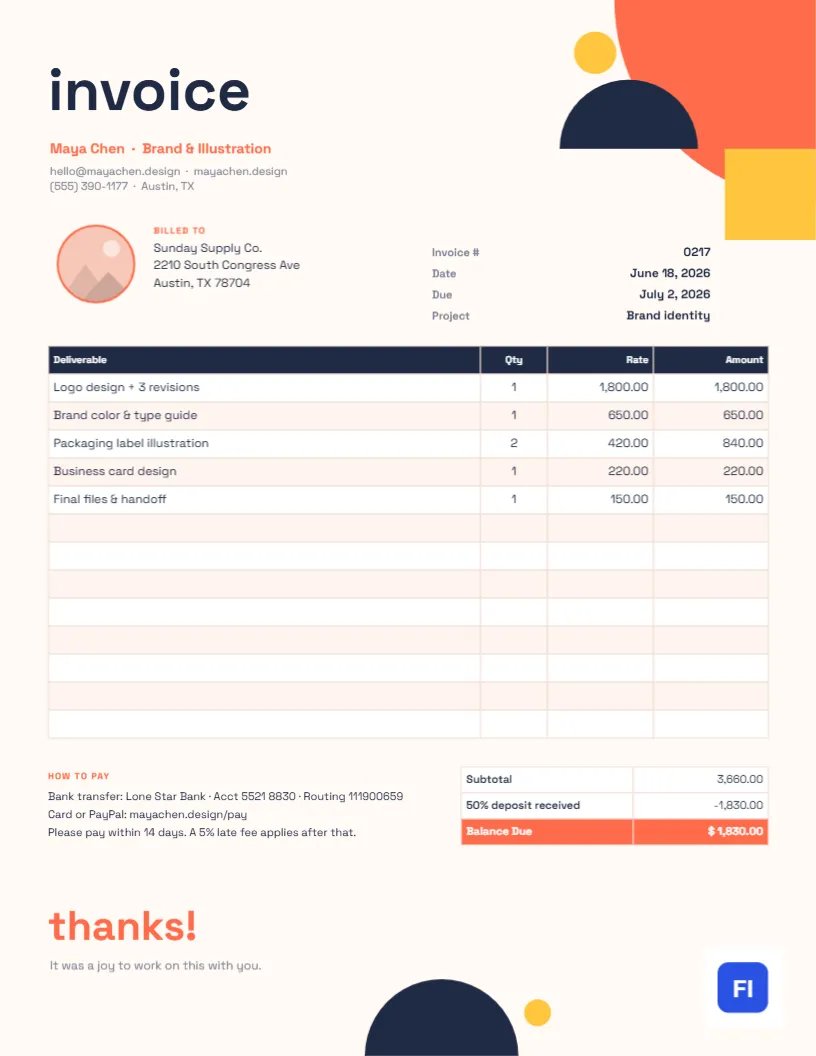
Music lessons are a long-term commitment. Families pay month after month, and what they most want to know is whether their child is progressing. An invoice from a music teacher can answer that better than any report card: each lesson listed with what was covered, a few practice goals for the month ahead, and the fees laid out simply. This Music Lessons Invoice Template is designed for exactly that, and it looks like it belongs in a conservatory, with a piano keyboard running across the top of the page.
Private Teachers, Music Studios and Schools
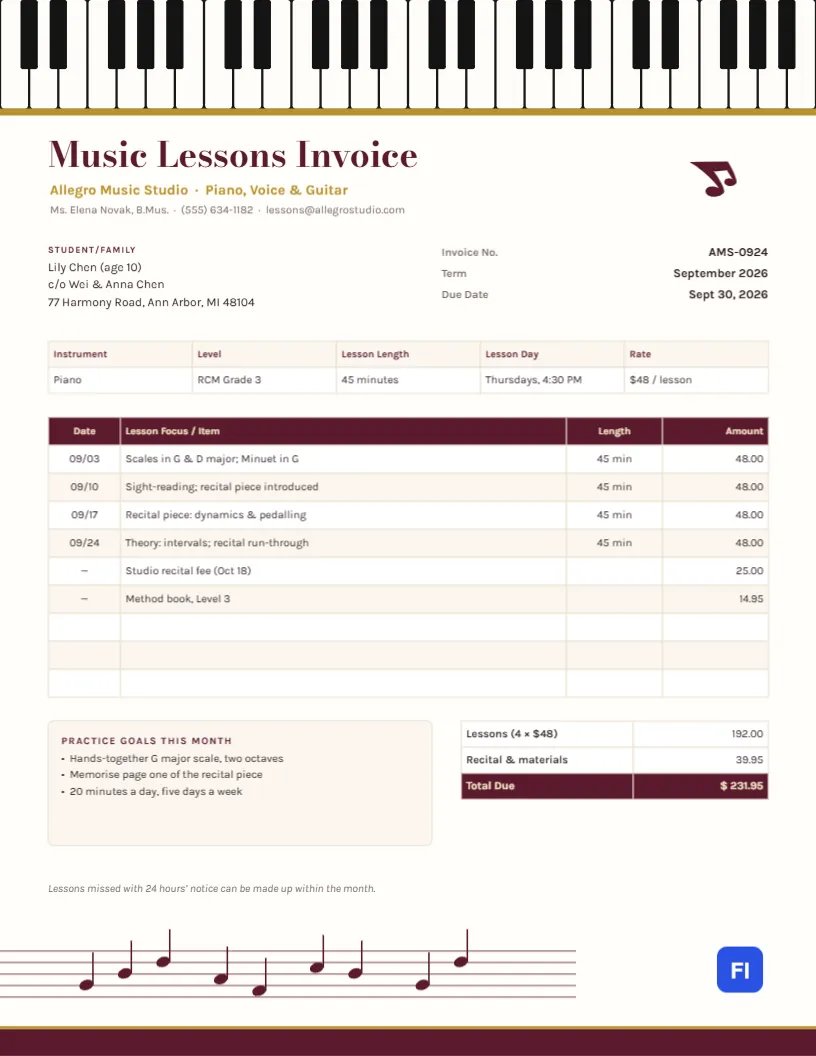
Piano teachers, voice coaches, guitar and violin instructors, drum teachers, music schools and community music programmers can use it. The sample shows Allegro Music Studio invoicing the Chen family for their ten-year-old’s September piano lessons at RCM Grade 3: four 45-minute lessons, a studio recital fee and a method book.
Keys Across the Top, a Staff Along the Bottom
The header is a full-width piano keyboard: twenty-eight ivory-colored white keys with black keys set in the familiar groups of two and three, finished with a thin gold line underneath. Below it, Music Lessons Invoice is set in elegant burgundy Bodoni Moda, with the studio name and instruments in gold and the teacher’s name, qualification, and contact details beneath. A burgundy music note sits on the right. The page is a soft ivory rather than stark white.
The student block and the invoice number, term, and due date come next, followed by a strip for instrument, level, lesson length, lesson day, and rate. The lesson log lists each date with the lesson’s focus, its length, and the amount, followed by extras like the recital fee and the book. A cream Practice goals this month box sits beside the totals, and a note about make-up lessons follows. Near the bottom, five staff lines carry a little melody of notes, above a burgundy footer band with a gold edge.
Sample Studio Policies
Clear policies prevent most misunderstandings in a teaching studio. Many teachers send a policy page once a year and summarize the key points on each invoice. A typical set reads like this:
Lessons are billed monthly in advance and are due by the last day of the month. Lessons cancelled with at least 24 hours’ notice can be made up within the same month. Lessons missed without notice are not refunded. The studio follows the local school calendar for holidays, and the recital fee covers the hall, accompanist and programmers.
The italic line under the practice goals on the invoice is a one-sentence version of the make-up policy.
Writing a Useful Lesson Log
A lesson log is not just a list of dates. Writing what each lesson focused on, such as scales in G and D major, sight-reading, dynamics and pedaling, or intervals, shows parents the shape of the month and reminds the student what to practice. It also helps you: when a new term starts, you can see at a glance what was covered and where to pick up.
Practice Goals Parents Can Support
Progress happens between lessons, at home. The practice goals box gives parents two or three specific, achievable targets for the month, plus the amount of practice you recommend. Goals that are concrete, such as hands-together G major scale, two octaves, are much easier for a parent to encourage than “practice more”.
Fees, Recitals and Books
The totals split lessons from extras: four lessons at $48 come to $192.00, the recital fee and method book add $39.95, and the family owes $231.95. If you bill a flat monthly fee regardless of the number of lessons, change the first totals row to Monthly tuition and note how many lessons it includes.
Editing the Log and Totals
The student strip, the lesson log, and the totals are editor tables. Double-click them, or press Edit Table Data, to type in each lesson, and use + Add Row or – Remove Last when the month has more or fewer lessons. The text in the cells does not add up by itself, so recalculate the totals after changing any line.
Styling the Keyboard and Staff
The keyboard is a single group of shapes, and the staff and its notes are another. Recolor the gold line and footer to match your studio, or change burgundy to navy or forest green. The music note is an editable vector; guitar, violin, or drum teachers can swap it for a matching instrument from the library, and the keyboard still reads simply as music.
Printing for Families
The invoice uses a letter-size page. Most studios email the PDF, but a printed copy handed to the parent at the last lesson of the month is a nice personal touch. Print on a warm ivory or white paper; the black keys and burgundy text reproduce well on any printer.
Group Classes and Ensembles
If you also teach group classes, choirs or ensembles, list the class name and term as a single line with the number of weeks, and use the lesson log to note concert dates instead of individual lesson topics. Families with children in both private lessons and a group class can receive one combined invoice with a line for each.
Exam Entries and Competitions
Graded music exams and competitions come with entry fees and deadlines that families easily miss. Add the entry fee as its own line on the invoice before the deadline, and note the exam or competition date in the practice goals box, so the whole family knows what the month’s practice is building towards.
Music Lessons Invoice FAQs
Can I bill online lessons with this template?
Yes. Note online in the lesson day or length column and bill them the same way.
How do I bill a sibling at a discounted rate?
Add the sibling’s lessons as separate rows and a discount line in the totals.
Should I include the student’s level?
It is useful for families and exam boards, but you can remove it or replace it with the book the student is using.