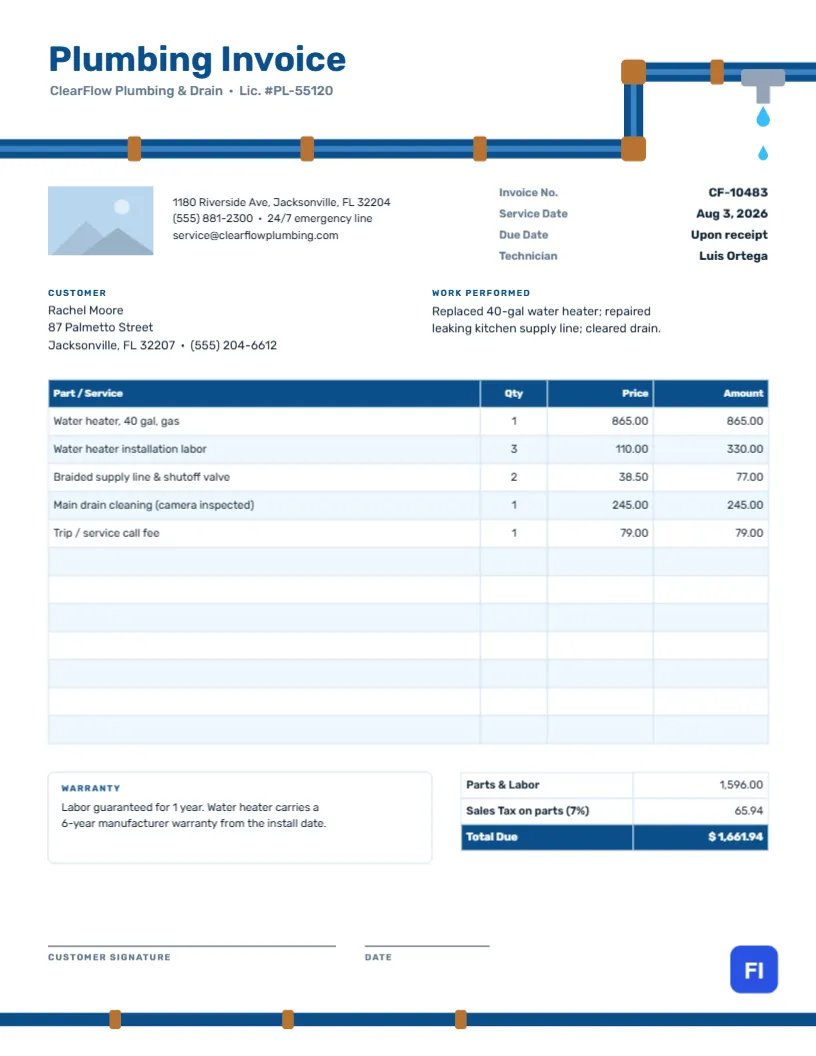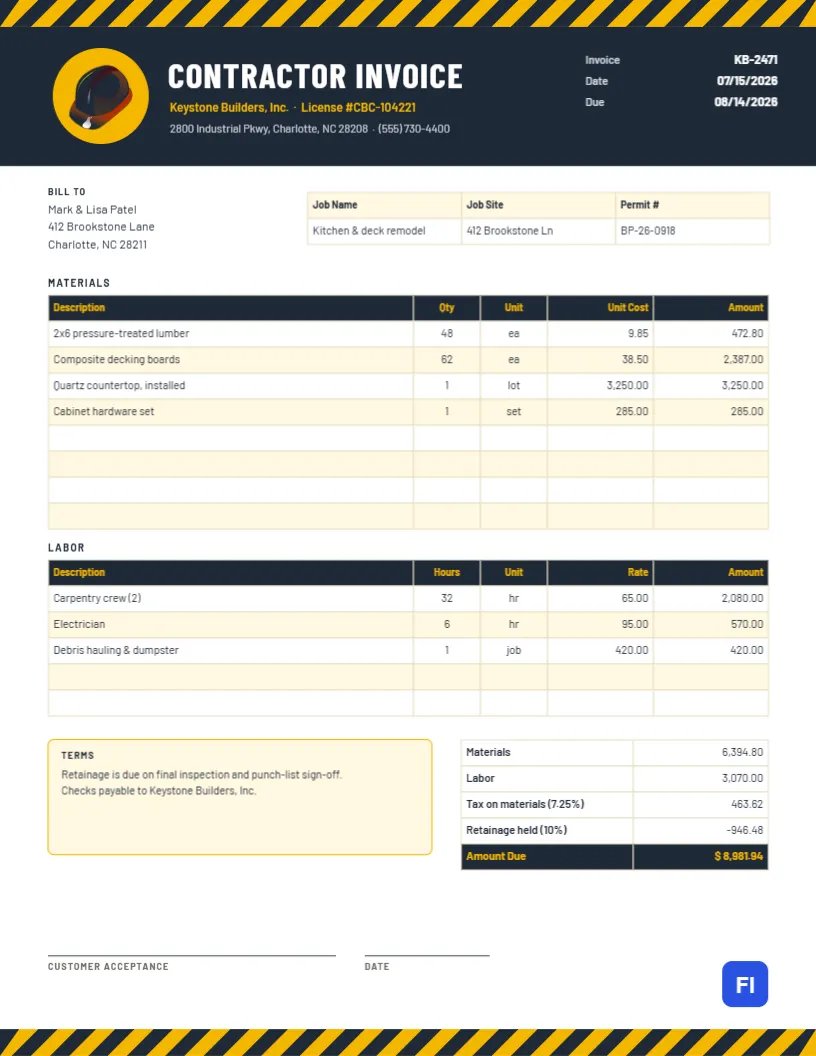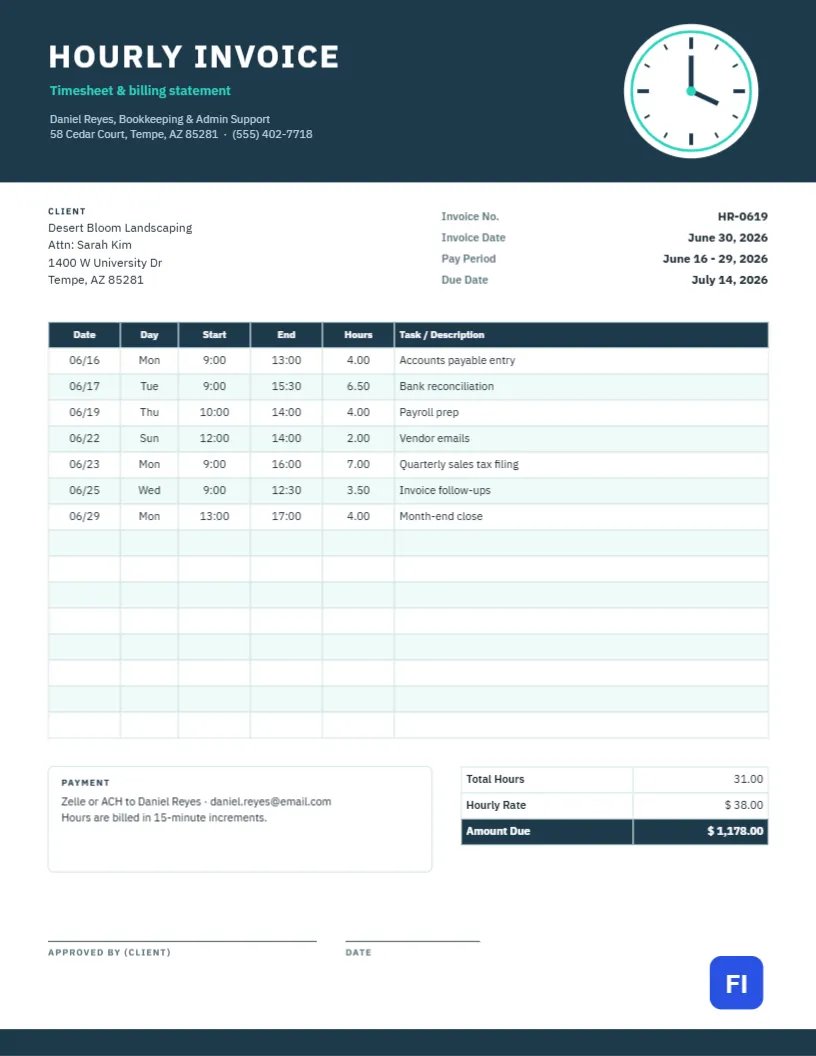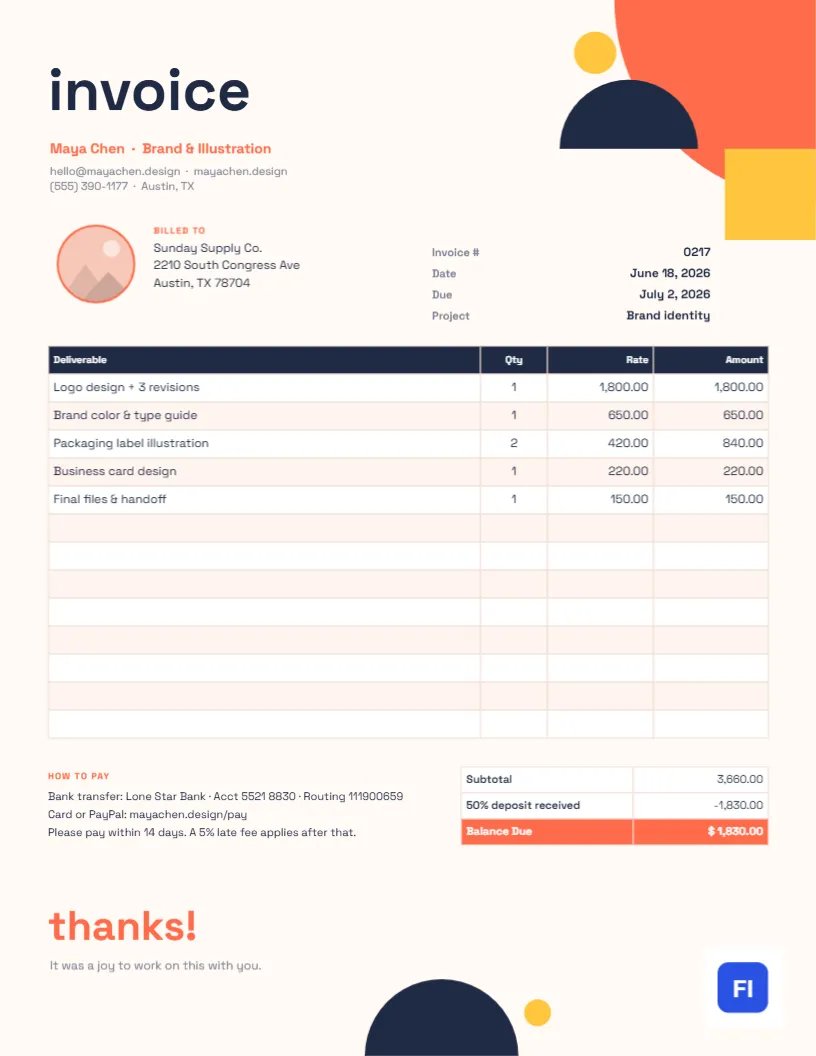
International trade involves more than preparing goods and arranging transportation. Every shipment also needs clear documentation that communicates what is being sold, who is involved, how much the goods are worth, and where the shipment is going. A Commercial Invoice Template Export provides a structured way to organize these details in one professional document.
Designed for exporters, manufacturers, wholesalers, distributors, and international sellers, this template helps turn transaction information into an organized commercial invoice. Instead of building an invoice from a blank page, you can work with a ready-made format and enter the information relevant to your shipment.
Start With the Transaction, Not the Paperwork
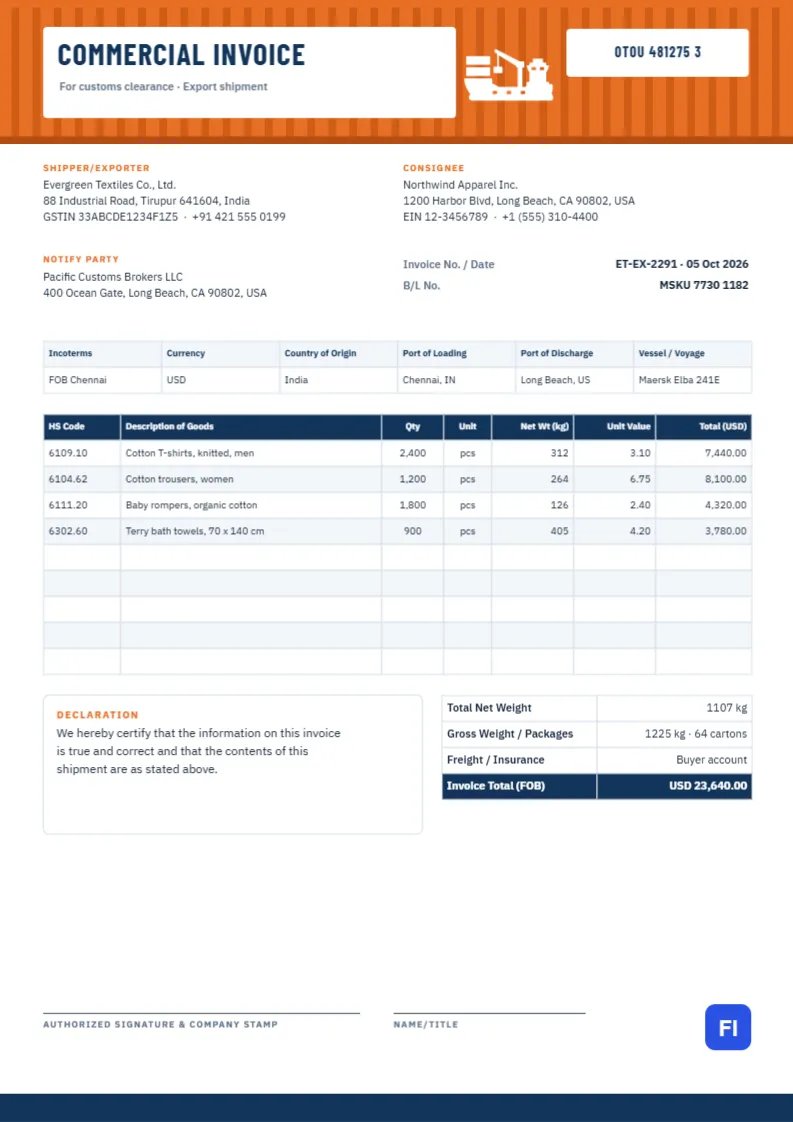
A commercial invoice should tell a clear story about an international sale. The document connects the seller, buyer, products, prices, shipping information, and payment details in one place.
With a Commercial Invoice Template Export, you can arrange these details in a logical format before the shipment leaves your business. This approach makes invoice preparation easier because the main information areas are already organized.
You can typically include:
- Exporter and seller information
- Importer or buyer details
- Invoice number and issue date
- Purchase order or reference number
- Product descriptions
- Quantity and unit price
- Total item value
- Currency
- Shipping and delivery information
- Payment terms
- Country of origin
- Destination details
- Additional charges or applicable costs
Because each international transaction can have different requirements, the template gives you a flexible foundation rather than forcing every shipment into the same business process.
What Makes This Export Invoice Useful?
The value of an export invoice comes from clarity. Customs officials, freight providers, buyers, accounting teams, and other parties may need to understand the transaction from the information shown on the document.
A well-organized Commercial Invoice Template Export makes important information easier to locate. Product information can be separated from pricing details, while shipment information can remain distinct from seller and buyer information.
This organization also helps reduce unnecessary searching through emails, spreadsheets, purchase orders, or handwritten notes. Once the transaction details are collected, they can be transferred into the appropriate sections of the invoice.
A Better View of Product Details
Product lines are often one of the most important parts of an export invoice. Each item should be identifiable enough for the recipient to understand what is included in the shipment.
Depending on your transaction, you can record product names, descriptions, quantities, prices, and totals. More detailed descriptions can also help distinguish similar products from one another.
For businesses selling multiple products internationally, this structured approach provides a cleaner way to document the contents of each shipment.
Build a Clear Pricing Trail
International invoices often involve more than a single product price. Depending on the transaction, the final amount may involve shipping charges, insurance, discounts, taxes, or other commercial costs.
The Commercial Invoice Template Export can provide a dedicated space for financial information so the calculation behind the invoice remains easy to follow.
A useful pricing section can show:
Item value → Additional charges → Adjustments → Final amount
This gives the recipient a clearer picture of how the final figure was reached. It can also support internal accounting by keeping transaction values together within the same document.
Keep Seller and Buyer Information Distinct
International shipments involve parties in different locations, so accurate identification matters. The invoice can separate exporter information from importer or buyer information, helping prevent confusion when several addresses or contacts are involved.
You can use the appropriate fields for company names, business addresses, contact information, and other transaction references.
For companies that work with recurring international customers, this structure can also make invoice preparation more consistent. You can reuse the format while updating the transaction-specific information for each order.
Shipment Information at a Glance
An export invoice is closely connected to the physical shipment. Therefore, the document can also organize information related to transportation and destination.
Depending on the requirements of your transaction, relevant fields may include shipping method, destination, country of origin, delivery information, package details, or other references.
Keeping these details near the commercial information gives the document a practical purpose beyond simply showing a price. It becomes a consolidated record of the transaction and shipment.
Useful for Different Export Workflows
Not every exporter operates in the same way. A manufacturer may prepare invoices for bulk international orders, while a small online business may send individual products to overseas customers.
The Commercial Invoice Template Export can work as a starting point for different types of businesses. You can adapt the available fields according to the information required for your particular sale and shipping process.
It can be useful for:
- Manufacturers shipping finished goods
- Wholesale exporters
- International distributors
- E-commerce businesses
- Trading companies
- Small businesses serving overseas customers
- Suppliers handling recurring export orders
Reduce Last-Minute Documentation Work
Preparing export paperwork immediately before shipment can create unnecessary pressure. Information may need to be collected from different sources, and missing details can require additional checking.
A reusable invoice format changes that workflow. Once you know what information your business normally needs, you can prepare transactions using a consistent document structure.
The Commercial Invoice Template Export can therefore become part of your standard order-processing routine. Complete the seller and buyer details, enter the product information, verify the totals, add shipment information, and review the final document before use.
This simple sequence can make routine invoice preparation more manageable.
Designed for Clear Business Communication
Professional documentation does more than record information. It also communicates how carefully a business handles its transactions.
A clean Commercial Invoice Template Export can give international customers and business partners a more organized document to review. Clearly separated sections make important information easier to scan, while consistent formatting helps maintain a professional appearance across multiple orders.
This can be particularly helpful when a business sends invoices regularly and wants its international paperwork to follow a recognizable format.
A Practical Reference for Record Keeping
Export invoices can also contribute to business records. Keeping transaction information organized helps businesses maintain documentation for accounting, order tracking, customer communication, and internal reference.
Instead of treating every invoice as an isolated document, you can incorporate the template into your broader record-keeping system.
For example, businesses can assign unique invoice numbers and maintain consistent naming conventions for digital files. This makes it easier to locate previous transactions when reviewing customer orders or financial records.
Before You Send the Invoice
Accuracy is especially important when preparing international commercial documentation. Before finalizing an invoice, review the information carefully.
Check the:
- Seller and buyer names
- Addresses and contact details
- Invoice number and date
- Product descriptions
- Quantities
- Unit prices
- Currency
- Subtotals and final totals
- Shipping information
- Country of origin and destination
- Payment or delivery terms
- Any additional information required for the transaction
A final review can help catch simple errors before the document is shared with the buyer or used alongside shipment paperwork.
Adapt the Template to Your Business
A strong template should support your workflow instead of making it more complicated. You can customize the Commercial Invoice Template Export with your business details, preferred terminology, transaction references, and other information relevant to your operations.
If your business handles different categories of goods, you can also adjust product descriptions and supporting fields to suit each transaction.
For recurring export activity, keeping a master version can provide a consistent starting point for future invoices. Each new document can then be updated with the specific order and shipment details.
Make International Transactions Easier to Organize
Export documentation can become complicated when information is scattered across different files and communication channels. A structured invoice brings the essential commercial details together.
The Commercial Invoice Template Export offers a practical starting point for creating organized international sales documentation. It can help businesses present product, pricing, buyer, seller, and shipment information in a format that is easier to review and maintain.
Whether you are preparing a single overseas order or handling export transactions regularly, a reusable invoice format can make the documentation stage more straightforward. With the right information entered and carefully reviewed, the finished invoice provides a clear record of the commercial transaction while supporting a more organized export workflow.